Jumsoft Clipart 2.0
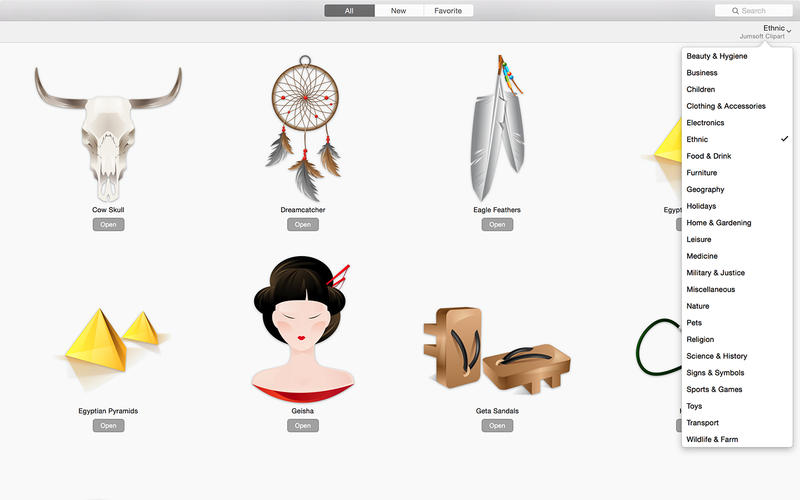
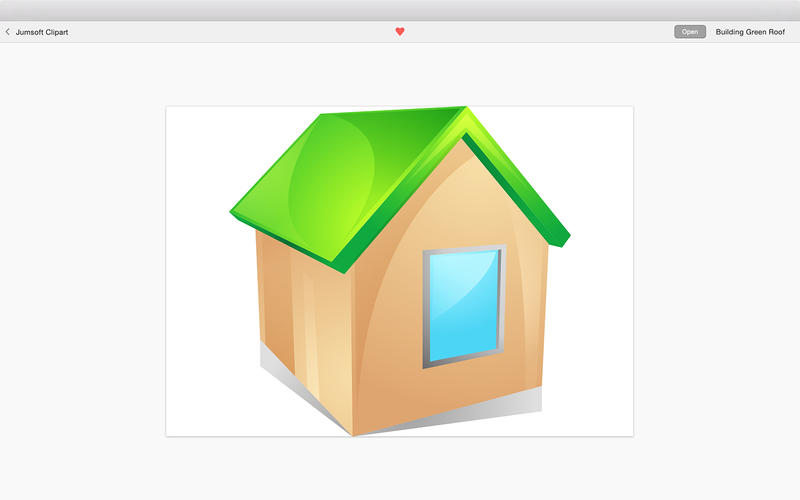
The Jumsoft Clipart package contains a total of 1580 polished clipart pieces to help you compose thrilling text documents. Spice up your presentations, invitations, Web pages, posters, newsletters, and virtually any text content. Make them uniquely yours!
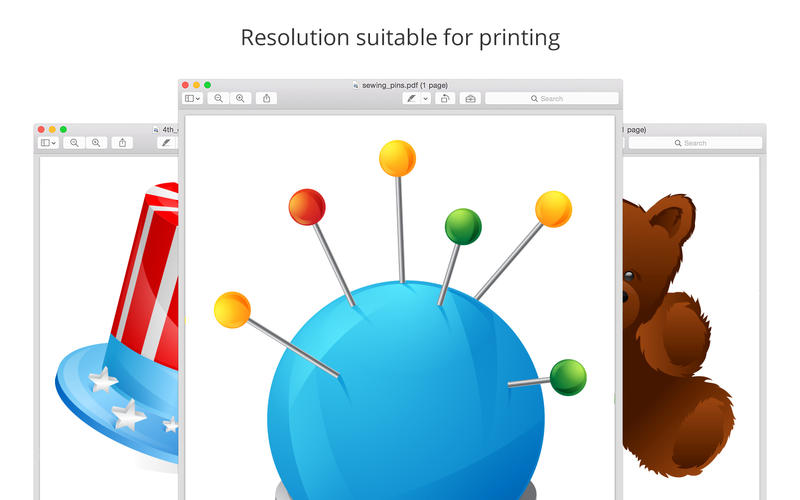
Jumsoft Clipart features transparent backgrounds that allow putting images on various colors and patterns as well as availability in two formats, PNG and PDF. PNG allows for more advanced image customization, while PDF enables resizing images while retaining the high quality. What’s more, Jumsoft Clipart is also compatible with Keynote, MS Word, PowerPoint, and different graphics editors.
Use Copy and Paste or simply drag an image onto your document and drop it. You’ll wonder how you ever managed without this!
WHAT’S NEW
Version 2.0
- 180 new clipart images added.
Screenshots
Frequently asked questions
How do I install the app?
Mount the image, drag the app into the "Applications" folder and launch it. If the system blocks the launch, allow it in "System Settings → Privacy & Security".
The app is damaged or won't launch
Reinstalling from a fresh image usually helps. Make sure your macOS version matches the one listed in the compatibility specs.
How do I update?
Download the new version from the site and install it over the current one — your settings will be preserved.
The download link doesn't work
Try a mirror or a download manager. For large files the browser often drops the connection.
How do I completely remove the app?
Use an uninstaller utility — it cleans up the service files that remain after moving the app to the trash.
VersionJumsoft Clipart
DeveloperJumsoft
CompatibilityOS X 10.10 or later, 64-bit processor
LanguageEnglish
IncludesPre-K'ed

Information
Visitors in the group Guests cannot leave comments on this publication.
Choose a download source
Jumsoft Clipart 2.0 · 169.83 MB