Expert Clipart - Icons, Backgrounds for iWork 3.1
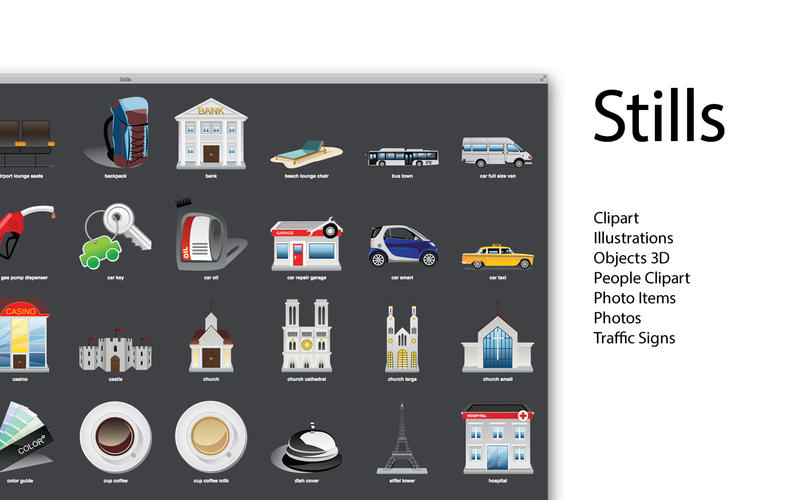
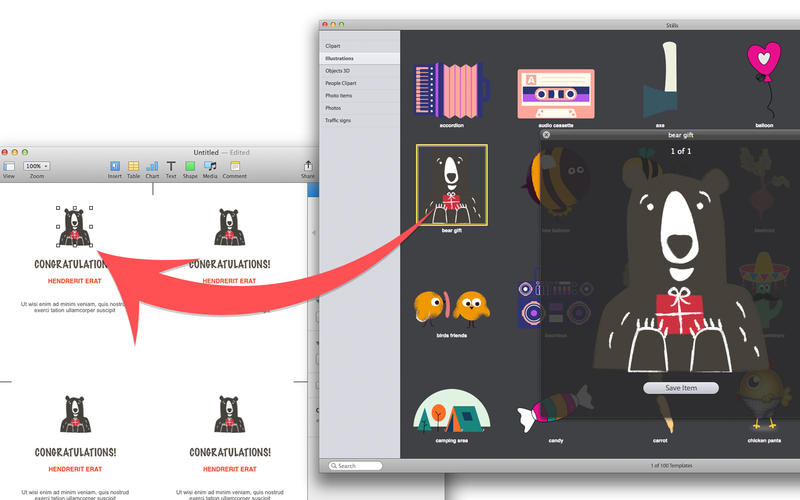
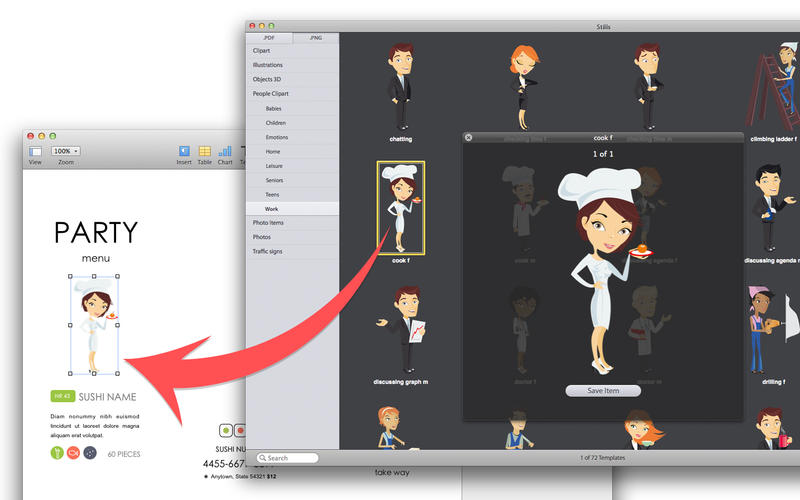
Stills is an ultimate set of 1733 illustrations appropriate for any Pages or Keynote document that requires color, texture and authenticity. It contains 100 high-quality clipart images, 100 illustrations images, 417 high-quality photos (1024 x 768 pixels), 200 photo items with transparent backgrounds, 300 People Clipart, 399 realistic objects rendered in 3D and 217 high-quality traffic signs images. Drag and drop any of these images onto your presentation slides or text documents and give your audience something to remember! Smell the scent of chocolate. Feel the soft fabric of towels. It's a touch of life on your slides.
WHAT’S NEW
Version 3.1
- Bug Fixes.
SCREENSHOTS
Frequently asked questions
How do I install the app?
Mount the image, drag the app into the "Applications" folder and launch it. If the system blocks the launch, allow it in "System Settings → Privacy & Security".
The app is damaged or won't launch
Reinstalling from a fresh image usually helps. Make sure your macOS version matches the one listed in the compatibility specs.
How do I update?
Download the new version from the site and install it over the current one — your settings will be preserved.
The download link doesn't work
Try a mirror or a download manager. For large files the browser often drops the connection.
How do I completely remove the app?
Use an uninstaller utility — it cleans up the service files that remain after moving the app to the trash.
VersionExpert Clipart - Icons, Backgrounds for iWork 3.1
DeveloperAlungu UAB
CompatibilityOS X 10.6.6 or later, 64-bit processor
LanguageEnglish
IncludesK'ed by TNT





Information
Visitors in the group Guests cannot leave comments on this publication.
Choose a download source
Expert Clipart - Icons, Backgrounds for iWork 3.1 · 878.39 MB