OptimUSB 7.2
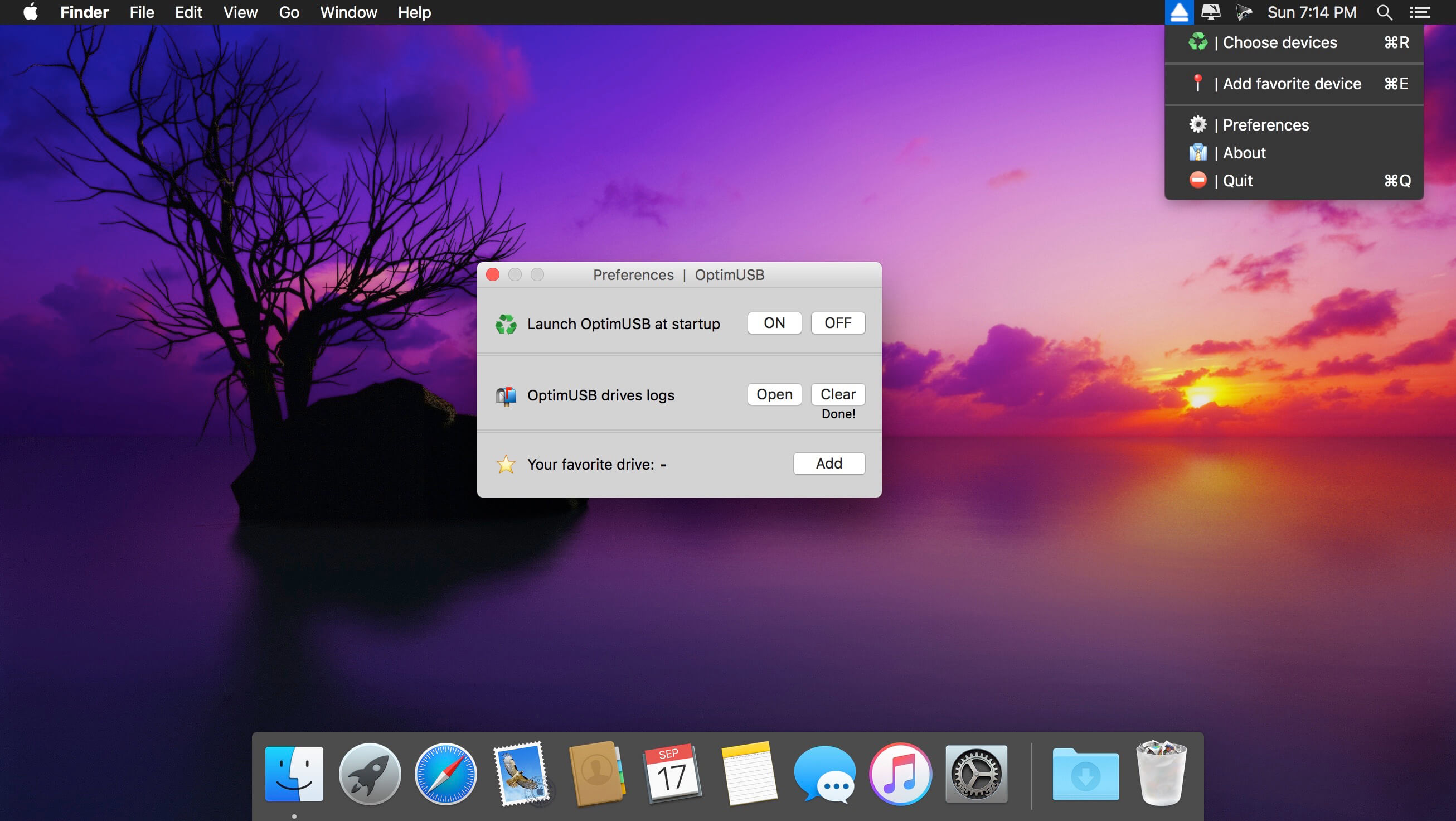
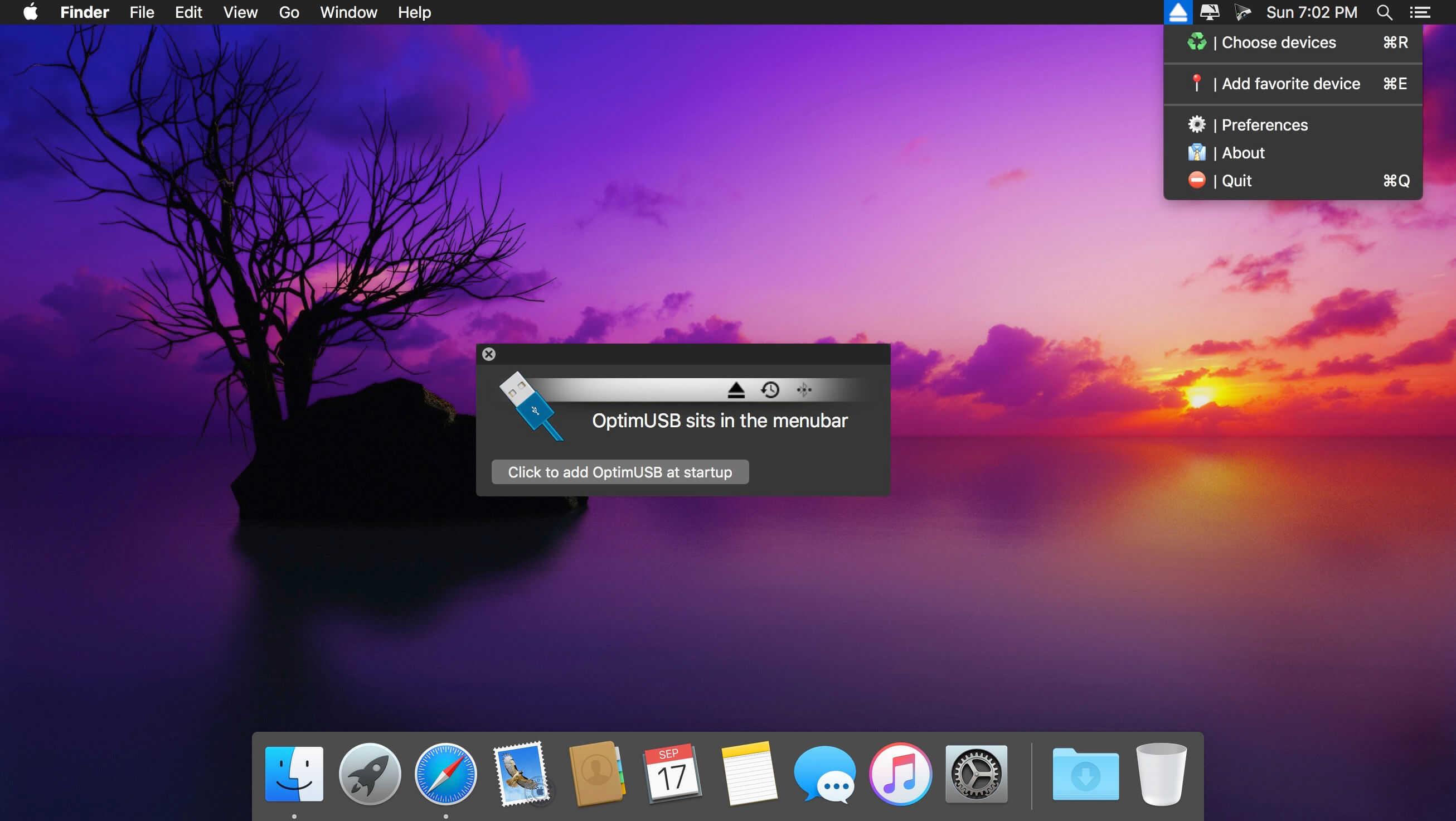
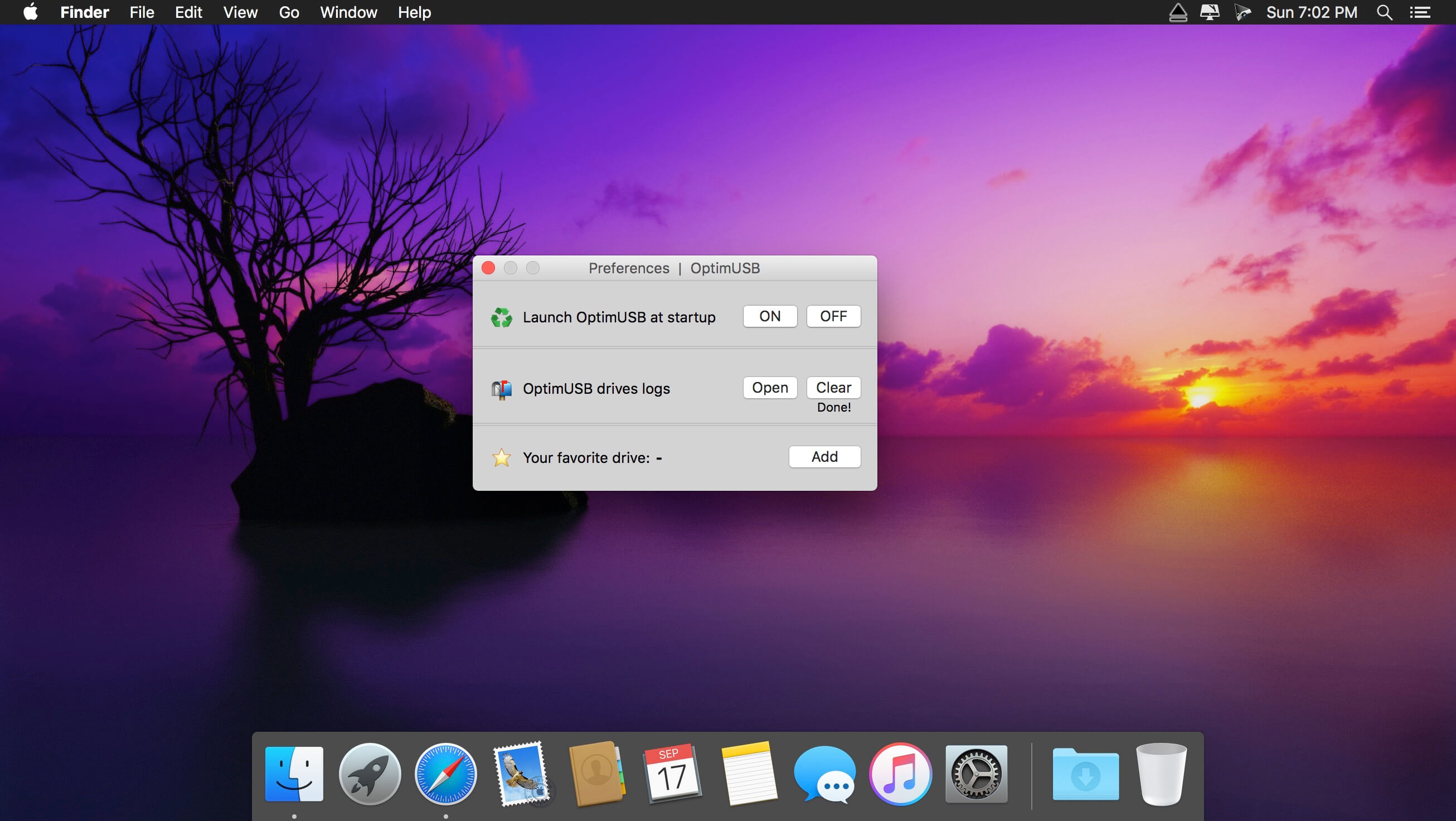
OptimUSB is an application that keeps your USB and memory cards optimized. You just need to run OptimUSB before ejecting your USB drive. Any Mac or Windows temporary files get deleted (.DS_Store, .Trashes, .Spotlight-V100, Thumbs.db, etc.). OptimUSB then automatically ejects your drive. Now, your USB drive is clean, optimized and ready to be removed safely.
Remember that OS X generates temporary files every time you connect your USB drive. Run OptimUSB each time you eject.
When you delete a file from a USB drive on OS X, it is moved to the trash, leaving a blind copy on the USB drive. You could completely empty the trash, but you would lose any other files in the trash as well. That is why deleting items does not help you regain space. With OptimUSB, you can keep your USB drive optimized and regain the actual disk space.
Version 7.2:
- Bug "app icon doesn't appears" fix.
Frequently asked questions
How do I install the app?
Mount the image, drag the app into the "Applications" folder and launch it. If the system blocks the launch, allow it in "System Settings → Privacy & Security".
The app is damaged or won't launch
Reinstalling from a fresh image usually helps. Make sure your macOS version matches the one listed in the compatibility specs.
How do I update?
Download the new version from the site and install it over the current one — your settings will be preserved.
The download link doesn't work
Try a mirror or a download manager. For large files the browser often drops the connection.
How do I completely remove the app?
Use an uninstaller utility — it cleans up the service files that remain after moving the app to the trash.
VersionOptimUSB 7.2
DeveloperHamacaSoft
CompatibilityOS X 10.8 or later, 64-bit processor
LanguageEnglish
IncludesK'ed by TNT




Information
Visitors in the group Guests cannot leave comments on this publication.
Choose a download source
OptimUSB 7.2 · 1.69 MB