
PhotosBlender 2.0.2
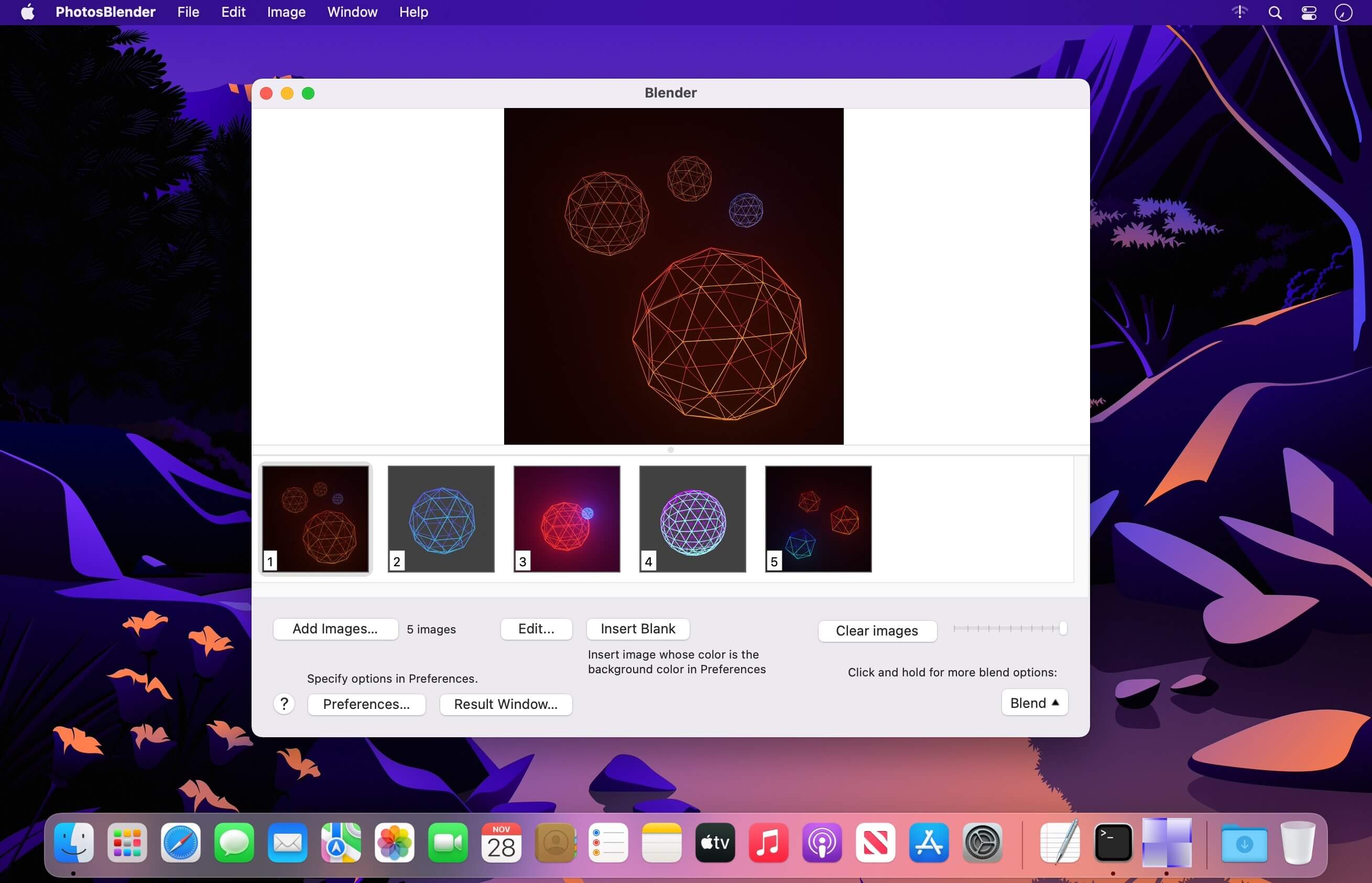
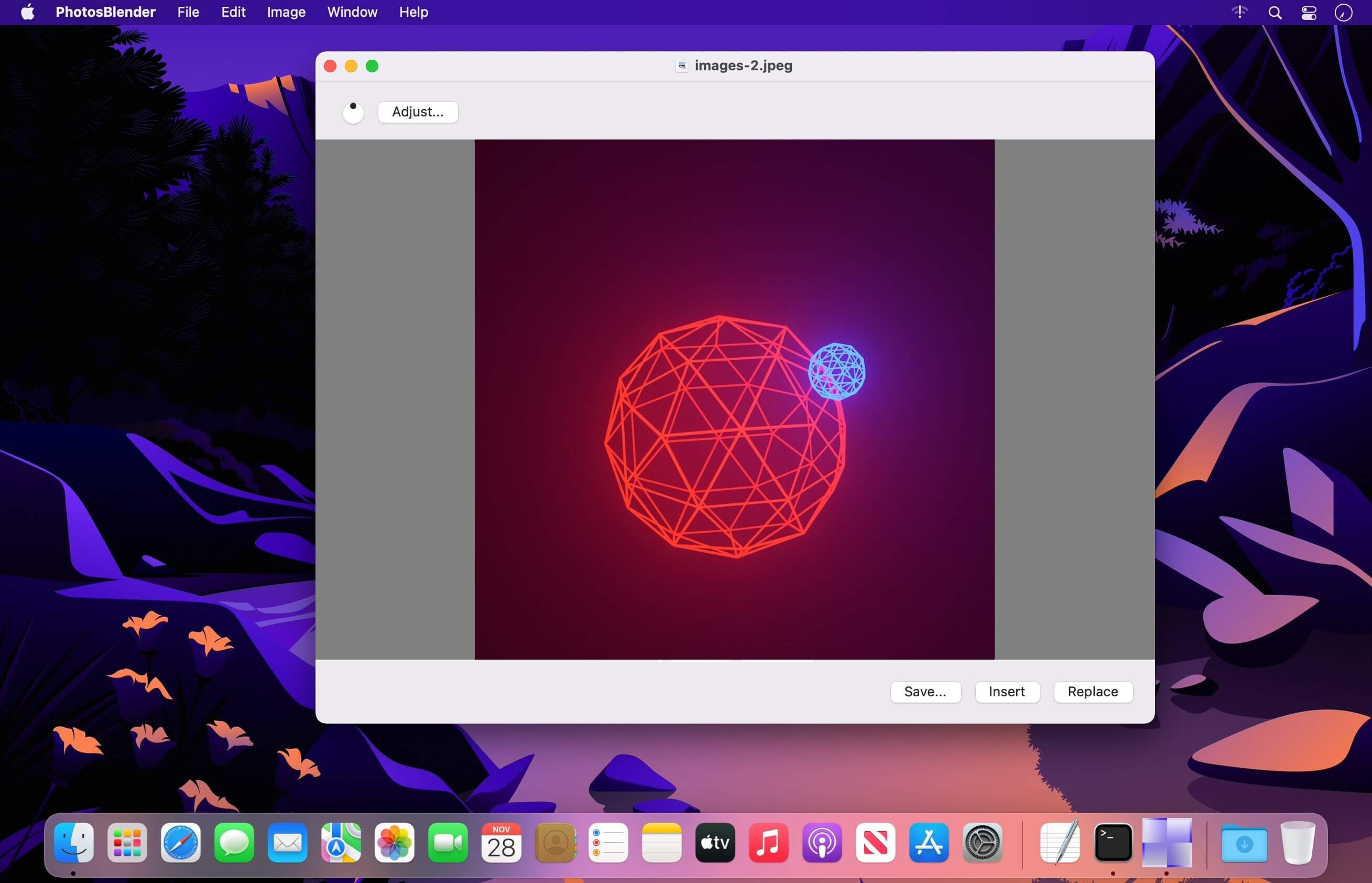
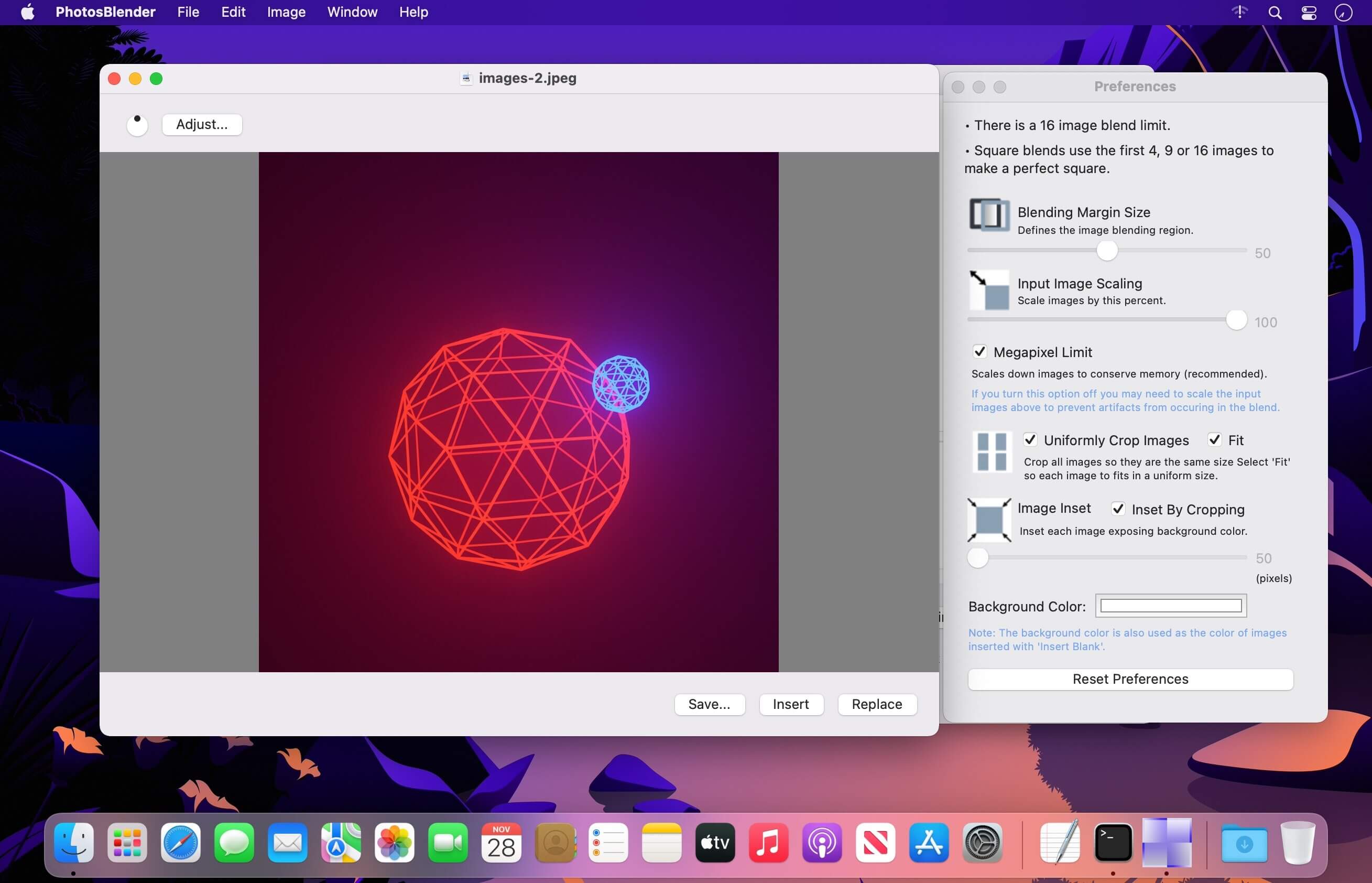
PhotosBlender is an app for combining photos horizontally or vertically using gradient blending at the seams where they are joined. If the result is not what you expected, double check that the size and resolution of the images are similar.
PhotosBlender will "trim" the result to match the width and or height of the smallest photo. If you want to create "arrays" of blended photos simply blend your photos horizontally first, saving each result, and then blend these results vertically. In other words, you can blend your blends!
- Blends photos to create photomontages
- Blends vertically or horizontally
- Blend your blends to create arrays of blended photos
- Variable blending gradient or overlap
- Save results to disk
- Copy result to clipboard
Version 2.0:
- Updated with a new blending mechanism for faster better results.
Frequently asked questions
How do I install the app?
Mount the image, drag the app into the "Applications" folder and launch it. If the system blocks the launch, allow it in "System Settings → Privacy & Security".
The app is damaged or won't launch
Reinstalling from a fresh image usually helps. Make sure your macOS version matches the one listed in the compatibility specs.
How do I update?
Download the new version from the site and install it over the current one — your settings will be preserved.
The download link doesn't work
Try a mirror or a download manager. For large files the browser often drops the connection.
How do I completely remove the app?
Use an uninstaller utility — it cleans up the service files that remain after moving the app to the trash.




Choose a download source
PhotosBlender 2.0.2 · 9.16 MB