
Watermark Sense 1.4.4

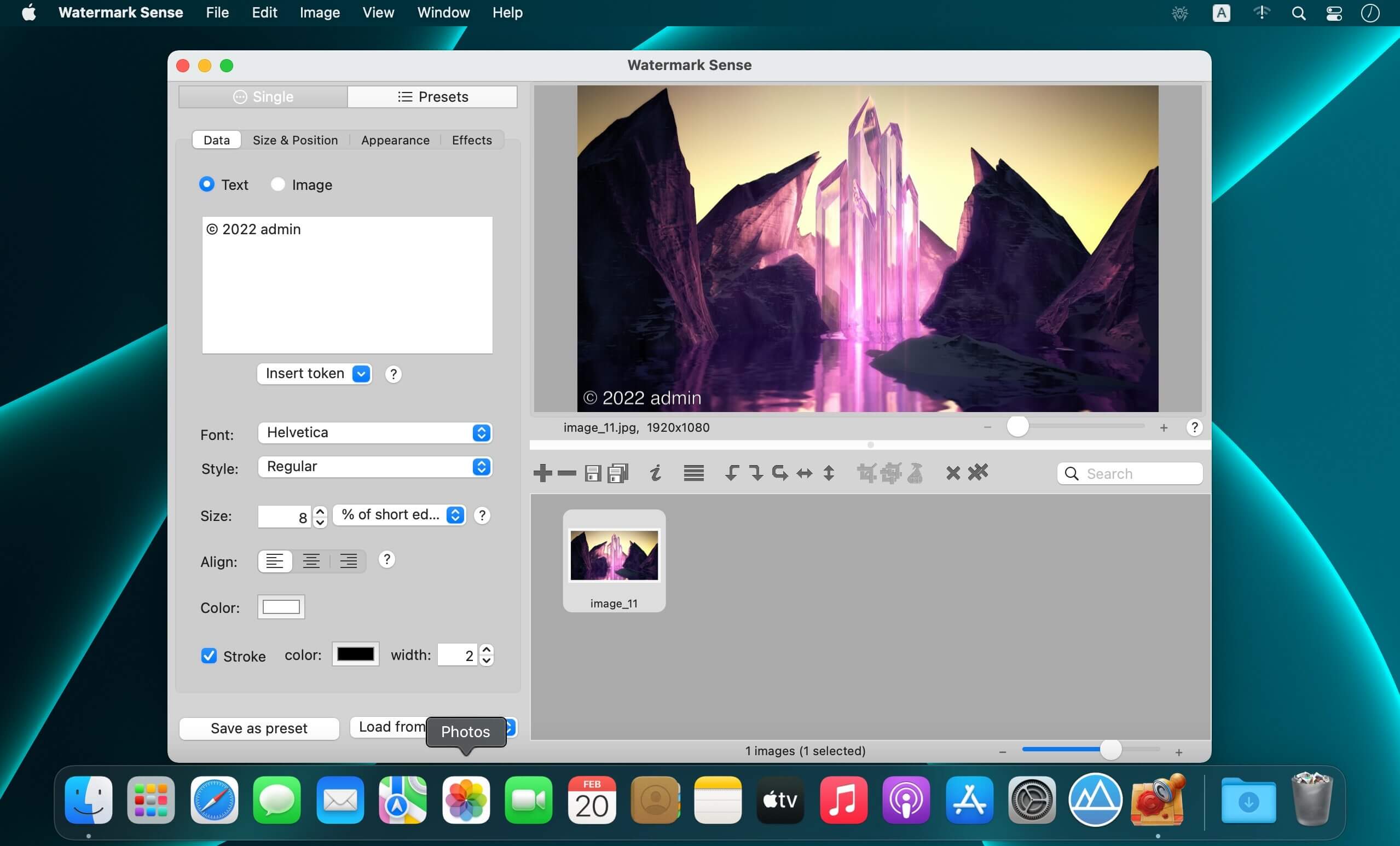
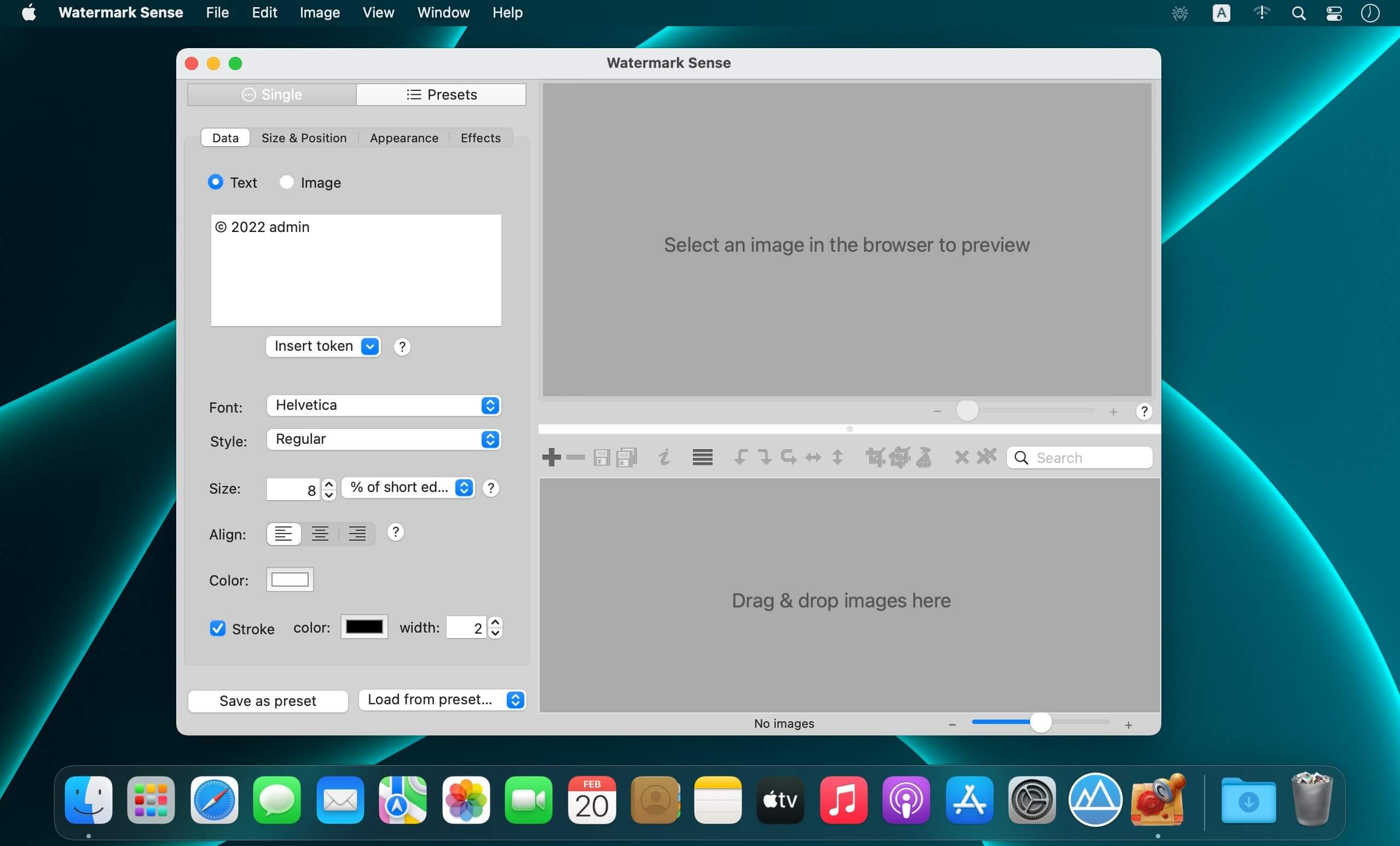
Protect your intellectual property, promote your brand, add informational overlays, and stamp many images at a time. Achieve beautiful and creative results with the flexible blending options. Generate watermark text from image metadata. Enjoy great flexibility and save a lot of time when processing many images!
Watermark Sense supports both text and image watermarks. It gives you a full control over the watermark appearance, offering a rich set of fine-tuning options and visual effects. For example, you can configure the watermark opacity, choose a blending mode, apply shadow, replicate the watermark, etc. A text watermark can be generated based on the image EXIF / IPTC metadata, providing incredible automation capabilities.
Watermark Sense enables you to save your watermark configurations, as well as export settings (output file naming and format), as custom presets. You never need to enter the same configuration twice! Using custom presets, you can even apply several watermarks to every image, or save every image multiple times with different watermarks, all in a single batch operation!
Watermark Sense provides a live preview of the final watermarked image. Sometimes you might wish to have a better control over the watermark positioning than a batch configuration can offer. For those cases Watermark Sense supports manual positioning of the watermark in preview for individual images. Moreover, you can even synchronize the manual positioning between images.
Watermark Sense also enables batch rotation, flipping, EXIF / IPTC metadata editing, and powerful renaming.
RESIZE SENSE INTEGRATION
Watermark Sense is mutually integrated with the flexible batch image resizing / cropping utility Resize Sense. They can act as a single application when required. Together they form a flexible and efficient image processing toolset for web publishing and other needs.
Version 1.4.4
- This update fixes some possible crashes
Frequently asked questions
How do I install the app?
Mount the image, drag the app into the "Applications" folder and launch it. If the system blocks the launch, allow it in "System Settings → Privacy & Security".
The app is damaged or won't launch
Reinstalling from a fresh image usually helps. Make sure your macOS version matches the one listed in the compatibility specs.
How do I update?
Download the new version from the site and install it over the current one — your settings will be preserved.
The download link doesn't work
Try a mirror or a download manager. For large files the browser often drops the connection.
How do I completely remove the app?
Use an uninstaller utility — it cleans up the service files that remain after moving the app to the trash.





Choose a download source
Watermark Sense 1.4.4 · 9.81 MB
Previous versions
Watermark Sense 1.4.4
Previous versions are available to registered users.