Adobe Audition CC 2017.1 (10.1.1.11)
Adobe Audition CC 2017 empowers you to create and deliver beautiful audio using more connected tools and dozens of new features, including Sound Remover, which can eliminate unwanted sounds from an entire file just by analyzing a small selection. Adobe Audition CC gives you access to new features as soon as they're released and is integrated with other Adobe video tools for smooth start-to-finish audio and video production. Your entire creative world, together in one place. Only in Creative Cloud.
What's New in Adobe Audition CC (2017):
- Essential Sound panel
- Export directly from Audition with Media Encoder
- Remix and adjust the duration of a song
- Generate synthesized speech
- Automatic loudness correction
- Dynamic Link for streaming video content from Adobe Premiere Pro
- Live relinking
- Dual display full-screen video
- Auto-backup to Adobe Creative Cloud
- Marker import and export
- Automatic copying of imported assets to session folder
- Timed recordings
- Refined user interface with HiDPI support
- Expanded video format support
- Enhanced Speech Volume Leveler
- iXML metadata support
- Improved video performance
- Ability to read Adobe Soundbooth files
- Dolby Digital support
- Custom channelization
- Enhanced multitrack environment
- Sound Remover effect
- Click/Pop Eliminator and DeClicker effects
- Generate Noise effect
- ITU Loudness Meter
- Scientific Filter effect
- Stereo Expander effect
- Pitch Bender and Pitch Shifter effects
- Preview editor
- Frequency band splitter
- Edit waveforms with Spectral Frequency Display
- Smart track colors
- Paste clips to multitrack session
- Merge clips
- Phase Analysis panel
- Edit Favorites
- Extract CD tracks to a single file
- Broadcast-quality audio
- Adobe Audition CC: 64-bit
- Faster, more precise editing
- Skip Selection playback
- Real-time clip stretching
- Automatic speech alignment
- Control surface support and parameter automation
- Pitch controls
- New effects, VST3 support and flexible effects routing
- Enhanced radio automation support
- Metronome
WHAT’S NEW
Version 10.1.1:
- Severe error and/or crash when using Noise Reduction effect
- Clip volume keyframes lost when using Convert to Unique Copy
- Severe error when using Automatic Speech Alignment with clips of drastically different durations
- Support for Panasonic GH file decoding
- Remix now correctly supports clips referencing channels of a multichannel file
- Potential crash on macOS when home folder located outside of /Users/
- Additional stability and performance fixes
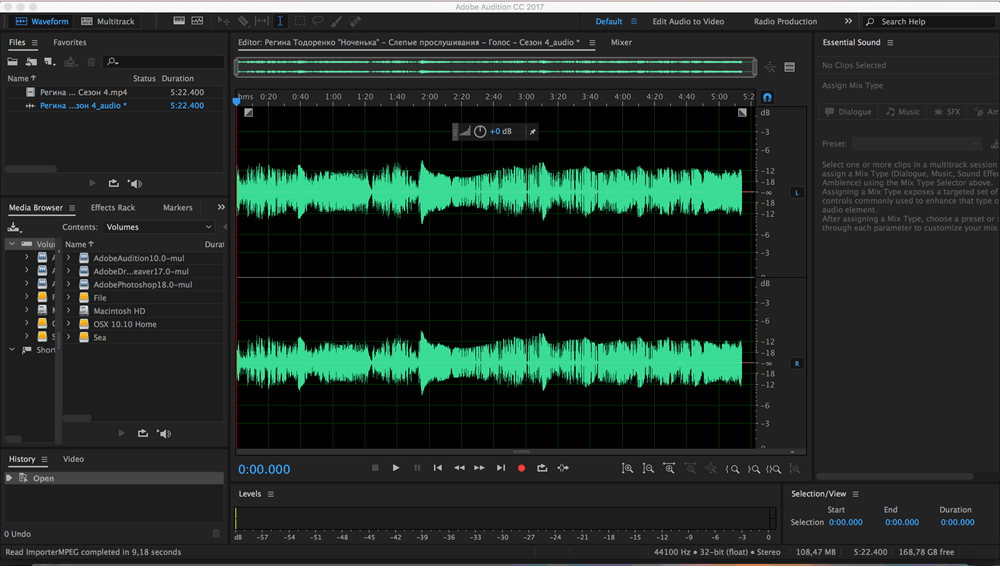
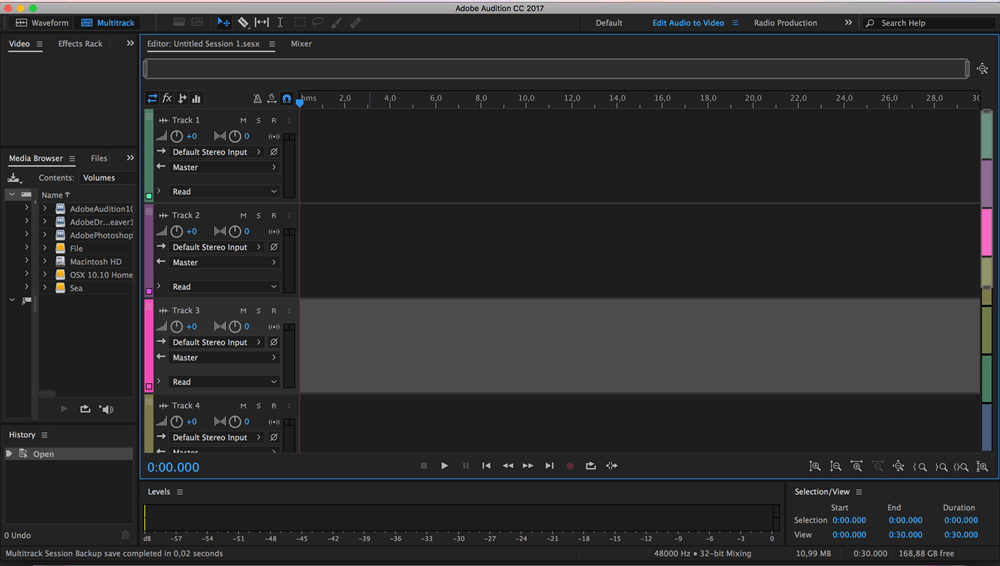
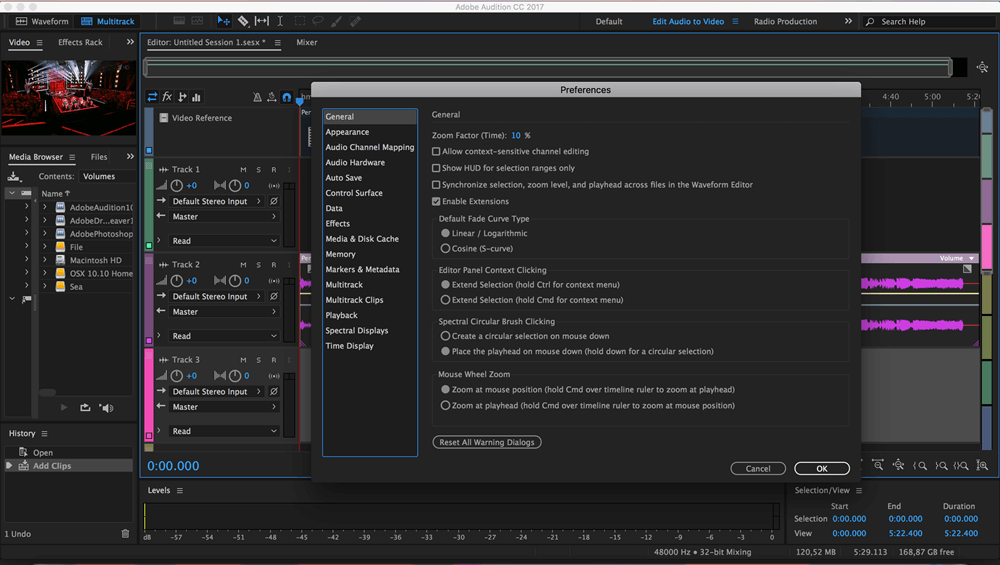
Screenshots
Frequently asked questions
How do I install the app?
Mount the image, drag the app into the "Applications" folder and launch it. If the system blocks the launch, allow it in "System Settings → Privacy & Security".
The app is damaged or won't launch
Reinstalling from a fresh image usually helps. Make sure your macOS version matches the one listed in the compatibility specs.
How do I update?
Download the new version from the site and install it over the current one — your settings will be preserved.
The download link doesn't work
Try a mirror or a download manager. For large files the browser often drops the connection.
How do I completely remove the app?
Use an uninstaller utility — it cleans up the service files that remain after moving the app to the trash.
VersionAdobe Audition CC 2017.1 (10.1.1.11)
DeveloperAdobe Systems
CompatibilityOS X 10.10 or later, 64-bit processor
LanguageMultilangual
IncludesPatcher by TNT



Information
Visitors in the group Guests cannot leave comments on this publication.
Choose a download source
Adobe Audition CC 2017.1 (10.1.1.11) · 837.47 MB