
SpectraLayers Pro v5.0.134
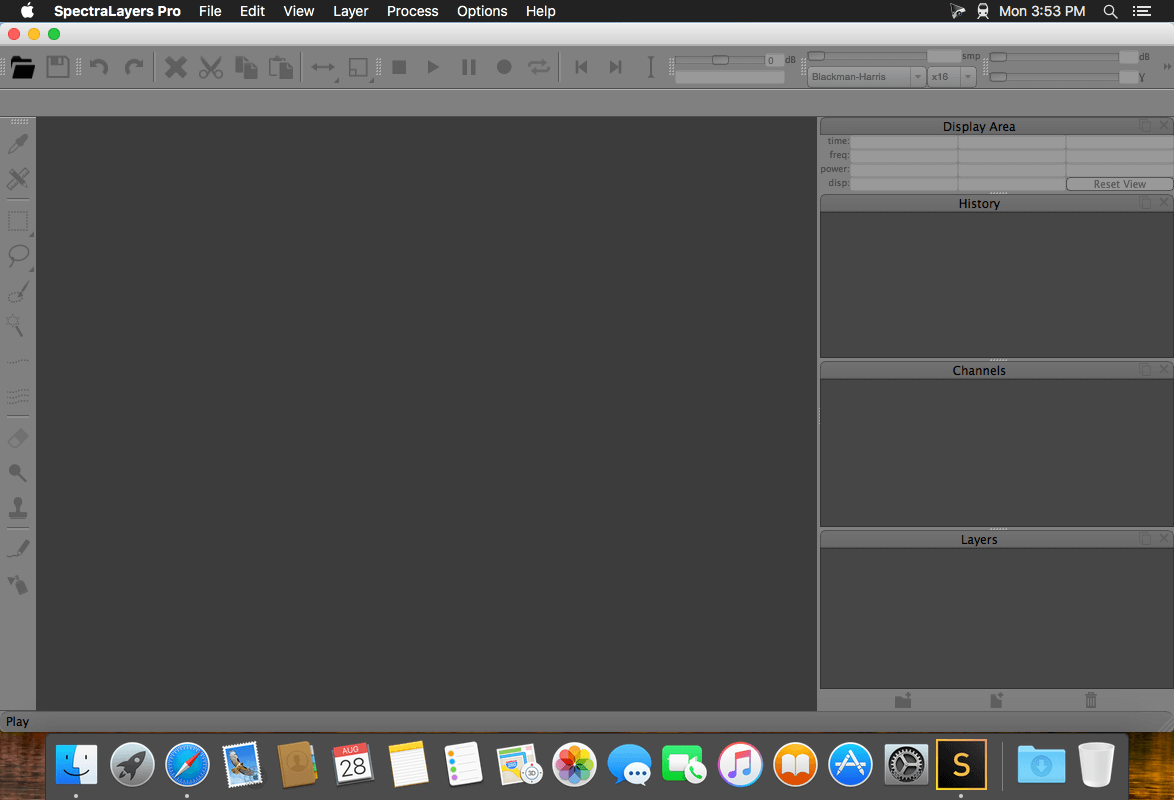
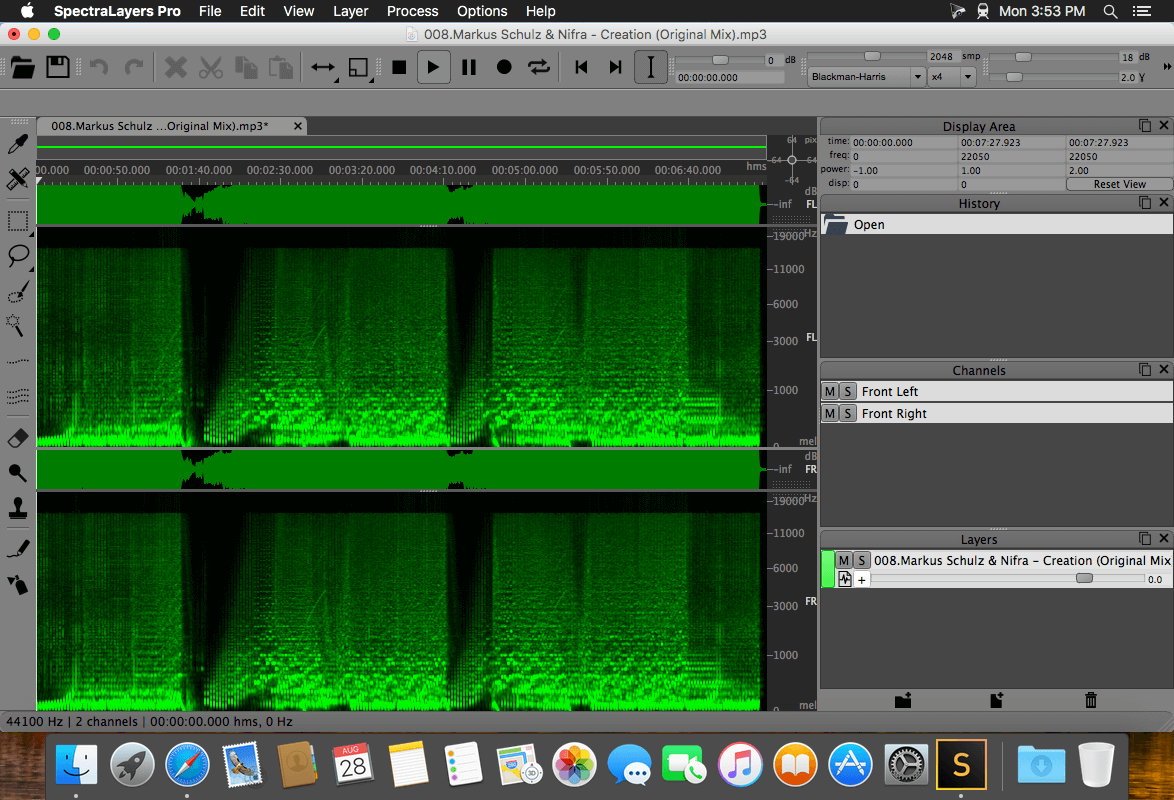
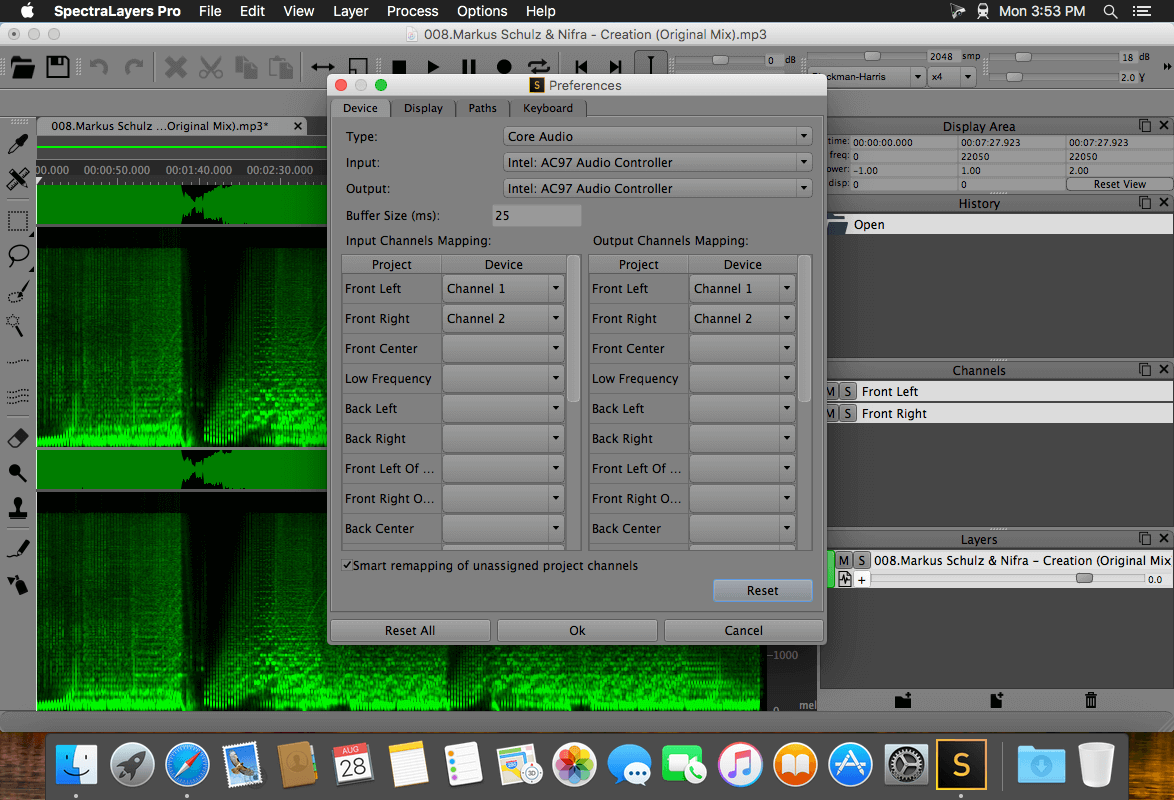
SpectraLayers Pro transforms sound into a unique visual world of multidimensional audio data. Outstanding program design, a high performance audio engine and seamless integration with other DAWs make SpectraLayers Pro one of the world’s most revolutionary spectral editing platforms.
Mixing with Spectral Casting
Use the frequency spectrum of one layer as a cast or mold for carving an impression directly into the spectrum of a second layer. Spectral Casting/Spectral Molding opens up unexplored new worlds of audio processing possibilities.
Sound design with Spectral Molding
Spectral molding uses frequencies to materialize crosses between recordings for truly creative sound design. Spectral molding is an unbelievably inspiring trip into a universe of out-of-this-world sounds. For example, imagine a guitar recording with an acoustic texture of vocals!
Cleaning with acoustic fingerprints
Perform noiseprint-based noise reduction using customized noiseprints containing multiple frequency bands of any width.
Audio Mastering
From small fixes to radical, project-wide transformations, use SpectraLayers Pro to repair, filter, and remix audio in ways you never thought possible.
Sound design
Isolate individual sounds in an audio file, select material by frequency, and construct new music directly on the spectral graph.
Post-production
Apply bandwidth-limited noiseprints across entire files, or perform surgical cuts to remove isolated sonic events.
Forensic audio mastering
Audio extraction is a SpectraLayers Pro specialty.
Audio archivists
Make old recordings sound their best, with technology that transforms historical audio documents into detailed visual documents that can be edited directly in the spectral graph.
Remixing
Divide an audio file in its individual components for powerful processing and remixing.
Frequently asked questions
How do I install the app?
Mount the image, drag the app into the "Applications" folder and launch it. If the system blocks the launch, allow it in "System Settings → Privacy & Security".
The app is damaged or won't launch
Reinstalling from a fresh image usually helps. Make sure your macOS version matches the one listed in the compatibility specs.
How do I update?
Download the new version from the site and install it over the current one — your settings will be preserved.
The download link doesn't work
Try a mirror or a download manager. For large files the browser often drops the connection.
How do I completely remove the app?
Use an uninstaller utility — it cleans up the service files that remain after moving the app to the trash.
VersionSpectraLayers Pro v5.0.134
DeveloperMAGIX Software GmbH.
CompatibilityOS X 10.9, 10.10, 10.11, macOS 10.12
LanguageEnglish
IncludesPre-K'ed





Information
Visitors in the group Guests cannot leave comments on this publication.
Choose a download source
SpectraLayers Pro v5.0.134 · 55.91 MB