
PrimoMusic Pro 1.7.0
Screenshots
Click to enlarge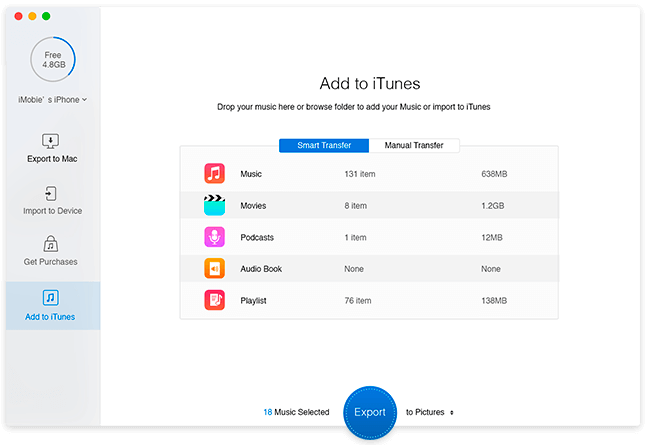
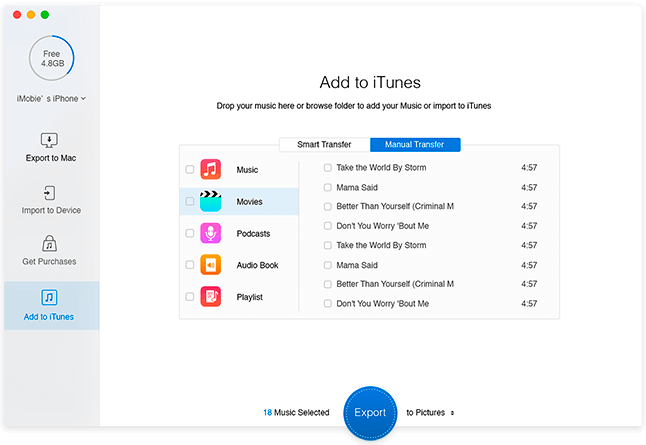
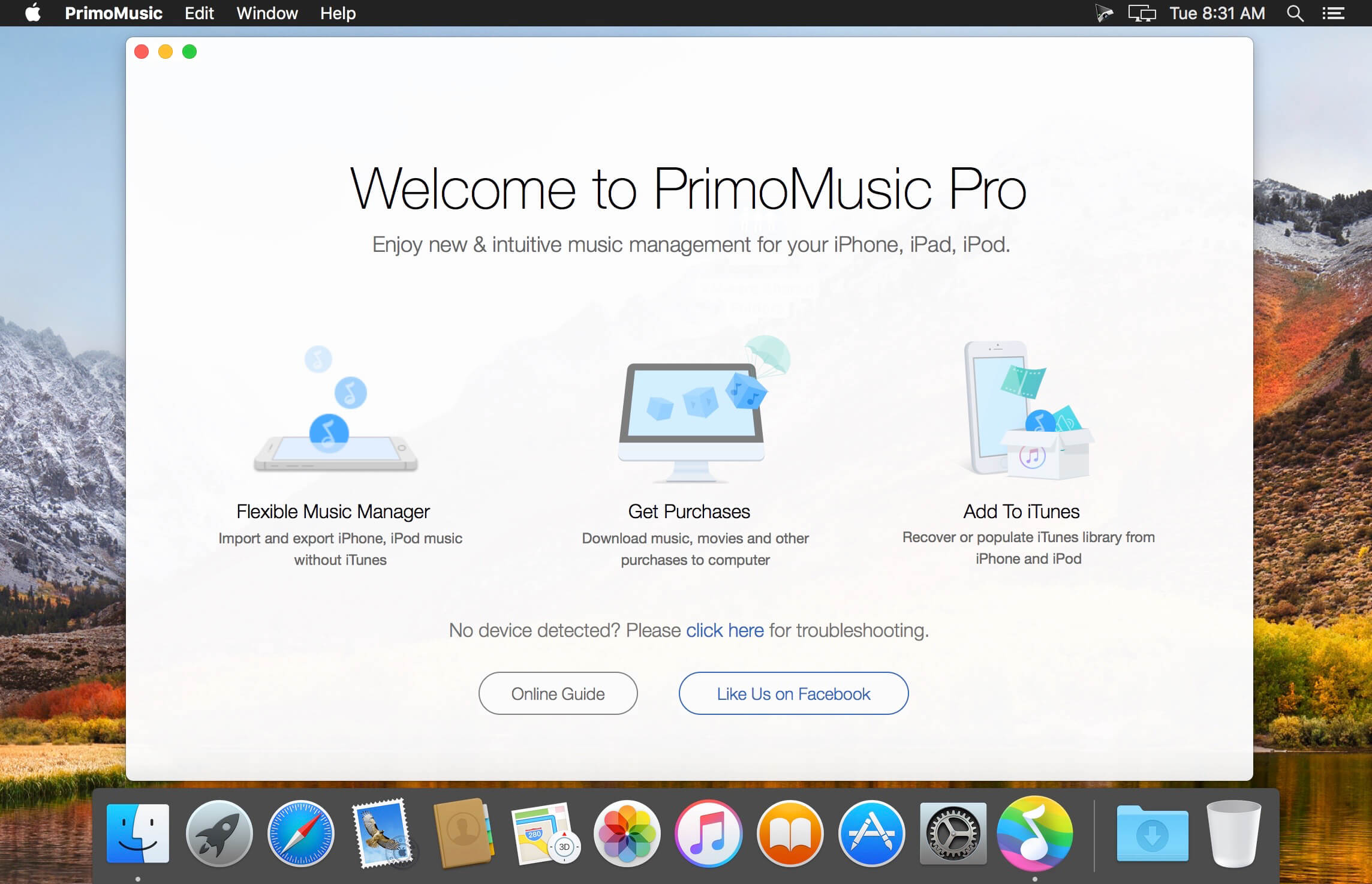
PrimoMusic makes it super-easy to manage your music, movies, and all media content on your iPhone, iPad, and iPod. Copying music to/from any Apple device is now accomplished faster, in fewer steps, and even without the bother of opening iTunes.
A Life Saver for Saving Your iPhone iPod Music - Just got recovered from a system failure, or switched to a new computer, and would like to rebuild your music collection? PrimoMusic lets you rescue your music, movies, podcasts, and much more, in a way that is both simple and flexible. Instantly copy from iPhone, iPad, or your iPod to your computer. Connect an Apple device to your computer; start PrimoMusic; find and choose the content you'd like to export by song, by playlist, or by album; give one more tap; and you'll be set free to recover your lost content, right from your iPhone, iPad, and iPod.
Put Music on Your iPhone iPod without iTunes - Do you have your favorite songs saved on multiple computers, but your iPod, or iPhone can only be synced with one of them? PrimoMusic helps to transfer your music, movies, TV shows, podcasts, iTunes U, audiobooks, and more right onto your Apple devices without the bother of iTunes. This way, you won't worry about your original media content being overwritten on your iPhone, iPad, or iPod.
Version 1.7.0:
- Release notes were unavailable when this listing was updated.
Comments
No comments yet. Be the first.
Information
Visitors in the group Guests cannot leave comments on this publication.