PDF Image Xtractor 1.3.7 Cr2
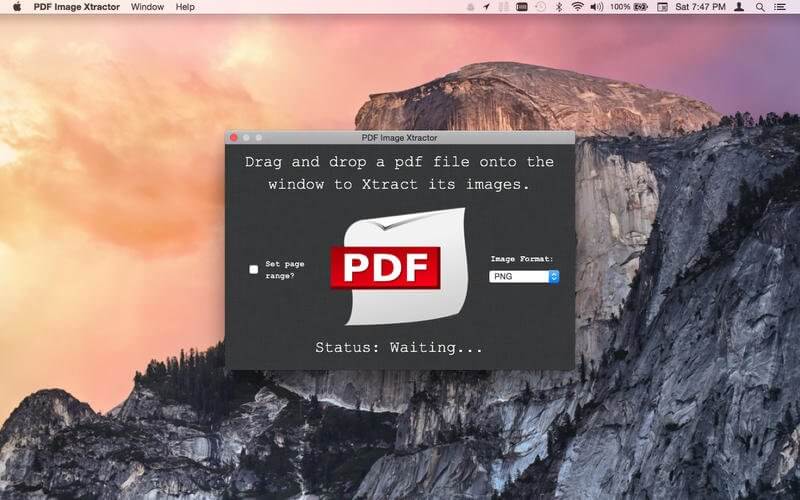
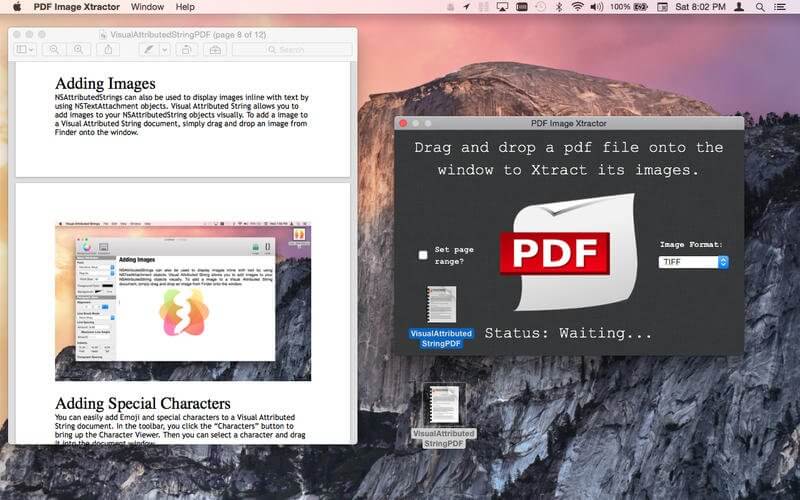

Have a PDF file that contains images you need? Did you lose the word processing document you used to create the PDF and now all your are left with is a virtually un-editable PDF file? How are you supposed to get those images out? Many PDF software programs that offer an image extraction feature are unreasonably priced. What are you supposed to do, pay a monthly subscription? No! Use PDF Image Xtractor! PDF Image Xtractor is the easiest way to get images out of a PDF file! All you have to do is drag and drop a PDF file onto the window and PDF Image Xtractor will go through each page and extract all the images out for you! You can even set a custom page range if you are only interested in extracting images on certain pages!
Features:
- Extract images out of PDF files.
- Save the extracted images as .png, .jpeg, .tiff, or .bmp!
- Extract images for an entire PDF document or set a custom page range!
Frequently asked questions
How do I install the app?
Mount the image, drag the app into the "Applications" folder and launch it. If the system blocks the launch, allow it in "System Settings → Privacy & Security".
The app is damaged or won't launch
Reinstalling from a fresh image usually helps. Make sure your macOS version matches the one listed in the compatibility specs.
How do I update?
Download the new version from the site and install it over the current one — your settings will be preserved.
The download link doesn't work
Try a mirror or a download manager. For large files the browser often drops the connection.
How do I completely remove the app?
Use an uninstaller utility — it cleans up the service files that remain after moving the app to the trash.
VersionPDF Image Xtractor 1.3.7 Cr2
DeveloperWrites for All Inc.
CompatibilityOS X 10.11 or later
LanguageEnglish
IncludesK'ed by TNT


Information
Visitors in the group Guests cannot leave comments on this publication.
Choose a download source
PDF Image Xtractor 1.3.7 Cr2 · 9.44 MB