
SteerMouse 5.7.8
SteerMouse: finer mouse control, smoother cursor movement
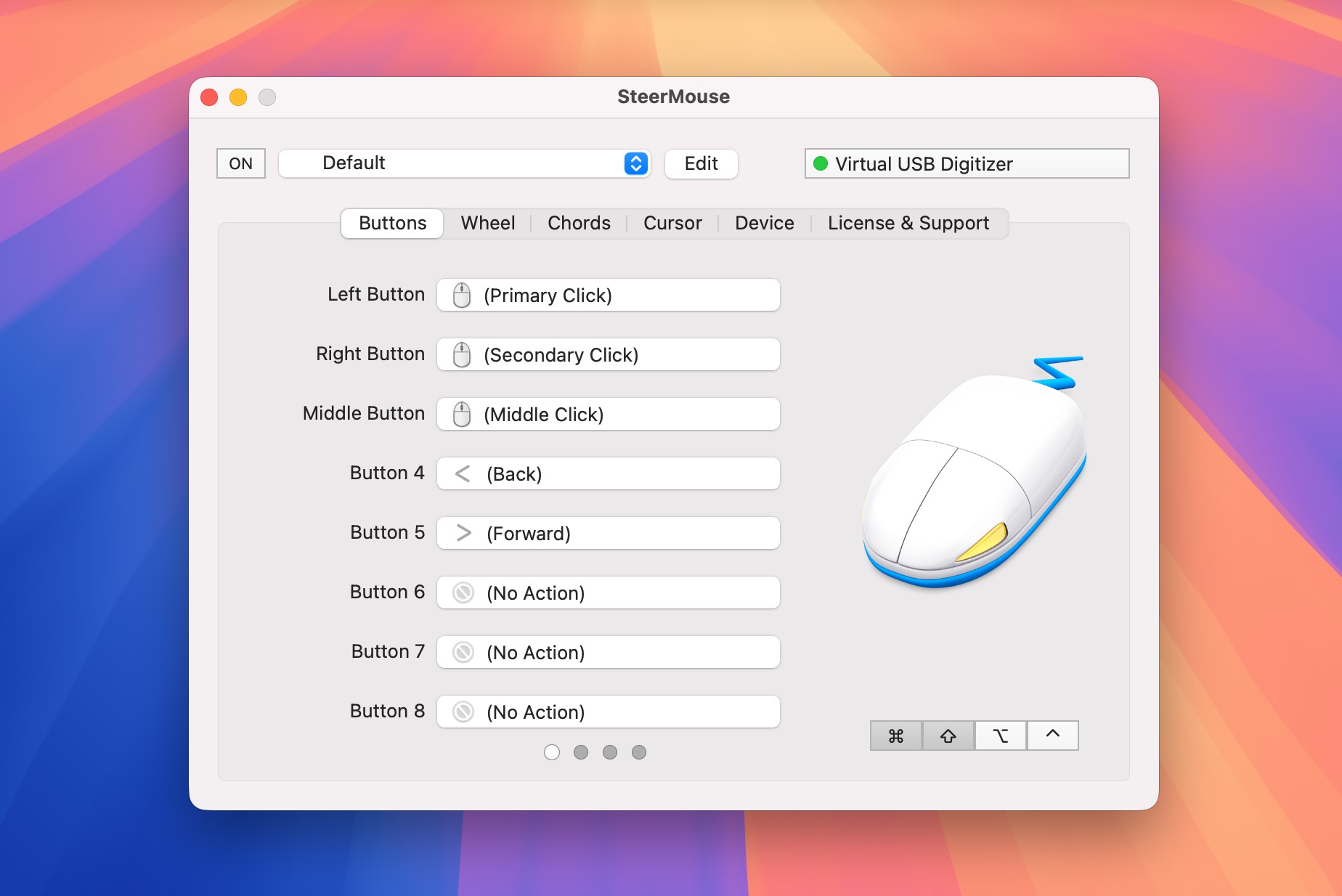
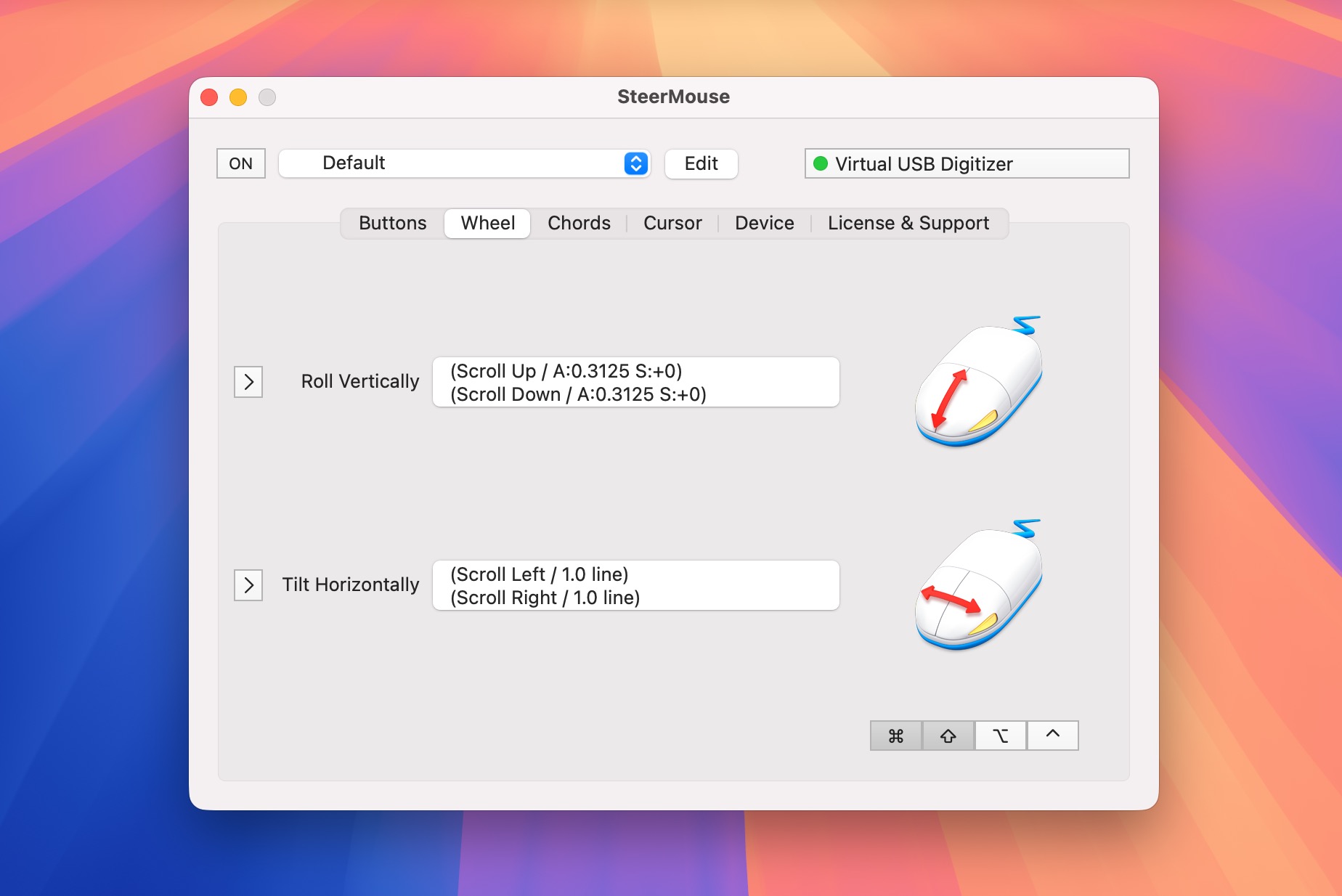
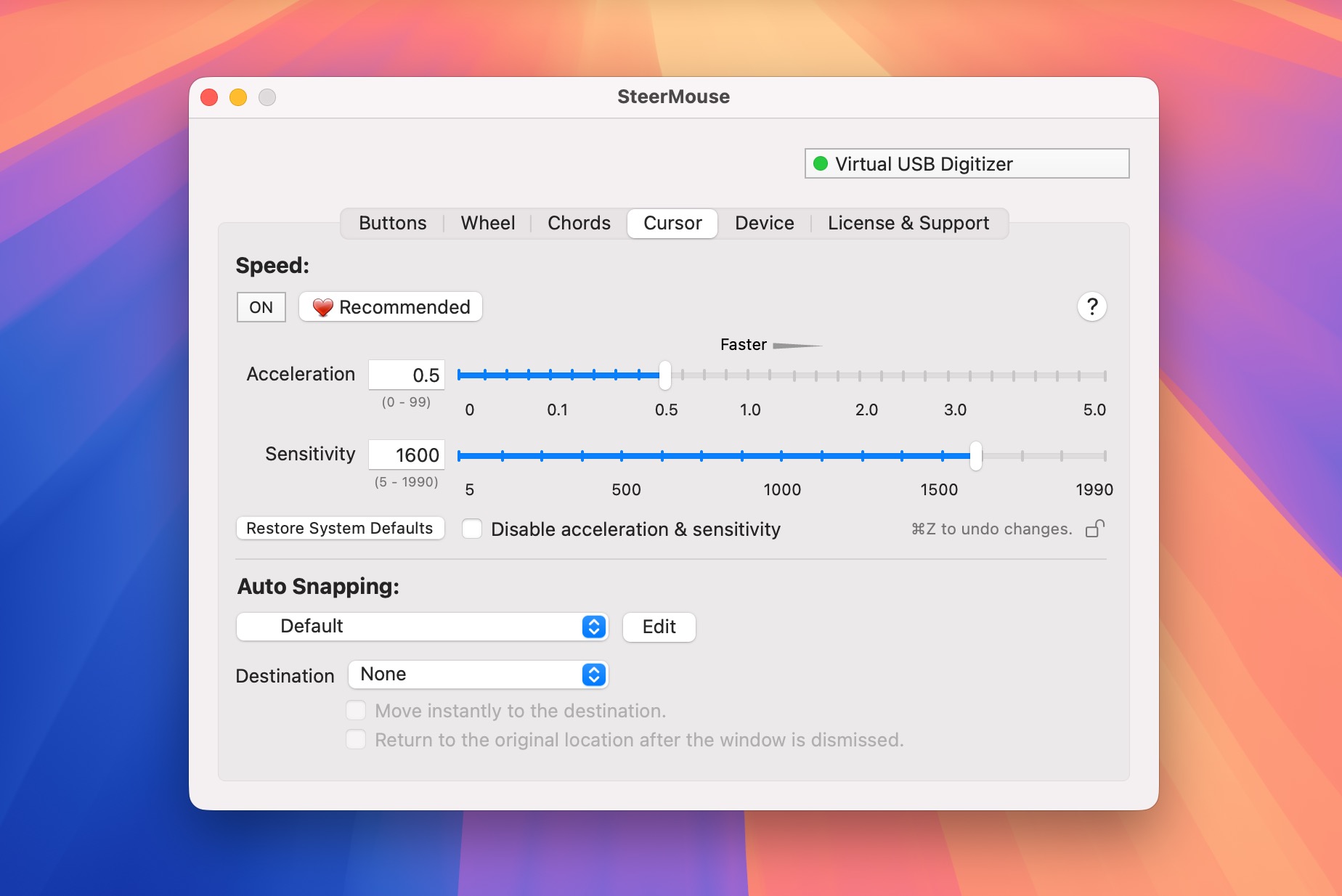
SteerMouse is a powerful driver for USB and Bluetooth mice, including full support for Apple Mighty Mouse. It gives you control over features Apple’s software doesn’t offer, such as double-clicks, modifier clicks, app switching, shortcut assignments, and “snap to” cursor movement that can jump the pointer to targets like an OK button. It also lets you fine-tune both cursor Sensitivity and Tracking Speed, so you can dial in the feel that best matches your hand movement.
Version 5.7.8:
- Supports Kensington ELECOM HUGE PLUS.
- Supports Kensington Expert Mouse TB800.
- Problem solved where the "Enter keys only at the beginning of rolling" keyboard shortcut option would not work in certain cases.
Frequently asked questions
How do I install the app?
Mount the image, drag the app into the "Applications" folder and launch it. If the system blocks the launch, allow it in "System Settings → Privacy & Security".
The app is damaged or won't launch
Reinstalling from a fresh image usually helps. Make sure your macOS version matches the one listed in the compatibility specs.
How do I update?
Download the new version from the site and install it over the current one — your settings will be preserved.
The download link doesn't work
Try a mirror or a download manager. For large files the browser often drops the connection.
How do I completely remove the app?
Use an uninstaller utility — it cleans up the service files that remain after moving the app to the trash.




Choose a download source
SteerMouse 5.7.8 · 2.17 MB
Previous versions
SteerMouse 5.7.8
Previous versions are available to registered users.