
Joystick Doctor 1.0.1
Screenshots
Click to enlarge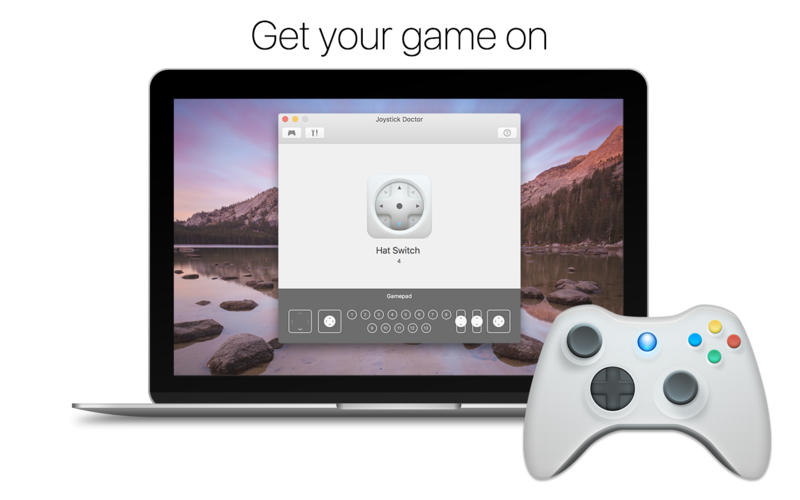
Joystick Doctor is the perfect tool to help you play your games with a controller. Easily connect Xbox, Playstation and Wii controllers, joysticks and any kind of gamepad.
Highlighted Features:
- Compatible with wired and wireless game controllers
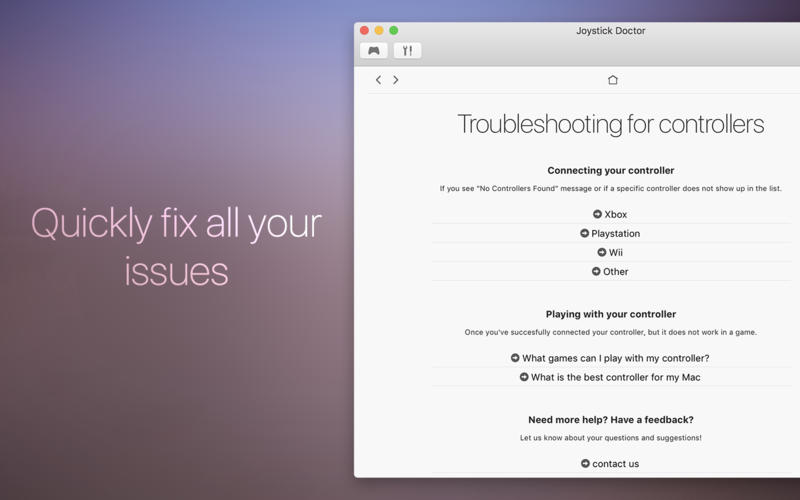
- Troubleshooting for connecting and playing with controllers
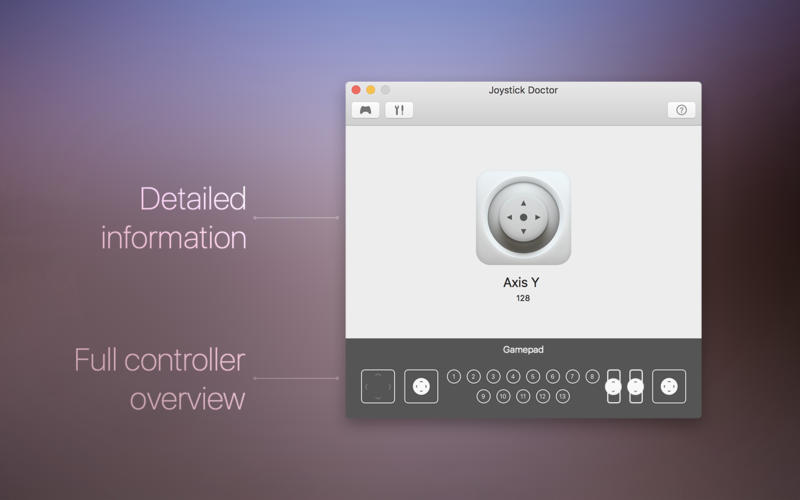
- Visualize the full layout of your controller and display detailed information
Troubleshooting will help you to:
- Play Minecraft on Mac with Playstation and xbox 360 controller
- Play Call of Duty on Mac with Playstation and xbox 360 controller
- Suggest controller mapping for controllers
Let us know about all your feature suggestion, we'd like to know how to improve the next version of Joystick Doctor. We're always happy to hear your feedback!
Version 1.0.1
- [fixed] minor bugs
Comments
No comments yet. Be the first.
Information
Visitors in the group Guests cannot leave comments on this publication.