Disk Doctor 4.6 fix
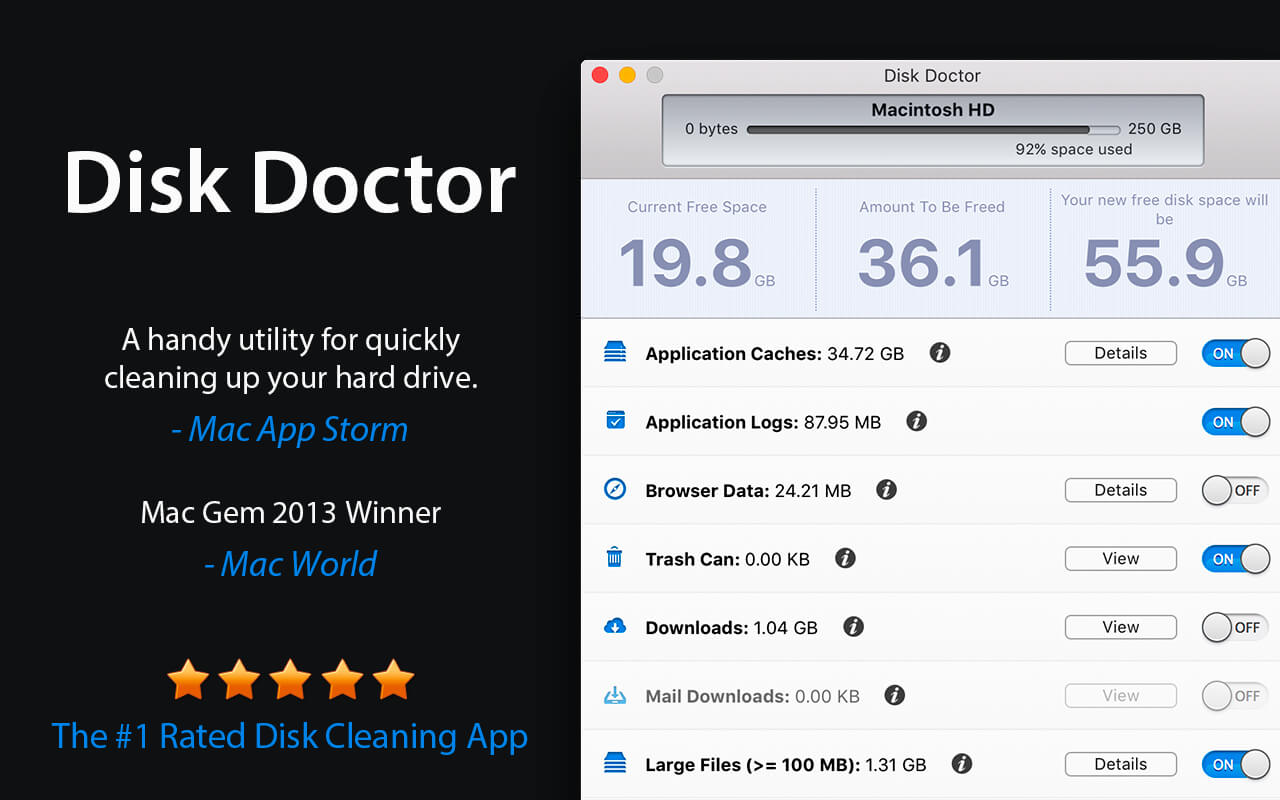
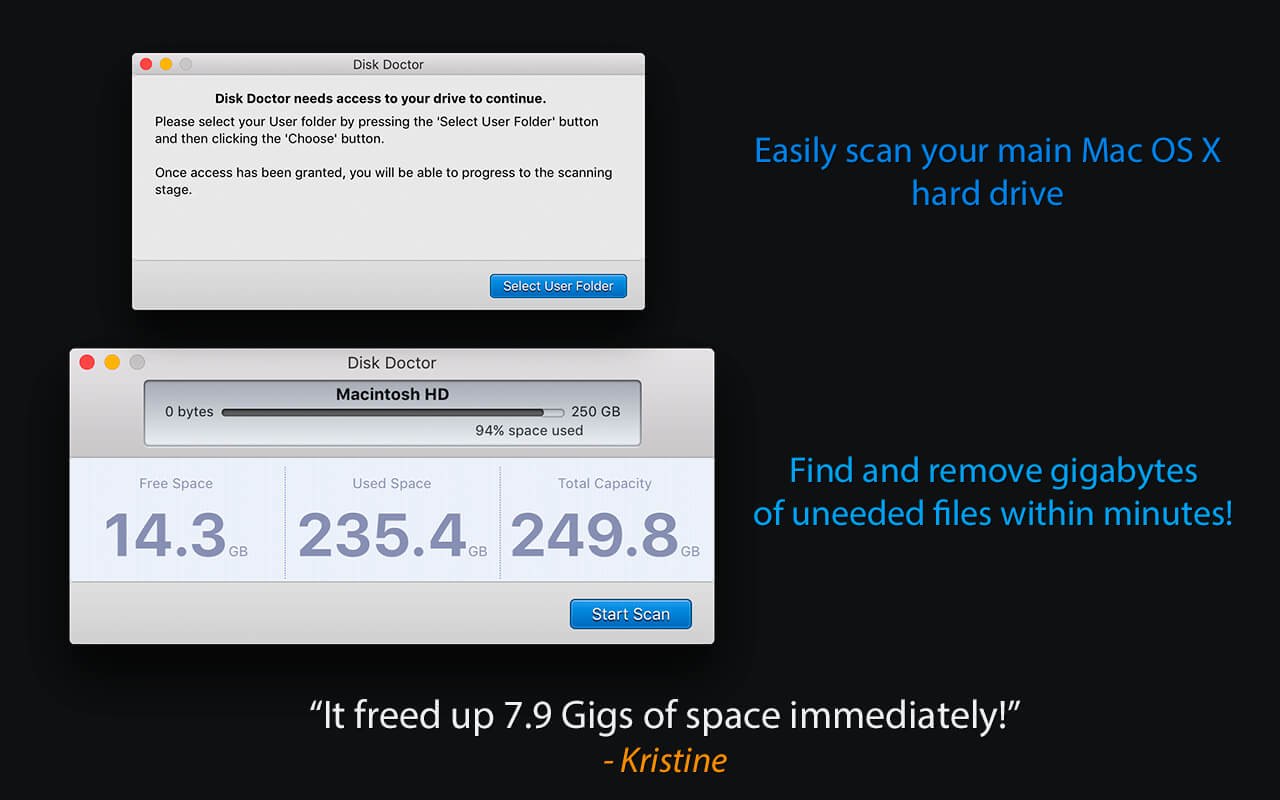
Free up tons of disk space with Disk Doctor by removing gigabytes of unneeded files from your hard drive.
With just a few clicks, you can selectively remove files from the following categories:
- Applications Caches
- Application Logs
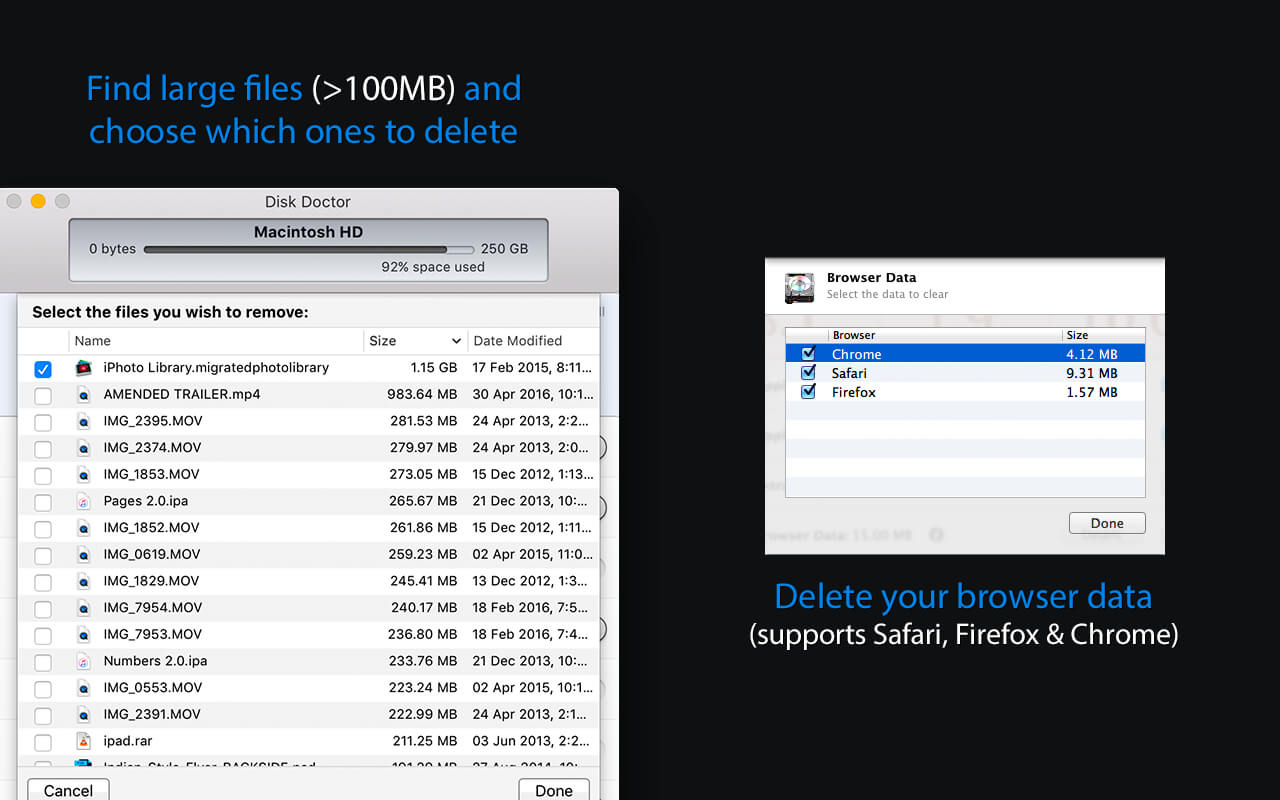
- Browser Data
- Mail Downloads Folder
- Downloads Folder
- Large Files (files within your user folder that are larger than 100 MB)
- Partial Downloads
- Developer Files
- Old iOS Software Updates
- Trash Can
Disk Doctor now features a totally new UI design with full Retina support!
Version 4.6
- Full support for macOS Tahoe added
- New app icon to support Liquid Glass
- Improved user experience
- Many bug fixes and optimizations
Frequently asked questions
How do I install the app?
Mount the image, drag the app into the "Applications" folder and launch it. If the system blocks the launch, allow it in "System Settings → Privacy & Security".
The app is damaged or won't launch
Reinstalling from a fresh image usually helps. Make sure your macOS version matches the one listed in the compatibility specs.
How do I update?
Download the new version from the site and install it over the current one — your settings will be preserved.
The download link doesn't work
Try a mirror or a download manager. For large files the browser often drops the connection.
How do I completely remove the app?
Use an uninstaller utility — it cleans up the service files that remain after moving the app to the trash.

Choose a download source
Disk Doctor 4.6 fix · 12.4 MB
Previous versions
Disk Doctor 4.6 fix
Previous versions are available to registered users.