

Dropshelf 1.3.3
Screenshots
Click to enlarge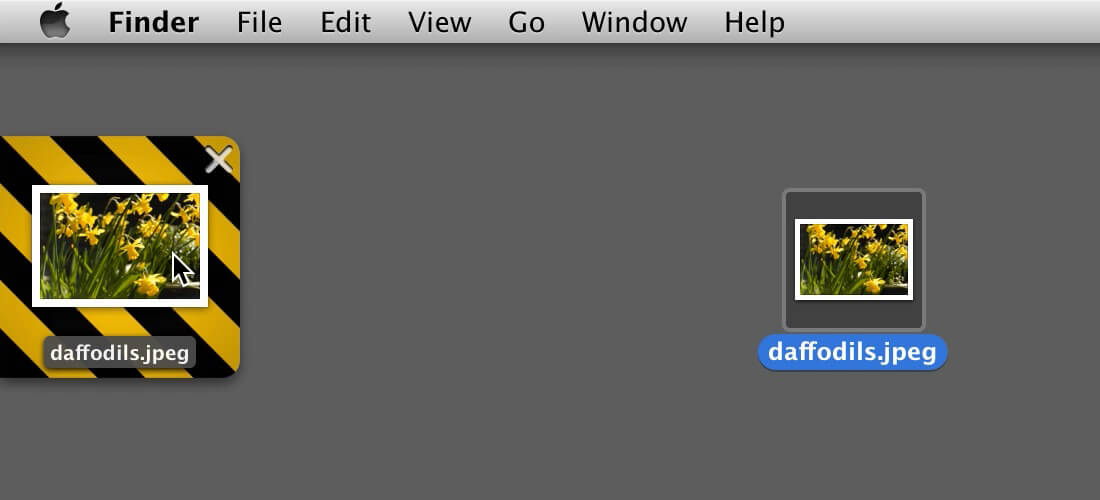
Dropshelf makes dragging and dropping easier by providing a resting place for draggable items. Just drag an item to the edge of the screen, and a 'shelf' smoothly slides out. Drop images, URLs, and text clippings on the shelf to keep them handy while you find a window or switch apps. Then just drag the items off the shelf again.
Create additional shelves simply by dragging an item to another blank area at the edge of the screen, including on multiple monitors. Use Dropshelf to drag items between different tabs, windows, full screen apps, and spaces. You can also use Dropshelf to store frequently used text clippings close at hand.
Version 1.3.3 (1.3.2):
- This update makes Dropshelf ready to roll on macOS 10.13.
Comments
No comments yet. Be the first.
Information
Visitors in the group Guests cannot leave comments on this publication.