
H265 Converter Pro 3.3.1
Screenshots
Click to enlarge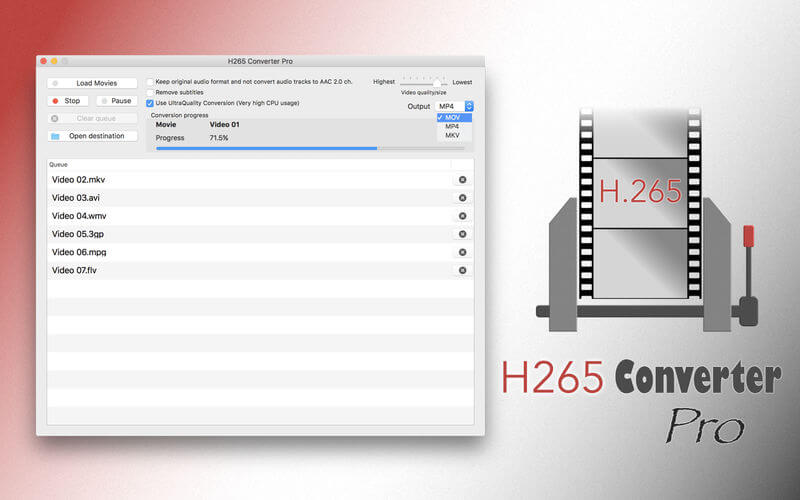
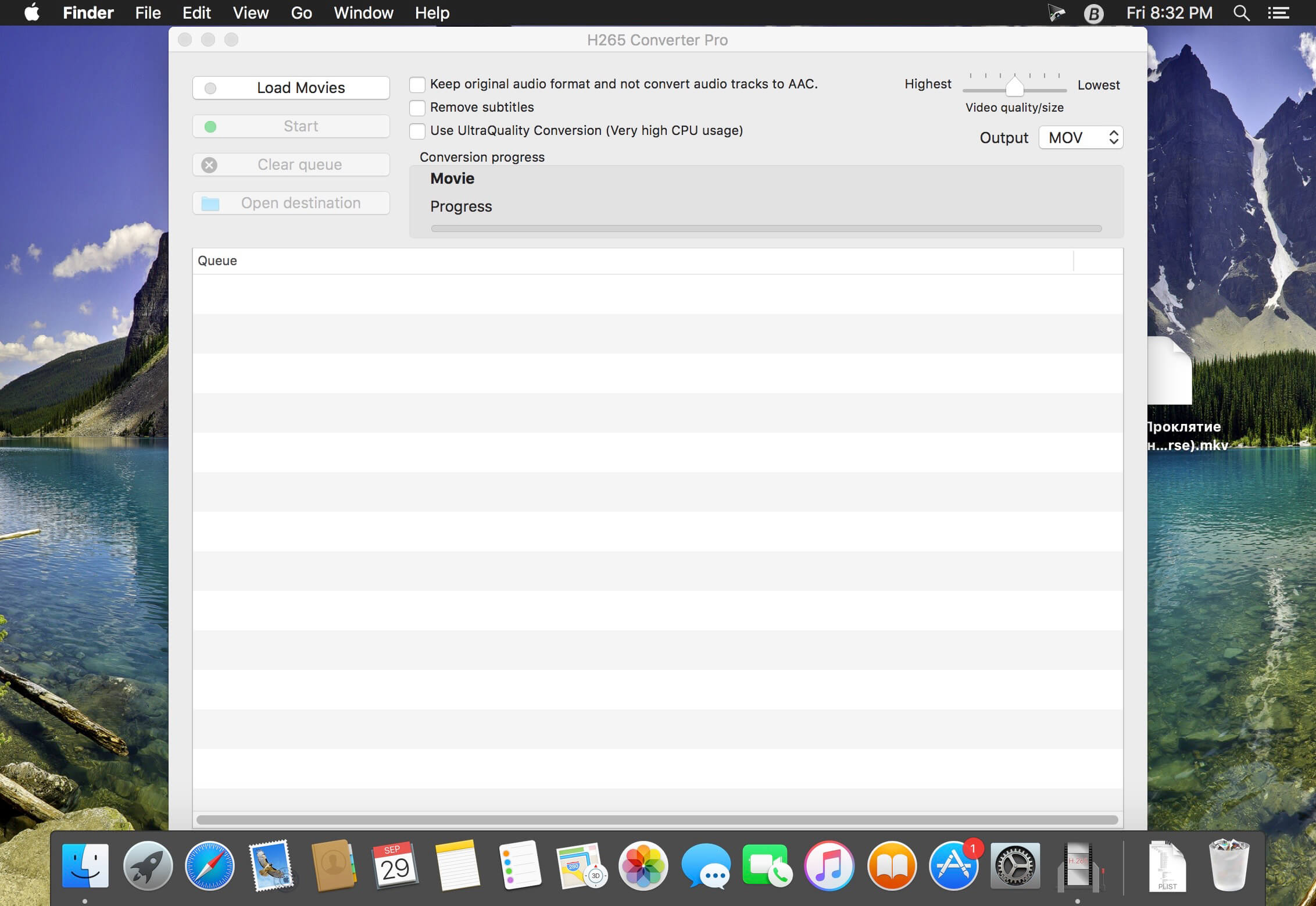
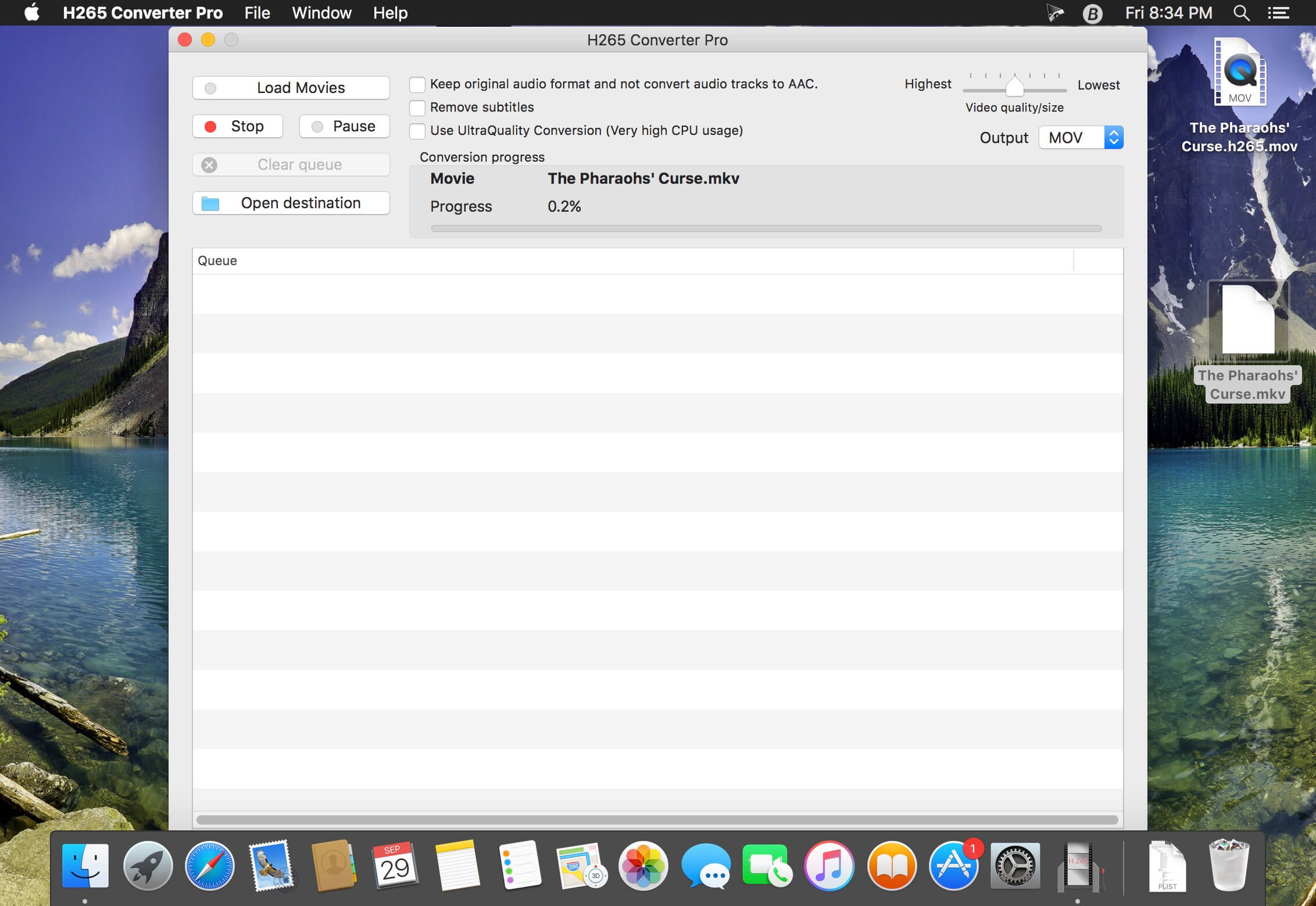
With this App, you can convert all your videos to MKV format, retaining a very high quality, using H.265 video codec. It's very simple. And save disk space with this revolutionary format, with full quality and saving about 50% of disk space.
Remember that Apple devices don't support H.265 hardware playback. And maybe you will need third party software to play H.265/MKV videos.
Features:
- Same quality as H.264, but with half disk space.
- Conversion to MKV with ultra high quality using H.265 video codec.
- Clean design, without complicated options.
- Batch process.
- Possibility to add new videos to queue on the fly, while encoding.
- Keep audio channels in original format, or convert them to AAC 2.0 ch.
- Keep subtitles.
Input formats:
- 3GP
- ASF
- AVI
- DIVX
- FLV
- M2TS
- M4V
- MKV
- MOV
- MP4
- MPG
- MTS
- WMV
- XVID
Version 3.3.1
- MOV and MP4 compatible with iOS 11 and macOS 10.13 High Sierra (Available on macOS 10.13 and above).
- Keep EXIF metadata.
- Some improvements and bug fixes.
Comments
No comments yet. Be the first.
Information
Visitors in the group Guests cannot leave comments on this publication.