

Super265 v1.0.9
Screenshots
Click to enlarge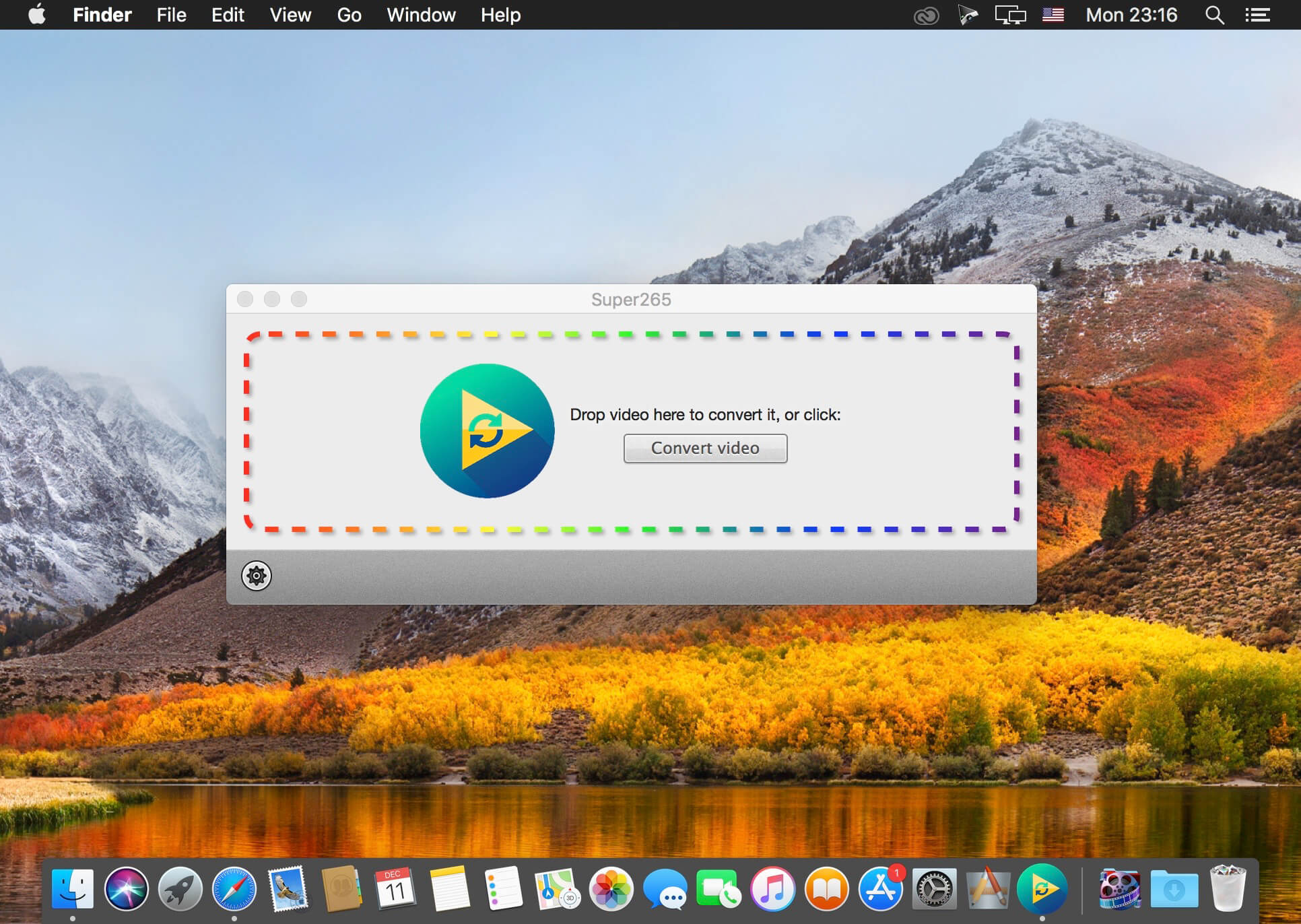
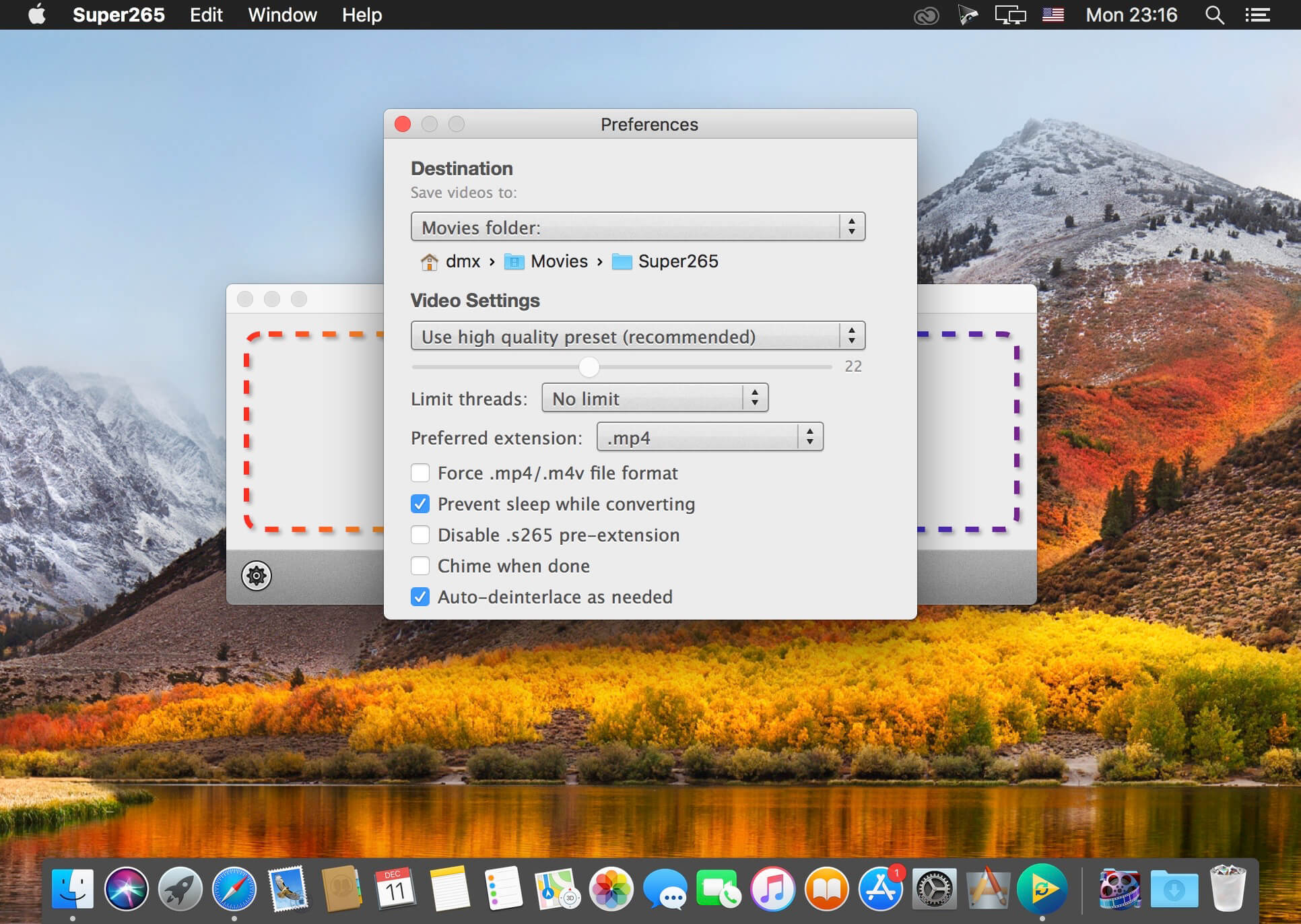
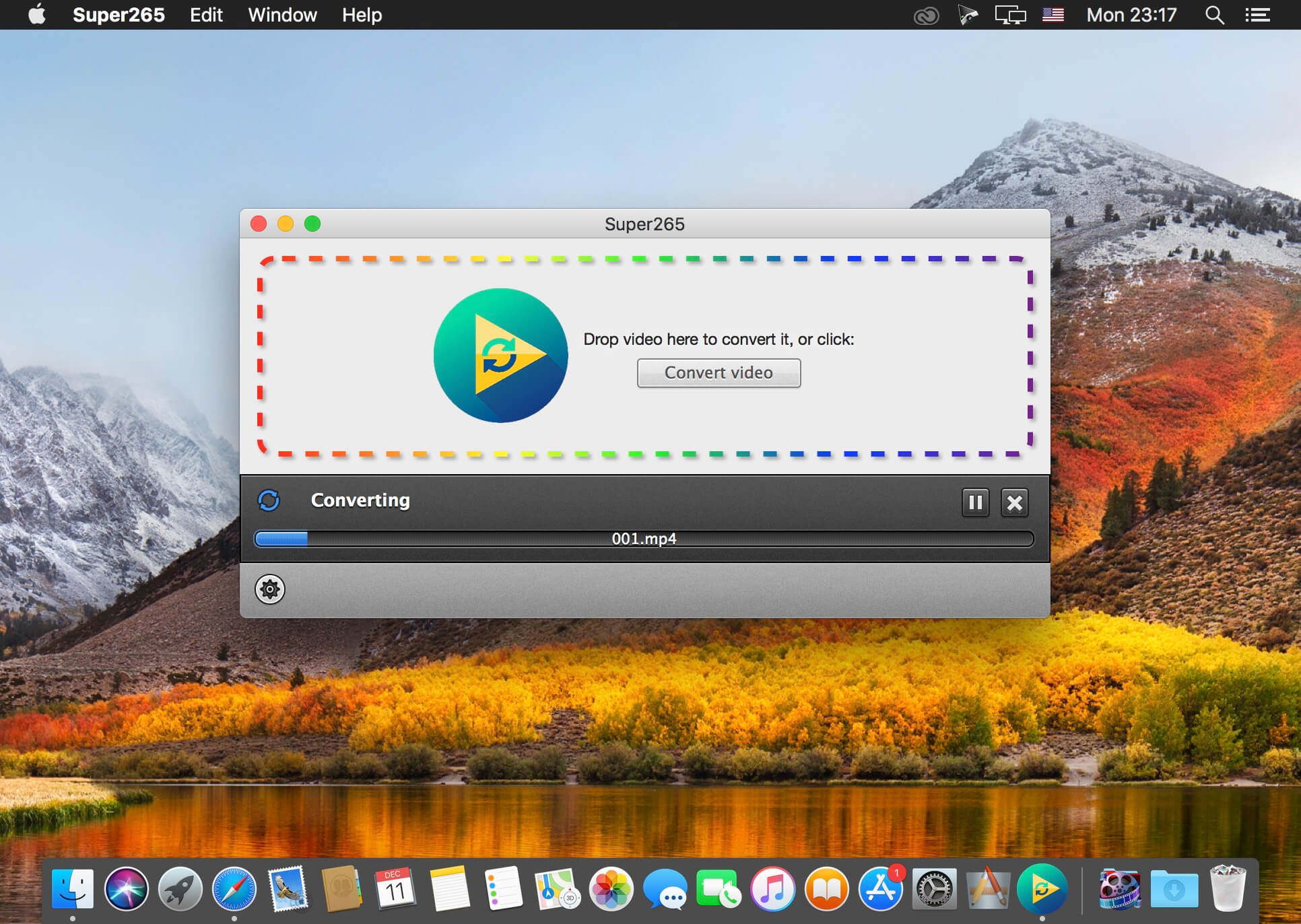
Convert your video to H.265!
- Reduce the file size of your videos without loss of quality: you can easily divide by 2 or 3 the file size of your videos without sacrifying quality
- That means putting much more videos on your portable media player
- Uses all of your computer's processing power when converting
- Highest quality converter
- Extremely easy to use!
- Just drag & drop your videos and it will convert them all automatically
- Keep all audio tracks and subtitles tracks
- Limit the conversion speed if you are not in a hurry and do not want your laptop to heat
*** Native support for H.265 requires iOS 11, macOS High Sierra, or a 4th generation Apple TV. On older macOS versions, you can simply use VLC (http://videolan.org)
Version 1.0.9
- Fixed an issue preventing conversion of videos with an odd number of horizontal or vertical pixels
- Added automatic detection of interlaced videos and deinterlacing
Comments
No comments yet. Be the first.
Information
Visitors in the group Guests cannot leave comments on this publication.