
PicFrame 2.8.4
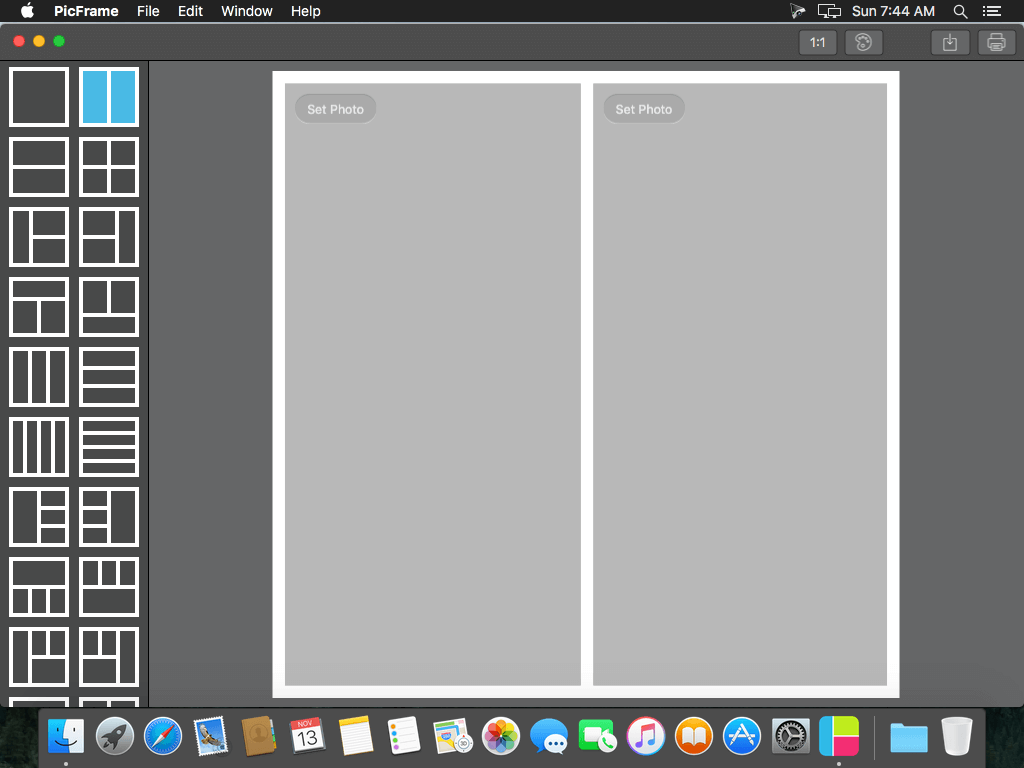
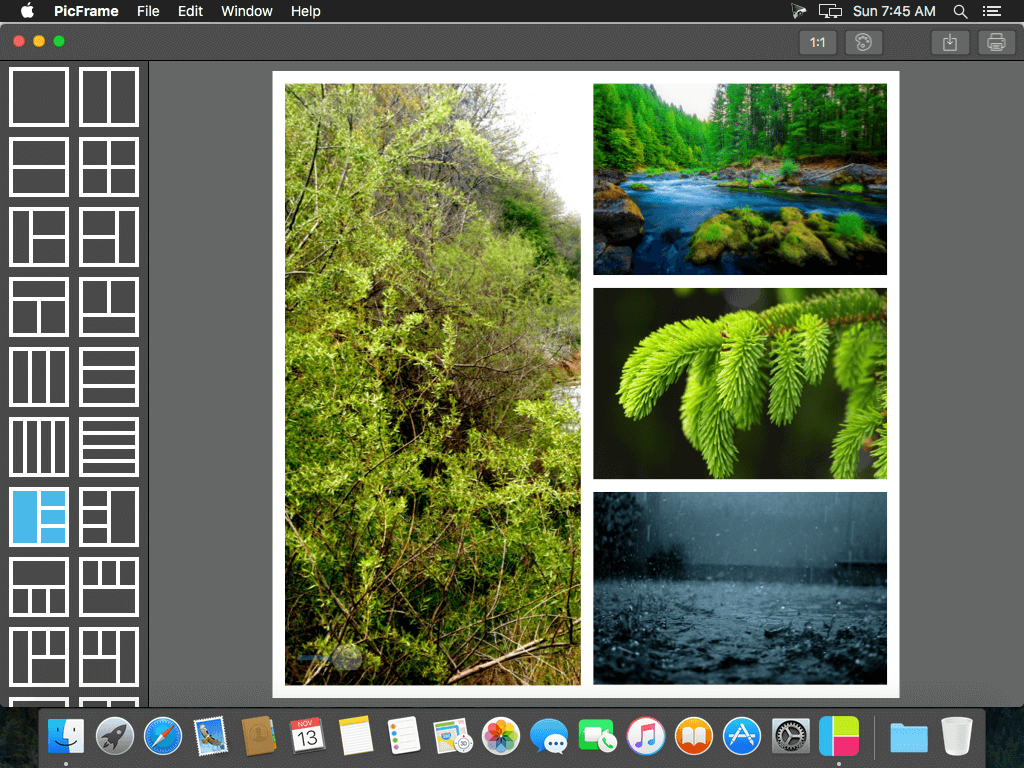
PicFrame helps you combine multiple photos into amazing looking frames that you can save to your computer or share to Facebook Twitter and Flickr. With 73 adjustable frames, support for up to 9 photos in a single frame, rounded corners and plenty of border patterns, you will always have a unique look.
Since PicFrame was released on the iPhone and iPad we have often been requested to create a Mac version for people to use on their desktop, well here it is! PicFrame on the Mac is just as easy to use, select a frame, drag and drop your photos in, tweak the border size, give the photos rounded corners, add a color or pattern, resize the adjustable frames and save the photo or share it to Facebook.
Main Features:
- 73 fully adjustable frames (drag the borders between each photo for endless customization)
- Support for up to 9 photos
- Save your work in progress as a PicFrame project file
- Rounded corners
- Change the border size
- Zoom and drag the photos around
- Easy color picker for border color
- Multiple patterns to use for the border
- Ratios 1:1, 3:2, 2:3, 4:3, 3:4, 16:9
- High resolution (Up to 3264x3264)
- Share to Facebook, Twitter and Flickr
- Drag and drop photos into the frame
- Touch Bar support for new MacBook Pro devices
WHAT’S NEW
Version 2.8
- Fixed a bug that could cause the saved image to look incorrect
- Support for Touch Bar on the new MacBook Pro lets you quickly style or save your PicFrame
- Resizing the window is now supported, go full screen!
- Redesigned tool bar
- Increased sharing resolution
- Changed zoom behaviour
- Interface improvements
SCREENSHOTS

Frequently asked questions
How do I install the app?
Mount the image, drag the app into the "Applications" folder and launch it. If the system blocks the launch, allow it in "System Settings → Privacy & Security".
The app is damaged or won't launch
Reinstalling from a fresh image usually helps. Make sure your macOS version matches the one listed in the compatibility specs.
How do I update?
Download the new version from the site and install it over the current one — your settings will be preserved.
The download link doesn't work
Try a mirror or a download manager. For large files the browser often drops the connection.
How do I completely remove the app?
Use an uninstaller utility — it cleans up the service files that remain after moving the app to the trash.
VersionPicFrame 2.8.4
DeveloperDavid Boyes © Active Development Limited
CompatibilityOS X 10.7 or later, 64-bit processor
LanguageEnglish
IncludesPre-K'ed


Choose a download source
PicFrame 2.8.4 · 5.08 MB
Comments 1