
NXPowerLite Desktop 11.0.0
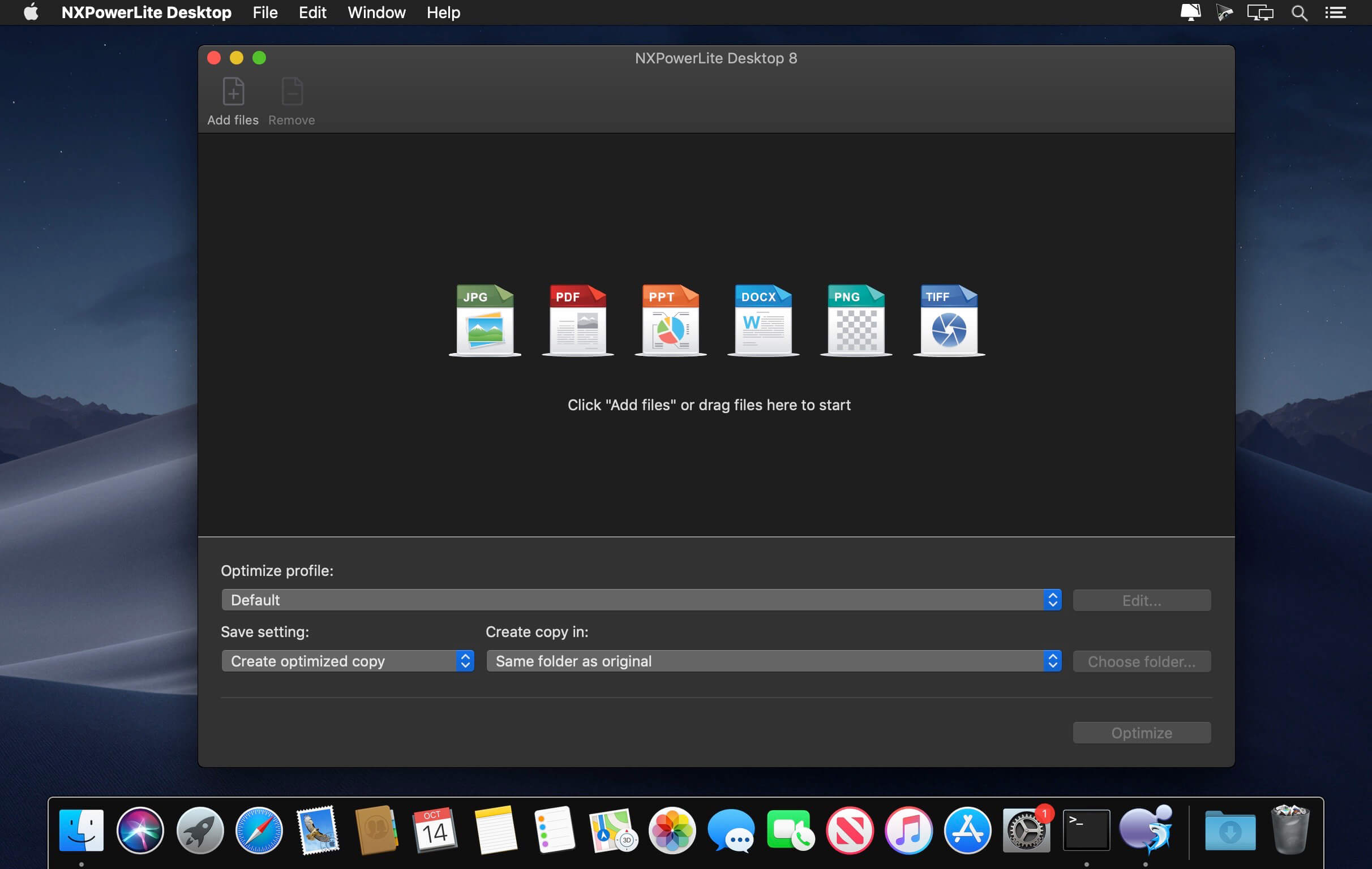
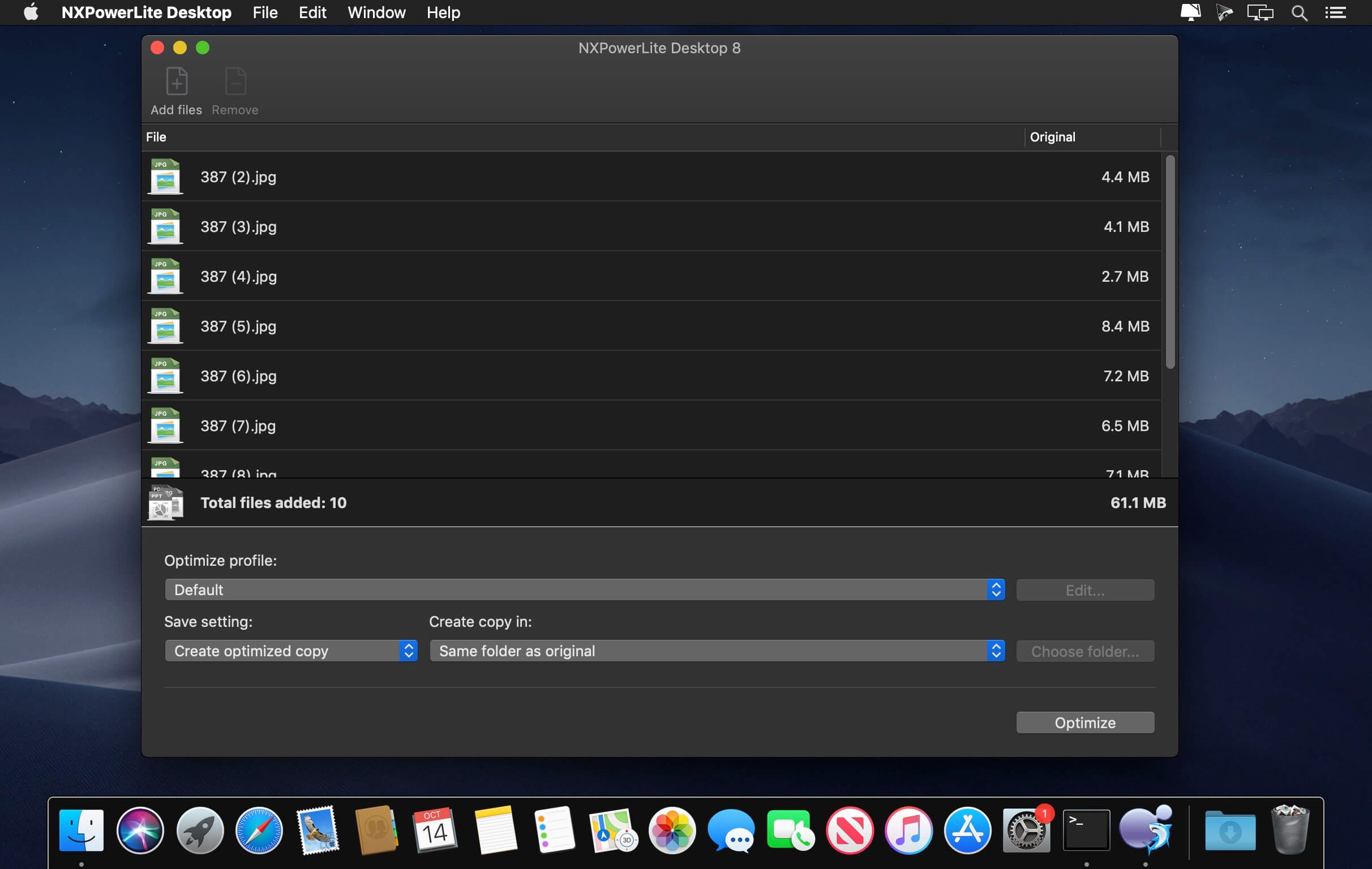
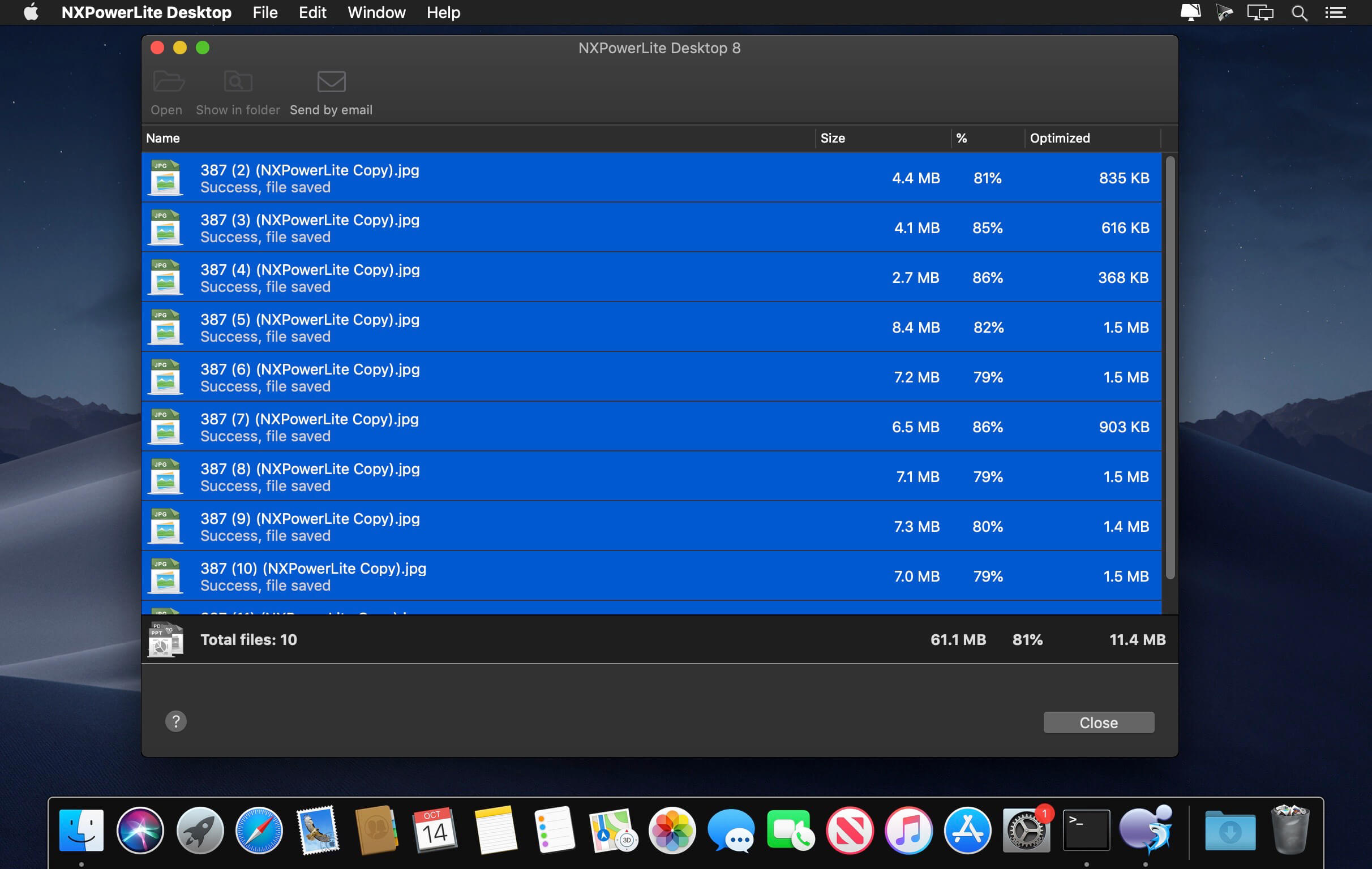
NXPowerLite will compress PDF, JPEG, PNG, TIFF, Microsoft PowerPoint and Word files simply and effectively, making them easy to email as attachments. It is especially effective on files that don’t zip well.
Key features
Same format
Compressed files stay in the same format with the same file extension.
Custom profiles
Create custom settings profiles and quickly select them from the home screen for a great productivity boost.
Finder integration
Use the Finder menu to quickly compress files without opening the full application.
Secure + Local
All compression takes place locally on your computer - files are not shared online.
Replace Or Backup
Choose to simply replace your file with the optimized version or create a backup of the original too.
Batch Compression
NXPowerLite can compress up to 10,000 files at a time. Great for compressing small folders of content quickly.
Version 11.0:
Frequently asked questions
How do I install the app?
Mount the image, drag the app into the "Applications" folder and launch it. If the system blocks the launch, allow it in "System Settings → Privacy & Security".
The app is damaged or won't launch
Reinstalling from a fresh image usually helps. Make sure your macOS version matches the one listed in the compatibility specs.
How do I update?
Download the new version from the site and install it over the current one — your settings will be preserved.
The download link doesn't work
Try a mirror or a download manager. For large files the browser often drops the connection.
How do I completely remove the app?
Use an uninstaller utility — it cleans up the service files that remain after moving the app to the trash.



Choose a download source
NXPowerLite Desktop 11.0.0 · 80.86 MB
Previous versions
NXPowerLite Desktop 11.0.0
Previous versions are available to registered users.
Comments 1