
Magic Hider PRO 1.4.3
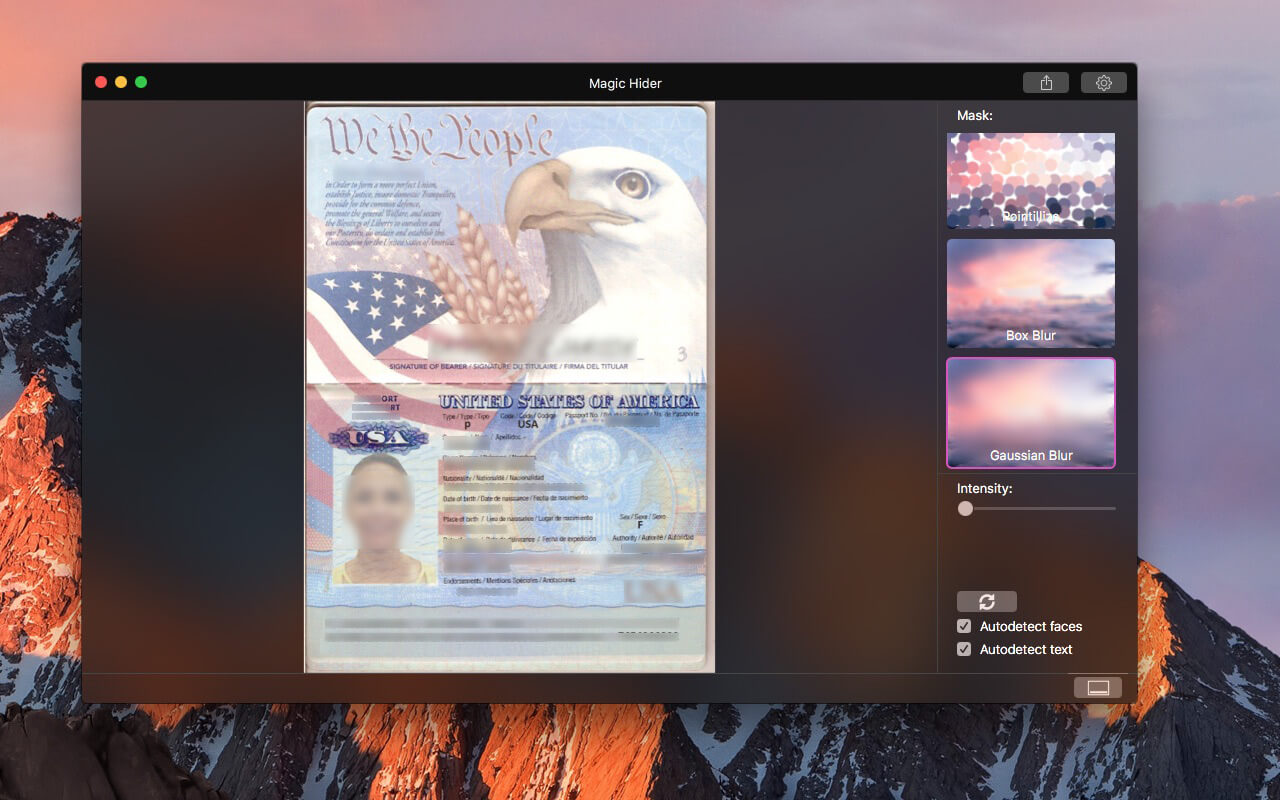
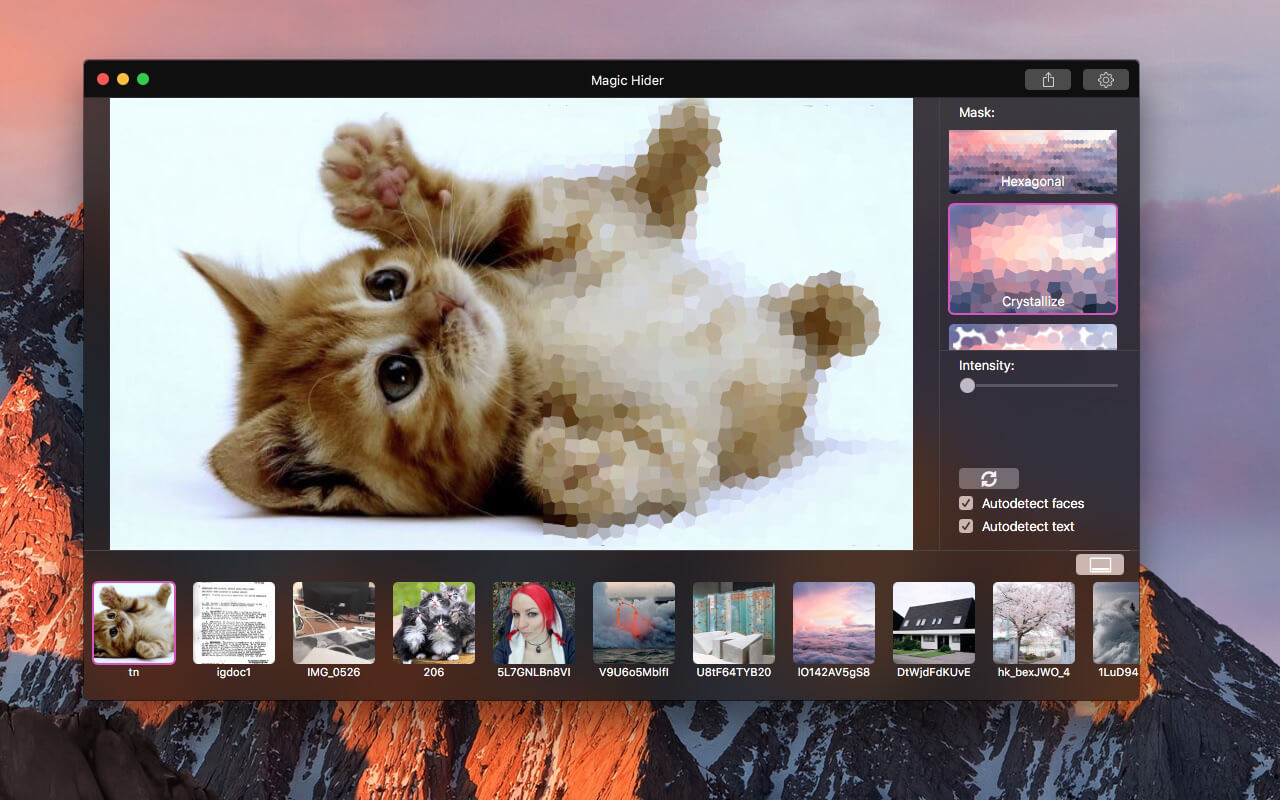

New level of hiding of any part of an image, this "smart" application will automatically find parts to hide.
Just choose what you need to filter - faces or text*, than drag and drop image and it will be done at once.
Also, you can add, remove and edit areas manually.
Features:
- Autodetection of faces and text*, useful for multiple photos automatic handling
- Customizable filters
- Settings of quality of output image and detection accuracy
- Work with groups of photos
- Magic
Version 1.4.2
- Apple Silicone compatibility
- Minor updates
Frequently asked questions
How do I install the app?
Mount the image, drag the app into the "Applications" folder and launch it. If the system blocks the launch, allow it in "System Settings → Privacy & Security".
The app is damaged or won't launch
Reinstalling from a fresh image usually helps. Make sure your macOS version matches the one listed in the compatibility specs.
How do I update?
Download the new version from the site and install it over the current one — your settings will be preserved.
The download link doesn't work
Try a mirror or a download manager. For large files the browser often drops the connection.
How do I completely remove the app?
Use an uninstaller utility — it cleans up the service files that remain after moving the app to the trash.




Choose a download source
Magic Hider PRO 1.4.3 · 3.55 MB