
TripMode 2.2.1
Block Unwanted Traffic:
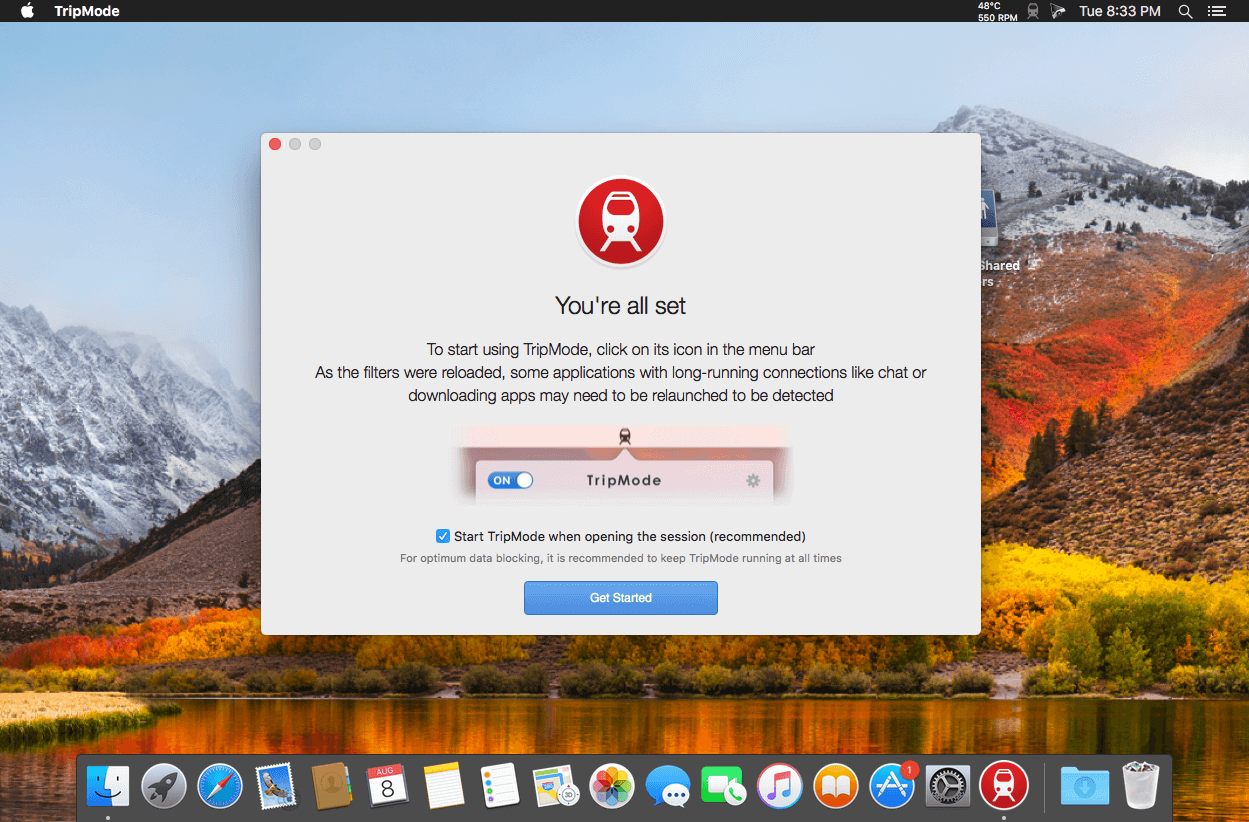
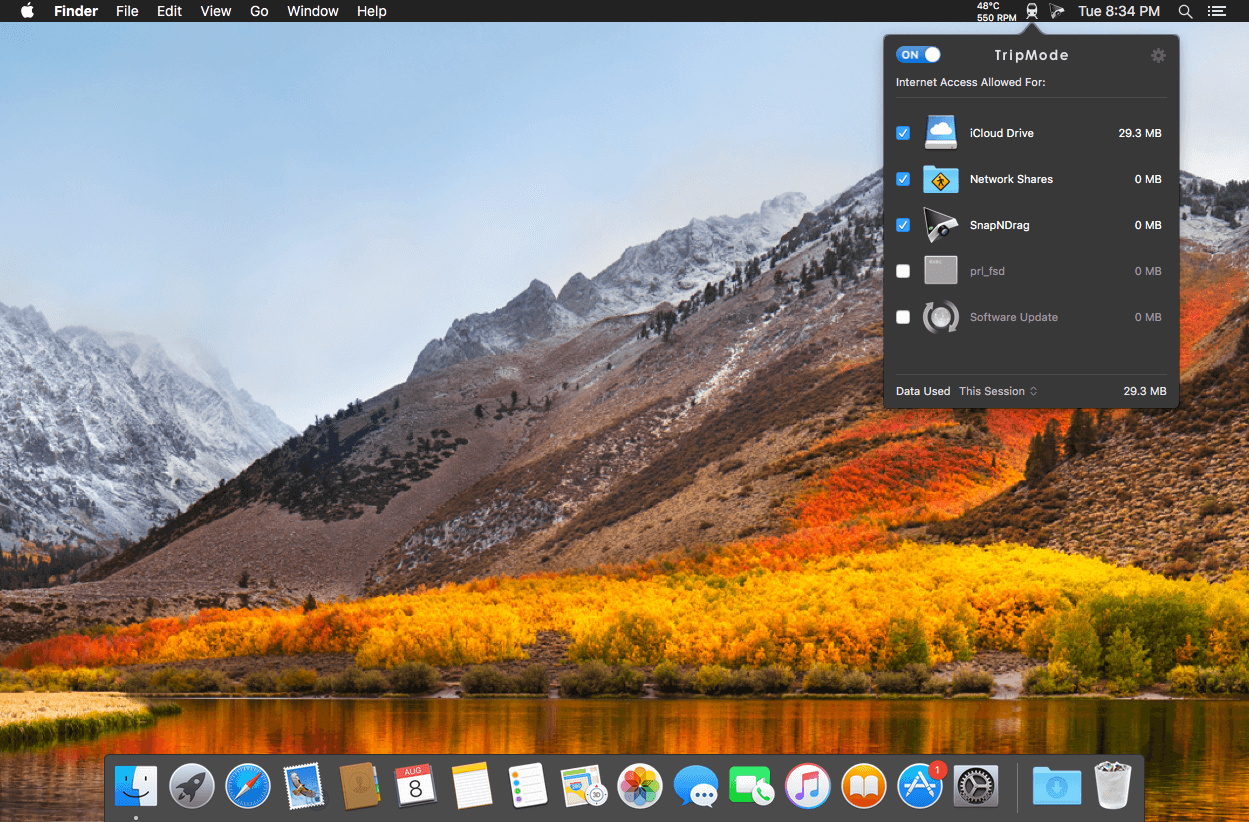
Only apps that you’ve selected are allowed to access the Internet when TripMode is ON. The rest is blocked.
Save Data Automatically:
TripMode activates itself on networks where you used it before. No need to fiddle in menus.
Track Your Data Usage:
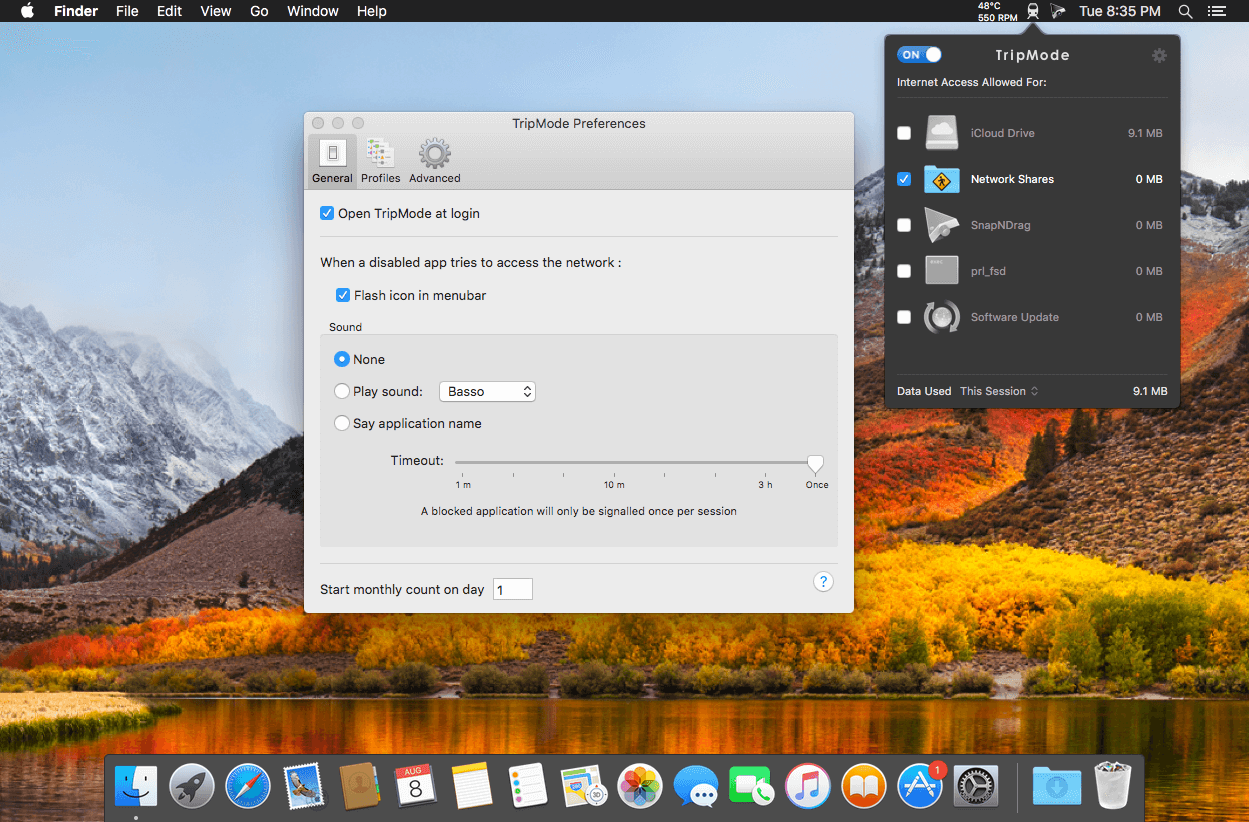
See how much data was used per app and per session, day, or month. Spot the data hungry apps.
Version 2.2.0:
- Notifications: know which apps are blocked in real-time through notifications, allow them with a click
- Mojave ready: enjoy TripMode in the new macOS 10.14 Dark Mode, with color accents
- Scheduler: activate TripMode automatically at predefined day(s) and time, convenient to tackle time boxed data plans that are common in Canada, South Africa, Australia and with satellite ISP
- More languages: The user interface is now available in Japanese, Dutch, Spanish, Italian, Russian, Portuguese, in addition to German, French, Korean and Simplified Chinese
Frequently asked questions
How do I install the app?
Mount the image, drag the app into the "Applications" folder and launch it. If the system blocks the launch, allow it in "System Settings → Privacy & Security".
The app is damaged or won't launch
Reinstalling from a fresh image usually helps. Make sure your macOS version matches the one listed in the compatibility specs.
How do I update?
Download the new version from the site and install it over the current one — your settings will be preserved.
The download link doesn't work
Try a mirror or a download manager. For large files the browser often drops the connection.
How do I completely remove the app?
Use an uninstaller utility — it cleans up the service files that remain after moving the app to the trash.
VersionTripMode 2.2.1
DeveloperTripMode
CompatibilityOS X 10.10 or later, 64-bit processor
LanguageMultilingual
IncludesK'ed by TNT





Choose a download source
TripMode 2.2.1 · 17.32 MB
Previous versions
TripMode 2.2.1
Previous versions are available to registered users.
Comments 1