
Wondershare Data Recovery 6.2.2.1

Read-only, Risk-free and Cost-effective Data Recovery software for Computers, Hard Drives, Flash Drives, Memory Cards, Mobile Phones, Cameras and Camcorders
Recoverable Devices
All types of storage devices with the file system NTFS, FAT16, FAT32 or exFAT are supported.
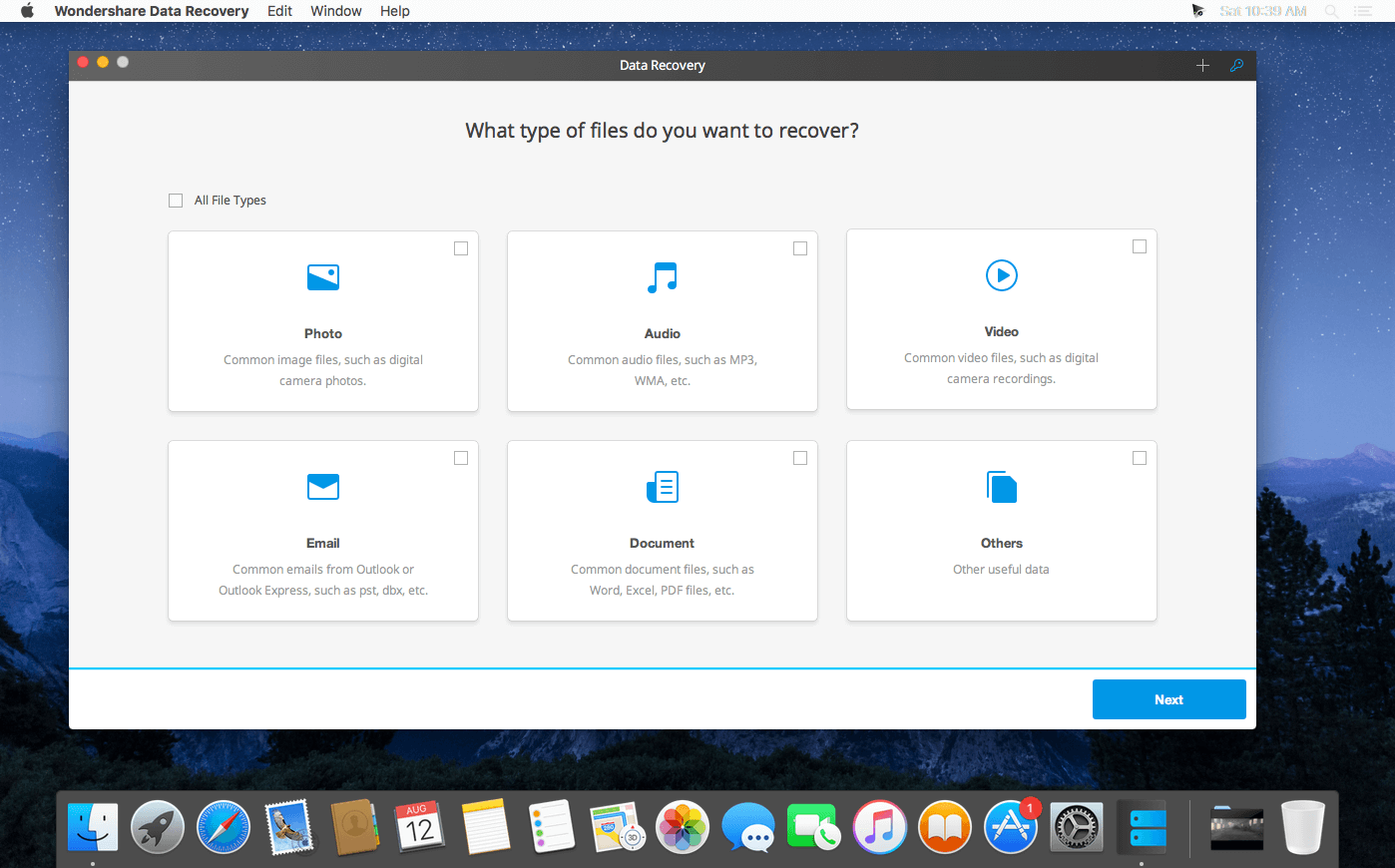
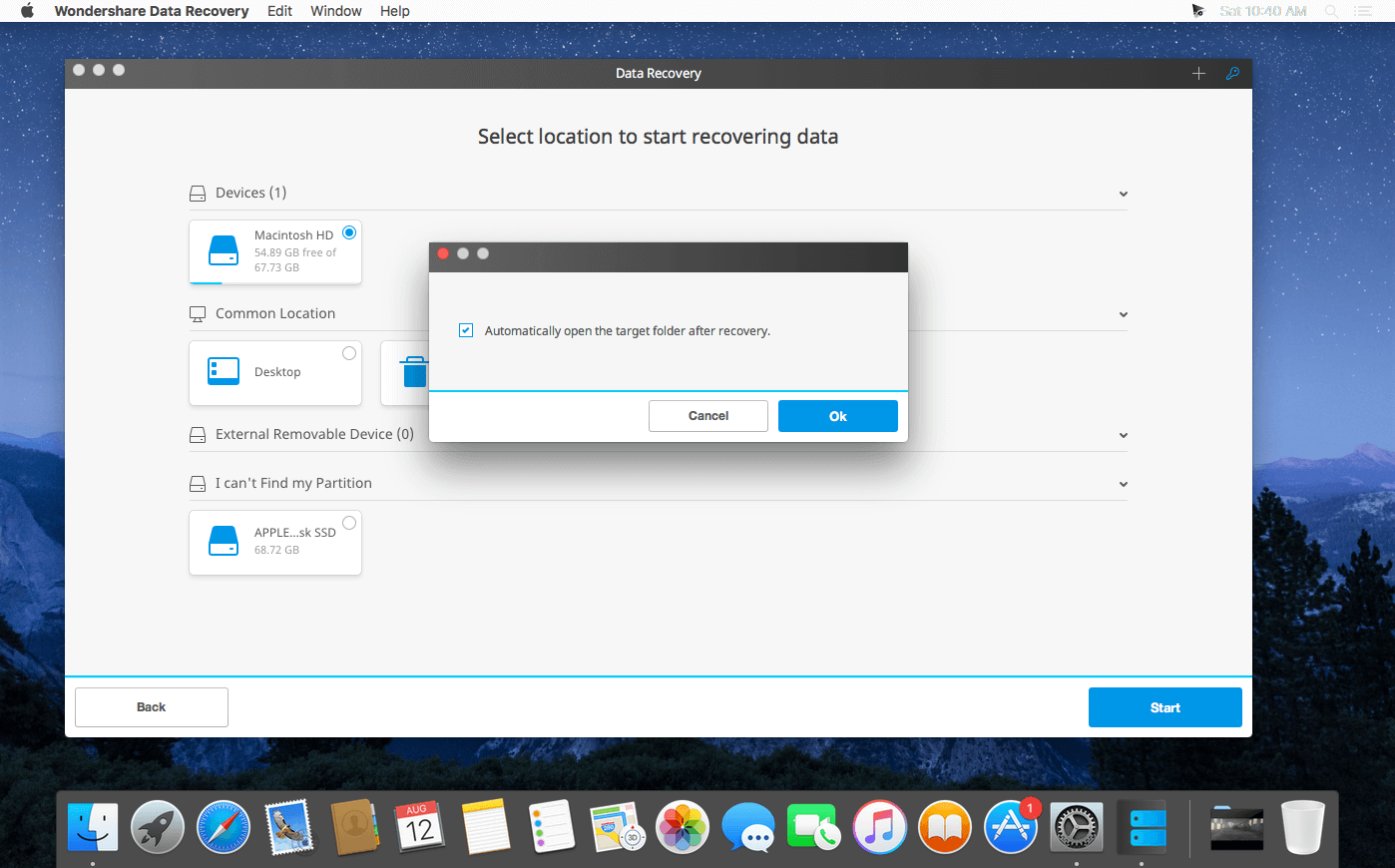
Wizard Mode Recovery
Just follow the instructions and answer simple questions, then Wondershare Data Recovery will find your lost files immediately.
Partition Recovery
Efficiently restore your files from deleted, lost, damaged, resized and formatted partition in all file systems (NTFS/FAT 16/FAT 32/exFAT)
Lost File Recovery
Recover formatted and deleted files with their original file names and paths
Raw Recovery
It enables you to scan the raw hard drive partitions and provide real-time preview of all recoverable files, then it takes just one click to get the lost files back.
Version 6.2.2.1:
- Various fixes and improvements
Frequently asked questions
How do I install the app?
Mount the image, drag the app into the "Applications" folder and launch it. If the system blocks the launch, allow it in "System Settings → Privacy & Security".
The app is damaged or won't launch
Reinstalling from a fresh image usually helps. Make sure your macOS version matches the one listed in the compatibility specs.
How do I update?
Download the new version from the site and install it over the current one — your settings will be preserved.
The download link doesn't work
Try a mirror or a download manager. For large files the browser often drops the connection.
How do I completely remove the app?
Use an uninstaller utility — it cleans up the service files that remain after moving the app to the trash.
VersionWondershare Data Recovery 6.2.2.1
DeveloperWondershare
CompatibilityOS X 10.7 or later
LanguageWondershare Software Co., Ltd.
IncludesK'ed by TNT




Choose a download source
Wondershare Data Recovery 6.2.2.1 · 8.51 MB
Comments 1