DMG Canvas 2.4.4
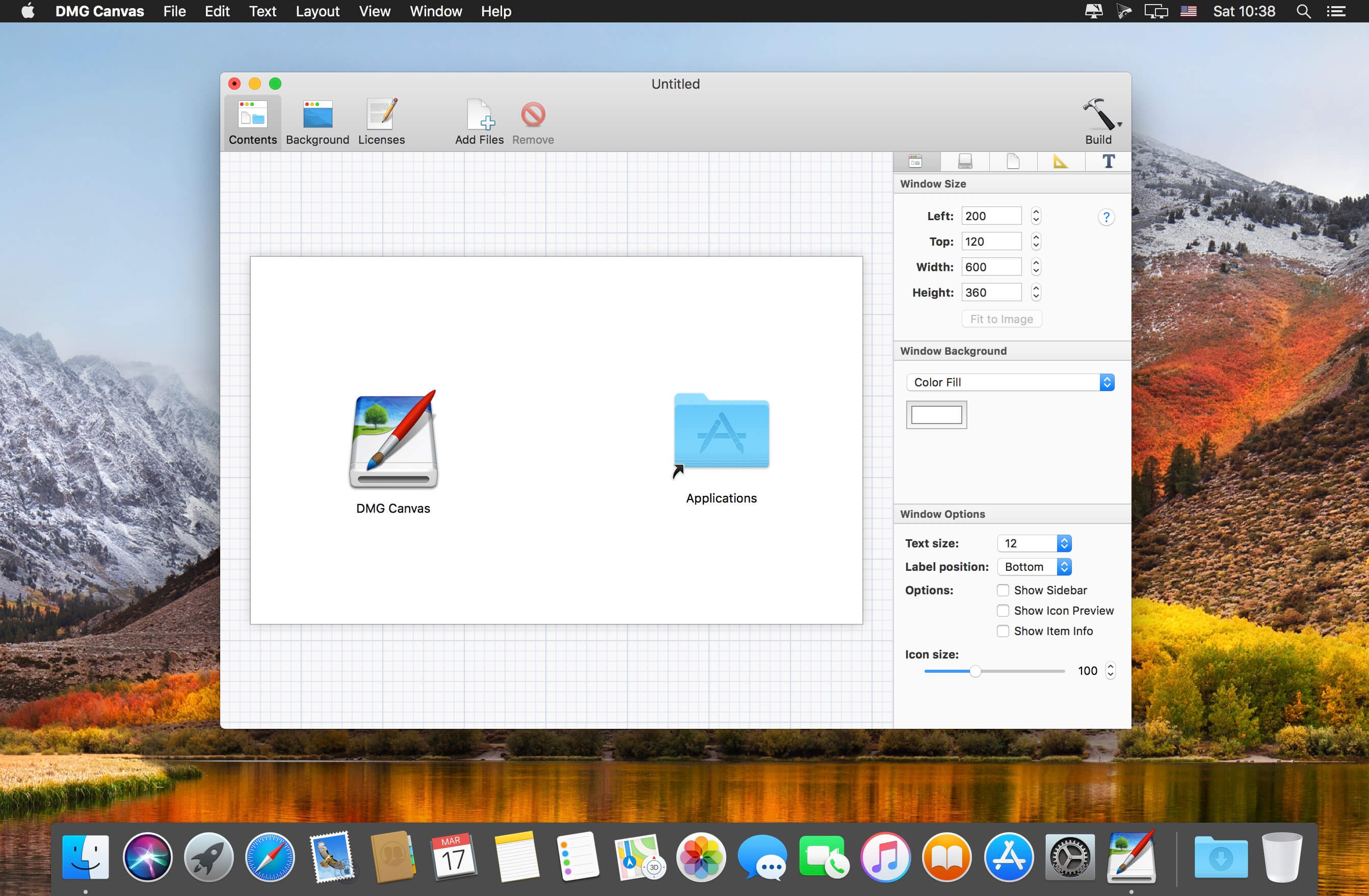
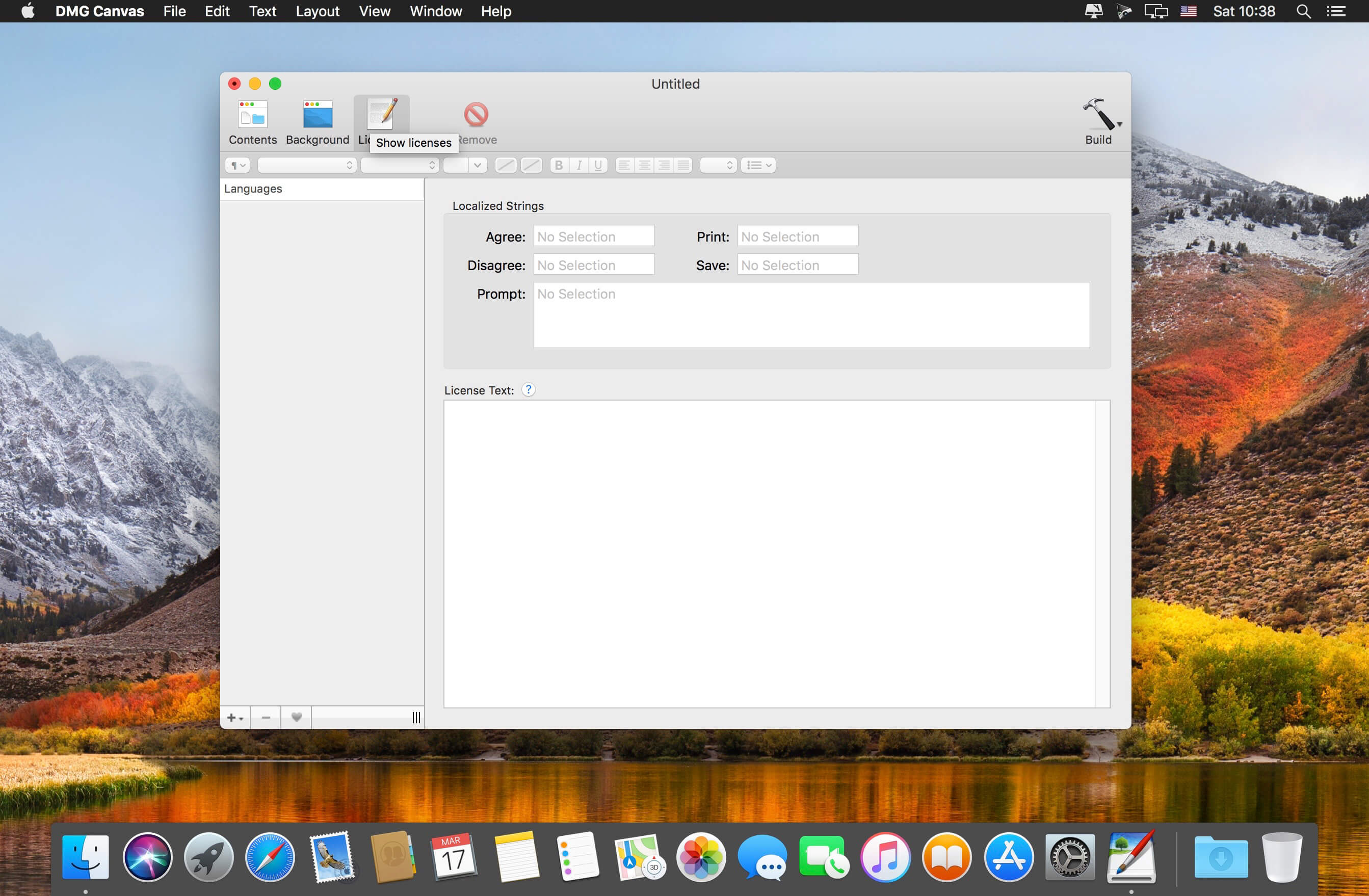
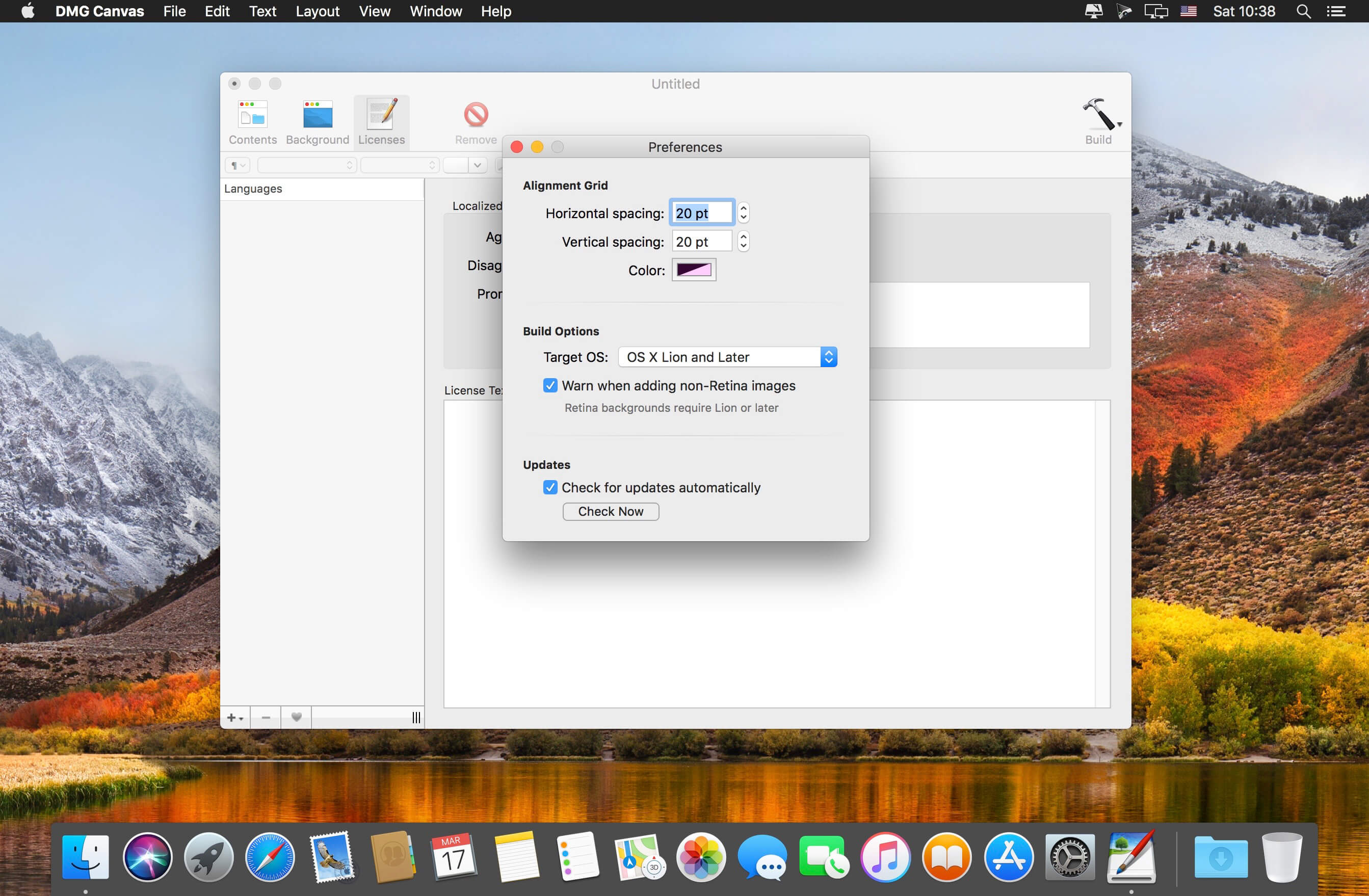
DMG Canvas helps you manage the content and appearance of disk image files using helpful templates. Choose your files, create your background image using helpful controls, and click "Build". Your disk image will appear in Finder exactly as you designed it.
Disk images, delivered with style
- Simplified design. With DMG Canvas, creating backgrounds is easy. Just drop in images, add customized text, and you're done.
- Maximum compatibility. DMG Canvas creates disk images that work seamlessly on any version of OS X. Say goodbye to compatibility issues.
- Retina ready. DMG Canvas supports Retina displays on OS X 10.7 or later. Your disk images will be bold and beautiful.
- macOS Sierra ready. DMG Canvas also supports code signing disk images, so developers can be prepared for changes to Gatekeeper, particular Launch Path Randomization. Apple strongly recommends using disk images to ship applications, so developers should take note!
Version 2.4.4:
- Release notes were unavailable when this listing was updated.
Frequently asked questions
How do I install the app?
Mount the image, drag the app into the "Applications" folder and launch it. If the system blocks the launch, allow it in "System Settings → Privacy & Security".
The app is damaged or won't launch
Reinstalling from a fresh image usually helps. Make sure your macOS version matches the one listed in the compatibility specs.
How do I update?
Download the new version from the site and install it over the current one — your settings will be preserved.
The download link doesn't work
Try a mirror or a download manager. For large files the browser often drops the connection.
How do I completely remove the app?
Use an uninstaller utility — it cleans up the service files that remain after moving the app to the trash.
VersionDMG Canvas 2.4.4
DeveloperAraelium Group
CompatibilityOS X 10.10 or later, 64-bit processor
LanguageEnglish
IncludesK'ed by TNT


Information
Visitors in the group Guests cannot leave comments on this publication.
Choose a download source
DMG Canvas 2.4.4 · 8.69 MB
Previous versions
DMG Canvas 2.4.4
Previous versions are available to registered users.