Coolorus Mac 1.3.1 & Coolorus for Fl, Ps 2.0.1, 2.5.3
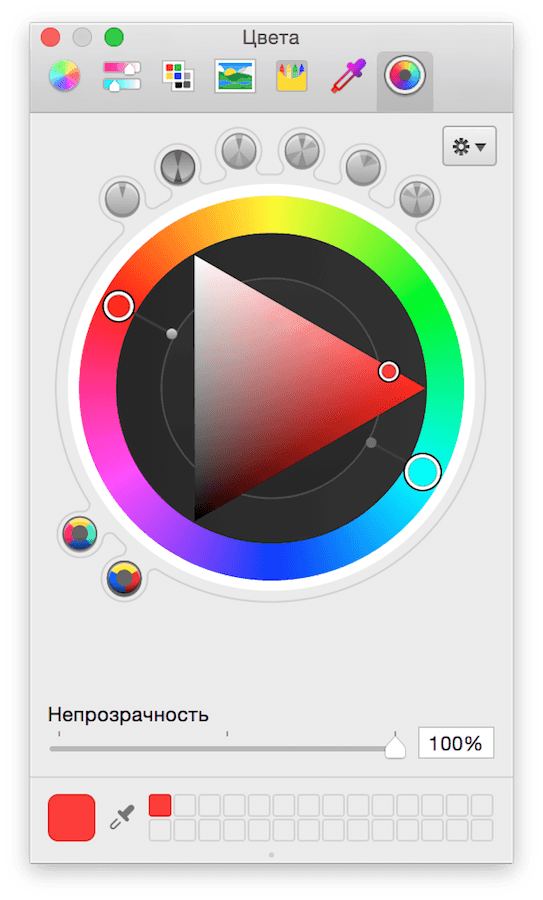
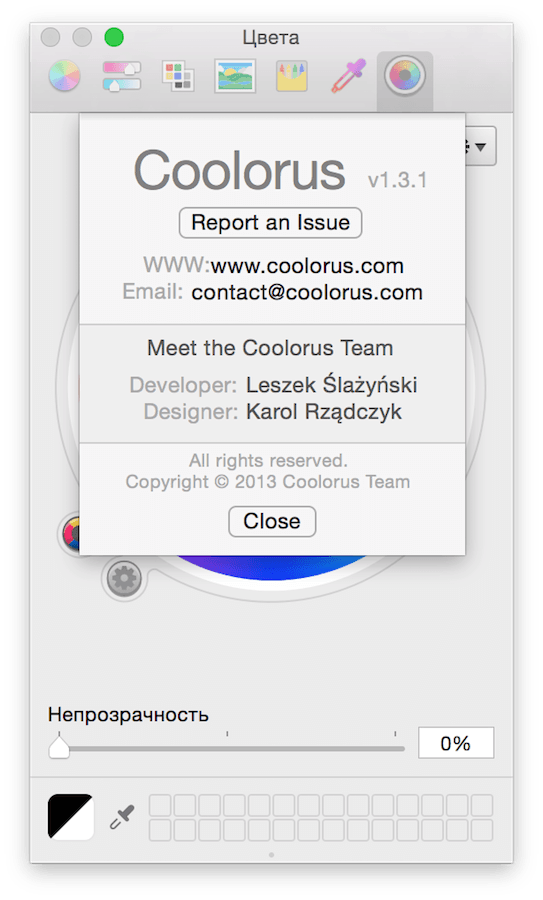
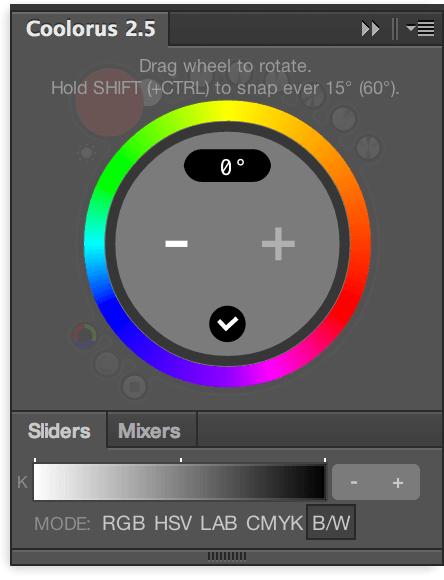
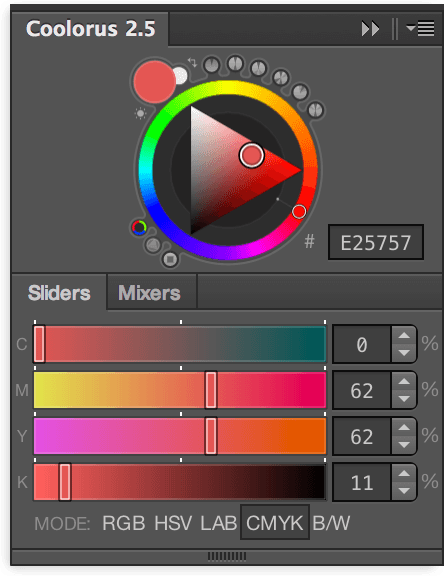
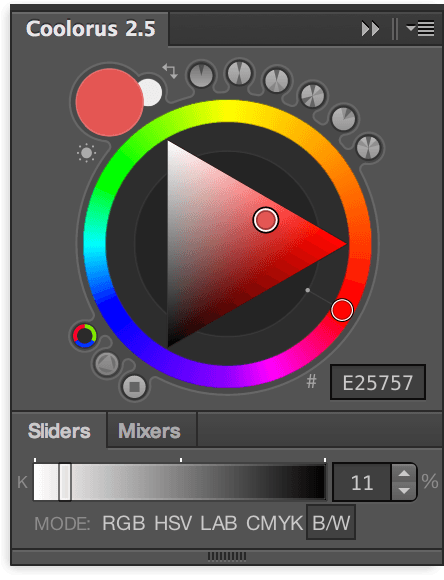
Coolorus is a color wheel for all Mac apps that use the native Apple color picker. Coolorus aims to greatly improve users' color-picking workflow. Reduce the mouse clicks to the minimum and help to master the color relationships and the power of the HSV triangle.
Features:
- Triangle and Square
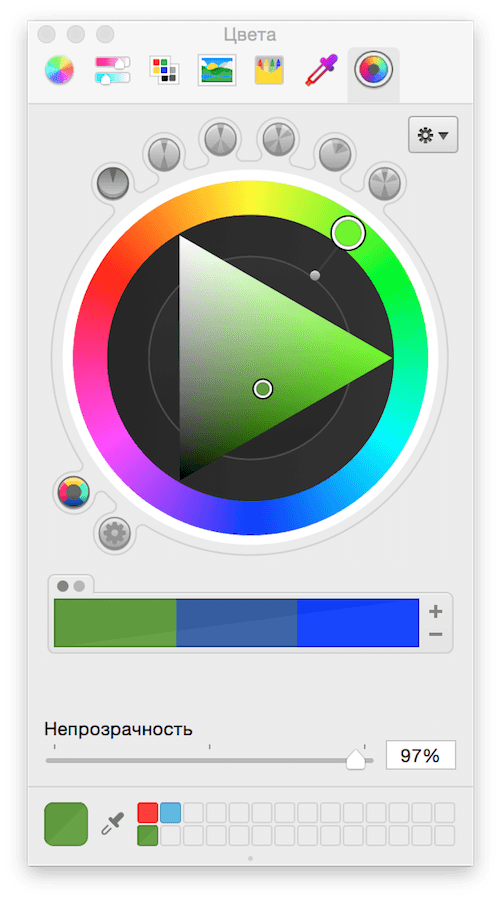
- Color Schemes
- Color Modes
- Color Models (RGB/RYB)
- Swatch Module
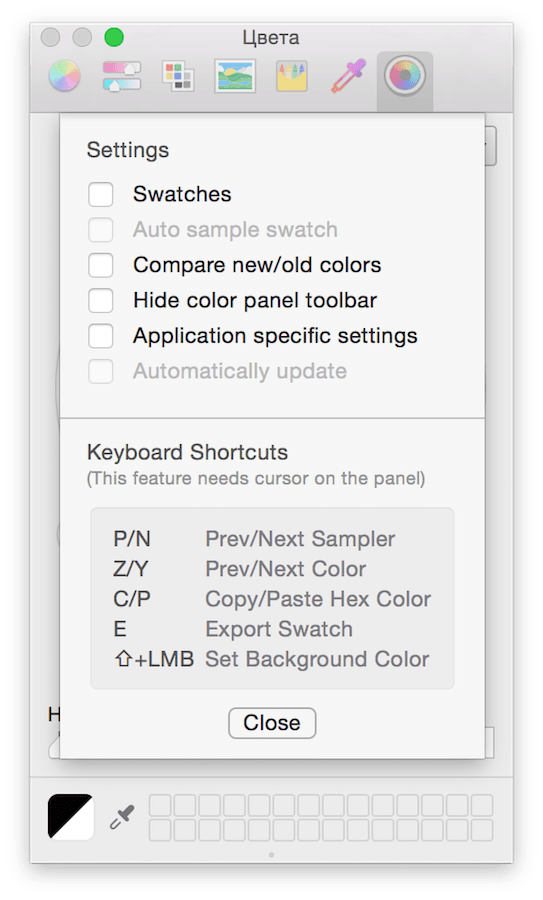
- Handy Shortcuts
- Tool Shelf
- Compare Color
- Draggable Colors
- Export to Swatch
- Ignore Color Space forced by application
- System-wide or App-based settings
- Paste HEX
Screenshots
Frequently asked questions
How do I install the app?
Mount the image, drag the app into the "Applications" folder and launch it. If the system blocks the launch, allow it in "System Settings → Privacy & Security".
The app is damaged or won't launch
Reinstalling from a fresh image usually helps. Make sure your macOS version matches the one listed in the compatibility specs.
How do I update?
Download the new version from the site and install it over the current one — your settings will be preserved.
The download link doesn't work
Try a mirror or a download manager. For large files the browser often drops the connection.
How do I completely remove the app?
Use an uninstaller utility — it cleans up the service files that remain after moving the app to the trash.
VersionCoolorus Mac & Coolorus for Fl, Ps
DeveloperCoolorus Team
CompatibilityOS X 10.6 or later
LanguageEnglish
IncludesK'ed by Special [K]


Information
Visitors in the group Guests cannot leave comments on this publication.
Choose a download source
Coolorus Mac 1.3.1 & Coolorus for Fl, Ps 2.0.1, 2.5.3 · 2.56 MB