PDF Reader++ v1.59
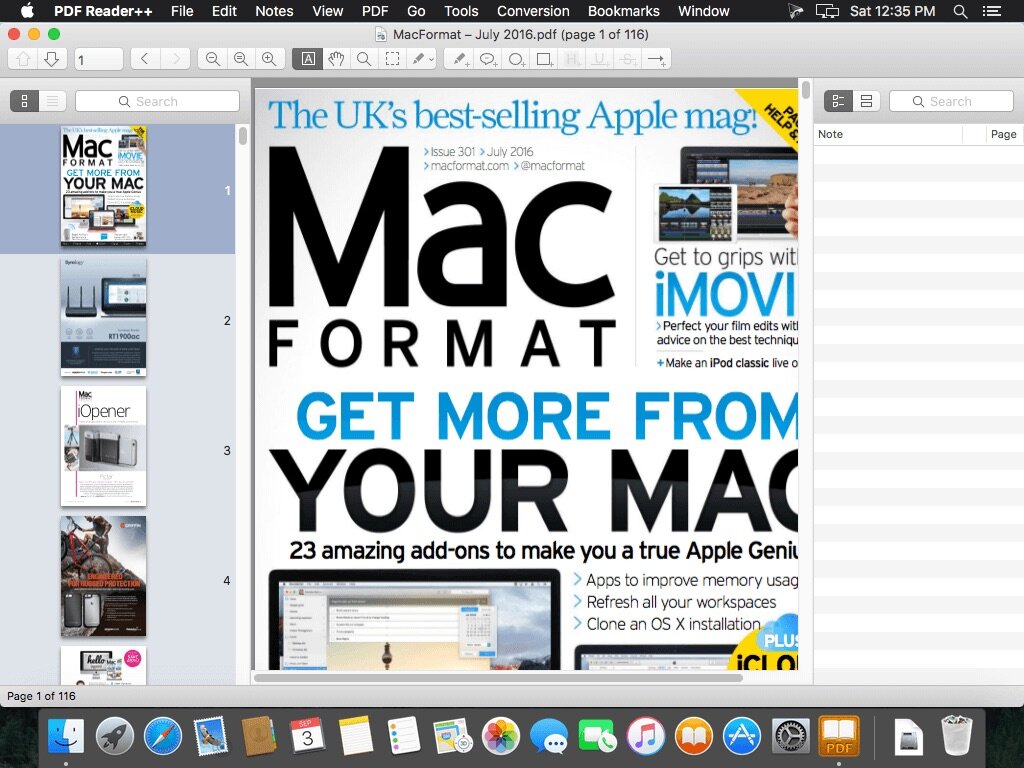
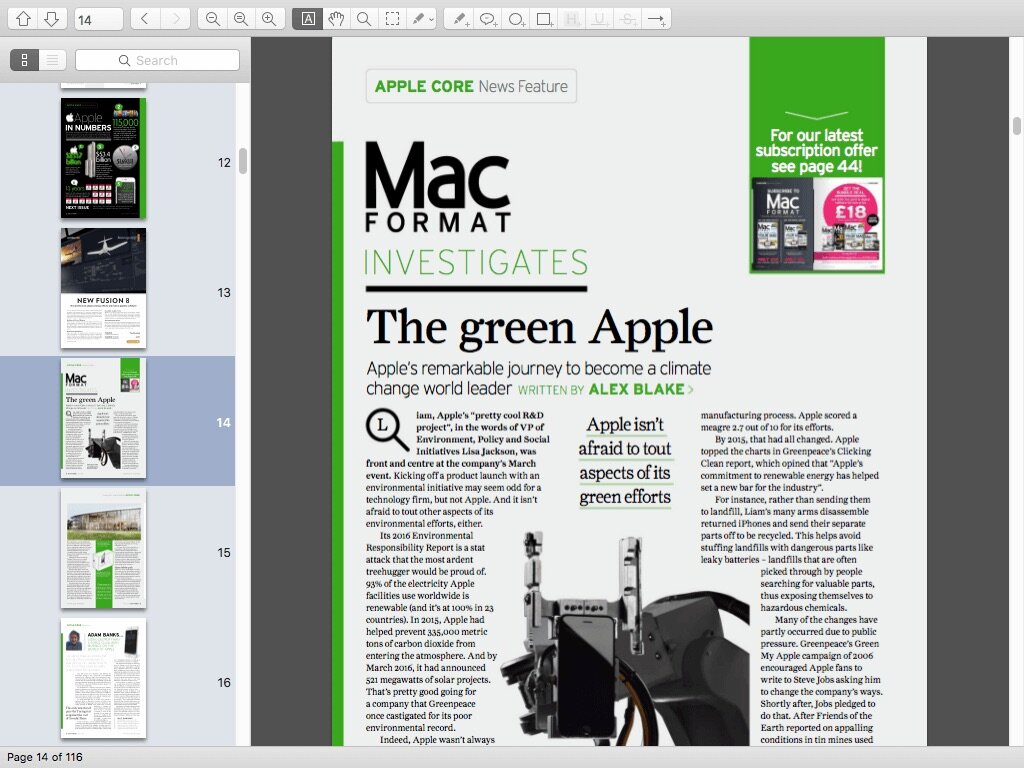
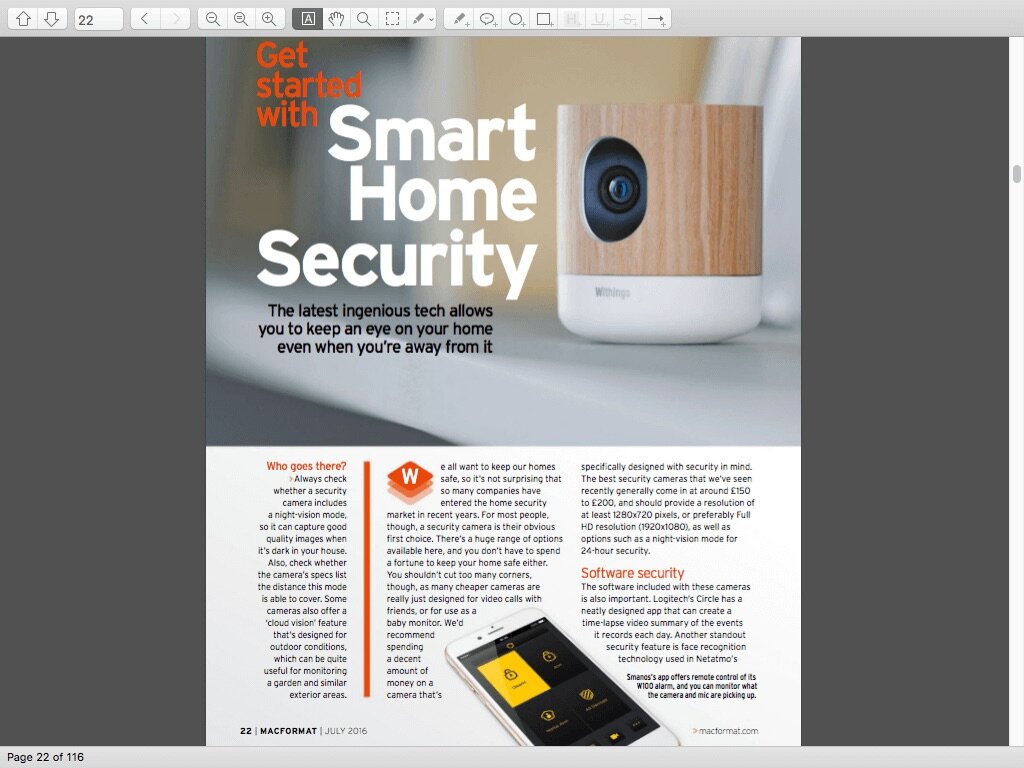
PDF Reader++ is a PDF reader, note-taker, PDF Splitter, PDF merger and PDF converter for OS X. It is designed to help you viewing any PDF file, adding and editing notes, split pdf, merge pdf, convert pdf to image format such as jpg, png, tiff, gif, bmp, convert pdf to html, extract text from PDF.
Some of its features include the ability to view and bookmark PDFs, highlight and underline selectable PDF text, and a Full Screen and Presentation mode. It also allows the adding of circles and boxes, as well as being able to embed and edit notes.
Just like in Preview, you can search, scan, and zoom through PDFs, but you also get some custom features for your workflow, like:
- pdf split
- pdf merge
- adding and editing notes
- convert pdf to jpg, convert pdf to png, convert pdf to tiff, convert pdf to gif, convert pdf to bmp, convert pdf to html, convert pdf to text
- bookmarks
- saving passwords in Keychain
- export notes as text
- facilitates reading PDFs with full screen mode, many zoom shortcuts, reading bar
- easy searching
- list all hits with page number and marks them clearly in the text after selection
- paper-like annotation including colour-highlighting, underlining, circles, boxes, full sticky notes, and anchored sticky notes that expand when clicked
- dedicated pane listing your notes; searchable and hot-linked
- giving presentations
- compress and email PDFs as attachments with one click
- text-to-speech supported
- thumbnails view
- cropping
- rotating
- and more.
Frequently asked questions
How do I install the app?
Mount the image, drag the app into the "Applications" folder and launch it. If the system blocks the launch, allow it in "System Settings → Privacy & Security".
The app is damaged or won't launch
Reinstalling from a fresh image usually helps. Make sure your macOS version matches the one listed in the compatibility specs.
How do I update?
Download the new version from the site and install it over the current one — your settings will be preserved.
The download link doesn't work
Try a mirror or a download manager. For large files the browser often drops the connection.
How do I completely remove the app?
Use an uninstaller utility — it cleans up the service files that remain after moving the app to the trash.

Choose a download source
PDF Reader++ v1.59 · 9.87 MB