
Wondershare PDF Editor 5.5.3
Screenshots
Click to enlarge
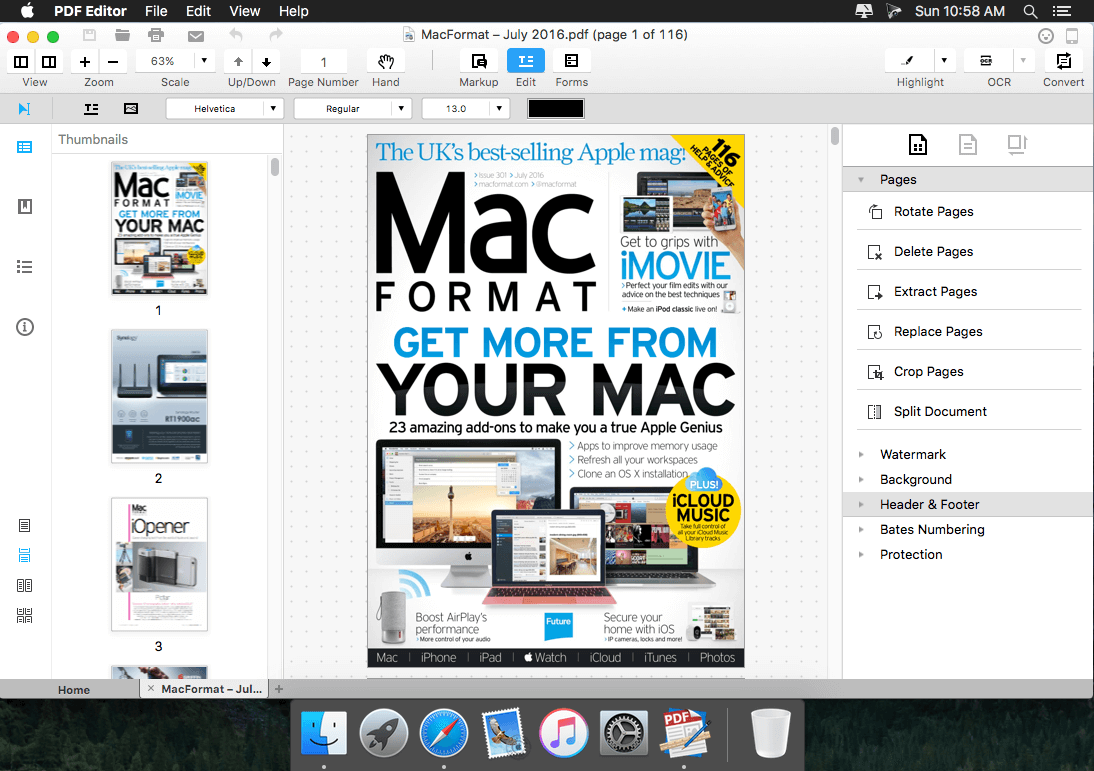
Wondershare PDF Editor Pro allows you to edit PDF files effortlessly. It's easy to correct mistakes and typos in original PDF: just use the Touchup Tool to select the text you want to edit, and double click on the text blocks, you can easily correct mistakes and typos.
What's the difference between PDF Editor Pro and PDF Editor?:
- PDF Editor Pro supports OCR (Optical Character Recognition), with which PDF Editor Pro can make scanned PDF files editable and searchable.
- PDF Editor Pro enables conversion of PDFs to Multiple Formats. For example, it can convert PDF files to Word, Excel, PowerPoint, EPUB, HTML and Text with text, images, tables, columns, etc. preserved after conversion.
Main features of PDF Editor Pro:
Insert, adjust, and remove images in a PDF:
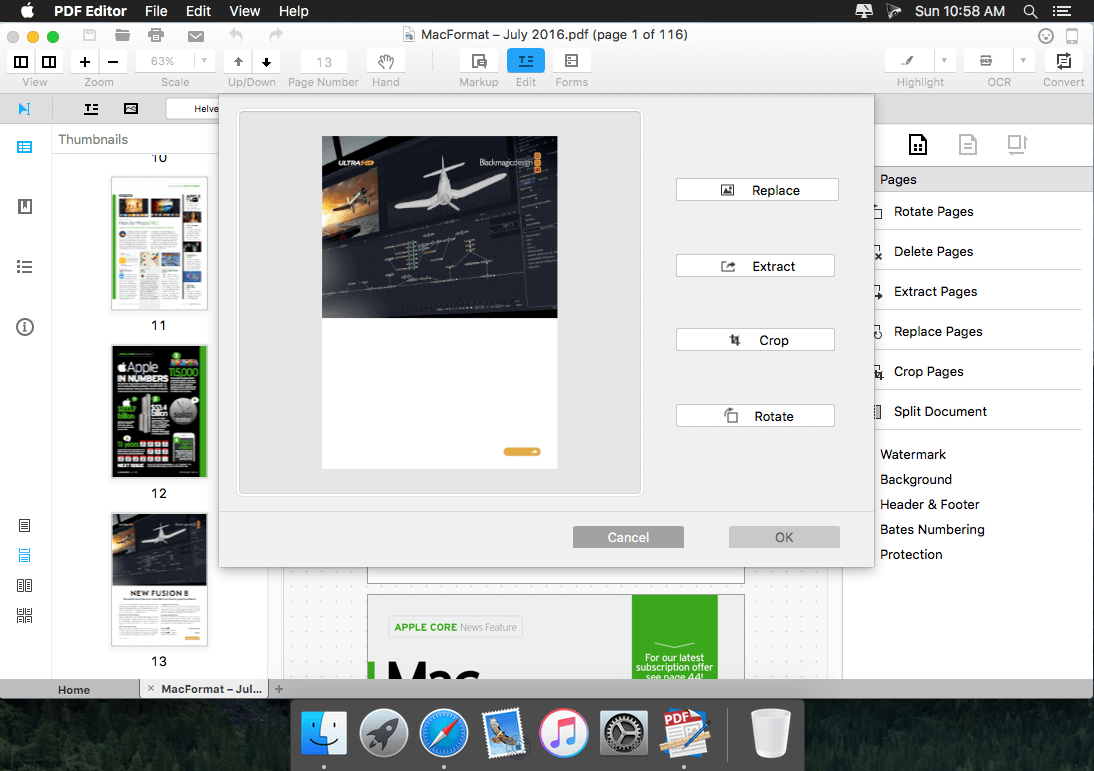
Customize the toolbar of PDF Editor Pro for Mac and you can quickly find the Insert Image and Crop Image icon, which can let you edit images in a PDF easily.
Edit scanned PDF without effort:
PDF Editor Pro for Mac can perform OCR (Optical Character Recognition) on your scanned document to make the text editable and searchable.
Export PDF to other editable document formats:
Click the Convert icon on the toolbar and you can easily export PDF to Word, Excel, PowerPoint, EPUB, HTML, and Text for editing and reuse. After performing OCR with PDF Editor Pro for Mac, you can also convert scanned PDF to the editable formats you need.
- Release notes were unavailable when this listing was updated.
Comments
No comments yet. Be the first.
Information
Visitors in the group Guests cannot leave comments on this publication.