GIF Maker Movavi 1.0
Do you like to post GIFs in social networks, add them to your presentations, or use them in other projects? If you’re looking for an easy-to-use program that will help you make animated GIF images, GIF Maker Movavi is just what you need! With this software, you can quickly create GIFs from online videos, movies, music clips, presentations, or anything else playing on your Mac’s screen.
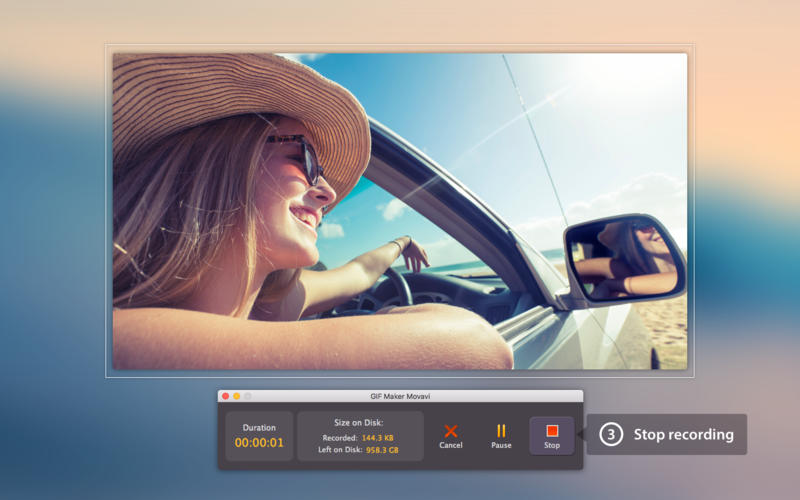
Now you can make a GIF in just minutes: capture a short video from your browser, media player, desktop, or application, save the result in GIF format, then use your new animated image any way you want.
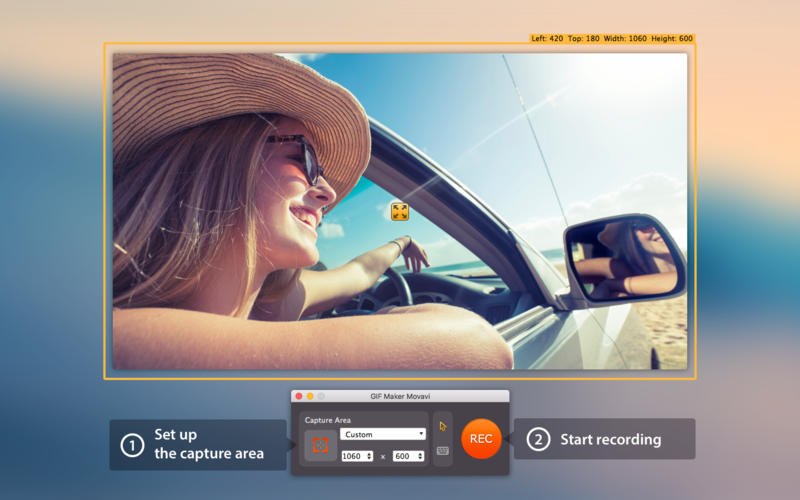
Select the area you want to use for your GIF: you can go full screen or adjust the recording frame by hand to capture a particular area.
You can even include keyboard and mouse actions in your GIF – a handy feature if you’re planning to embed GIFs in a presentation or how-to sequence.
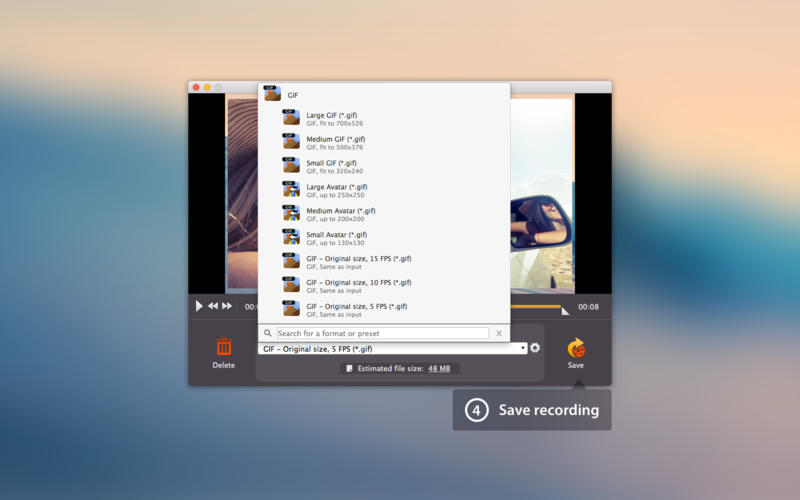
Fine-tune your GIF before saving: cut unnecessary material from the beginning and/or end of the recording, choose the resolution, even set the optimal quality (frame rate) for the output file.
Key features:
- Make GIFs from online videos, movies, or any other screen activity
- Adjustable capture area: make GIFs from full screen video or a selected screen area
- Include mouse and keyboard actions in the GIFs
- Basic editing: trim and fine tune recorded GIFs
- Adjustable quality: choose your frame rate before saving
- Flexible size: choose the resolution for your GIFs
- Simple and intuitive interface
SCREENSHOTS
Frequently asked questions
How do I install the app?
Mount the image, drag the app into the "Applications" folder and launch it. If the system blocks the launch, allow it in "System Settings → Privacy & Security".
The app is damaged or won't launch
Reinstalling from a fresh image usually helps. Make sure your macOS version matches the one listed in the compatibility specs.
How do I update?
Download the new version from the site and install it over the current one — your settings will be preserved.
The download link doesn't work
Try a mirror or a download manager. For large files the browser often drops the connection.
How do I completely remove the app?
Use an uninstaller utility — it cleans up the service files that remain after moving the app to the trash.
VersionGIF Maker Movavi 1.0
Developer© 2016 Movavi
CompatibilityOS X 10.6 or later, 64-bit processor
LanguageMultilangual
IncludesPre-K'ed


Information
Visitors in the group Guests cannot leave comments on this publication.
Choose a download source
GIF Maker Movavi 1.0 · 44.05 MB