
Education Templates (for Pages) 2.0
© Nobody LLC
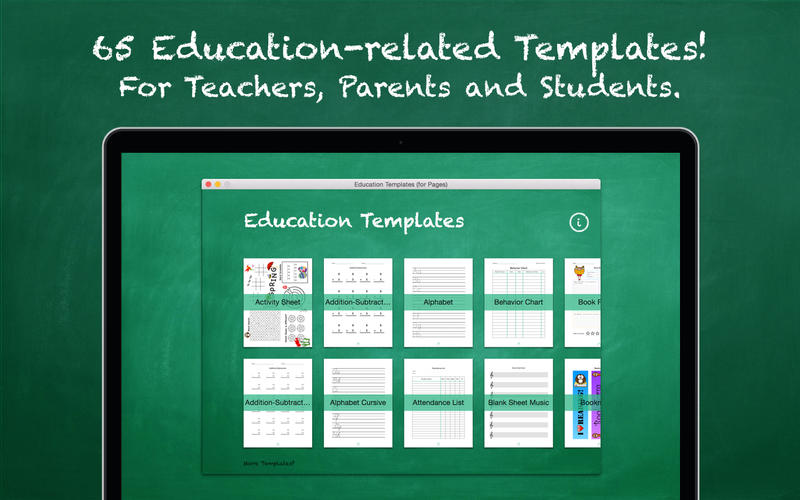
Education Templates (for Pages) is a valuable add-on for Apple's Pages app and provides 65 useful education-related templates.
CONTENT
- Activity Sheet
- 2x Addition-Subtraction Worksheet
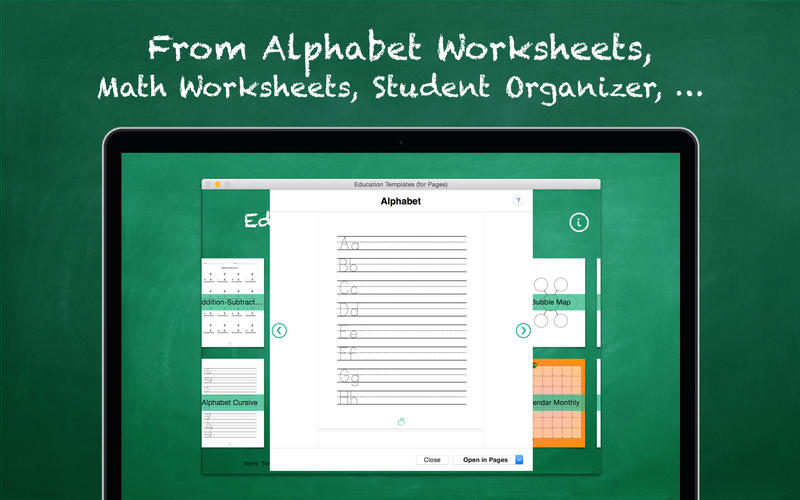
- Alphabet Worksheet
- Alphabet Cursive Worksheet
- Attendance List
- Behavior Chart
- Blank Sheet Music
- Book Report
- Bookmarks
- Bubble Map
- Calendars: Monthly + 2x Yearly
- 3x Certificates
- Color Wheel
- Count By Twos - Even/Odd Numbers
- Course Syllabus
- Daily Lesson Plan
- Detention Slip
- Ecological Pyramid
- Flashcards
- "Getting to know you" Sheet
- Goal Setting Sheet
- Gold Star Chart
- Homework Record
- Index Cards
- Journal Entry
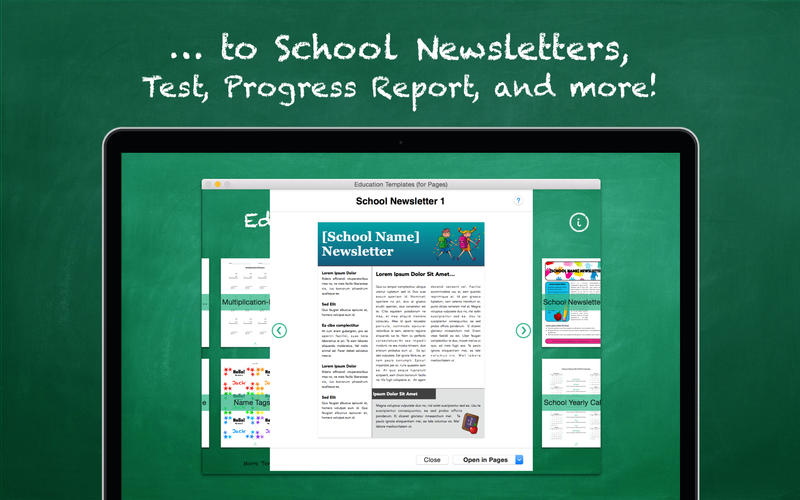
- Midterm Progress Report
- Multiplication-Division Worksheet
- Multiplication Table
- 2 x Name Tags
- Numbers Worksheet
- Paper Types: 2x Graph Paper + 2x Ruled Paper
- Parts of Speech
- Periodic Table of the Elements
- Permission Slip
- 2x School Newsletter
- School Calendar
- Scroll Paper
- Sign In Sheet
- Sign Up Sheet
- Solar System
- Student Organizer
- Student Welcome Letter
- Test
- 2x Thank You Cards
- Think Web
- Timeline
- Timetable
- US States Map
- 2x Venn Diagram
- Weekly Lesson Plan
- Weekly Planning Guide
- What Time Is It?
- World Map
Screenshots
Frequently asked questions
How do I install the app?
Mount the image, drag the app into the "Applications" folder and launch it. If the system blocks the launch, allow it in "System Settings → Privacy & Security".
The app is damaged or won't launch
Reinstalling from a fresh image usually helps. Make sure your macOS version matches the one listed in the compatibility specs.
How do I update?
Download the new version from the site and install it over the current one — your settings will be preserved.
The download link doesn't work
Try a mirror or a download manager. For large files the browser often drops the connection.
How do I completely remove the app?
Use an uninstaller utility — it cleans up the service files that remain after moving the app to the trash.
Information
Visitors in the group Guests cannot leave comments on this publication.
Choose a download source
Education Templates (for Pages) 2.0 · 98.39 MB