
Business Templates (for Pages and Numbers) 2.0.1
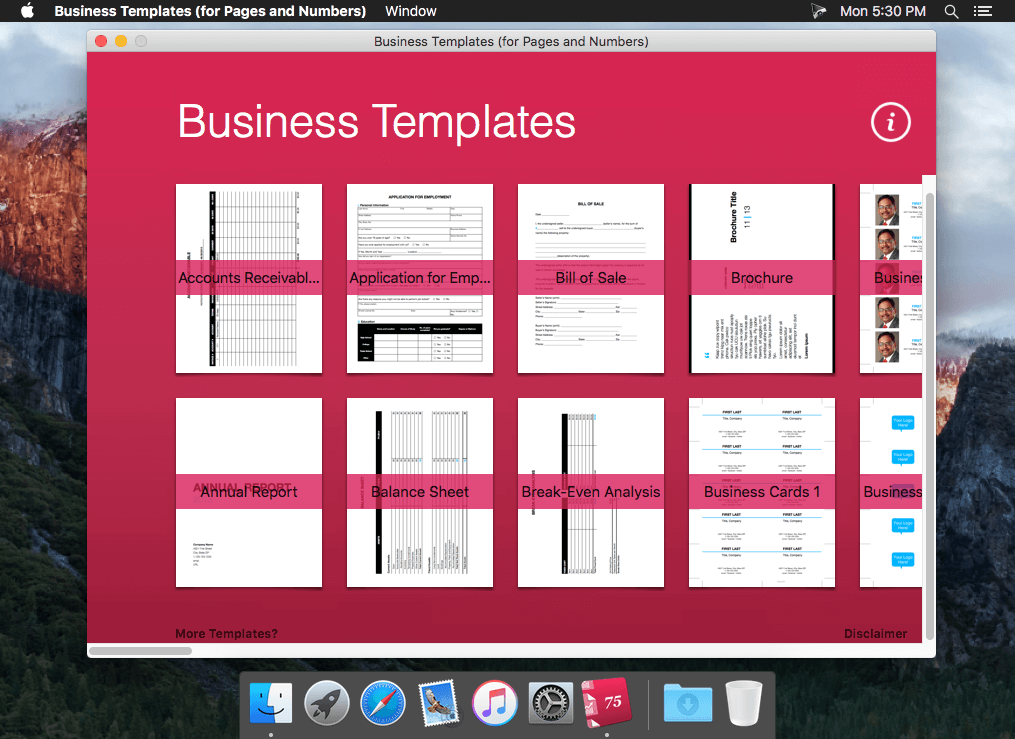
Business Templates (for Pages and Numbers) is a valuable add-on for Apple's Pages and Numbers apps. It provides 75 professional business-oriented templates, in a coherent design.
42 TEMPLATES FOR PAGES
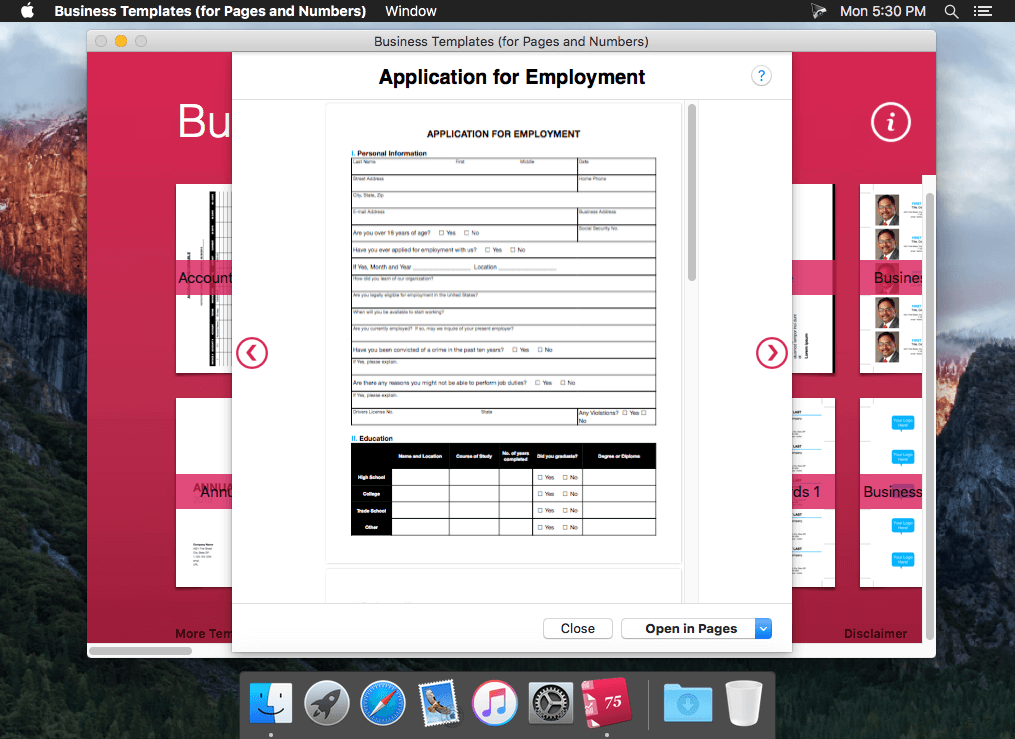
Annual Report, Application for Employment, Bill of Sale, Brochure, 3x Business Cards, Case Study, Consulting Contract, Business Plan, Cash Advance Request Form, Clothing Tag, Contractor Proposal Bid Form, Coupons, Cover Letter, Customer Satisfaction Survey, Envelope, Fax Cover Sheet, Flyer, Graph Paper, Indemnity Agreement, Index Cards, Installation of Goods Contract, Job Description, Joint Venture Agreement, Letter, Meeting Agenda, Meeting Minutes, Name Tags, Newsletter, Non Disclosure Agreement, Partnership Agreement, Power of Attorney, Project Proposal, Promissory Note, Receipt, Residential Lease, Resume, Ruled Paper, Simple Contract, To Do List, Will.
33 TEMPLATES FOR NUMBERS
Accounts Receivable/Payable, Balance Sheet, Break-Even Analysis, Calendar-Monthly, Calendar-Yearly, Cash Flows, Customer List, Depreciation Calculator, Employee Performance Review, Employee Warning Notice, Income Statement, Inventory List, Invoice, Job Estimate, Loan Amortization, Loan Comparison, Mortgage Calculator, Net Worth, Order Form, Payroll, Pay Stub, Profit and Loss, Project Cost, Project Proposal, Project Timeline, Registration Form, Return on Investment, Taxable Income, Time Cards, Travel Expense Report, Vehicle Inspection Report, Vehicle Maintenance Log, Weekly Schedule.
Screenshots

Frequently asked questions
How do I install the app?
Mount the image, drag the app into the "Applications" folder and launch it. If the system blocks the launch, allow it in "System Settings → Privacy & Security".
The app is damaged or won't launch
Reinstalling from a fresh image usually helps. Make sure your macOS version matches the one listed in the compatibility specs.
How do I update?
Download the new version from the site and install it over the current one — your settings will be preserved.
The download link doesn't work
Try a mirror or a download manager. For large files the browser often drops the connection.
How do I completely remove the app?
Use an uninstaller utility — it cleans up the service files that remain after moving the app to the trash.
VersionBusiness Templates (for Pages and Numbers) 2.0.1
Developertill konitzer © 2015, Nobody LLC
CompatibilityOS X 10.10 or later, 64-bit processor
LanguageEnglish
IncludesPre-K'ed





Information
Visitors in the group Guests cannot leave comments on this publication.
Choose a download source
Business Templates (for Pages and Numbers) 2.0.1 · 37.48 MB