Macxvideo AI 3.16.0
Macxvideo AI: AI video suite, video converter, and editor for Mac
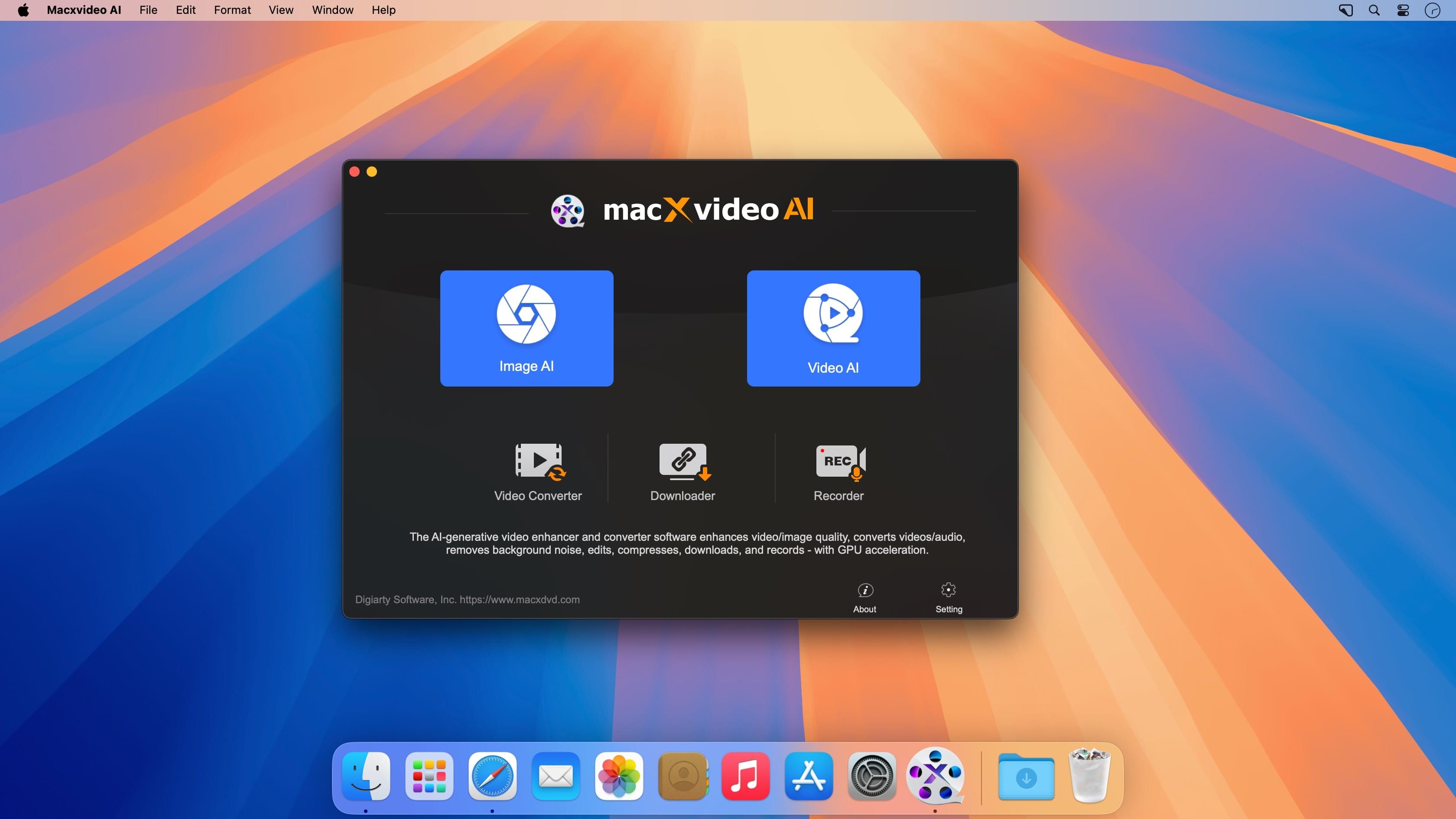
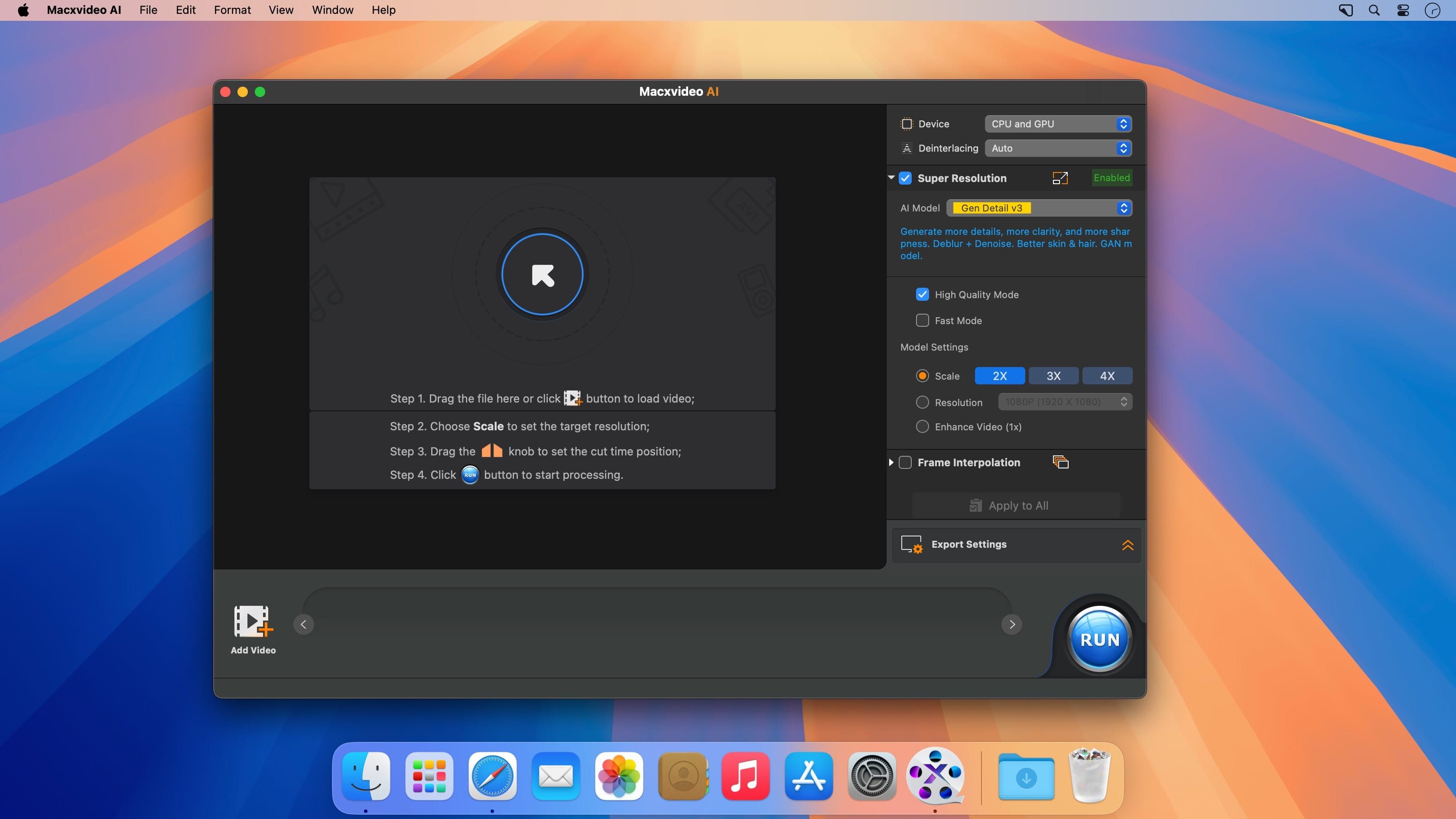
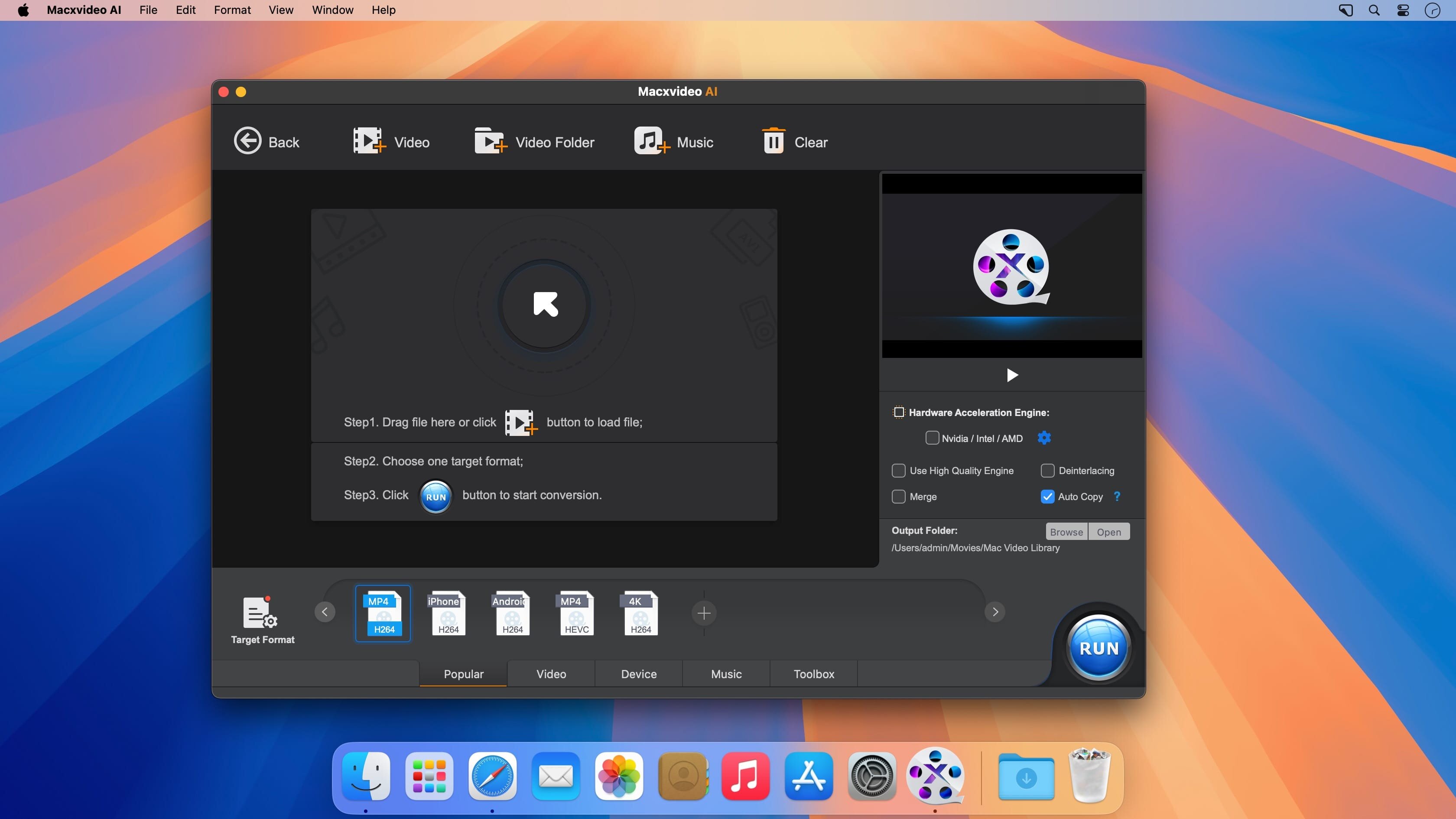
Macxvideo AI 3 turns your Mac into a complete video studio. Enhance footage with AI, convert it for any device, and get your work done fast without slowing down your computer.
- AI Super Resolution upscales video up to 4X, up to 4K, so old or low-res footage looks sharp and clear.
- Automatic noise and blur removal gives you cleaner, more immersive video without manual touch-ups.
- 370+ input and 420+ output formats (MP4, HEVC, AV1, MOV, MKV, AAC) mean your videos play on any device.
- Full GPU acceleration delivers up to 47X faster conversion while keeping CPU usage under 2%, so your Mac stays responsive.
- 4K/8K downscaling and codec transcoding let old and new video formats play smoothly, no compatibility issues.
- Direct support for iPhone, GoPro, DJI, Canon, and DVD/Blu-ray footage means you can convert straight from the source, no extra steps.
- Built-in compression, screen recording, and editing tools cover your whole video workflow in one app.
- Release notes were unavailable when this listing was updated.
Frequently asked questions
How do I install the app?
Mount the image, drag the app into the "Applications" folder and launch it. If the system blocks the launch, allow it in "System Settings → Privacy & Security".
The app is damaged or won't launch
Reinstalling from a fresh image usually helps. Make sure your macOS version matches the one listed in the compatibility specs.
How do I update?
Download the new version from the site and install it over the current one — your settings will be preserved.
The download link doesn't work
Try a mirror or a download manager. For large files the browser often drops the connection.
How do I completely remove the app?
Use an uninstaller utility — it cleans up the service files that remain after moving the app to the trash.

Choose a download source
Macxvideo AI 3.16.0 · 238.73 MB
Previous versions
Macxvideo AI 3.16.0
Previous versions are available to registered users.