
FliFlik KleanOut for Photo 6.3.0
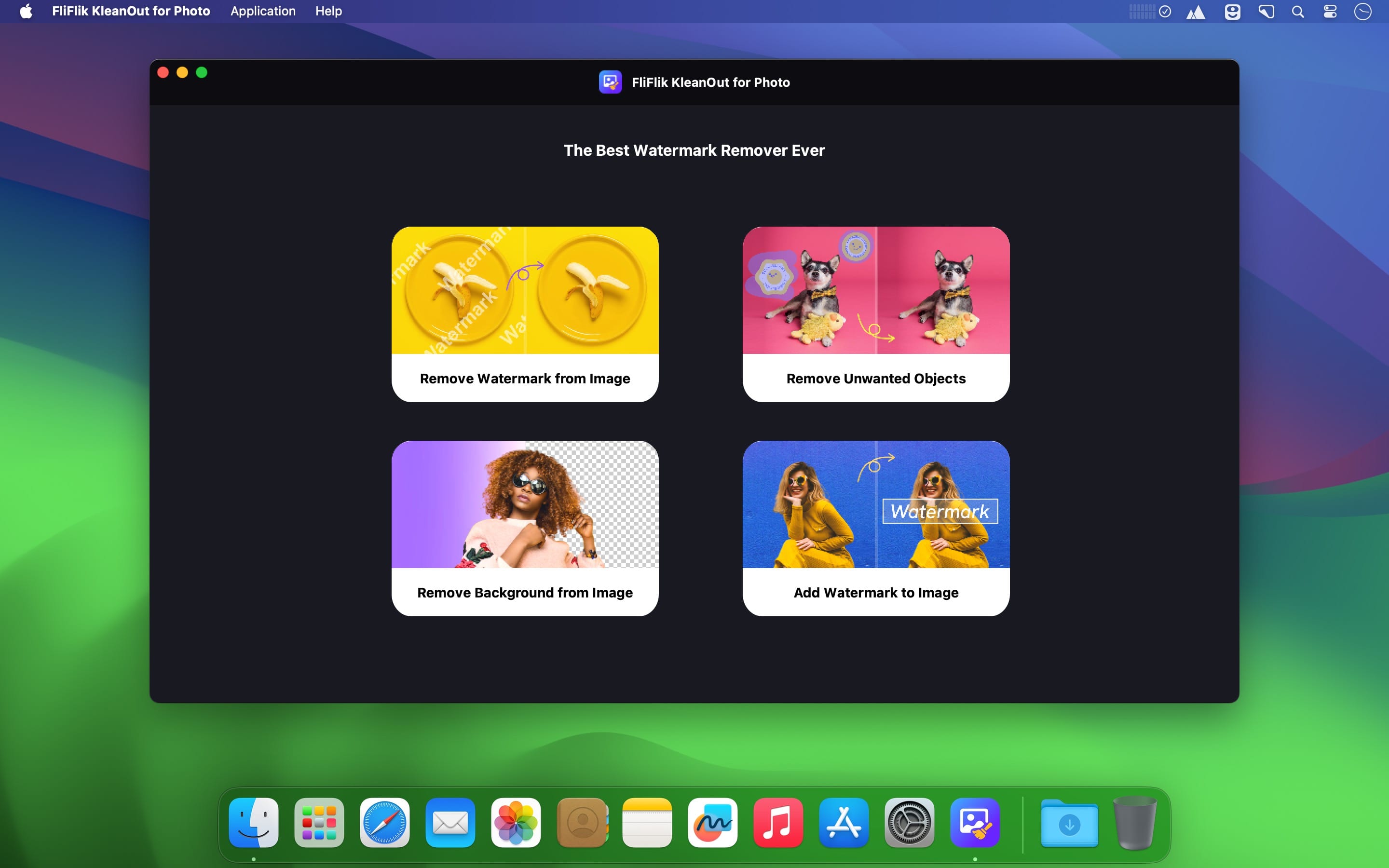
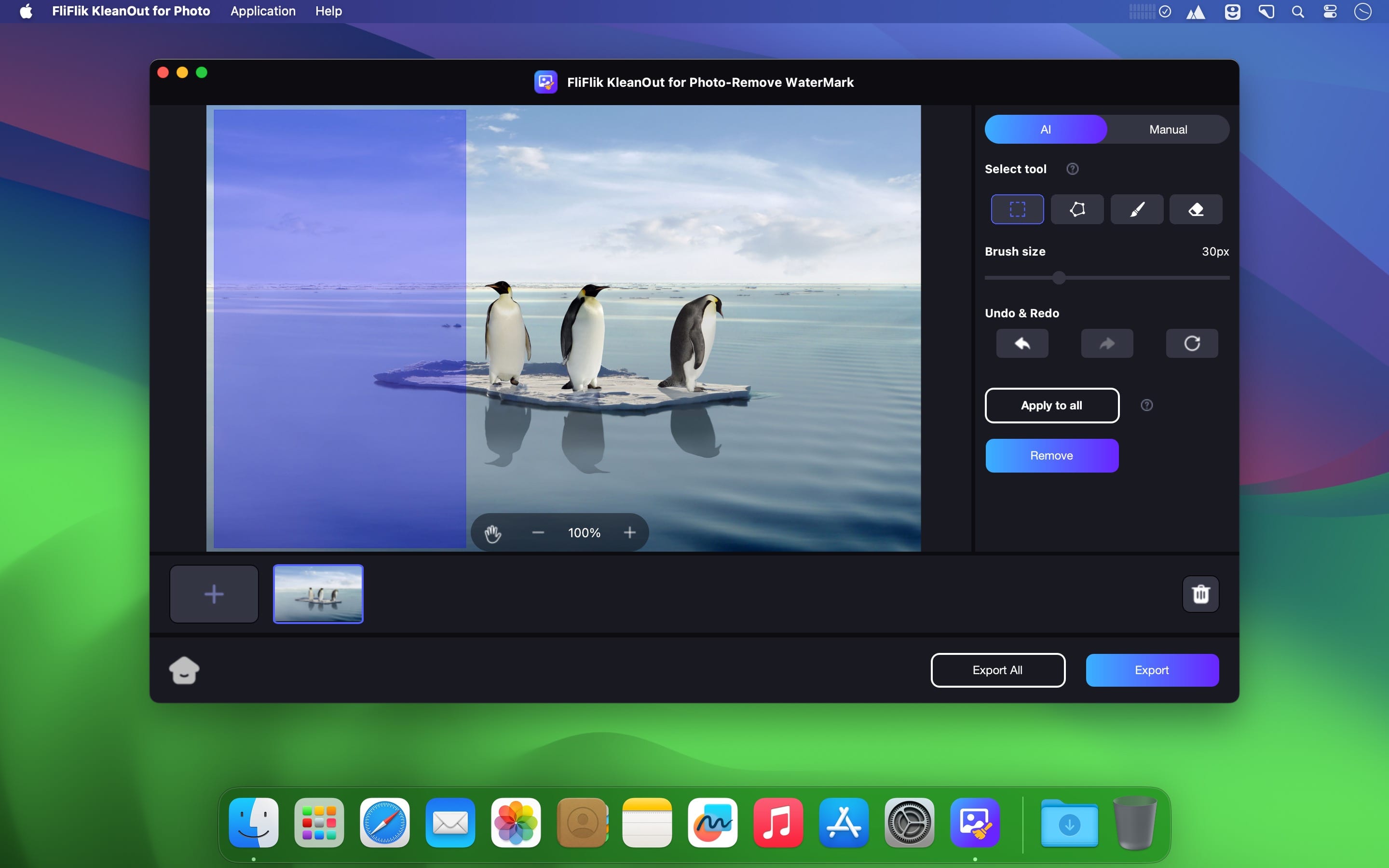
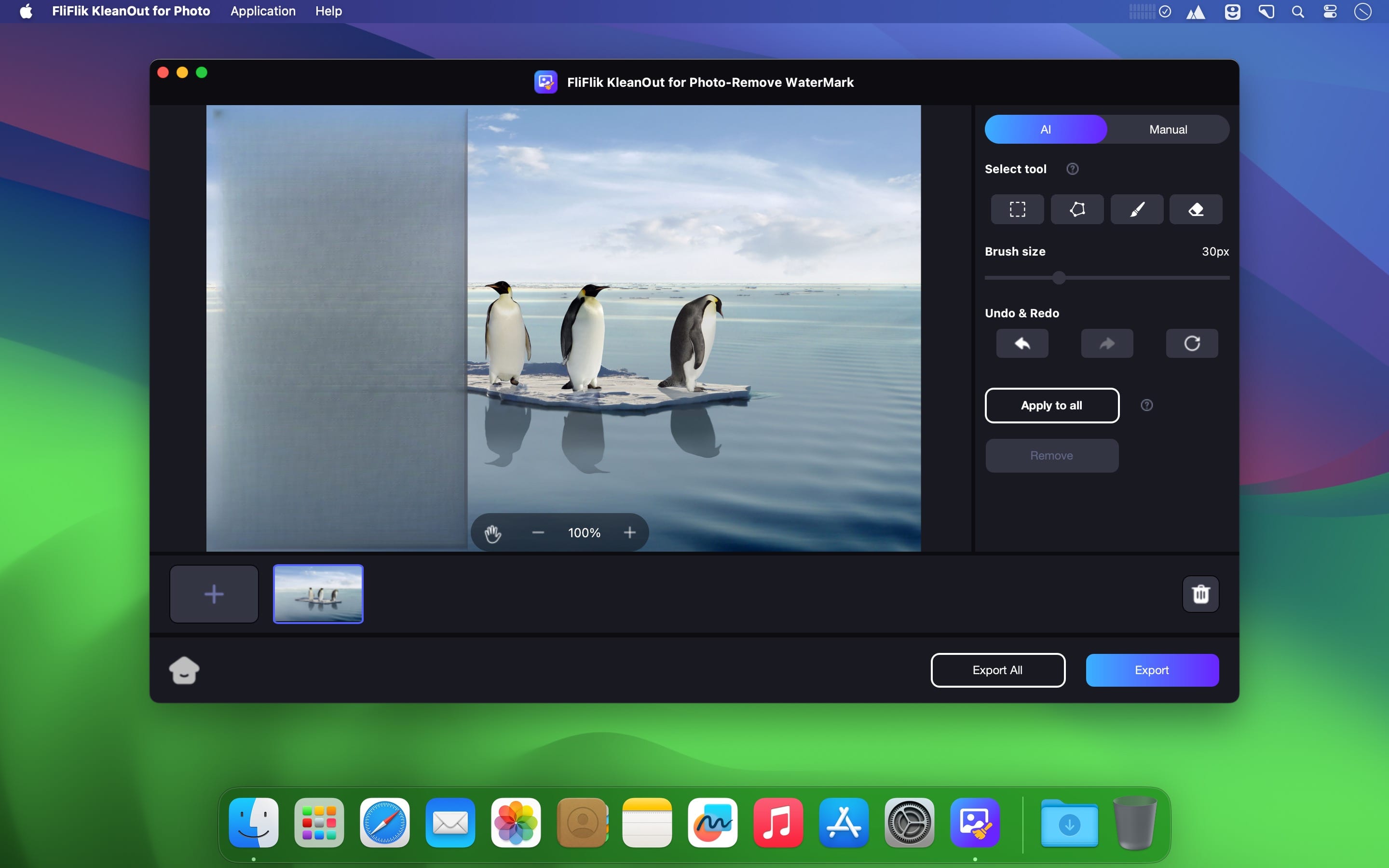
AI Remove Anything from Your Photo with KleanOut. Our one-of-a-kind photo editor, KleanOut for Photo, is here to save the day! You can remove any watermark, clear picture background, or even change background for a photo n in a simple way..
- Import and ecport different image formats such as JPG, JPEG, PNG, BMP, TIFF, TIF and more
- Remove watermark from image
- Remove object/background from photo
- Seamless AI filling
- High-quality output
Version 6.3.0:
- Updates: official site does not provide any info about changes in this version
Frequently asked questions
How do I install the app?
Mount the image, drag the app into the "Applications" folder and launch it. If the system blocks the launch, allow it in "System Settings → Privacy & Security".
The app is damaged or won't launch
Reinstalling from a fresh image usually helps. Make sure your macOS version matches the one listed in the compatibility specs.
How do I update?
Download the new version from the site and install it over the current one — your settings will be preserved.
The download link doesn't work
Try a mirror or a download manager. For large files the browser often drops the connection.
How do I completely remove the app?
Use an uninstaller utility — it cleans up the service files that remain after moving the app to the trash.
Choose a download source
FliFlik KleanOut for Photo 6.3.0 · 826.2 MB