
inPixio Photo Cutter 1.5.92
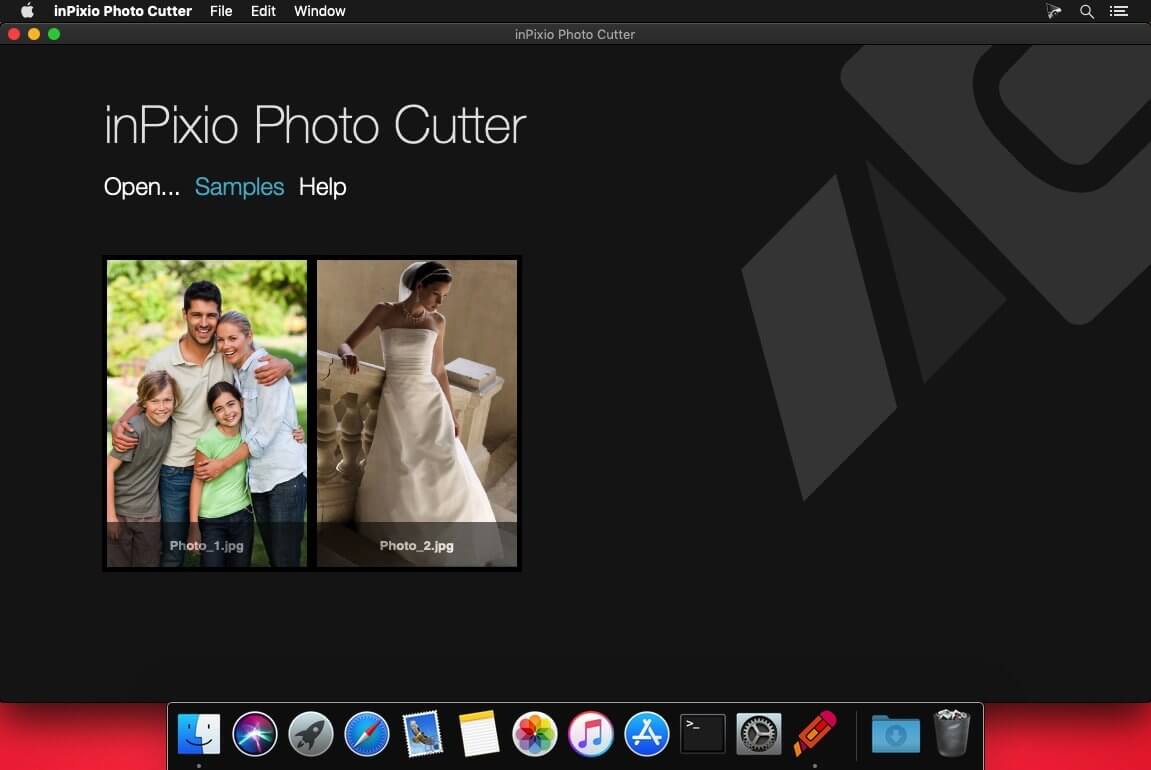


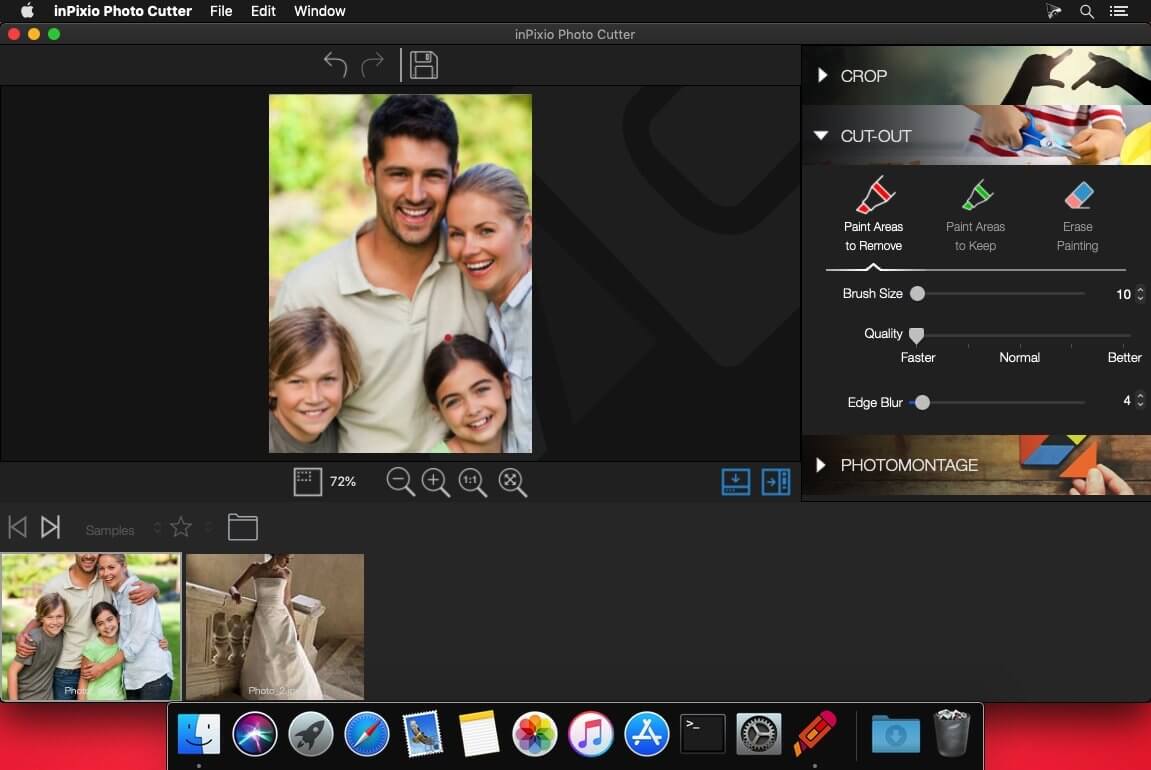
Photo enthusiasts often wish there were digital scissors and that unsightly backgrounds could be removed without affecting the quality of the image. This is where InPixio Photo Cutter 8 comes into its own, the perfect affordable and user-friendly solution for anyone wanting to change their background quickly and easily. Photo Cutter includes a versatile digital cutting tool, which can be used to crop out any details, people, objects, or even entire scenes in photos.
With InPixio Photo Cutter, Cut-out any detail, person, object or landscape element from your photos. Select the shape of the object thanks to the cursor or the background to remove, Photo Cutter algorithm runs automatically! You can also use the “retention” cursor for important details to keep and get a successful clipping! Even fine details such as hair can be removed with amazing precision. Then simply paste the cut objects on any background to make collages or photomontages – in just 1-click!
Key Features:
- Remove Image Backgrounds
- Cutout Defined Objects Easily
- Compose Photo Montages
- Comes With Practical Tutorials
- Image cropping: the software incorporates seven pre-defined formats (format 16:9, 4:3, etc.) or you can define your own
- Image formats supported: Jpeg and TIFF (8-bit or 16-bit), PNG, BMP, GIF and JpegXR
With Photo Cutter you can use these removed objects in other images to create photo-montages or collages.
Allowing you to create impressive photo-montages!
The interactive assistant and tutorials will guide you enhancing all your photos!
Cut-out like magic with Cutter
The edge smoothing allows you to intelligently smooth contours for a softer transition between the subject and the background, for even more successful integration into your photo-montage.
Lots of great reasons to try Photo Cutter for PC
- Image formats supported
- Jpeg and TIFF (8-bit or 16-bit), PNG, BMP, GIF and JpegXR
- Image cropping
- The software incorporates seven pre-defined formats (format 16:9, 4:3, etc.) or you can define your own.
- Compose Photo Montages
- Comes With Practical Tutorials
- Cut-out Defined Objects Easily
- Remove Image Backgrounds
Frequently asked questions
How do I install the app?
Mount the image, drag the app into the "Applications" folder and launch it. If the system blocks the launch, allow it in "System Settings → Privacy & Security".
The app is damaged or won't launch
Reinstalling from a fresh image usually helps. Make sure your macOS version matches the one listed in the compatibility specs.
How do I update?
Download the new version from the site and install it over the current one — your settings will be preserved.
The download link doesn't work
Try a mirror or a download manager. For large files the browser often drops the connection.
How do I completely remove the app?
Use an uninstaller utility — it cleans up the service files that remain after moving the app to the trash.
VersioninPixio Photo Cutter 1.5.92
DeveloperInPixio
CompatibilityOS X 10.11 or later, 64-bit processor
LanguageEnglish
IncludesPre-K'ed





Information
Visitors in the group Guests cannot leave comments on this publication.
Choose a download source
inPixio Photo Cutter 1.5.92 · 194.63 MB