
HitPaw Photo Object Remover 1.2.5
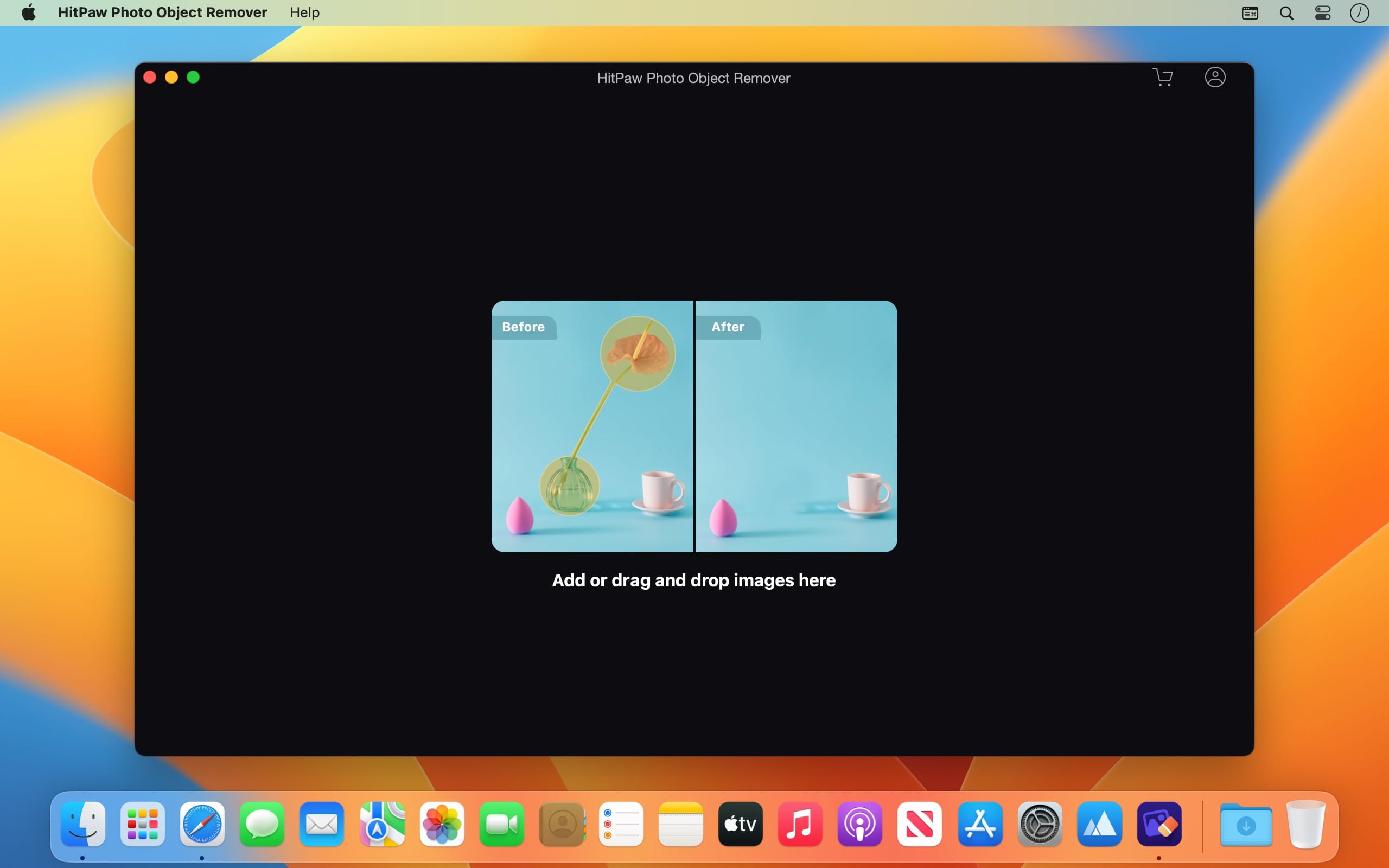

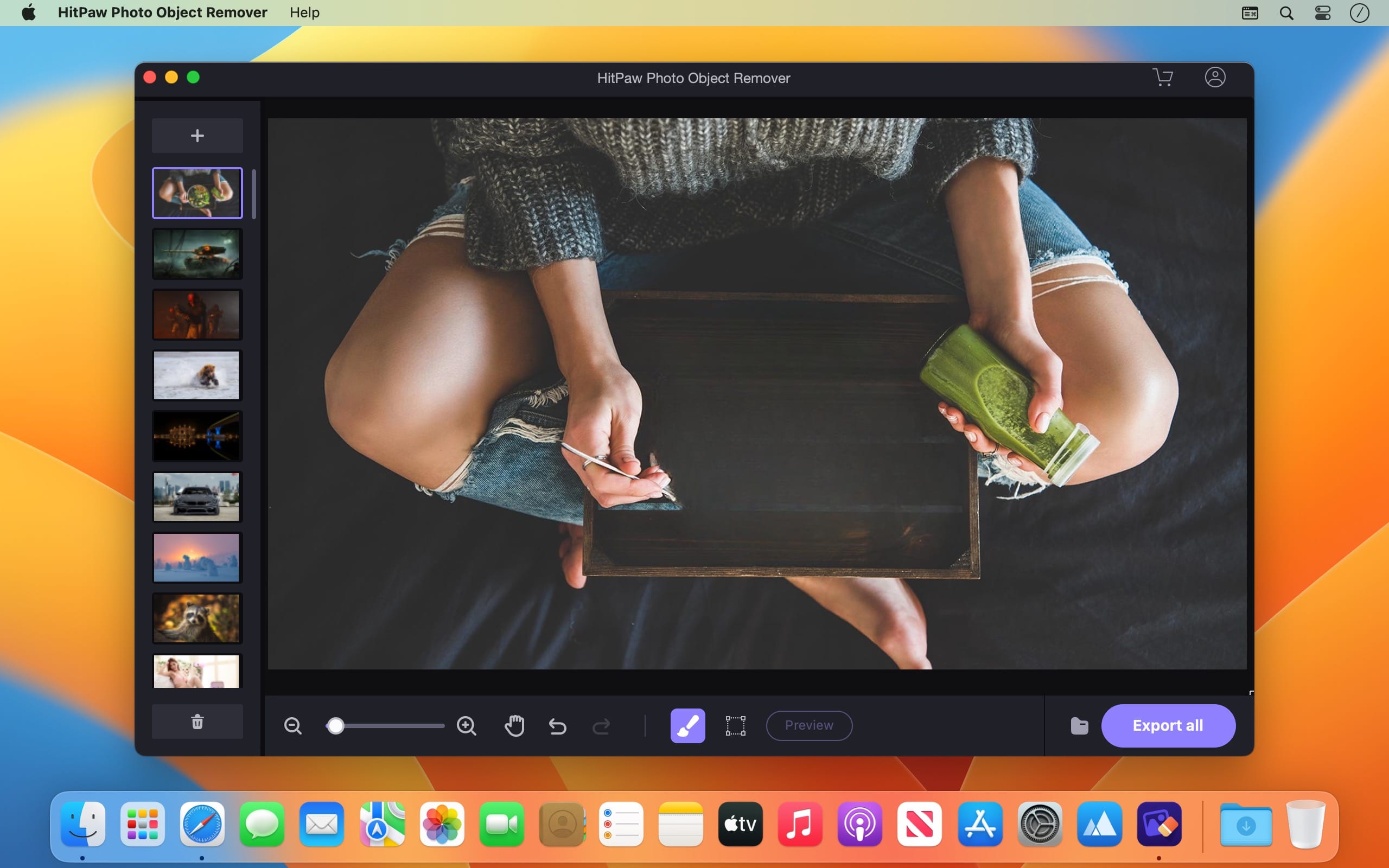
With AI-Power, HitPaw Photo Object Remover will automatically track and identify the objects and help you remove anything you want from photo in easy steps.
World-class AI Photo Object Remover
- Remove object from photo as easy as 1-2-3
- AI-powered to help remove unwanted objects in a blink
- Easily retouch photos by removing human, clutter and even shadow
- Fastest and most intuitive object remover ever
AI-Powered Technology to Remove Object from Portrait Photo
Locate objects and remove them with advanced AI technology, making your portrait photos stand out from the crowd. This is a must-have photo retouch tool for professional photographer labs.
• Remove Facial Blemishes
• Remove Wrinkles
• Erase Acnes & Freckles
• Remove Defects
Strong Neural Networks to Remove Object from General Photo
Harassed by the strangers appeared in your vacation travel photo? Try this incredible tool to remove strangers or travelers from photos with no professional technical skills required.
- Remove Strangers, Tourists, Bombers
- Remove Clutter
- Flexible Watermark Removal
- Remove Texts Intelligently
Inpainting Algorithm to Restore Old Photo
The fastest AI-powered object remover to repair old photos efficiently and vividly, carrying the scratches away as if they have never existed before.
- Remove Creases
- Remove Stains & Grain
- Spot Removal
- Repair Old Photos
One Click to Remove Objects Using This AI Eraser
Frequently asked questions
How do I install the app?
Mount the image, drag the app into the "Applications" folder and launch it. If the system blocks the launch, allow it in "System Settings → Privacy & Security".
The app is damaged or won't launch
Reinstalling from a fresh image usually helps. Make sure your macOS version matches the one listed in the compatibility specs.
How do I update?
Download the new version from the site and install it over the current one — your settings will be preserved.
The download link doesn't work
Try a mirror or a download manager. For large files the browser often drops the connection.
How do I completely remove the app?
Use an uninstaller utility — it cleans up the service files that remain after moving the app to the trash.



Choose a download source
HitPaw Photo Object Remover 1.2.5 · 302.59 MB
Previous versions
HitPaw Photo Object Remover 1.2.5
Previous versions are available to registered users.