
Easy File Organizer 3.3.3
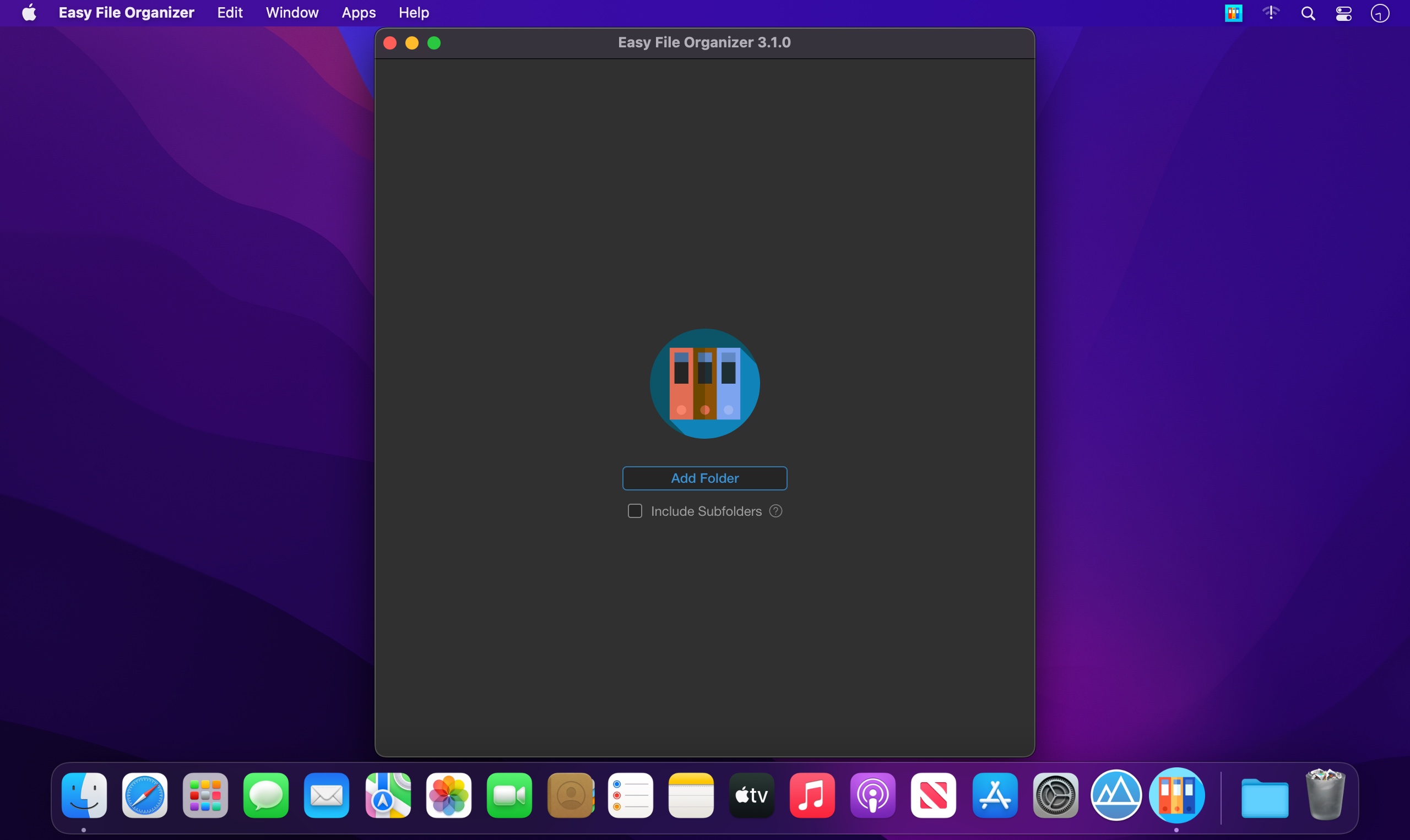
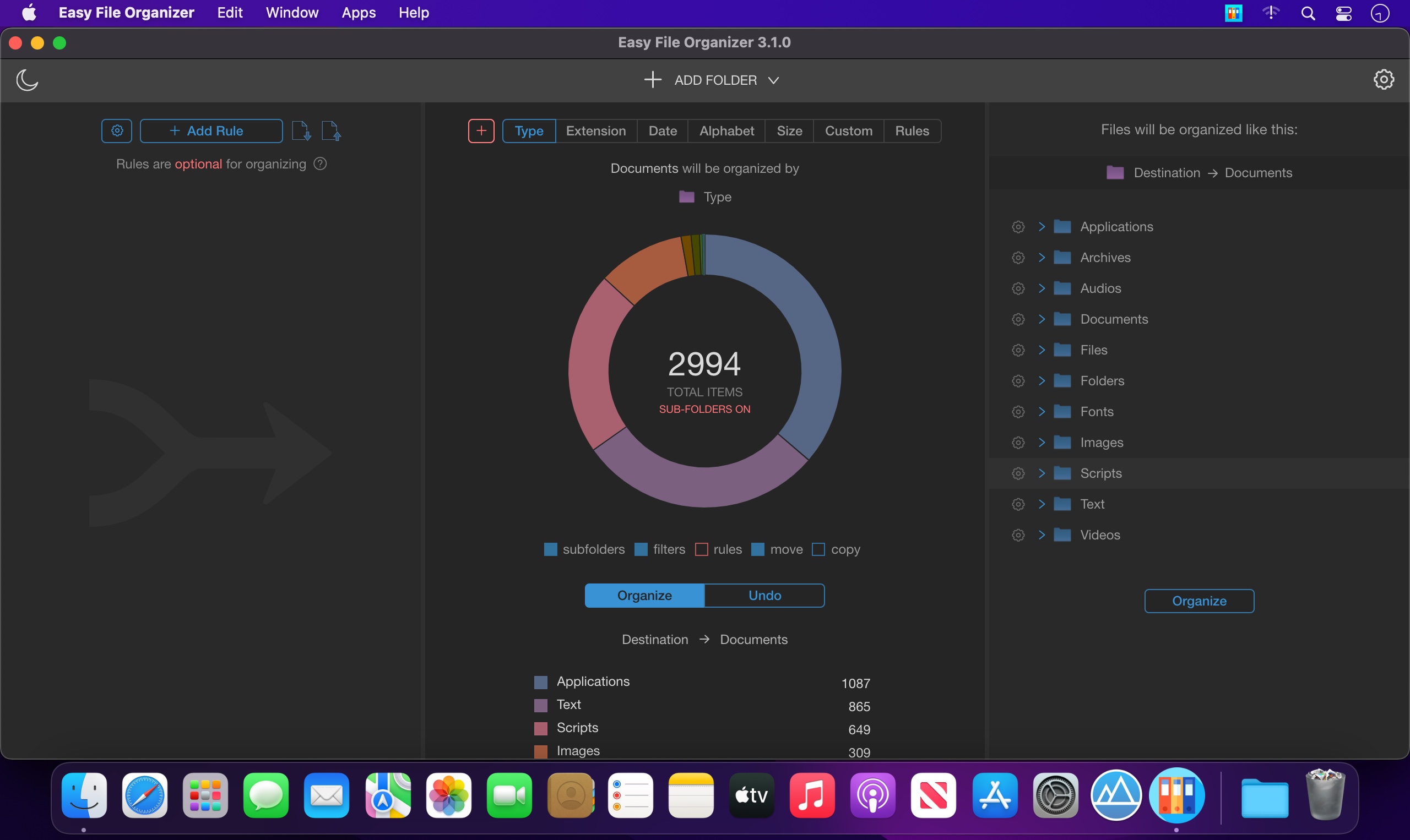
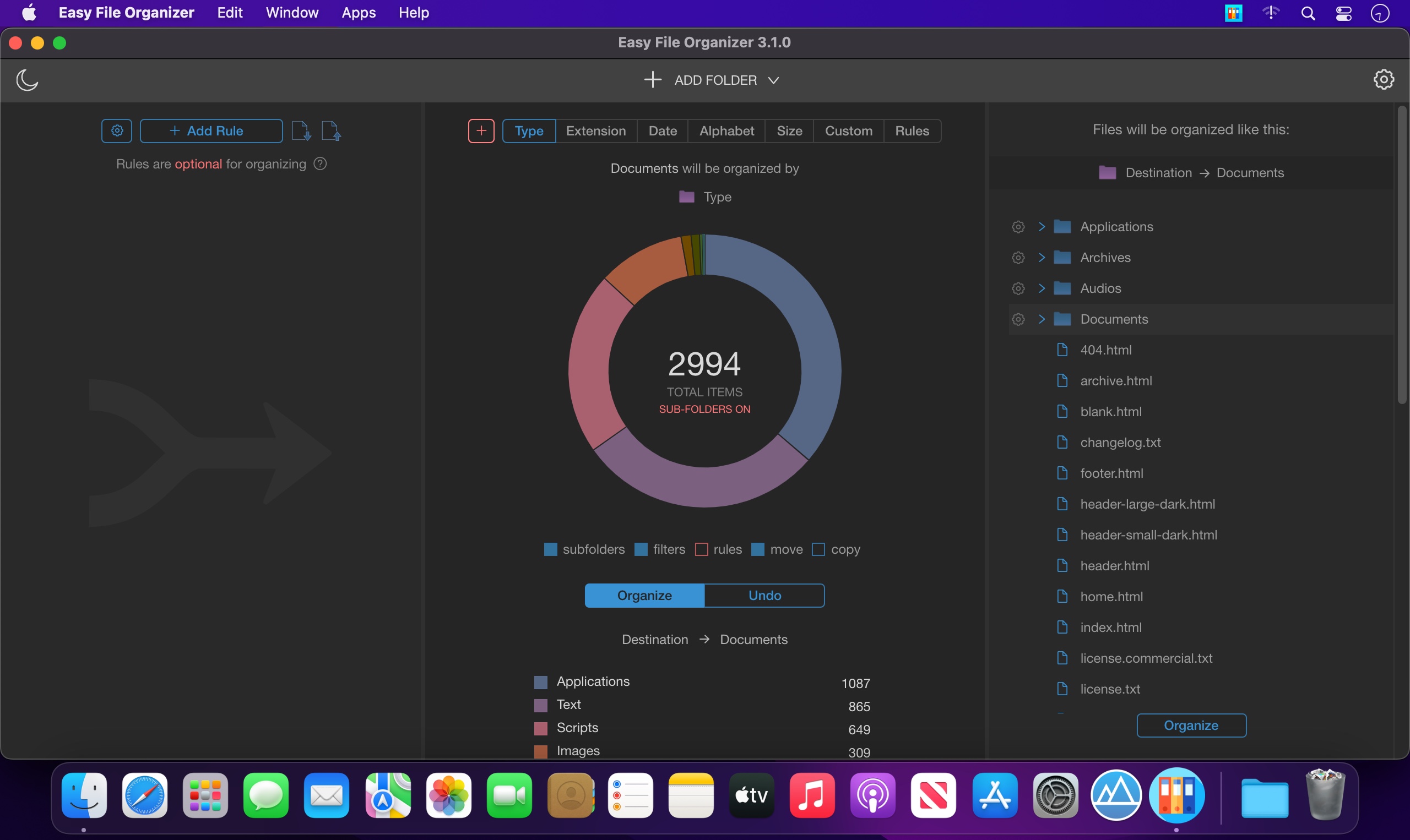
Easy File Organizer - This tiny, flexible, hard-working tool will help you to end the chaos of your unorganized files with a simple click and take your messy folders and Desktop under control.
All Features:
- Files Organizing
Organize any of your files in one click! - Photos Organizing
Organize photos by country or date taken! - Auto Organizing
Organize files automatically easily! - Music Organizing
Organize files by music tags - Content Organizing
Organize your documents by content! - Subfolders Organizing
Organize files from all subfolders with a simple click! - Custom Rules
Easily organize groups of files with custom rules! - Flexible Templates
Organize files into folders generated from file names. - Dark Mode
Supports Dark and Light themes! - Smart Filters
Organize preselected categories of files in a click. - Live Preview
Review your files before and after organizing. - External Drives
Organize files on external USB drives easily! - Tags Support
Organize files by tags! - Multi Level Subfolders
Auto-create multi-level subfolders with type, extension or date! - Batch Organizing
Organize thousands of files to smaller chunks - Metadata Organizing
Organize files by EXIF metadata - Organizing History
Be aware of how you organized all files in the past. - Always Reversible
You can undo your organized files to previous state anytime! - Easy to Use
Loved by happy users from 14 to 80 years old!
Version 3.3.3:
- Release notes were unavailable when this listing was updated.
Frequently asked questions
How do I install the app?
Mount the image, drag the app into the "Applications" folder and launch it. If the system blocks the launch, allow it in "System Settings → Privacy & Security".
The app is damaged or won't launch
Reinstalling from a fresh image usually helps. Make sure your macOS version matches the one listed in the compatibility specs.
How do I update?
Download the new version from the site and install it over the current one — your settings will be preserved.
The download link doesn't work
Try a mirror or a download manager. For large files the browser often drops the connection.
How do I completely remove the app?
Use an uninstaller utility — it cleans up the service files that remain after moving the app to the trash.




Choose a download source
Easy File Organizer 3.3.3 · 156.86 MB