
Disk Space Saver 2.6.1
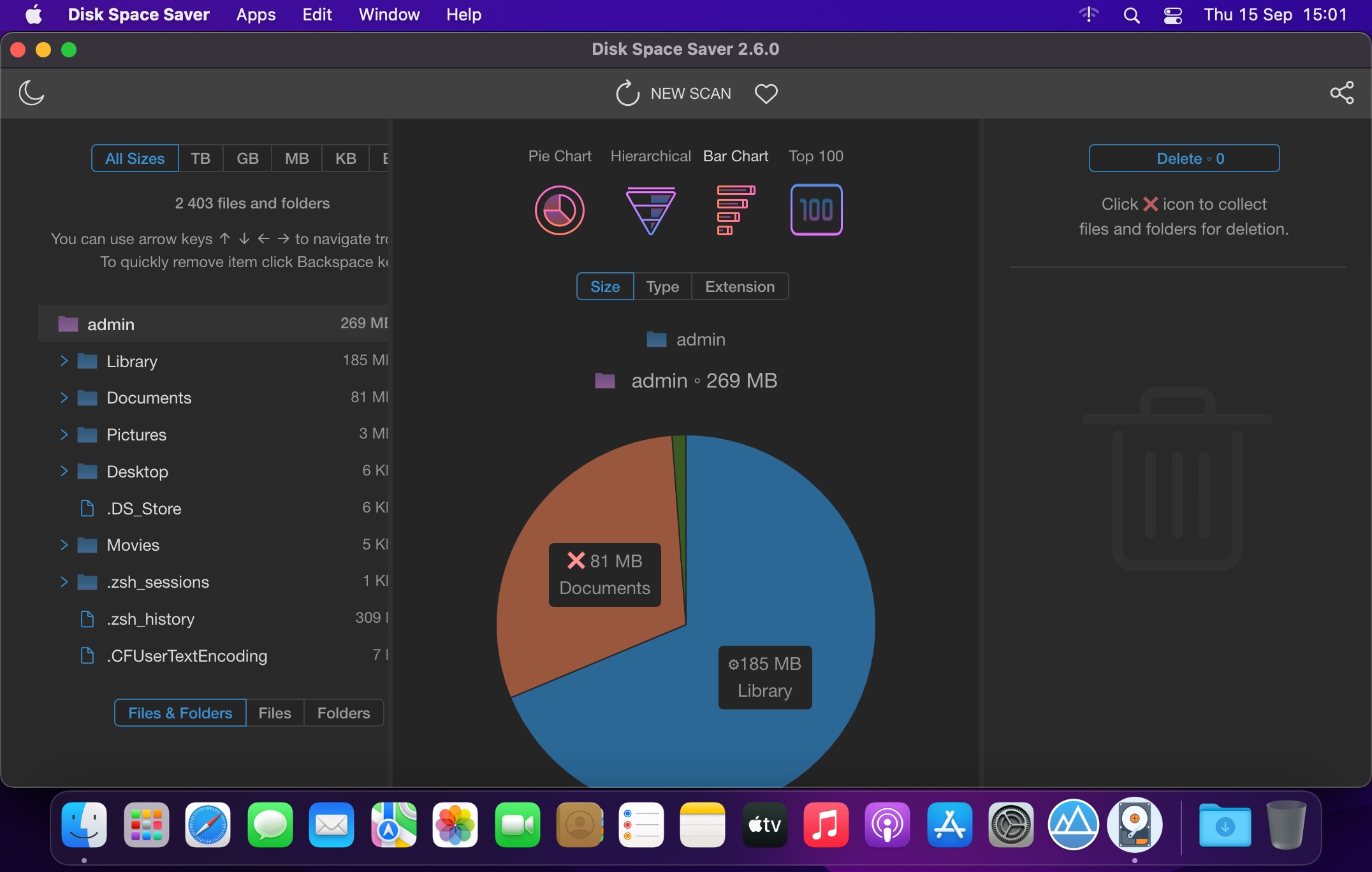
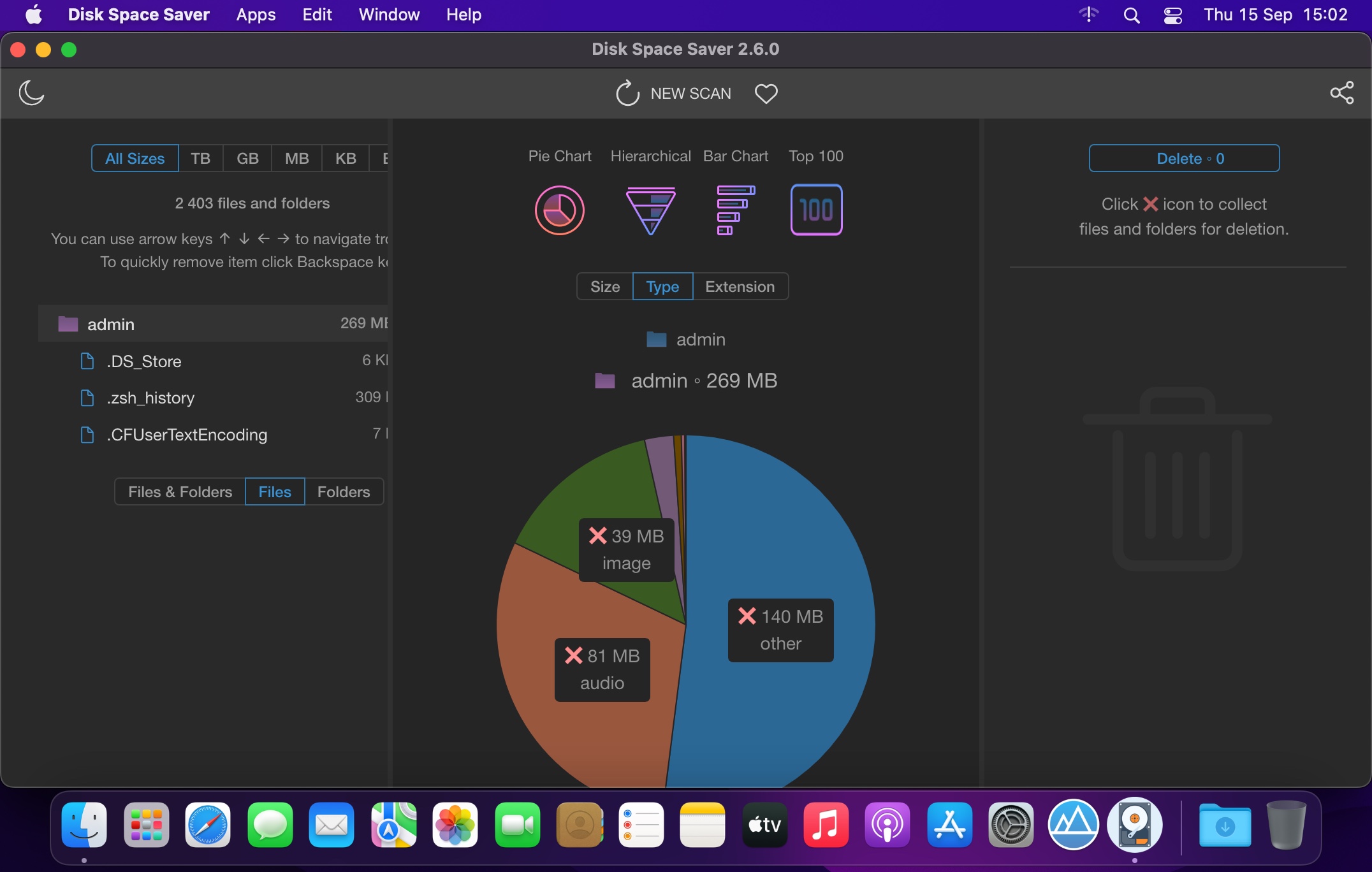

Disk Space Saver is a disk space analyzer, that will help you to find large space hogs on a hard drive in seconds! And free up disk space easily in a click!
The software visualizes all data on the hard drive so you can spot & delete large files and folders in a simple click. The hierarchical structure displays large space hogs inside any folder and its subfolders and allows you to navigate through them natively. Disk Space Saver is blazingly fast, intuitively simple, and is good to go as soon as downloaded!
All Features:
- Visual
Visual representation allows you easily spot and delete large files and folders - Human First
Human is unbeatable in making correct decisions on what to delete - Blazingly Fast
Scanning 1,000,000 files takes les than a minute! - Intuitively Simple
It is so simple as 1 2 3. For all ages and for all users! - Saves Hundreds of GBs
The user knows better what he doesn't need, and can free up hundreds of GBs! - Multiple Charts
Supports multiple charts for better disk content representation - Hierarchical
Hierarchical structure displays large space hogs inside any folder - Safe
Protect system files and folders from accidental removal.
Version 2.6.0:
- Release notes were unavailable when this listing was updated.
Frequently asked questions
How do I install the app?
Mount the image, drag the app into the "Applications" folder and launch it. If the system blocks the launch, allow it in "System Settings → Privacy & Security".
The app is damaged or won't launch
Reinstalling from a fresh image usually helps. Make sure your macOS version matches the one listed in the compatibility specs.
How do I update?
Download the new version from the site and install it over the current one — your settings will be preserved.
The download link doesn't work
Try a mirror or a download manager. For large files the browser often drops the connection.
How do I completely remove the app?
Use an uninstaller utility — it cleans up the service files that remain after moving the app to the trash.




Choose a download source
Disk Space Saver 2.6.1 · 139.06 MB