
DoYourData File Eraser Professional 3.9
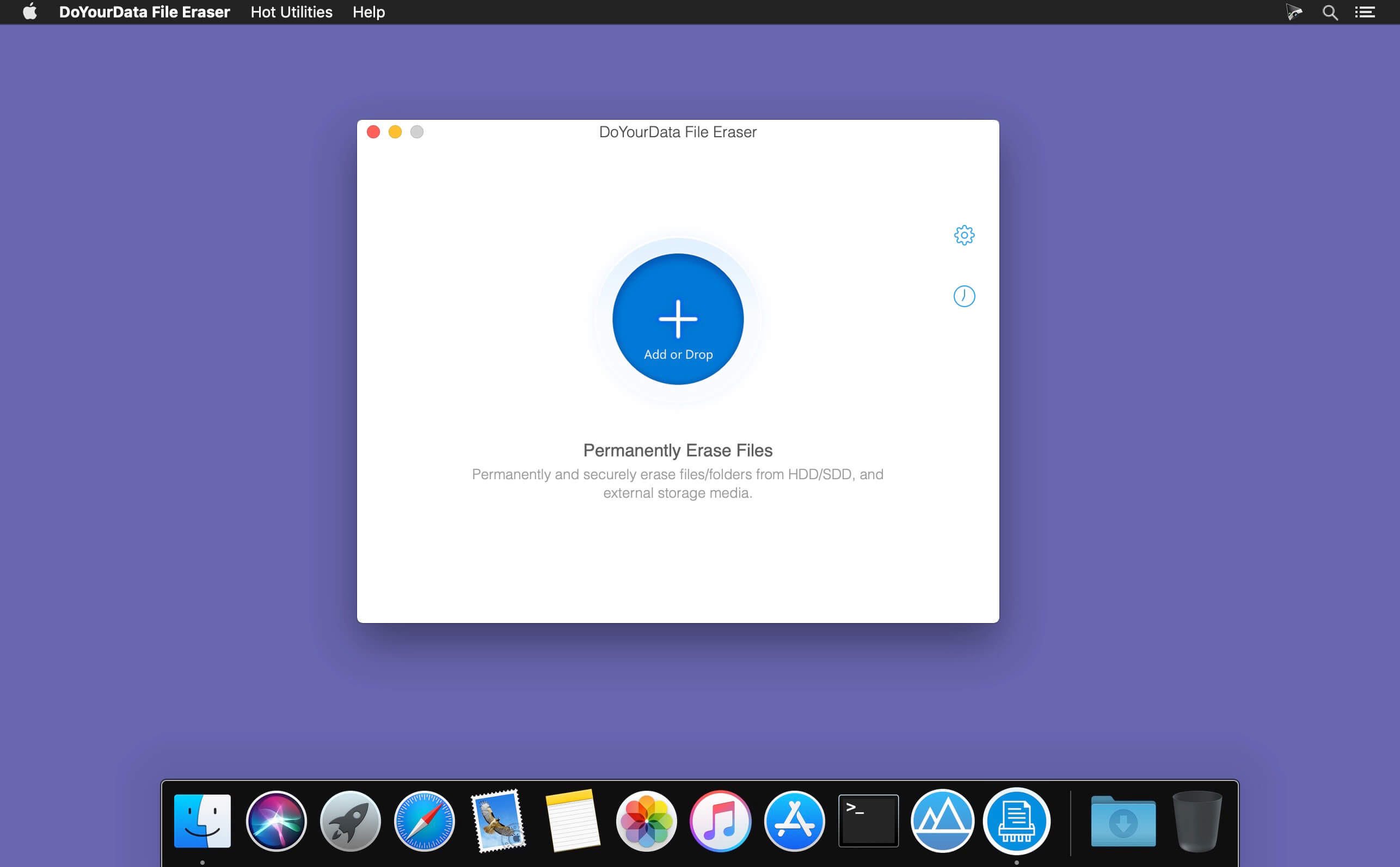
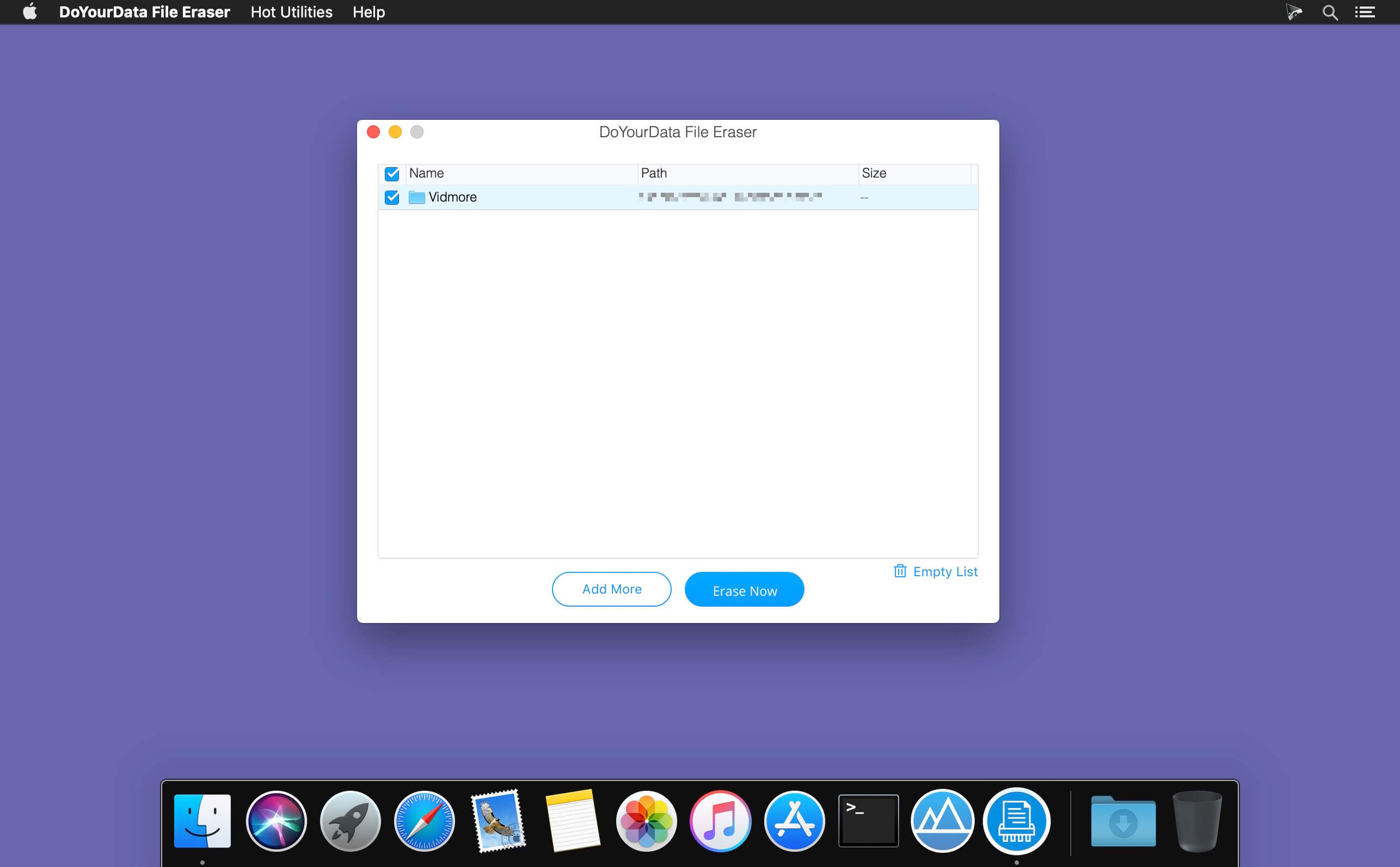
DoYourData File Eraser for Mac can help you securely and permanently shred files/folders from Mac computer, SSD, HDD, USB flash drive, memory card, digital camera and other storage device under Mac OS, making data recovery impossible.
Features:
- Permanently shred files from Mac computer, Mac hard drive.
- Permanently erase files from external hard drive, USB flash drive, memory card, and digital camera, etc.
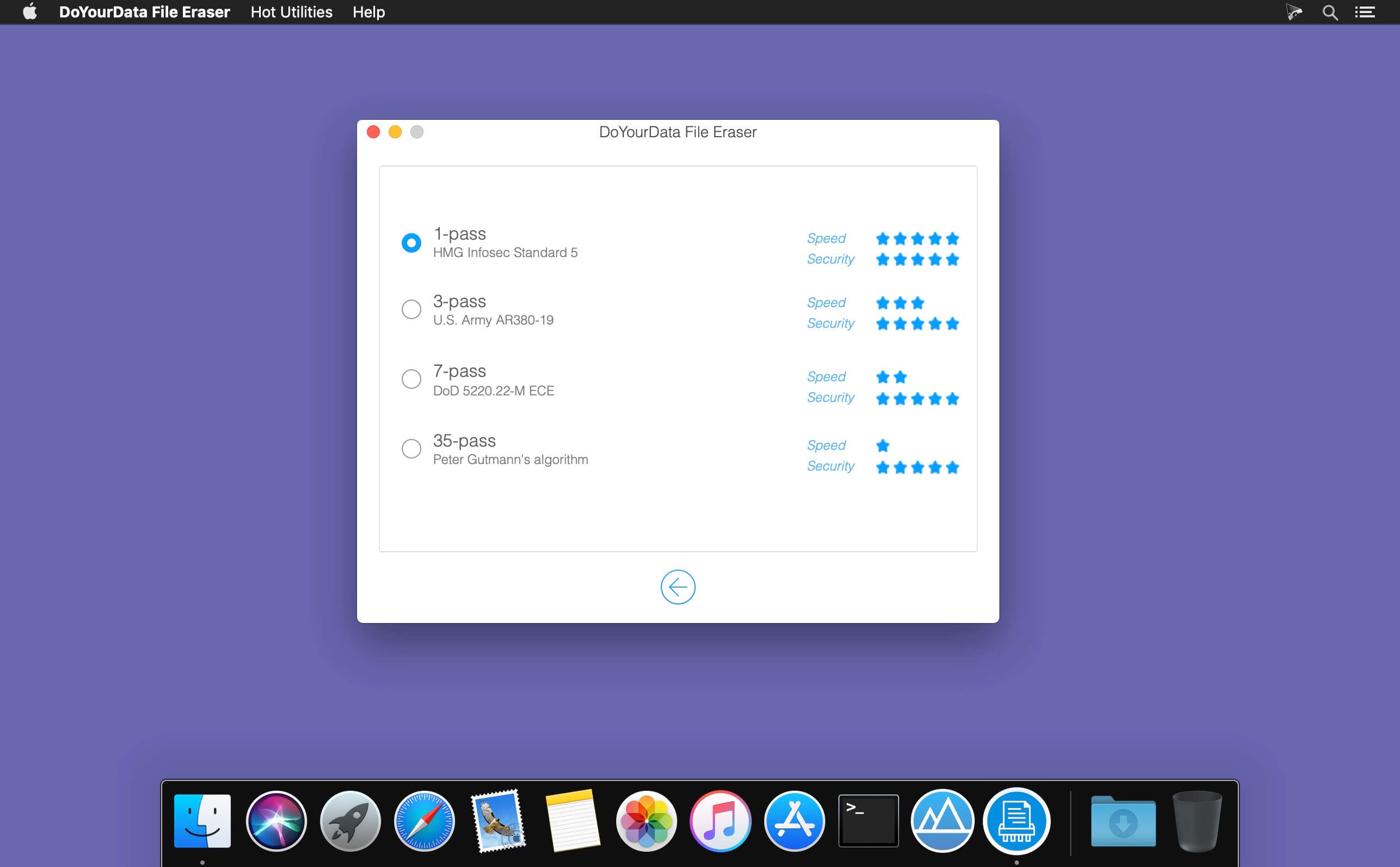
- Certified data erasure algorithms including HMG Infosec Standard 5 (1 pass); U.S. Army AR380-19 (3 passes); DOD 5220.22-M ECE (7 passes); Peter Gutmann's algorithm (35 passes).
- 100% safe and easy-to-use.
- Full erasure report.
- Once the files or folders are erased by DoYourData File Eraser for Mac, they are lost forever, can’t be recovered by any data recovery software.
Frequently asked questions
How do I install the app?
Mount the image, drag the app into the "Applications" folder and launch it. If the system blocks the launch, allow it in "System Settings → Privacy & Security".
The app is damaged or won't launch
Reinstalling from a fresh image usually helps. Make sure your macOS version matches the one listed in the compatibility specs.
How do I update?
Download the new version from the site and install it over the current one — your settings will be preserved.
The download link doesn't work
Try a mirror or a download manager. For large files the browser often drops the connection.
How do I completely remove the app?
Use an uninstaller utility — it cleans up the service files that remain after moving the app to the trash.
Choose a download source
DoYourData File Eraser Professional 3.9 · 3.51 MB