
AweEraser 4.5
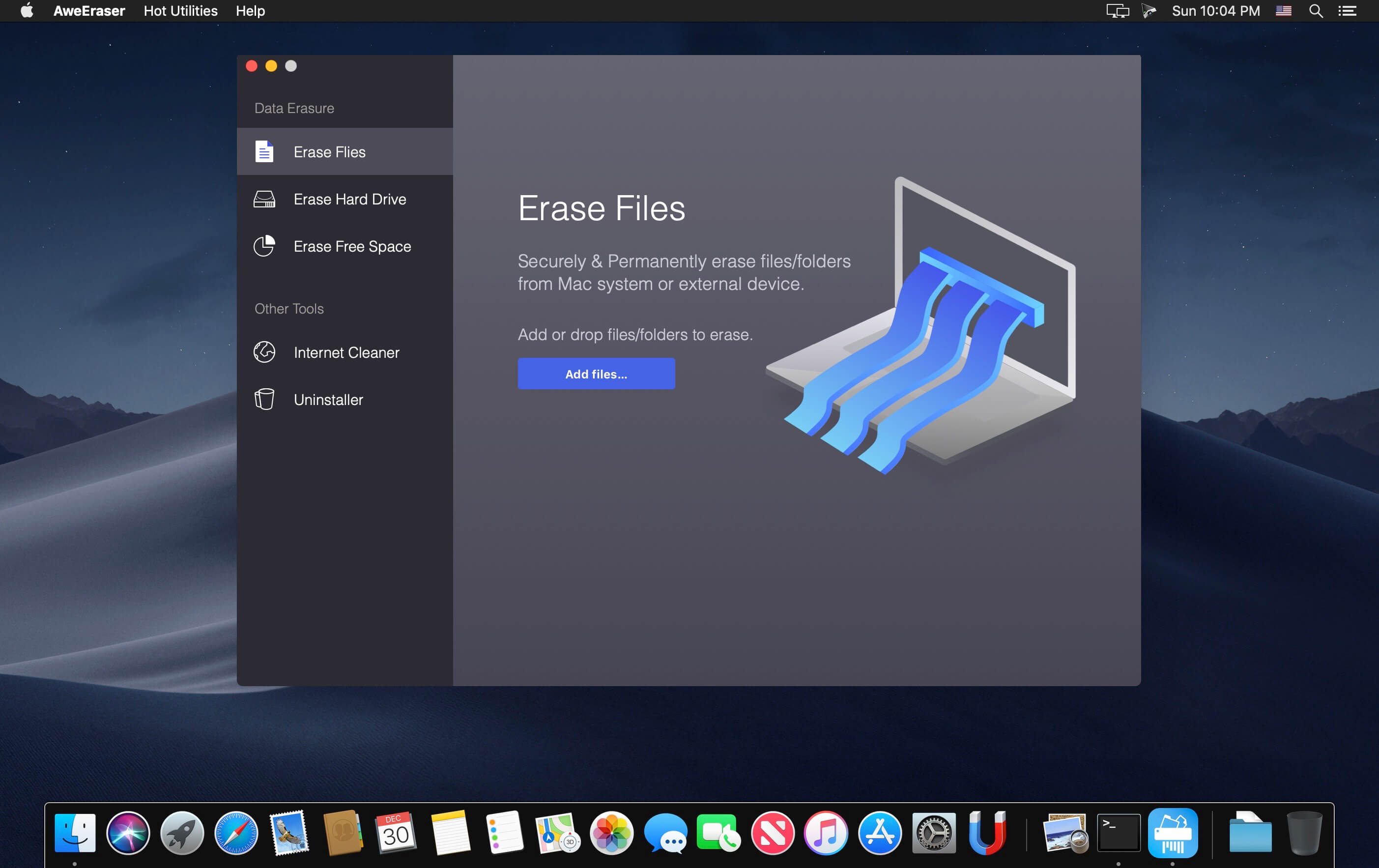
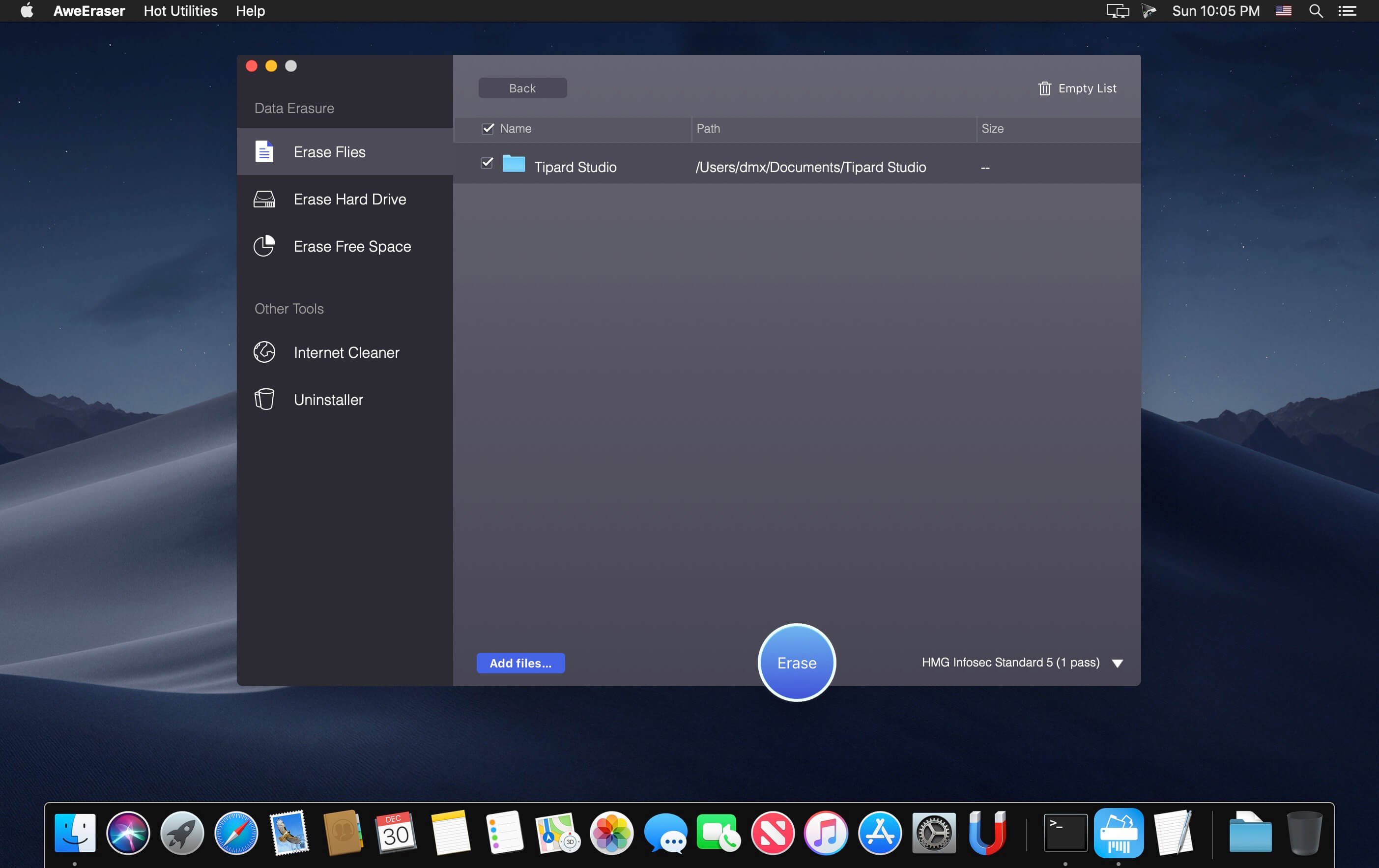
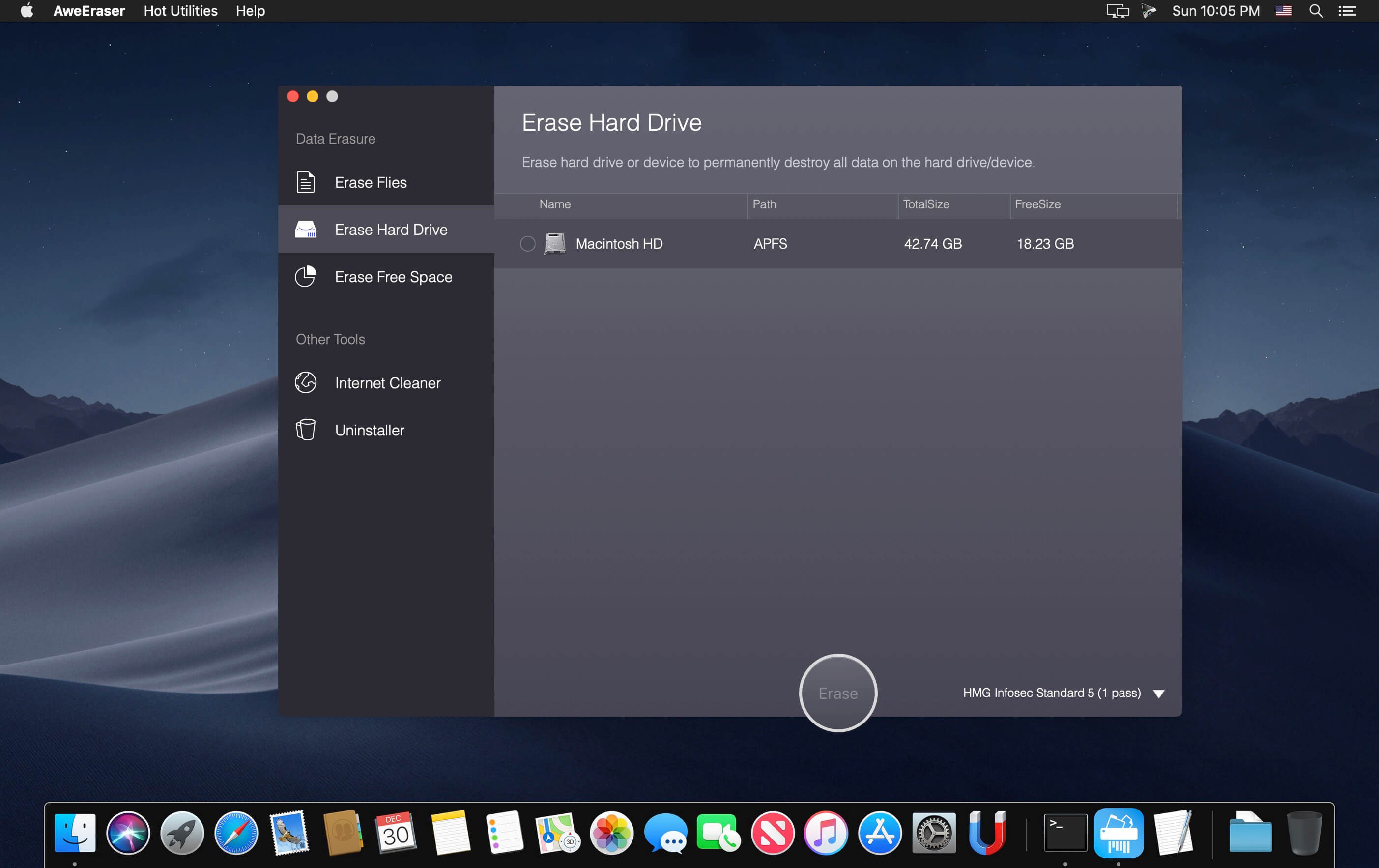
AweEraser is a secure Mac data eraser. It can securely and permanently erase data from hard drive/storage media, permanently delete Mac files, wipe hard drive, and erase already deleted data under Mac OS. It also offers tools to help you batch remove applications on your Mac and clean up browsers histories, caches, privacy, etc.
We know that the deleted or formatted data can be recovered by data recovery software. So, if you are going to sell, donate or giveaway your Mac, USB, digital camera, you should make sure your private data has been permanently erased rather than just deleting the files, emptying trash bin or formatting the device. AweEraser for Mac offers government & military level data erasure standards to ensure permanently destroying the targeted data without affecting the operating life of your computer or device. The certified data erasure methods include HMG Infosec Standard 5, German FOFIS, DOD 5220.22-M, U.S. Army AR380-19, Peter Gutmann's algorithm, etc.
This Mac data eraser is pretty simple to use. It offers flexible and reliable data erasures. Option 1: shred files/folders. Option 2: wipe entire hard drive/device to permanently erase all data from the hard drive and device. Option 3: erase free disk space to permanently erase already deleted/formatted data. AweEraser for Mac also offers uninstaller and internet cleaner. The uninstaller can help you uninstall applications in batches and delete all related files including app junk, registry files, caches, etc. AweEraser for Mac is 100% safe. It ensures permanently erasing targeted data on your hard drive, USB flash drive, digital camera, memory card, RAID, server, and other storage media. It will not cause any physical damage to your device and only erase the data you want to erase.
Version 4.5:
- Improved data erasure in macOS Big Sur
- Fixed minor bugs
Frequently asked questions
How do I install the app?
Mount the image, drag the app into the "Applications" folder and launch it. If the system blocks the launch, allow it in "System Settings → Privacy & Security".
The app is damaged or won't launch
Reinstalling from a fresh image usually helps. Make sure your macOS version matches the one listed in the compatibility specs.
How do I update?
Download the new version from the site and install it over the current one — your settings will be preserved.
The download link doesn't work
Try a mirror or a download manager. For large files the browser often drops the connection.
How do I completely remove the app?
Use an uninstaller utility — it cleans up the service files that remain after moving the app to the trash.
VersionAweEraser 4.5
DeveloperMagoshare
CompatibilityOS X 10.9 or later, 64-bit processor
LanguageEnglish
IncludesK'ed by TNT





Information
Visitors in the group Guests cannot leave comments on this publication.
Choose a download source
AweEraser 4.5 · 9.16 MB
Previous versions
AweEraser 4.5
Previous versions are available to registered users.