World Clock Deluxe 4.20.2
See the best call time with world clock for Mac
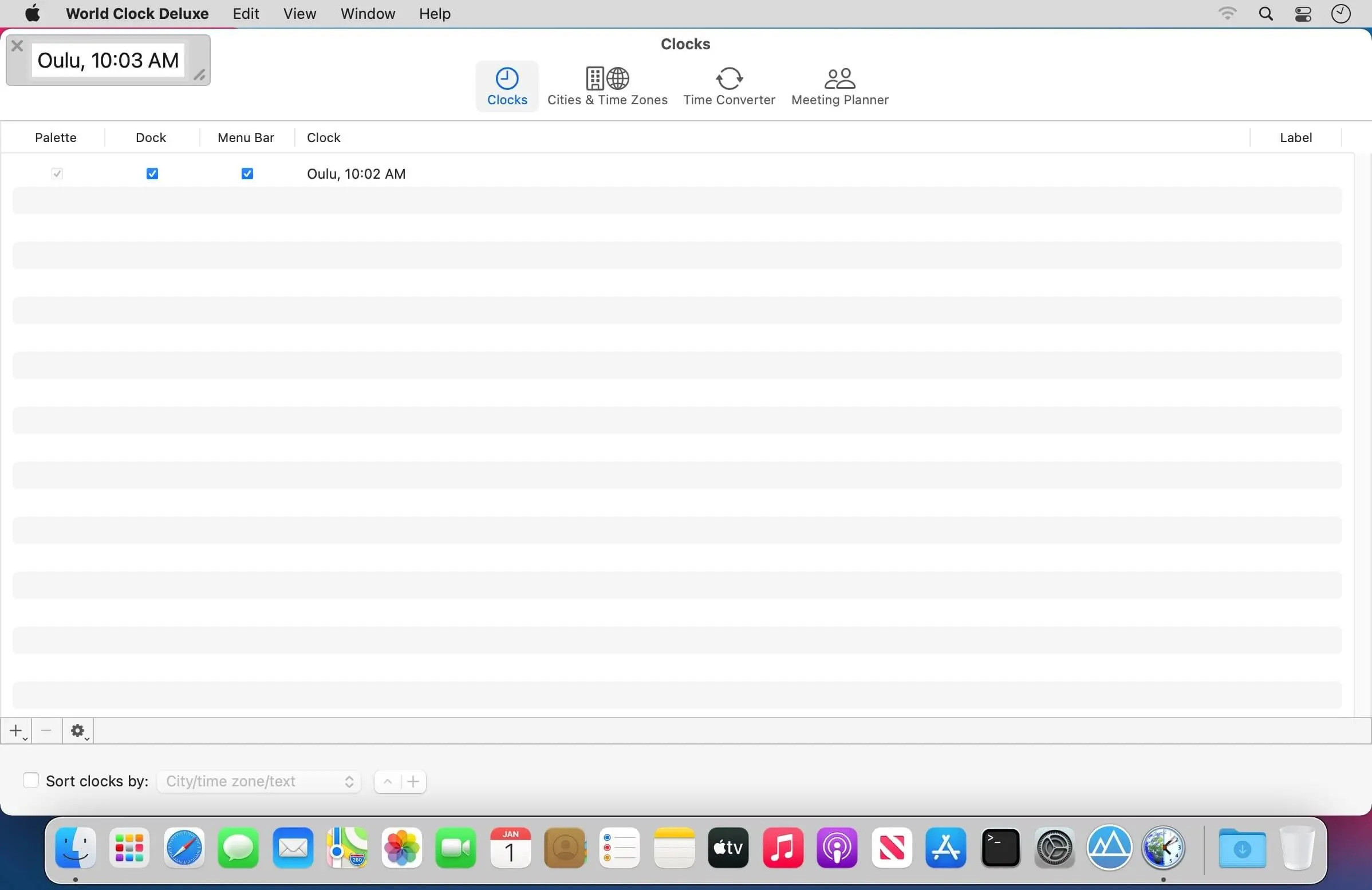
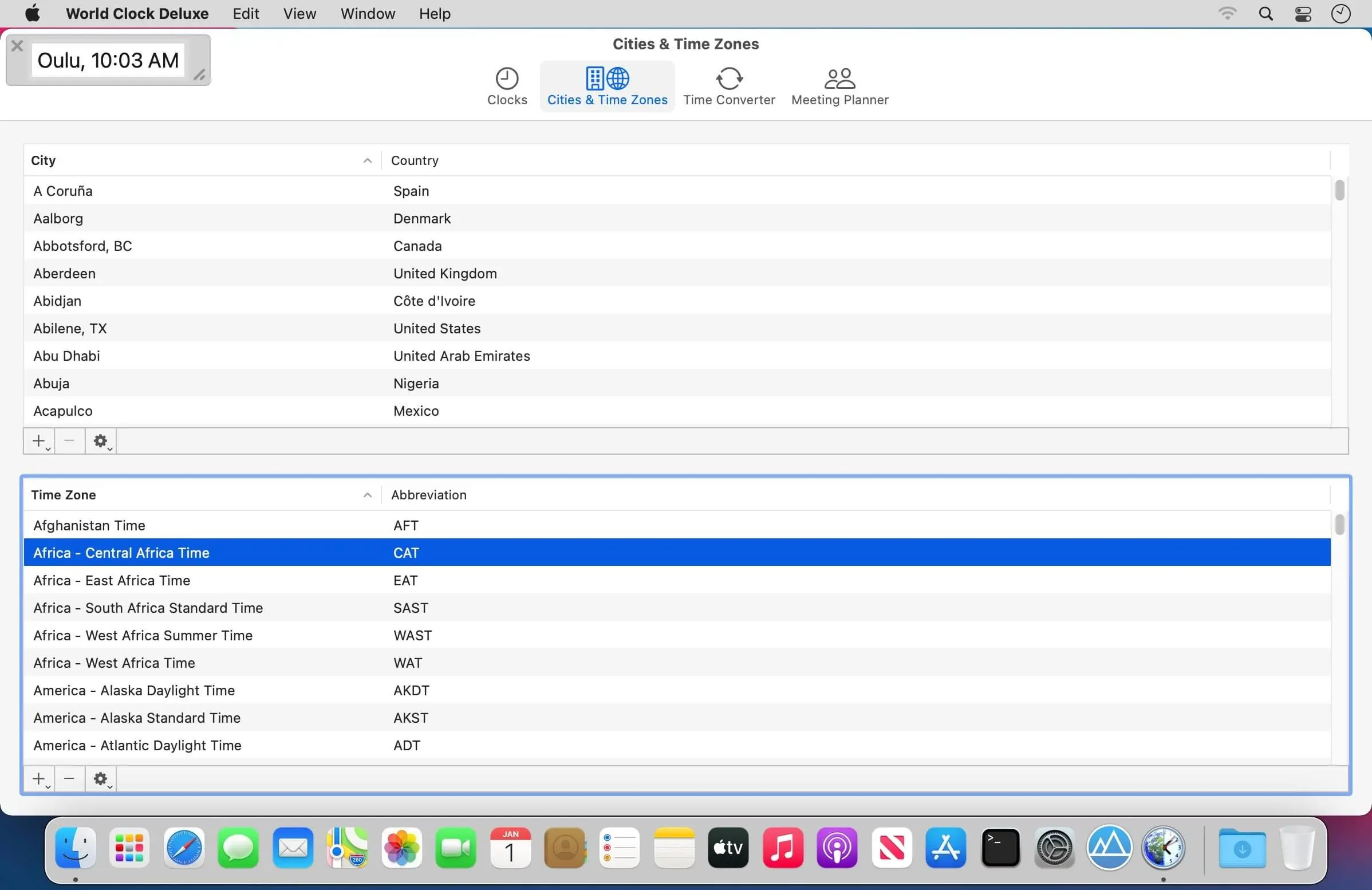
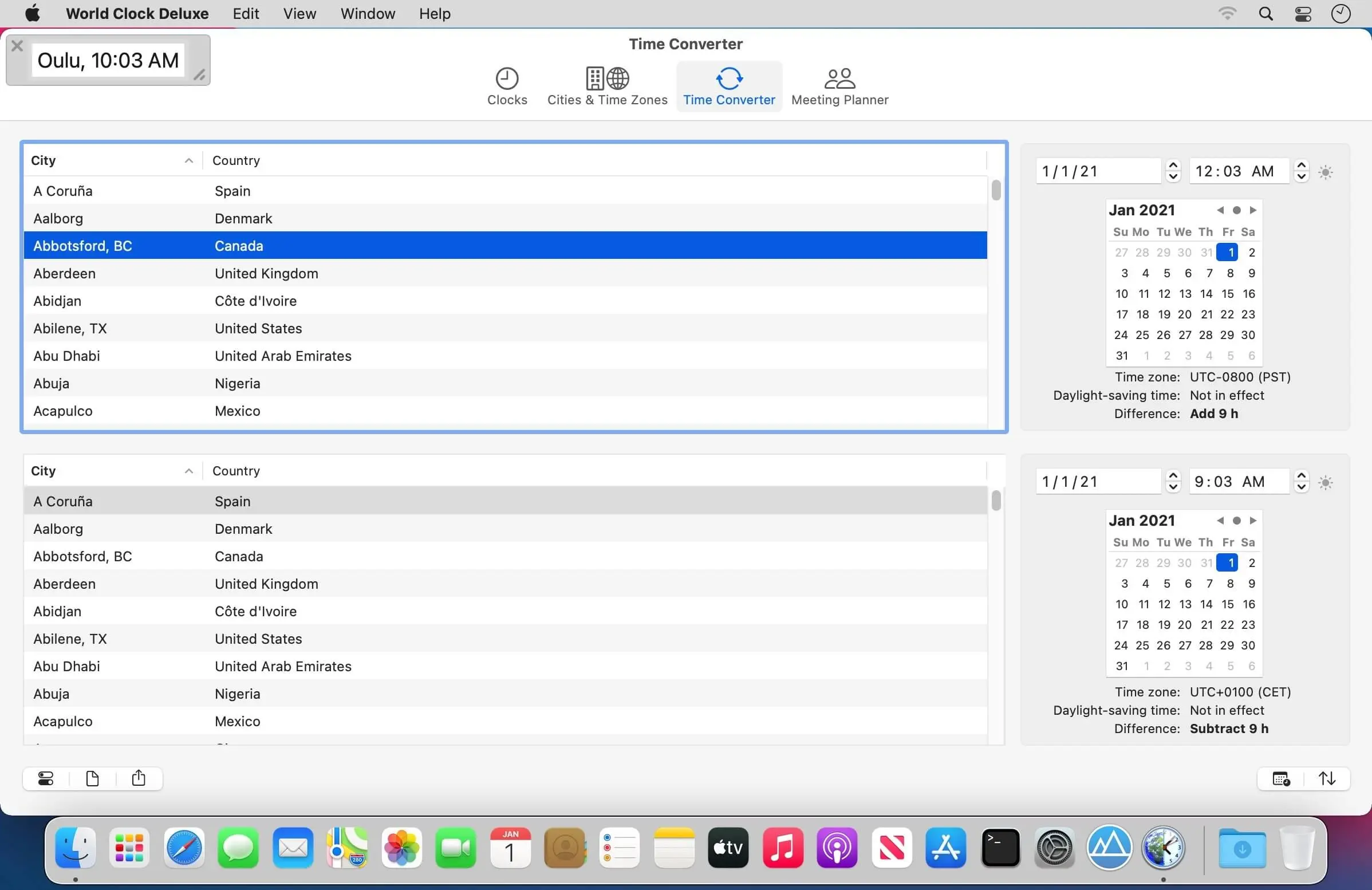
If you work with people abroad, have family in another country, or travel a lot, keeping track of time zones gets confusing fast. World Clock Deluxe puts multiple clocks on your Mac desktop, menu bar, and Dock, so you always know what time it is anywhere.
- Shows the time in over 1,600 cities and 200 time zones, including UTC and GMT
- Weekday, date, seconds, and the offset from your local time or UTC are all visible at a glance
- Pick a different date and time format for each clock, and add labels and colors to tell them apart
- Sort your clocks alphabetically, by time, longitude, or label
- Add cities and time zones that aren't already in the list, or edit the ones that are
- Get a heads up before daylight-saving time changes hit
- Work out the best time for a call across several time zones in seconds
Version 4.20.2
- The repositioning of the Clocks palette in case of display reconfigurations has been fully revised and the palette, unless it is anchored to a screen corner or you always keep it on your primary screen, now behaves like any other window. This revision also solves a problem that occurred under some circumstances and caused the palette to move from an extended display, where it had been positioned, to the main display when the computer woke up from sleep.
- Daylight-saving time information for Northwestern Ontario in Canada and for Cuba has been updated. To stay aligned with Manitoba,
- Northwestern Ontario abolished the switch to standard time and will observe daylight-saving time all year round. From now on, it will stay on Central Daylight Time or, equivalently, Eastern Standard Time (UTC-5). Cuba canceled the switch to standard time planned for November 1, 2026 and will observe daylight-saving time until November 7, 2027.
Frequently asked questions
How do I install the app?
Mount the image, drag the app into the "Applications" folder and launch it. If the system blocks the launch, allow it in "System Settings → Privacy & Security".
The app is damaged or won't launch
Reinstalling from a fresh image usually helps. Make sure your macOS version matches the one listed in the compatibility specs.
How do I update?
Download the new version from the site and install it over the current one — your settings will be preserved.
The download link doesn't work
Try a mirror or a download manager. For large files the browser often drops the connection.
How do I completely remove the app?
Use an uninstaller utility — it cleans up the service files that remain after moving the app to the trash.


Choose a download source
World Clock Deluxe 4.20.2 · 8.49 MB
Previous versions
World Clock Deluxe 4.20.2
Previous versions are available to registered users.