Kaleidoscope 7.1.1
Diff and merge tool for Mac with Git support
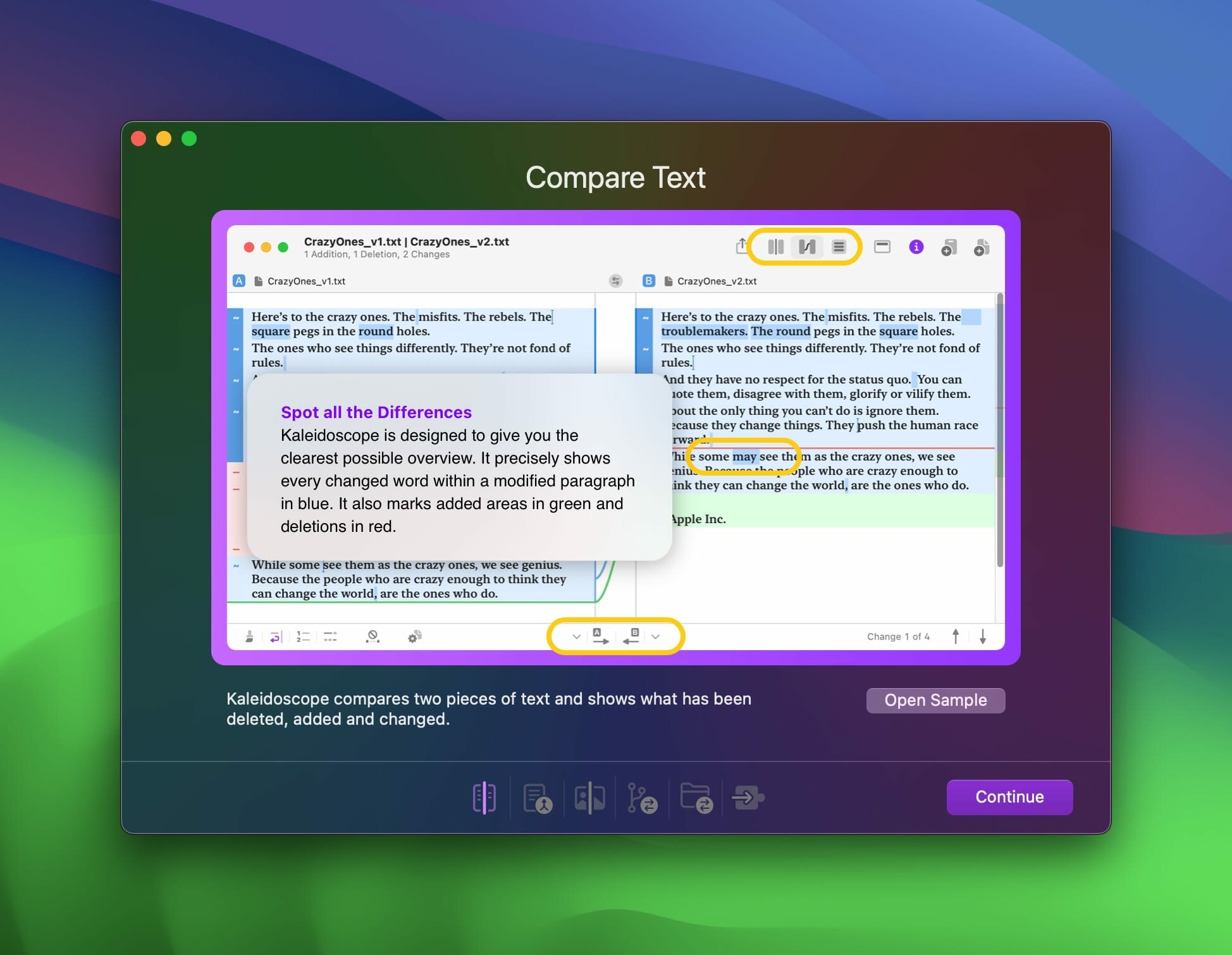

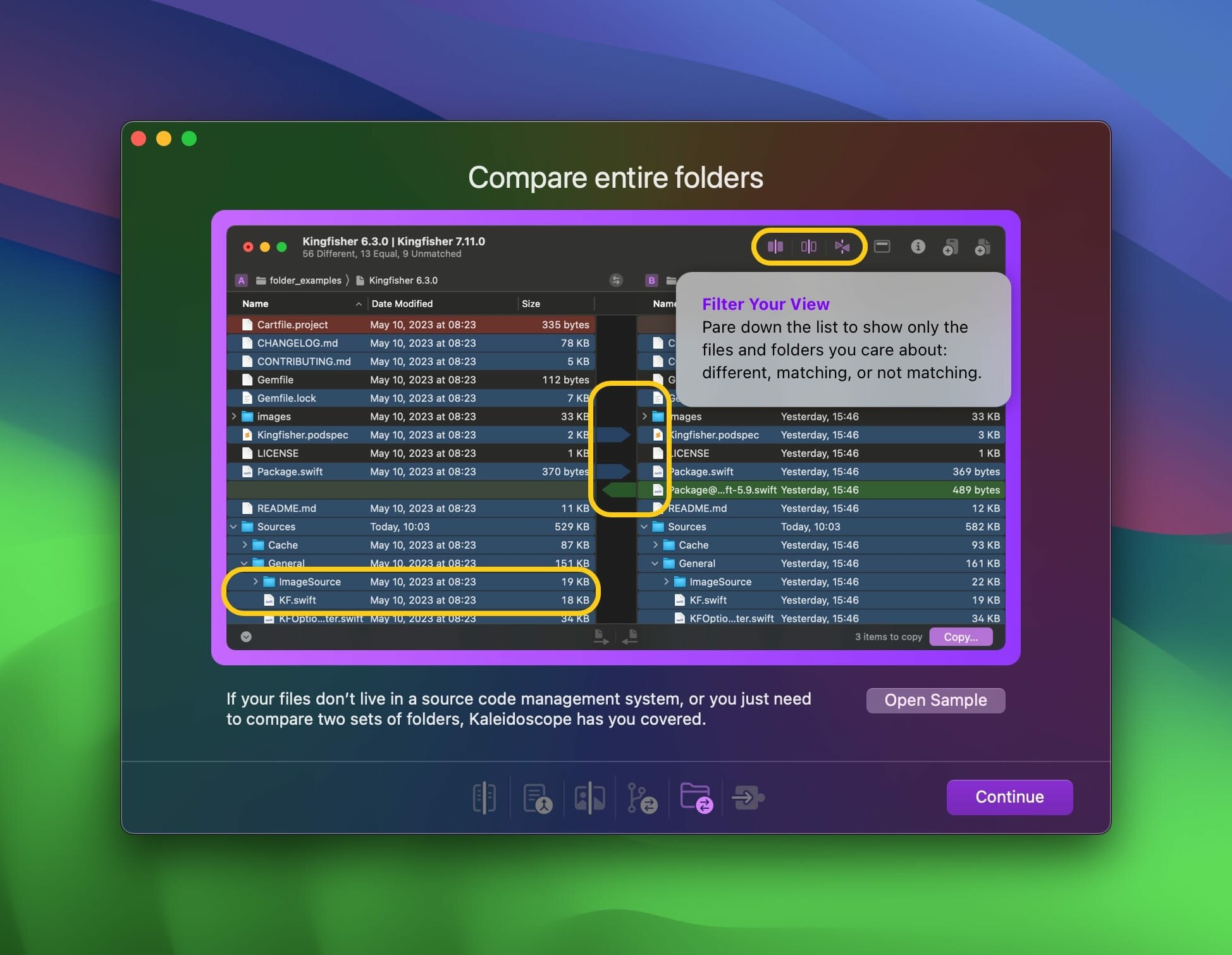
Kaleidoscope is a diff tool for Mac that compares text files, images and whole folders, then lets you merge the differences. It also works with Git, so file history and conflicts can be reviewed without leaving the app.
Text and image comparison
Text diffs go down to the character level, so subtle edits don't slip through. Unchanged areas can be collapsed to keep the focus on what moved, and you jump between changes with quick navigation. For images, the app diffs pixel by pixel. You can view changes in split mode, blink between versions, drag a slider or switch to a difference view, while Pixel Comparison shows formats, color profiles and other image details.
Folder comparison
Two folder trees are laid out side by side, with inline diffs and Quick Look for files you want to inspect. Items can be copied from one side to the other in a click, which makes it a quick way to sync a project directory against a backup.
Git integration
- File History: browse every revision of a file and compare any two of them.
- Commit details: see the context behind each change before you act on it.
- 3-way merge: the commits that led to a conflict are listed, commit messages sit within reach, and you can show changes between Base and each side.
- Changeset: all changes between two commits in one view, with live updates for your working copy, filtering by modification type, file type and file name, and a jump from any file to its history.
Where it helps
A developer resolving a merge conflict sees both sides against the common base and picks the right lines. A reviewer opens one changeset instead of paging through commits. A designer compares two exported screenshots and spots a one-pixel shift that the eye would miss.
Kaleidoscope alternatives for Mac
- Beyond Compare: compares text, folders and tables, and is also available on Windows and Linux.
- Araxis Merge: handles two- and three-way comparison of files and folders, with support for Word and PDF documents.
- Meld: a free, open source tool for comparing files and directories with Git support.
Version 7.1
Frequently asked questions
How do I install the app?
Mount the image, drag the app into the "Applications" folder and launch it. If the system blocks the launch, allow it in "System Settings → Privacy & Security".
The app is damaged or won't launch
Reinstalling from a fresh image usually helps. Make sure your macOS version matches the one listed in the compatibility specs.
How do I update?
Download the new version from the site and install it over the current one — your settings will be preserved.
The download link doesn't work
Try a mirror or a download manager. For large files the browser often drops the connection.
How do I completely remove the app?
Use an uninstaller utility — it cleans up the service files that remain after moving the app to the trash.


Choose a download source
Kaleidoscope 7.1.1 · 44.15 MB
Previous versions
Kaleidoscope 7.1.1
Previous versions are available to registered users.