
Sublime Merge 2.0 Build 2132
A fast Git client for Mac with three-way merge
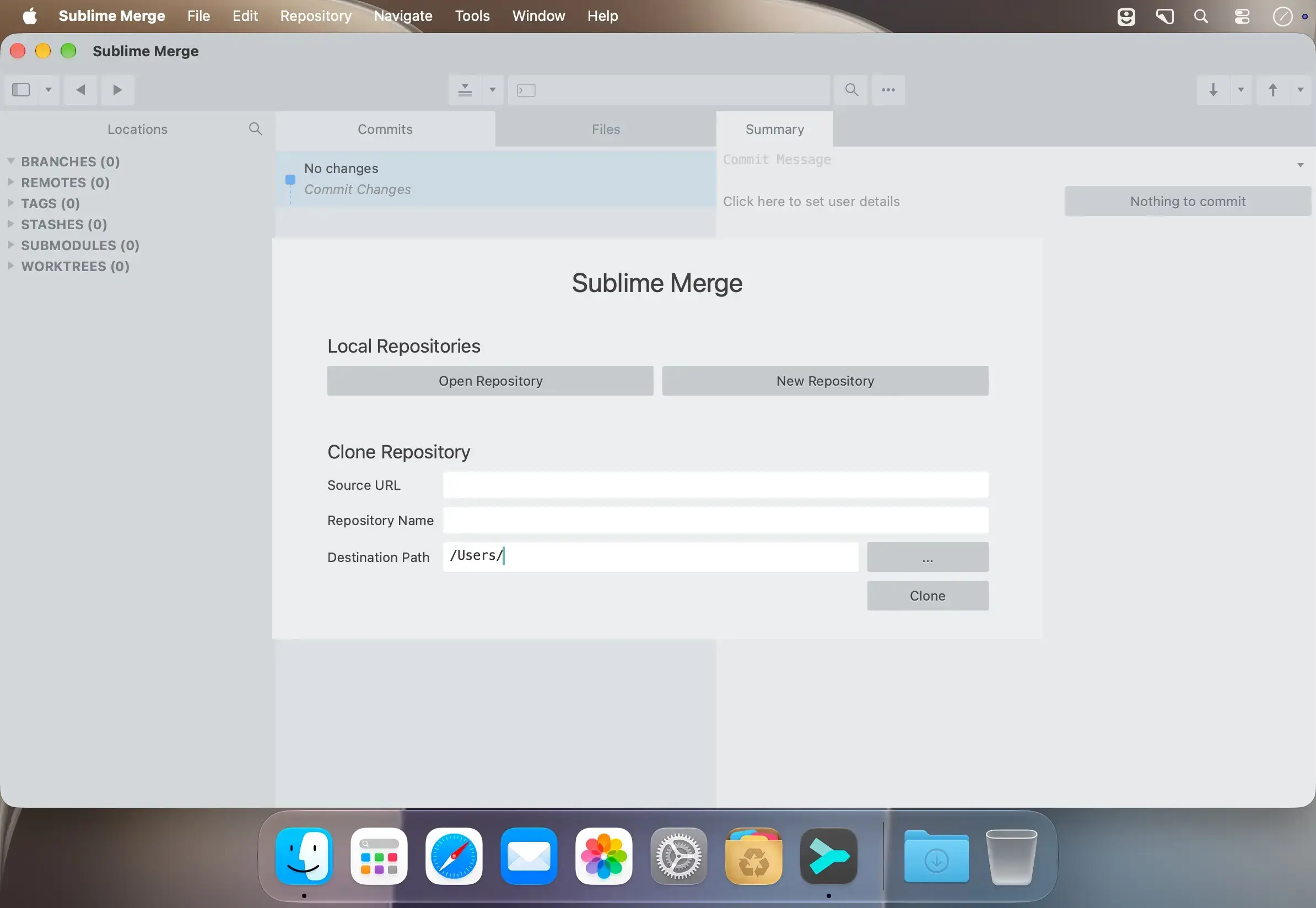
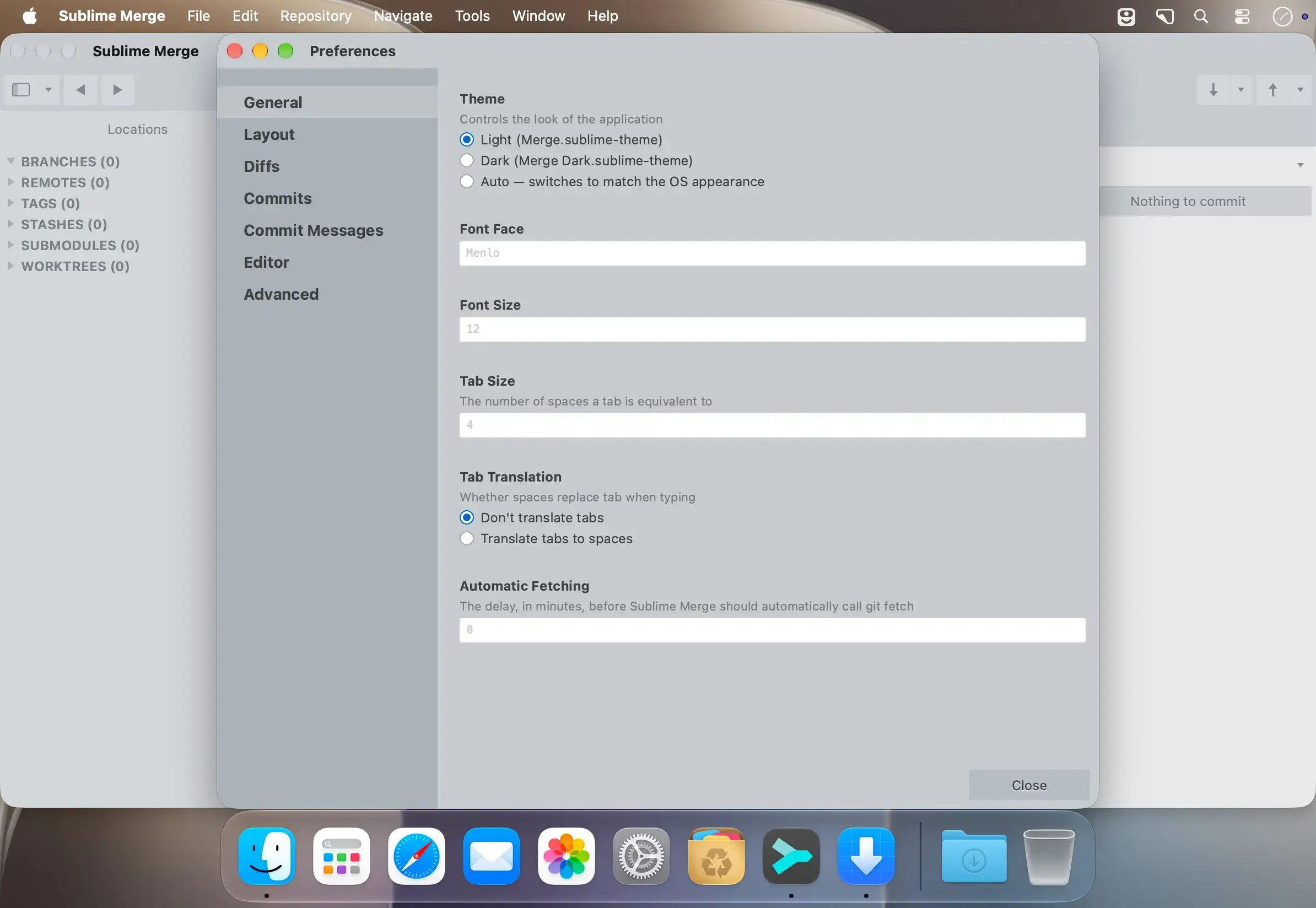
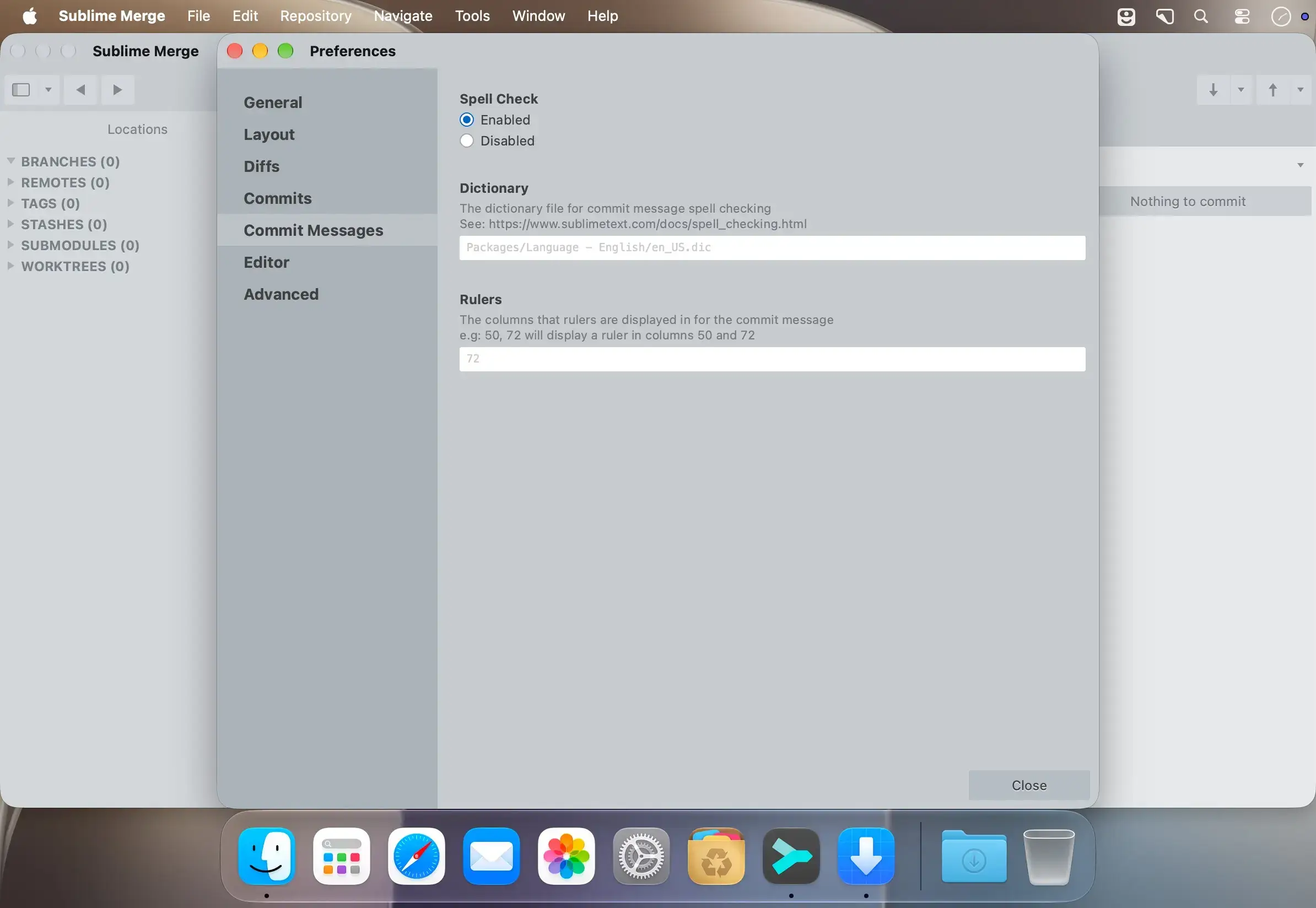
Sublime Merge 2 is a Git client for macOS from the makers of Sublime Text. It combines a snappy interface, a three-way merge tool, side-by-side diffs and syntax highlighting, so you can stage files, hunks and lines with no waiting.
A faster way to work
Sublime Merge 2 uses a fast GUI toolkit, a syntax highlighting engine and a custom high-performance Git reading library to keep everything responsive.
Precise and flexible
Commit exactly what you want with line-by-line and hunk staging. Select one or more lines to split a hunk into multiple changes.
Sublime highlighting
Syntax highlighting from Sublime Text helps you see exactly what changed in a commit. Over 40 languages are supported out of the box, and installed third-party syntaxes are loaded automatically.
Real Git
When you use Sublime Merge 2, you are using Git. View the exact Git commands behind your actions and move between the command line and the app.
Powerful search
Find the commit you need with find-as-you-type search.
Your Git client
Adapt the layout and use the theming system to set up the app the way you like.
Even more
Everything you need for daily Git work is built in:
- Command Palette: quickly reach commands from one place
- Commit Editing: edit your commits
- Blame and File History: review who changed a file and how it evolved
- Submodule Management: work with submodules in the app
- Command Line Integration: move between the terminal and Sublime Merge 2
- Git Flow Integration: use Git Flow workflows from the interface
Build 2132
- Optimized compatibility and stability for macOS Sequoia
- General bug fixes and performance improvements
Frequently asked questions
How do I install the app?
Mount the image, drag the app into the "Applications" folder and launch it. If the system blocks the launch, allow it in "System Settings → Privacy & Security".
The app is damaged or won't launch
Reinstalling from a fresh image usually helps. Make sure your macOS version matches the one listed in the compatibility specs.
How do I update?
Download the new version from the site and install it over the current one — your settings will be preserved.
The download link doesn't work
Try a mirror or a download manager. For large files the browser often drops the connection.
How do I completely remove the app?
Use an uninstaller utility — it cleans up the service files that remain after moving the app to the trash.





Choose a download source
Sublime Merge 2.0 Build 2132 · 41.5 MB
Previous versions
Sublime Merge 2.0 Build 2132
Previous versions are available to registered users.