
UltraEdit 25.0.0.180
Mac Text Editor for Large Files, Code, and Logs
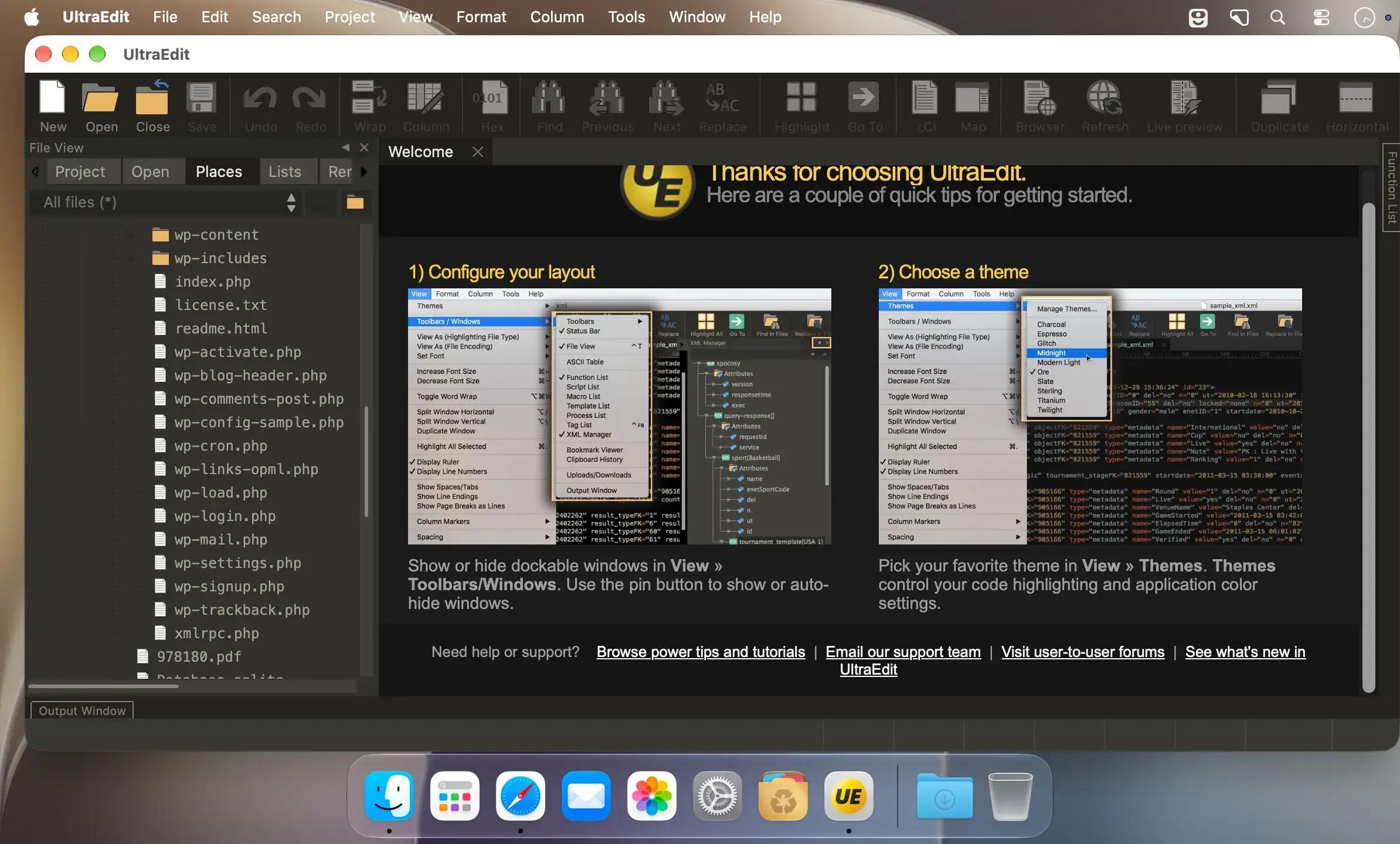
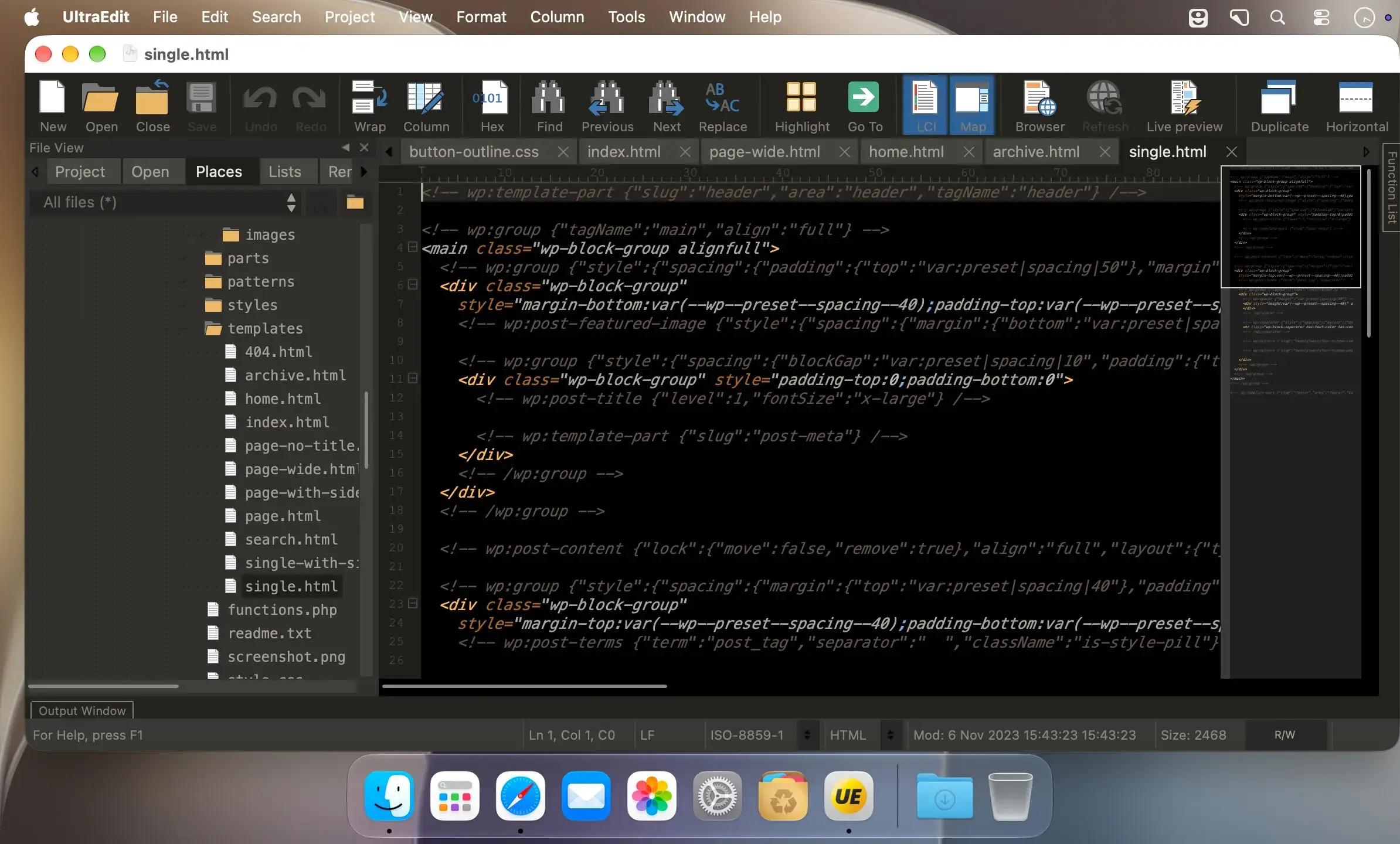
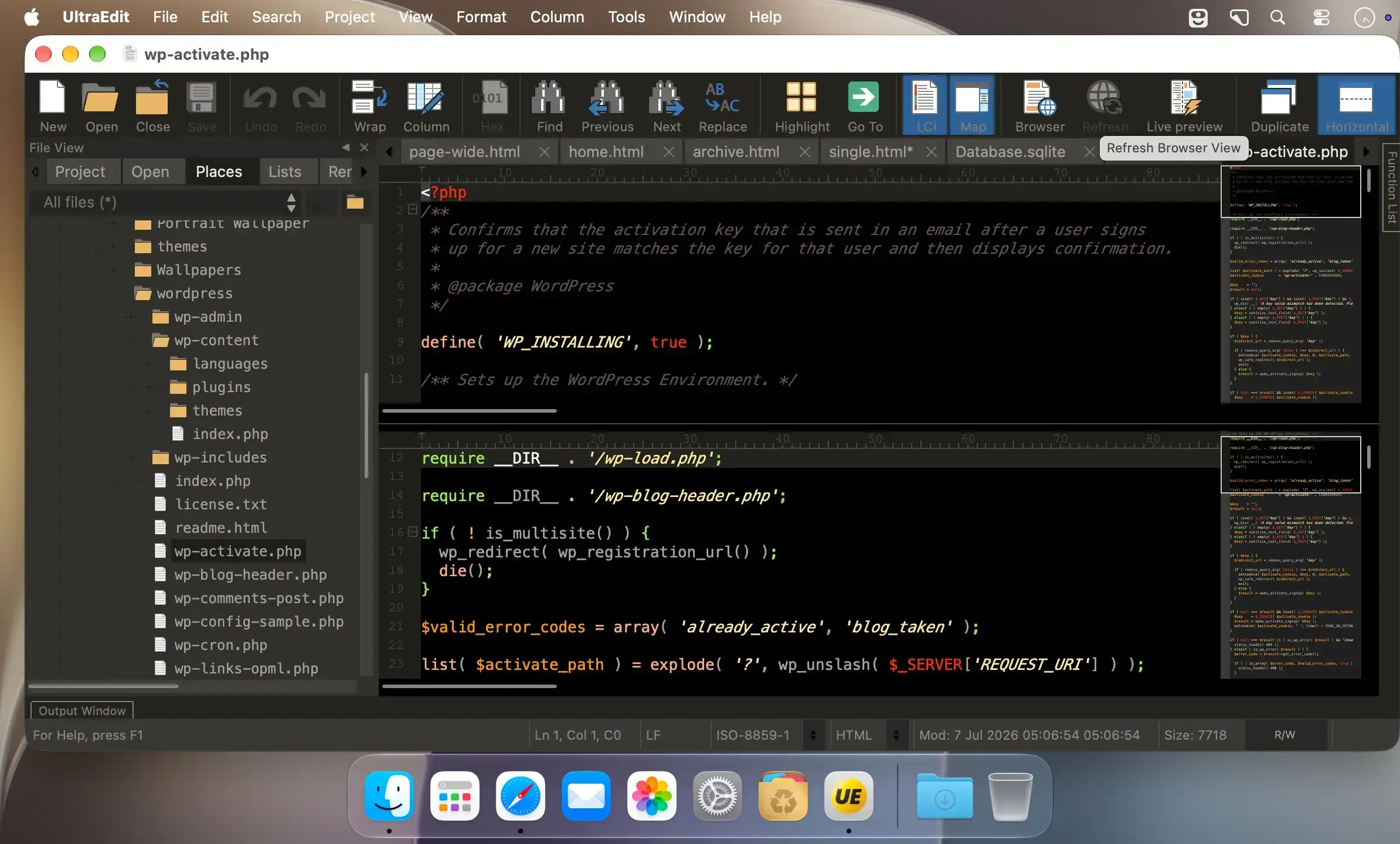
UltraEdit for Mac is a native macOS text and code editor for developers, IT professionals, and anyone working with large files, code, logs, and structured data. Its disk-based editing architecture supports files of 10 GB and larger without loading the entire file into memory.
Work with large files and structured data
- Large-file editing: open and edit files of 10 GB and larger.
- XML and JSON tools: work with structured data in the same editor.
- Hex editor: inspect and edit file contents with the built-in hex editor.
- File comparison: compare files using the built-in comparison tools.
Search and edit with precision
- Advanced Find and Replace: use Perl, Unix, and UltraEdit regular expressions.
- Column and block editing: change selected sections of text instead of whole lines.
- Multi-caret editing: make several edits at once.
- Advanced sorting: organize lines and data directly in the editor.
Write and manage code
- Syntax highlighting: read code more easily across your files.
- Code folding and function lists: move through longer files with less scrolling.
- Auto-completion and smart templates: write code with built-in assistance.
- Ctags navigation: jump between symbols in your code.
- Integrated Git support: manage branches, commits, push, pull, stash, diff, revert, blame, and merge workflows.
- HTML and Markdown live preview: see your content as you edit it.
Connect to remote files and automate tasks
- FTP, SFTP, and FTPS: open and save remote files from within UltraEdit.
- SSH/Telnet terminal: use the integrated terminal without leaving the editor.
- jаvascript scripting: automate workflows with scripts.
- Editable macros: record and adjust repeatable editing tasks.
Built for your Mac
UltraEdit for Mac runs natively on both Apple silicon and Intel-based Macs.
Version 25.0.0.180:
Frequently asked questions
How do I install the app?
Mount the image, drag the app into the "Applications" folder and launch it. If the system blocks the launch, allow it in "System Settings → Privacy & Security".
The app is damaged or won't launch
Reinstalling from a fresh image usually helps. Make sure your macOS version matches the one listed in the compatibility specs.
How do I update?
Download the new version from the site and install it over the current one — your settings will be preserved.
The download link doesn't work
Try a mirror or a download manager. For large files the browser often drops the connection.
How do I completely remove the app?
Use an uninstaller utility — it cleans up the service files that remain after moving the app to the trash.




Choose a download source
UltraEdit 25.0.0.180 · 33.84 MB
Previous versions
UltraEdit 25.0.0.180
Previous versions are available to registered users.