App Cleaner & Uninstaller Pro 10.0.3
Uninstall Mac apps and remove leftover files completely

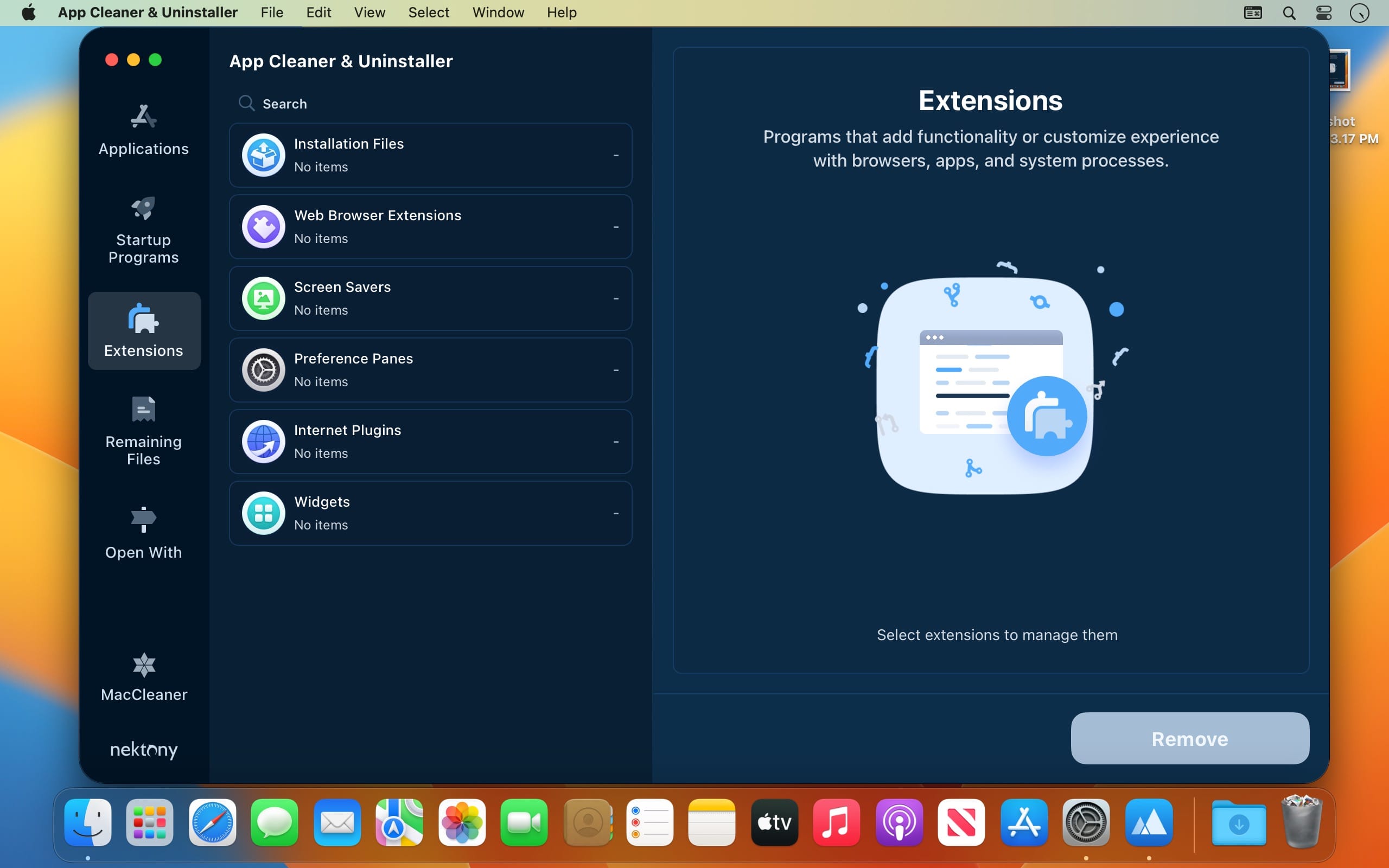
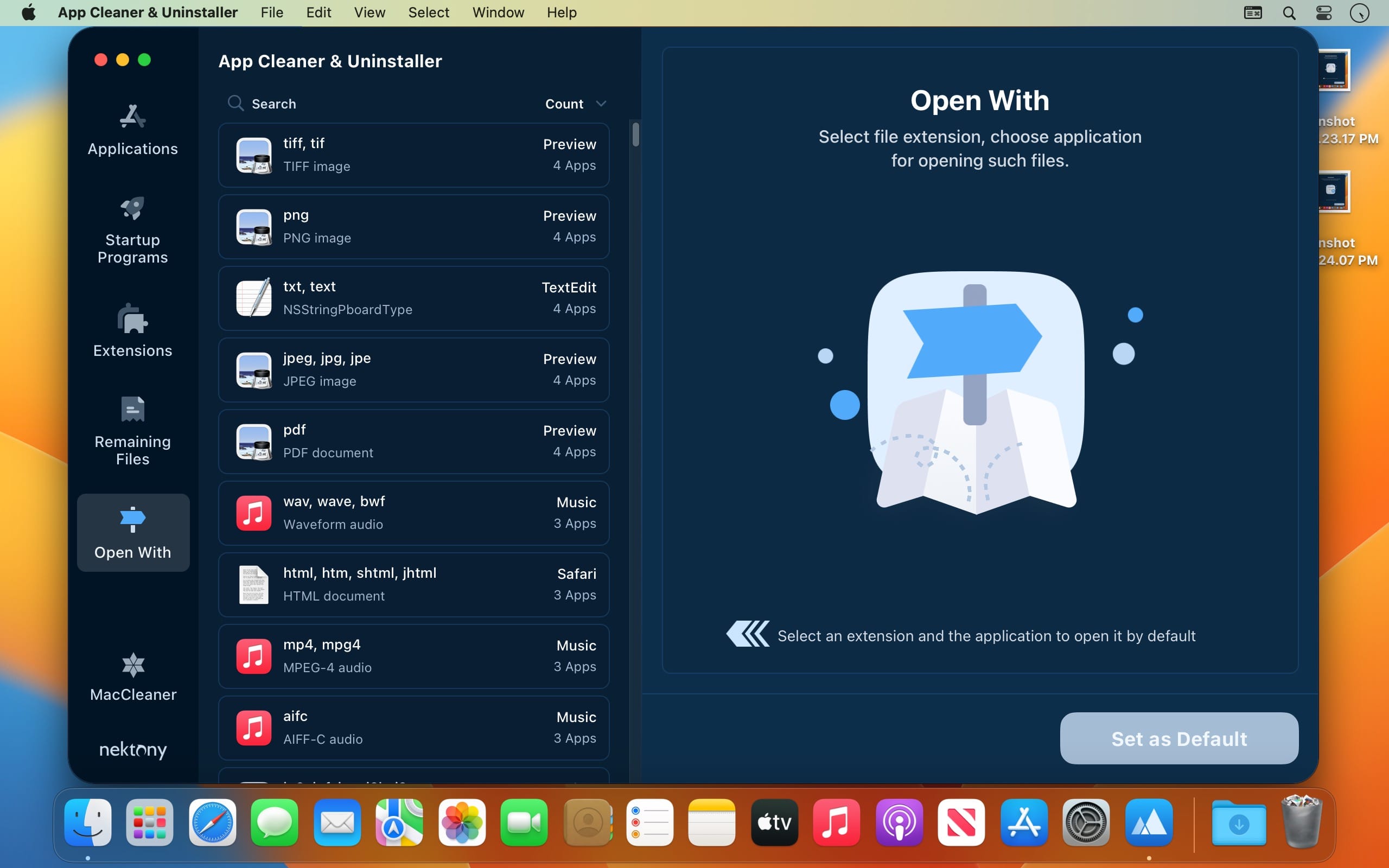
App Cleaner & Uninstaller 10 lets you completely uninstall apps on your Mac, manage updates, check app security and notarization status, and control startup items and system extensions, all from a single place.
Key features
Everything you need to manage the apps on your Mac is in one window:
- App uninstaller: remove apps along with all their leftover files.
- App updates: update all your apps from one place, including App Store apps, direct developer downloads, and major software frameworks.
- Notarization check: see whether apps are Apple-notarized to identify trusted software and avoid potential security risks.
- Privacy overview: find out which apps have access to sensitive data such as your camera, microphone, or location, so you can better control your privacy.
- Startup items and extensions: manage startup programs and extensions to improve your Mac's performance.
- AI-powered explanations: get clear descriptions of what unfamiliar apps do to help you decide whether to keep or delete them.
Full visibility and control
App Cleaner & Uninstaller 10 helps keep your Mac clean, secure, and fully under your control by giving you complete visibility and management of your apps.
Version 10.0.3
- App Cleaner & Uninstaller now checks app permissions with a simpler approach, so scanning runs without extra system prompts. For several more apps, the Updates tab now lists exactly the new versions that are available, with nothing missed and nothing extra.
Frequently asked questions
How do I install the app?
Mount the image, drag the app into the "Applications" folder and launch it. If the system blocks the launch, allow it in "System Settings → Privacy & Security".
The app is damaged or won't launch
Reinstalling from a fresh image usually helps. Make sure your macOS version matches the one listed in the compatibility specs.
How do I update?
Download the new version from the site and install it over the current one — your settings will be preserved.
The download link doesn't work
Try a mirror or a download manager. For large files the browser often drops the connection.
How do I completely remove the app?
Use an uninstaller utility — it cleans up the service files that remain after moving the app to the trash.



Choose a download source
App Cleaner & Uninstaller Pro 10.0.3 · 49.78 MB
Previous versions
App Cleaner & Uninstaller Pro 10.0.3
Previous versions are available to registered users.
Comments 2