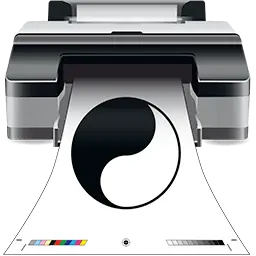
PrinTao EPSON Home Studio Edition 8.0r12
Photo Printing App for Epson Printers on Mac


PrinTao EPSON Home Studio Edition is a printing app for Mac that takes the guesswork out of photo printing on supported Epson printers. Instead of working through the printer driver’s settings, you choose the printer, paper type and format, drop in your images and print.
Setup in a few seconds
A Start-Pilot window opens at launch and walks through the essential settings. Printer, paper type and page format take only a few seconds to set, so a first print doesn’t require reading a manual or digging through driver dialogs.
Adding your photos
Drag images straight into the PrinTao document. If your pictures already live in a photo library, you can browse iPhoto, Lightroom and Aperture libraries from inside the app and pick images there, without exporting them to a folder first.
Supported Epson printers
This edition works with the following models:
- SC-P600 and SC-P800
- Stylus Photo R2880 and R3000
- SP388
The matching printer driver is included in the Extra folder of the download.
Where it fits
A home photographer who wants a sharp 13x19 print for the wall can set it up and send it to an SC-P800 in a couple of minutes. Someone with an older Stylus Photo R3000 gets a simpler interface for it than the standard driver dialog. A hobbyist who keeps shots in Lightroom or Aperture can print directly from those libraries.
Frequently asked questions
How do I install the app?
Mount the image, drag the app into the "Applications" folder and launch it. If the system blocks the launch, allow it in "System Settings → Privacy & Security".
The app is damaged or won't launch
Reinstalling from a fresh image usually helps. Make sure your macOS version matches the one listed in the compatibility specs.
How do I update?
Download the new version from the site and install it over the current one — your settings will be preserved.
The download link doesn't work
Try a mirror or a download manager. For large files the browser often drops the connection.
How do I completely remove the app?
Use an uninstaller utility — it cleans up the service files that remain after moving the app to the trash.


Choose a download source
PrinTao EPSON Home Studio Edition 8.0r12 · 1.76 GB
Comments 1