File List Export 3.1.1
Export a folder's file list to Excel on Mac
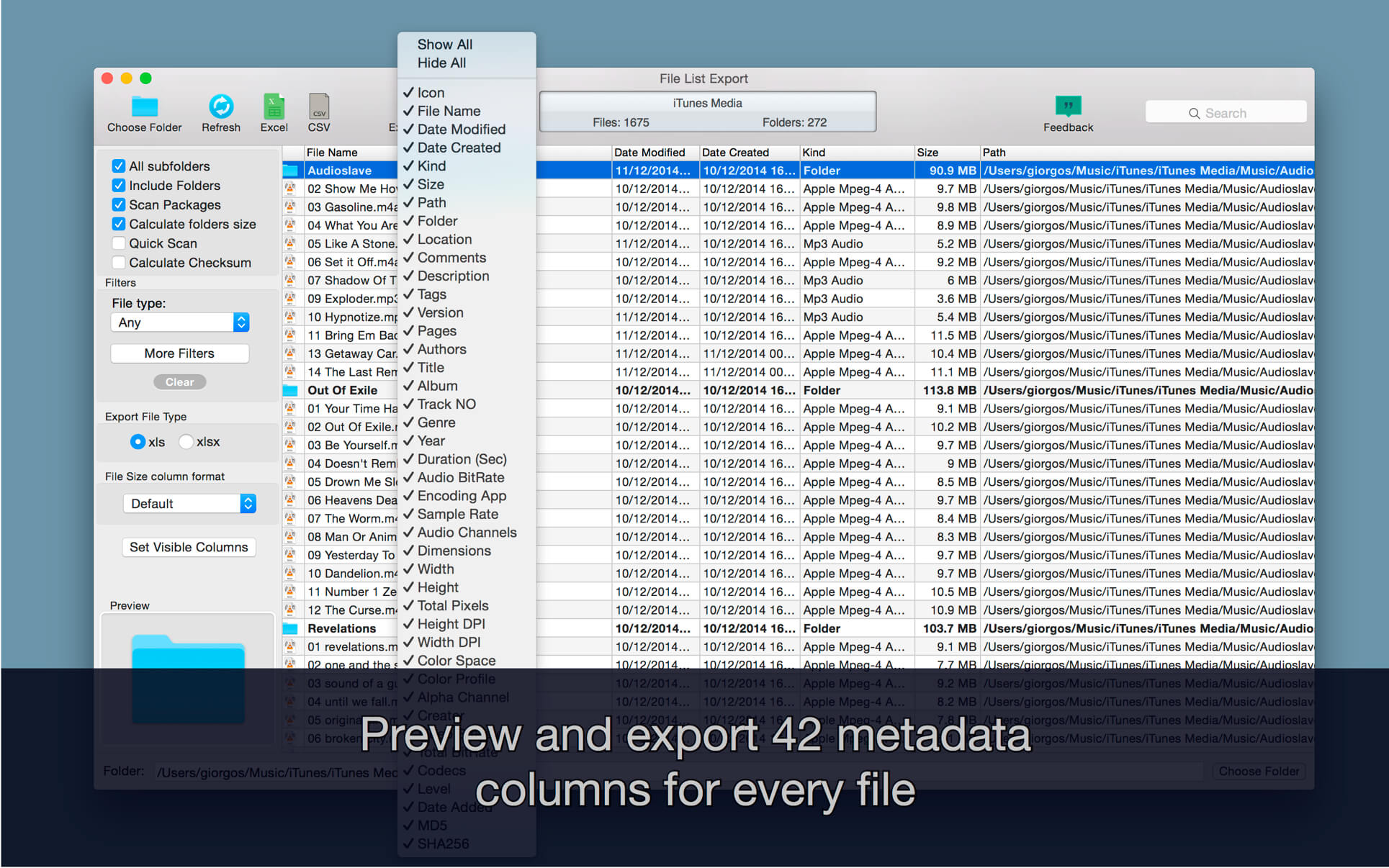
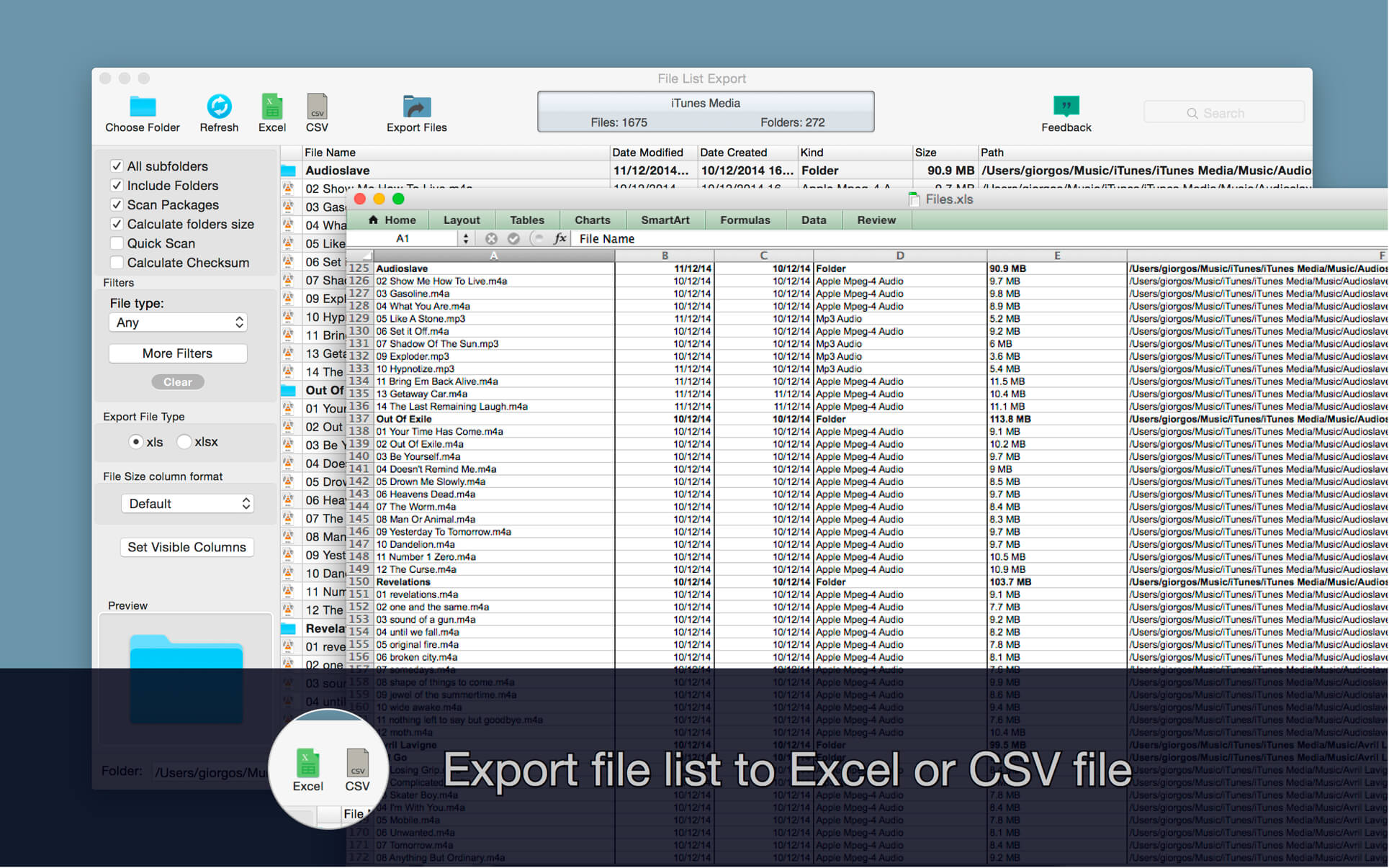
File List Export lists every photo, video, document, and file in a folder on your Mac, then exports the result to Excel, PDF, CSV, HTML, JSON, or Markdown. It's the simple way to catalog, inventory, and document your files.
Select a folder, get a complete list
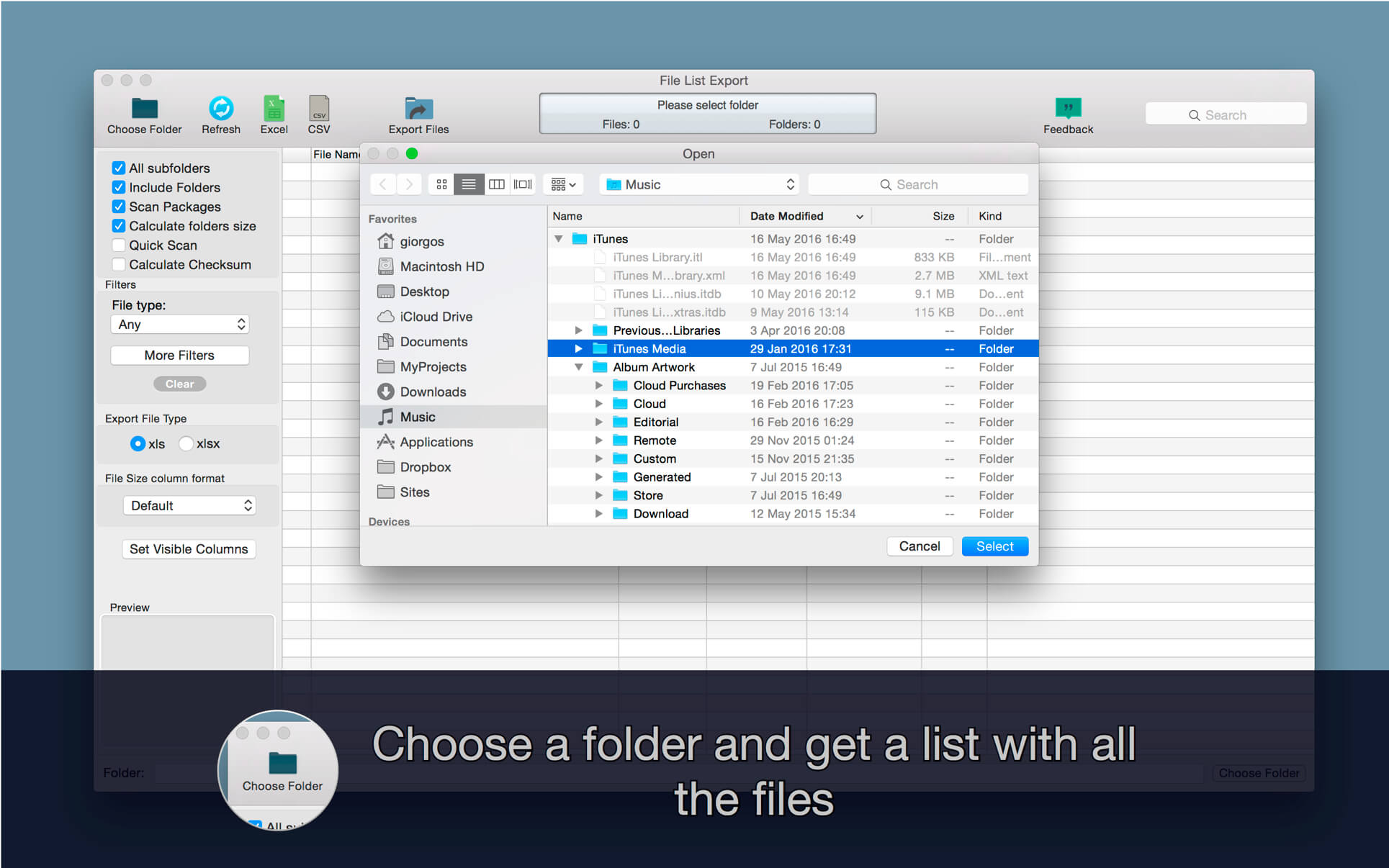
Choose a folder or drag and drop files, and you'll get every file and folder listed, ready to export. Include files from all subfolders if you need them, preview and edit the list before saving, and search or filter records instantly. Need only certain files? List a specific kind, such as all the audio files in your Music library or every PDF in your Documents folder.
Every detail, in the format you need
Export an Excel file with picture thumbnails to get a visual index of all your photos, or build an interactive HTML catalog you can search and sort. Each record can capture everything from basic file info to EXIF data and checksums.
- Excel export: .xlsx and .xls files with optional photo thumbnails.
- CSV and TSV export: plain tables for any spreadsheet or database.
- PDF export: a clean, paginated, printable table.
- HTML catalog: live search, sortable columns, and clickable file links.
- JSON and Markdown: handy for developers and automation.
- Copy to clipboard: paste straight into Excel, Numbers, or Google Sheets.
- File basics: name, kind, size, path, date modified, date created, comments, tags, version, and pages.
- Audio details: artist, title, album, track number, genre, year, duration, bit rate, sample rate, channels, and encoding app.
- Image details: dimensions, pixel width and height, total pixels, DPI, color space, color profile, alpha channel, and creator.
- Video details: bit rate, total bit rate, and codecs.
- Checksums: MD5 and SHA-256.
- Photo EXIF: camera and lens make and model, serial numbers, owner name, copyright, software, date taken, ISO, f-number, focal length, flash, orientation, GPS coordinates, and a Maps link.
Download File List Export and turn any folder into a clear, shareable file list today.
Version 3.1:
Version 3.1 adds the most-requested feature yet - duplicate detection:
- Find duplicate files — spot files with identical contents anywhere in your scan, and see exactly how much space the extra copies waste. Files are matched on their contents, not their names, so renamed copies are found too.
- Remove the extras safely - keep the newest copy, the oldest, or the one nearest the top folder, and send the rest to the Bin. One copy of every set is always kept, and every file stays recoverable.
- A Duplicate Group column that sorts, filters, and carries into every export format.
- Print your list directly (Command-P) - the printout matches the PDF export exactly, with page setup and printer choice.
- Much faster on large folders — folder sizes are calculated in a fraction of the time, and scrolling long lists is smoother.
- Scanning now shows how many files are done, how many remain, and roughly how long is left.
- Several memory leaks fixed.
Frequently asked questions
How do I install the app?
Mount the image, drag the app into the "Applications" folder and launch it. If the system blocks the launch, allow it in "System Settings → Privacy & Security".
The app is damaged or won't launch
Reinstalling from a fresh image usually helps. Make sure your macOS version matches the one listed in the compatibility specs.
How do I update?
Download the new version from the site and install it over the current one — your settings will be preserved.
The download link doesn't work
Try a mirror or a download manager. For large files the browser often drops the connection.
How do I completely remove the app?
Use an uninstaller utility — it cleans up the service files that remain after moving the app to the trash.




Choose a download source
File List Export 3.1.1 · 25 MB
Previous versions
File List Export 3.1.1
Previous versions are available to registered users.