
WebScraper 4.15.9
Mac web scraper: export website data to CSV or JSON
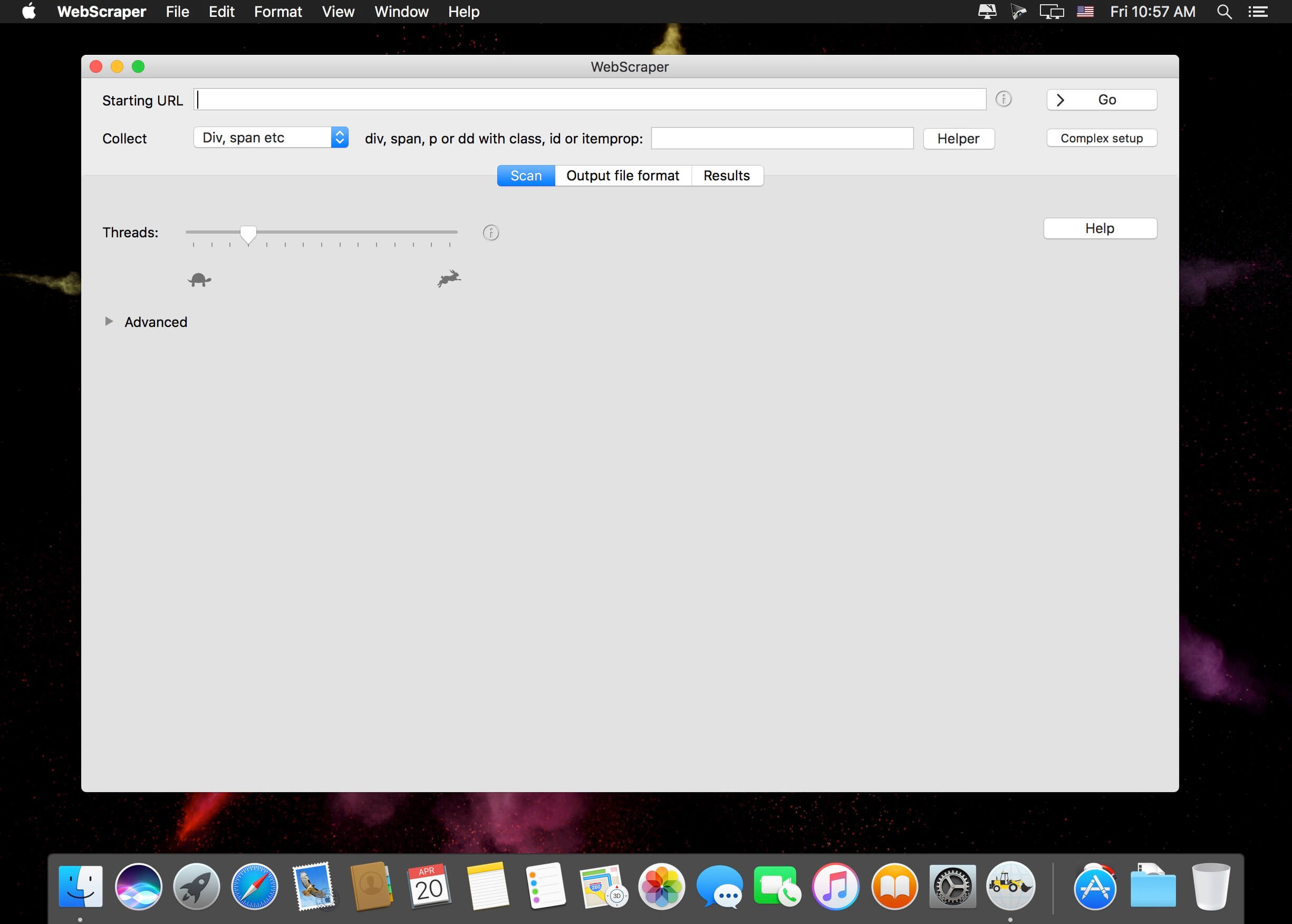
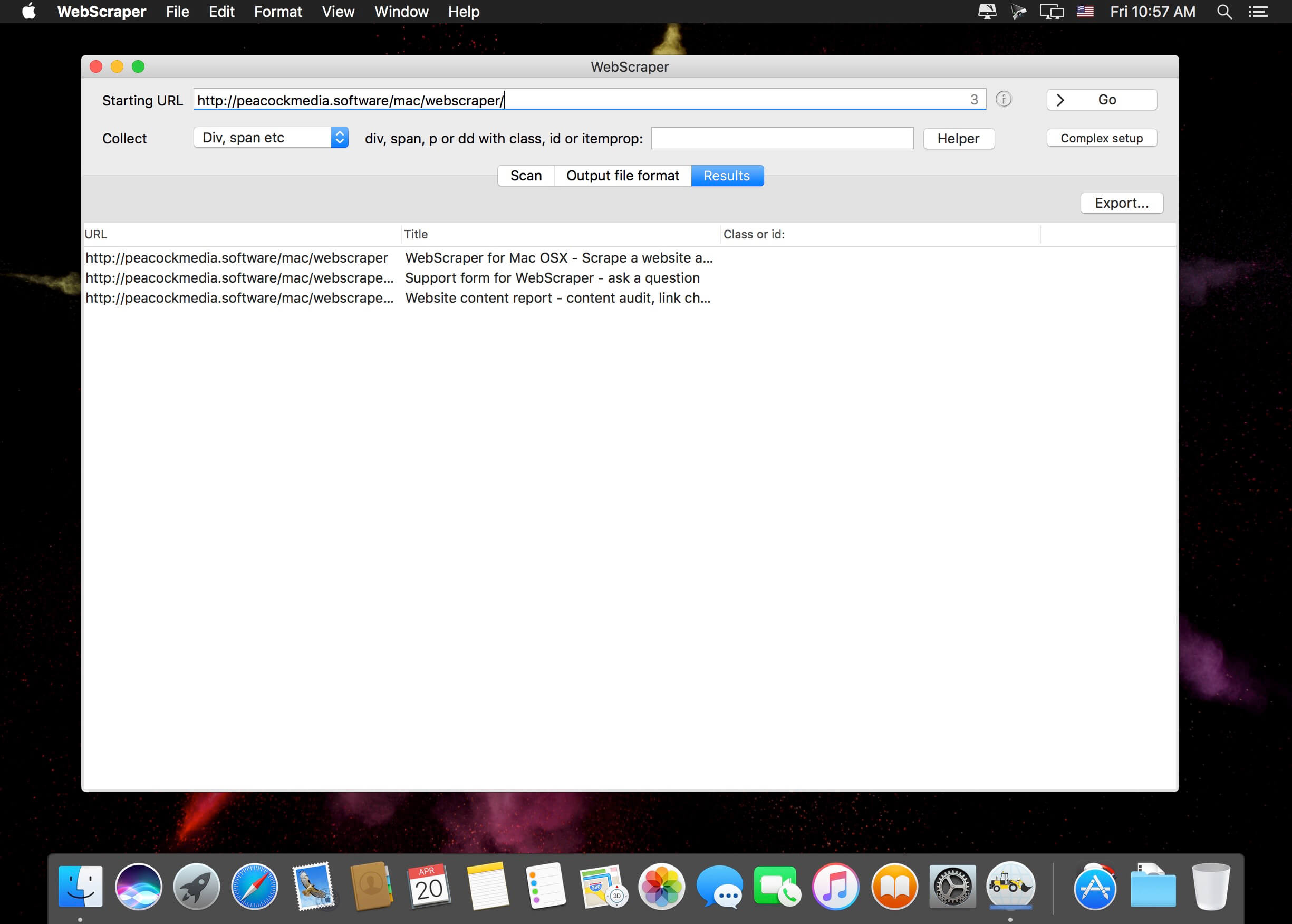
WebScraper 4 for Mac scans a website with the Integrity v8 engine and extracts the data you need. Enter a starting URL, press Go, and export the results as CSV or JSON. You can also download the images found during the scan to a folder.
Key features
- Quick site scanning: enter the starting URL and press Go to scan a website with the Integrity v8 engine.
- Flexible export: choose the columns you want and save the extracted data as CSV or JSON.
- Extraction options: target HTML elements with certain classes or IDs, use regular expressions, or extract entire page content.
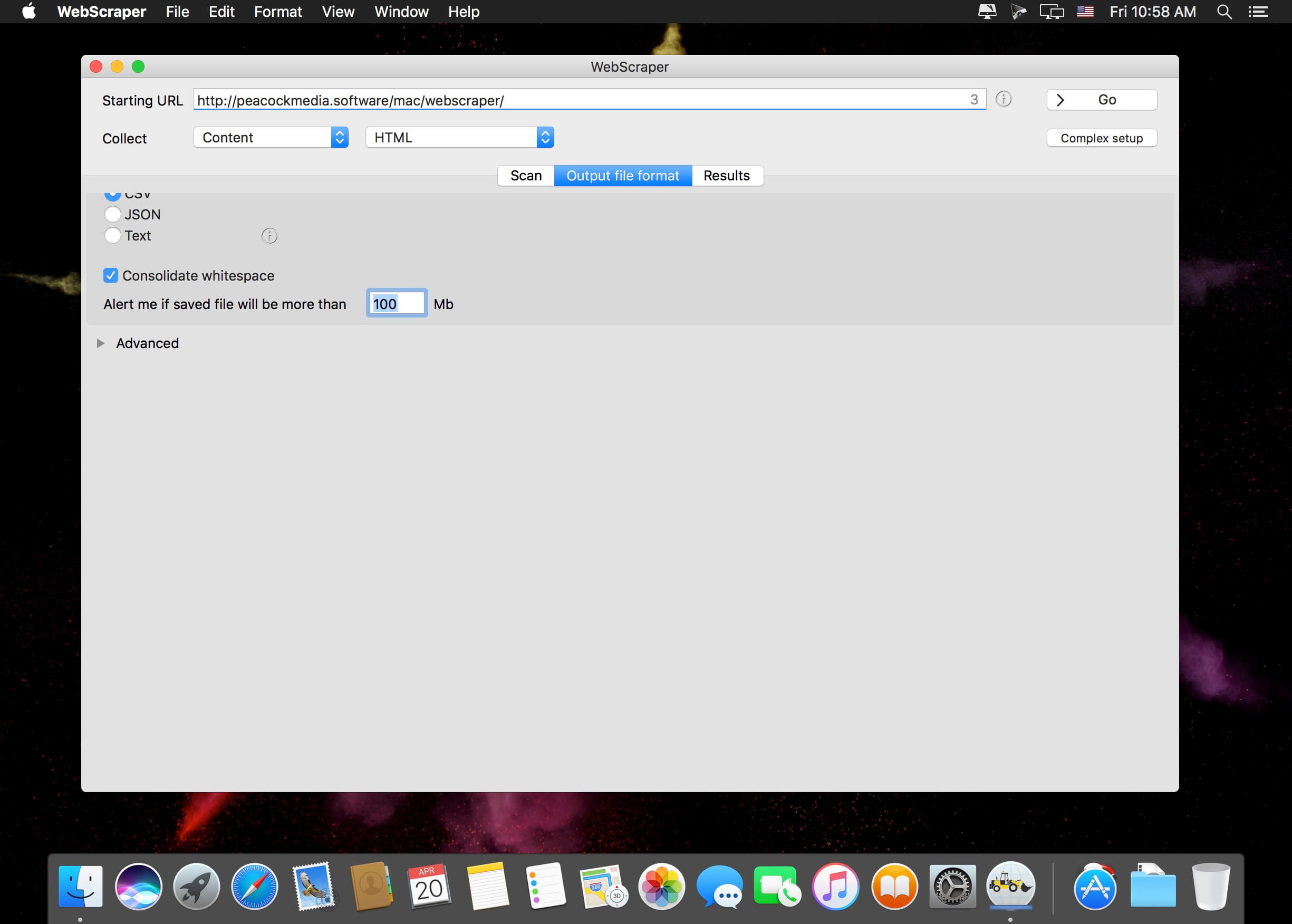
- Content formats: get full content as HTML, plain text, or markdown.
- Image download: save all images discovered during the scan to a folder.
- Crawl and output limits: configure various limits on the crawl and on the size of the output file.
Control what you collect
Decide which columns appear in your export and how data is extracted from each page. Set limits on the crawl and the output file size to keep results manageable.
Version 4.15.9
- Updates Paddle (licensing) framework for compatibility with MacOS26.
Frequently asked questions
How do I install the app?
Mount the image, drag the app into the "Applications" folder and launch it. If the system blocks the launch, allow it in "System Settings → Privacy & Security".
The app is damaged or won't launch
Reinstalling from a fresh image usually helps. Make sure your macOS version matches the one listed in the compatibility specs.
How do I update?
Download the new version from the site and install it over the current one — your settings will be preserved.
The download link doesn't work
Try a mirror or a download manager. For large files the browser often drops the connection.
How do I completely remove the app?
Use an uninstaller utility — it cleans up the service files that remain after moving the app to the trash.





Choose a download source
WebScraper 4.15.9 · 4.69 MB
Previous versions
WebScraper 4.15.9
Previous versions are available to registered users.
Comments 1