
PhotoSweeper X 5.5.6
Duplicate Photo Cleaner for Mac: Find Similar Photos
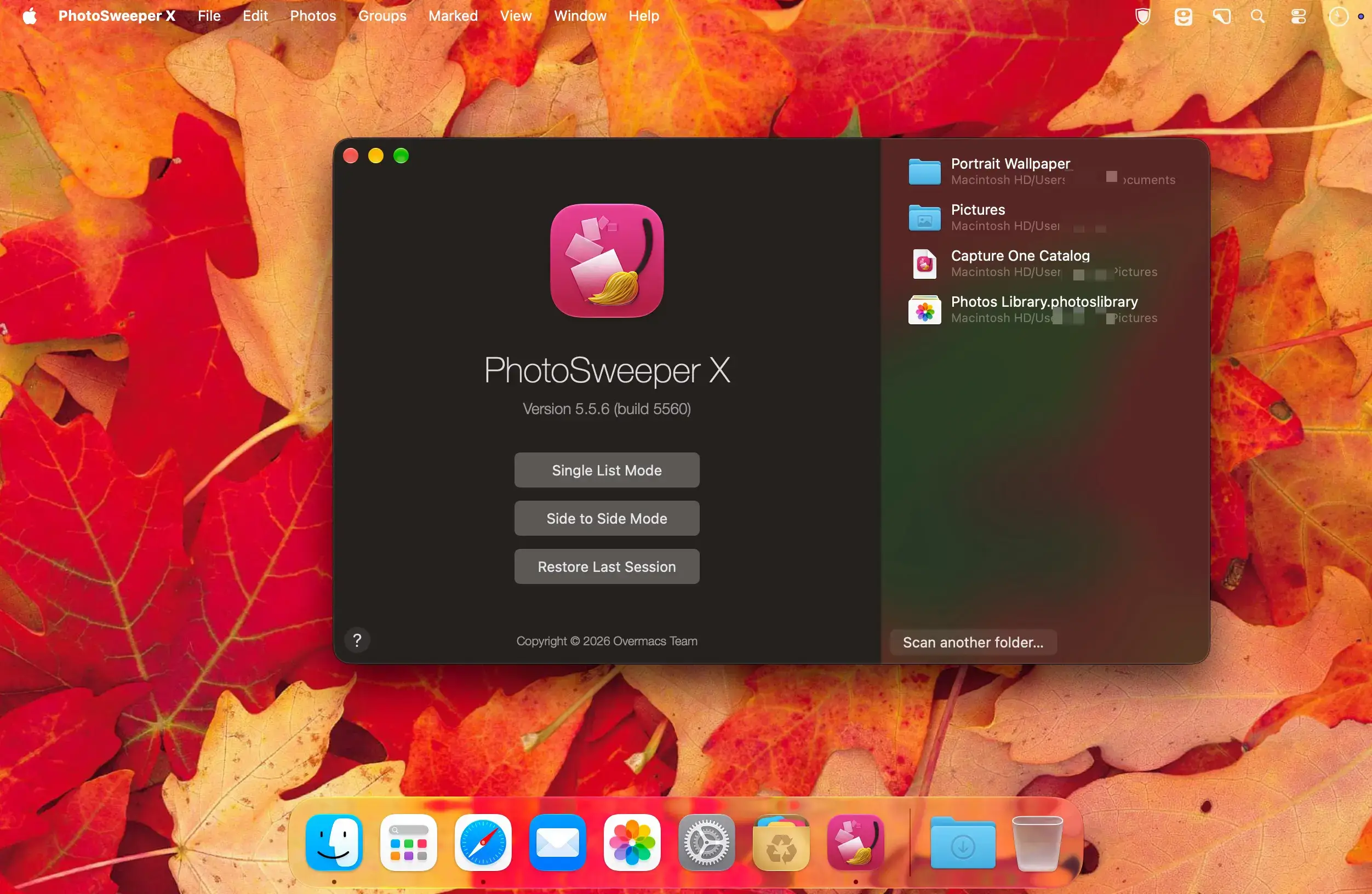
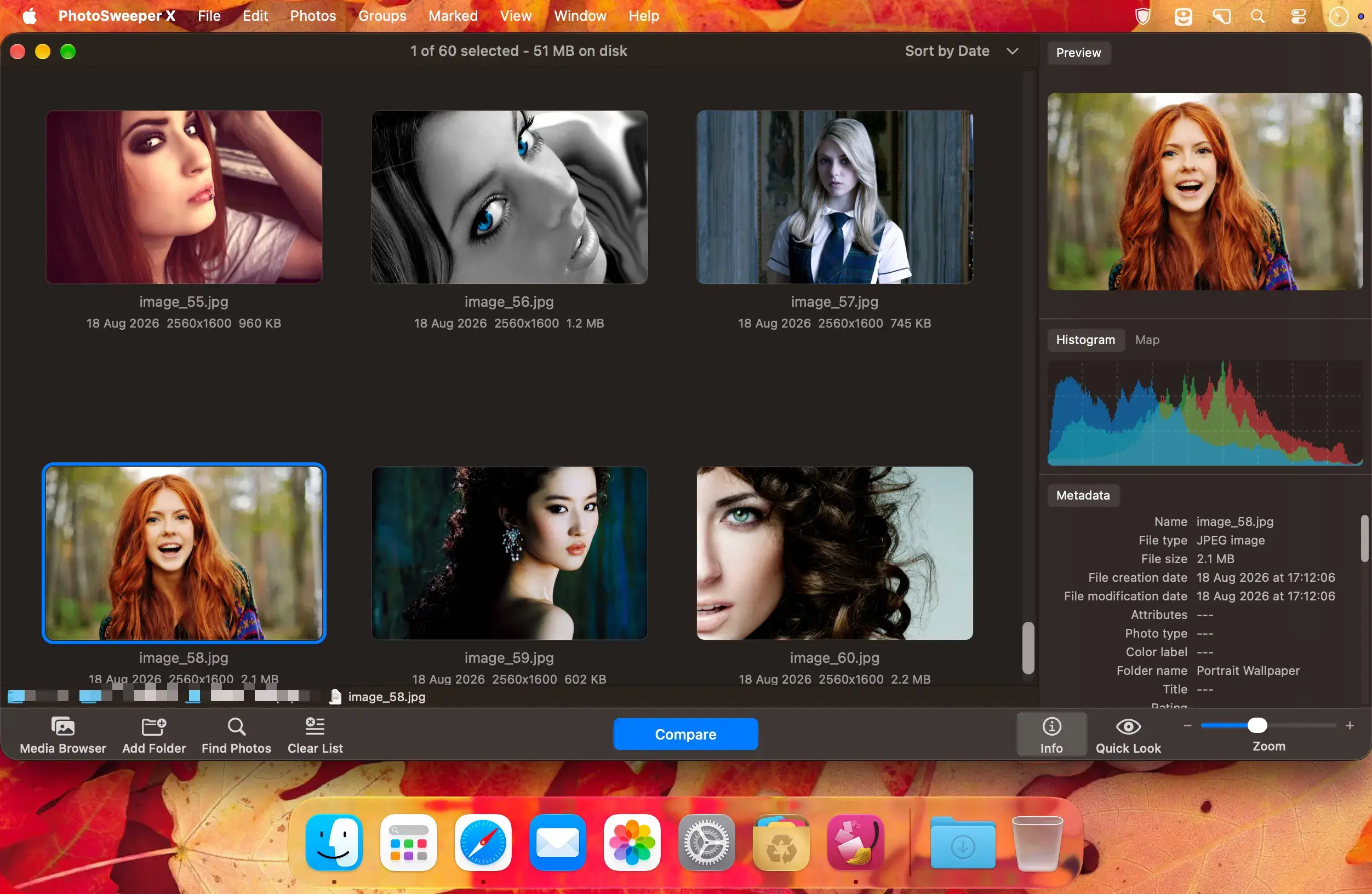
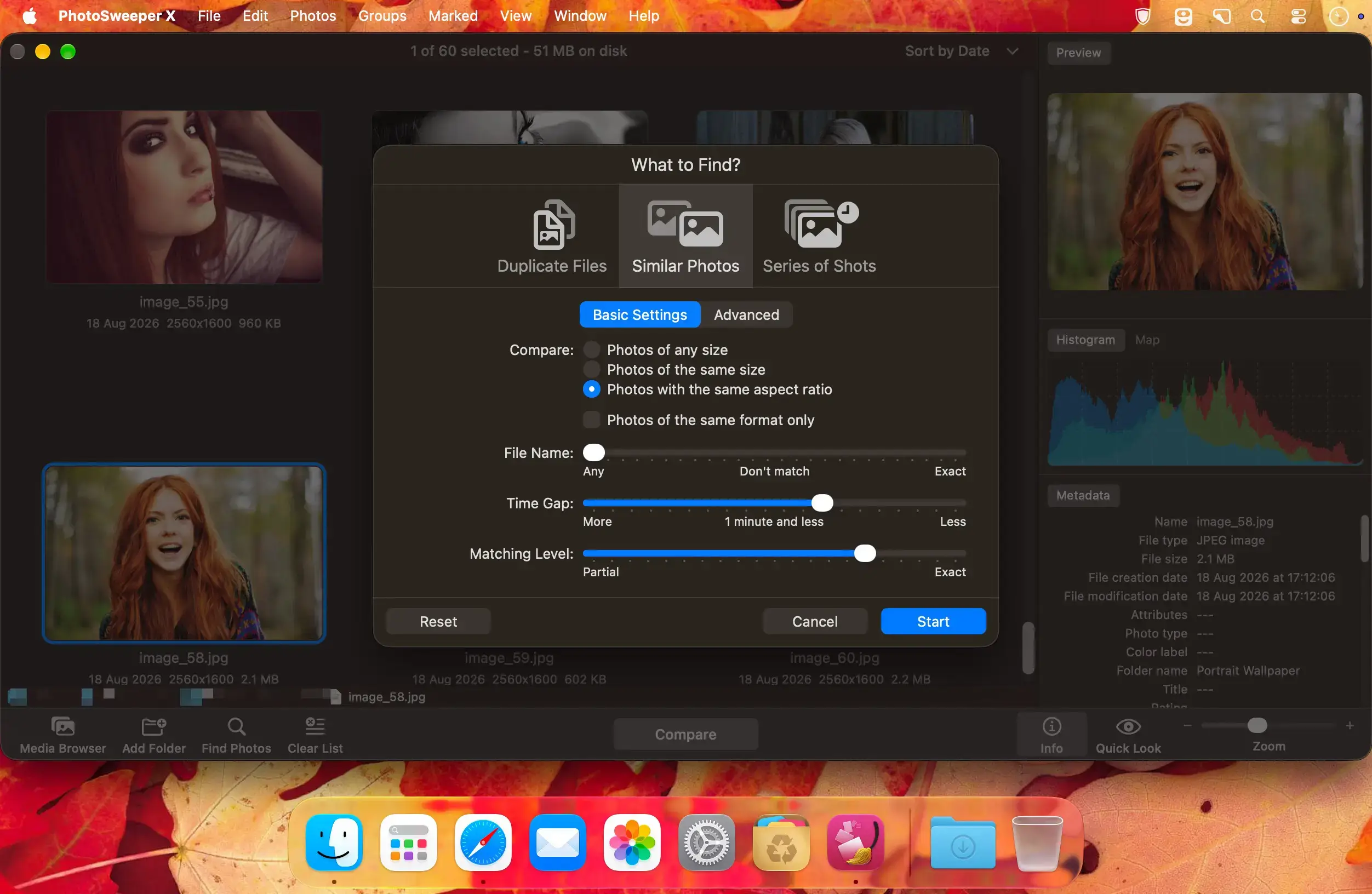
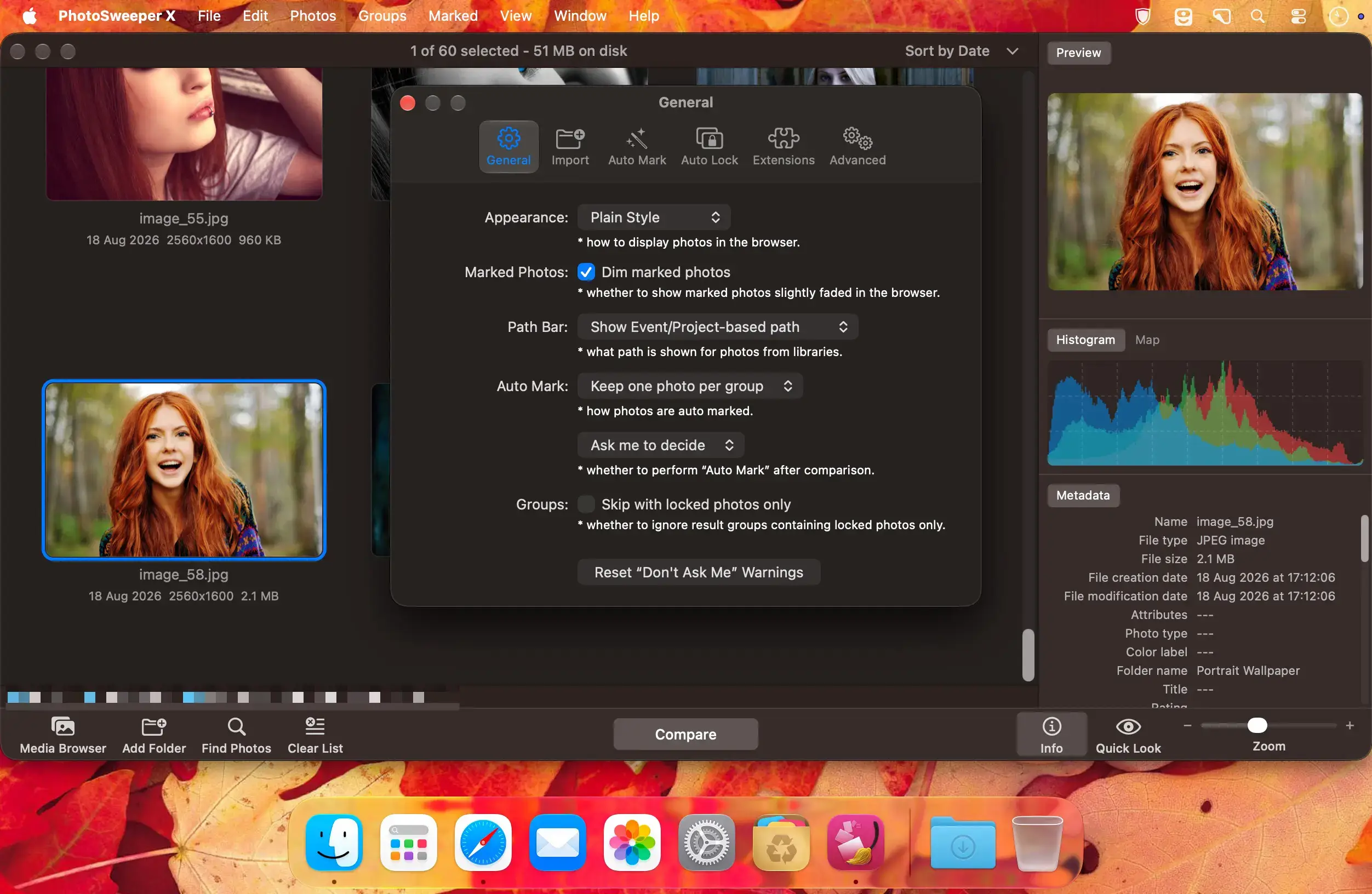
PhotoSweeper is a fast duplicate photo cleaner that helps you find and delete duplicate and similar photos on your Mac. It works with folders, external storage, Apple Photos, Capture One and Adobe Lightroom Classic, and it is optimized for Apple Silicon.
Works with your photo collections
- Files and folders: find and remove duplicates on your hard disks or external storage. Removed photos go to the system Trash, so you can restore them.
- Apple Photos: work with Photos for macOS and see the library hierarchy and photo details. Removed photos go to a special album.
- Capture One: work with the latest Capture One and earlier versions. On removal, PhotoSweeper puts files in the Trash instead of deleting them.
- Adobe Lightroom Classic: on removal, PhotoSweeper marks photos as Rejected and puts them in a special collection.
Why you need PhotoSweeper
- Auto Mark: adjustable rules help determine which photo to keep in each group of duplicates.
- Similar photos: a powerful search engine quickly isolates groups of similar photos, and you can adjust the similarity threshold on the fly.
- Series of shots: set a maximum time gap between photos, and the app finds series of shots so you can keep the photos you like and delete the others.
- Auto Lock: keep already sorted photos safe. Locked photos are used for comparison but can't be marked for removal.
- Edited photos: find photos that were resized, rotated or enhanced with a filter in apps like PhotoMill, Photoshop or Pixelmator.
- Movies: work with various video formats, including some that macOS does not support natively, such as AVI, MKV and WMV.
- Image formats: support for all popular image formats, including RAW and HEIC. PhotoSweeper can also read PDF, DNG and WebP.
Review, sort and stay in control
- Results sorting: review results in three modes, "One by One", "Face-to-Face" and "All in One". Mark a photo with a single click or a keyboard shortcut.
- Powerful settings: choose a mode to find duplicates, similar photos or series of shots, and fine-tune the search with a wide range of settings.
- Photo browser: use tools like the EXIF Info panel, Movie Preview, Quick Look and Path Bar.
- Batch renaming: rename files in bulk while copying or moving them to another folder, which helps when importing photos to your Mac.
- Safe removal: PhotoSweeper never deletes files from a disk or a media library. If something goes wrong, you can restore them from the Trash.
Built for your Mac
- Fast: PhotoSweeper is optimized for 64-bit, ARM and multicore processors.
- macOS Golden Gate: the app takes advantage of the latest macOS features and looks great on macOS Golden Gate.
Version 5.5.5
- XMP sidecar files: support for reading metadata from sidecar files.
- DNG extension: improved reading of Adobe DNG images.
- Adobe Lightroom: improved handling of previews.
- Import: new options to ignore hidden photos in Apple Photos and rejected ones in Adobe + Lightroom.
- Bug fixes and performance improvements based on user feedback.
Frequently asked questions
How do I install the app?
Mount the image, drag the app into the "Applications" folder and launch it. If the system blocks the launch, allow it in "System Settings → Privacy & Security".
The app is damaged or won't launch
Reinstalling from a fresh image usually helps. Make sure your macOS version matches the one listed in the compatibility specs.
How do I update?
Download the new version from the site and install it over the current one — your settings will be preserved.
The download link doesn't work
Try a mirror or a download manager. For large files the browser often drops the connection.
How do I completely remove the app?
Use an uninstaller utility — it cleans up the service files that remain after moving the app to the trash.




Choose a download source
PhotoSweeper X 5.5.6 · 56 MB
Previous versions
PhotoSweeper X 5.5.6
Previous versions are available to registered users.
Comments 1