
AirMail Pro 27.0.2 fix
Fast Mac email client with unified inbox
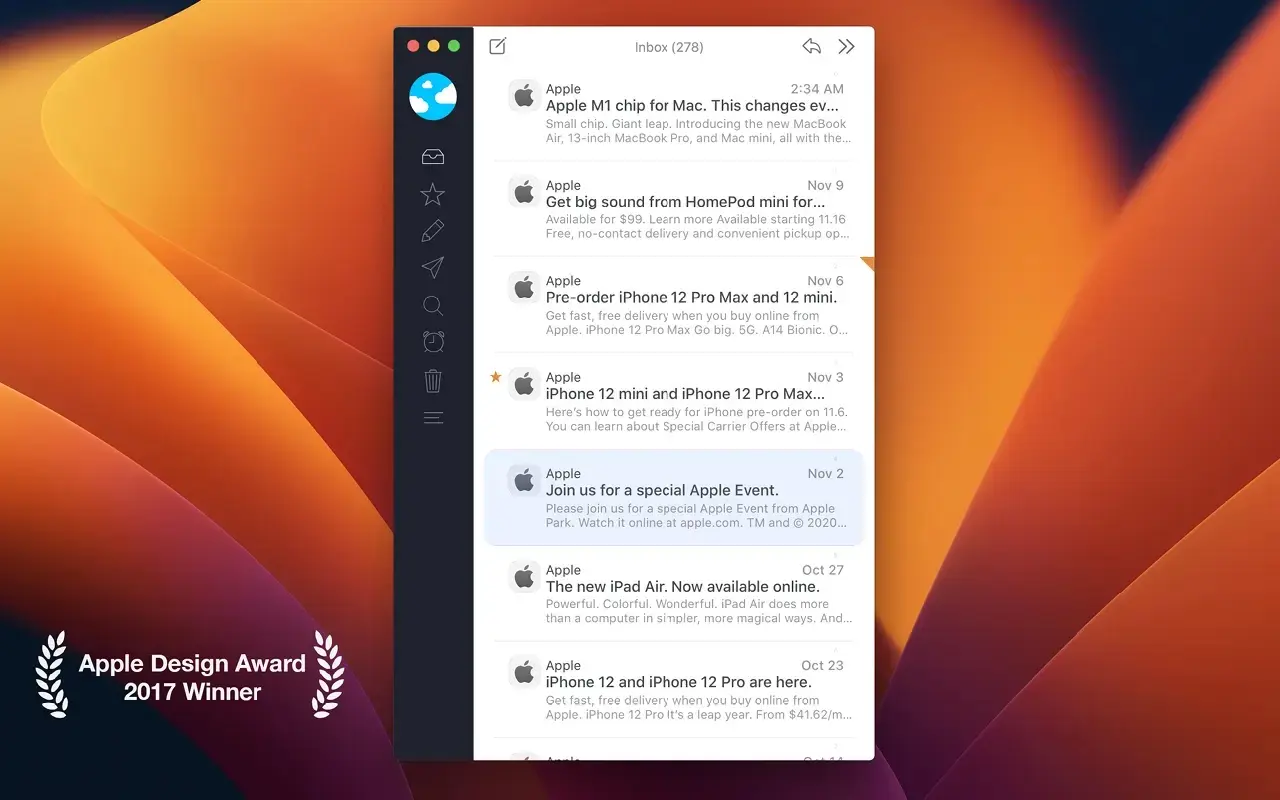
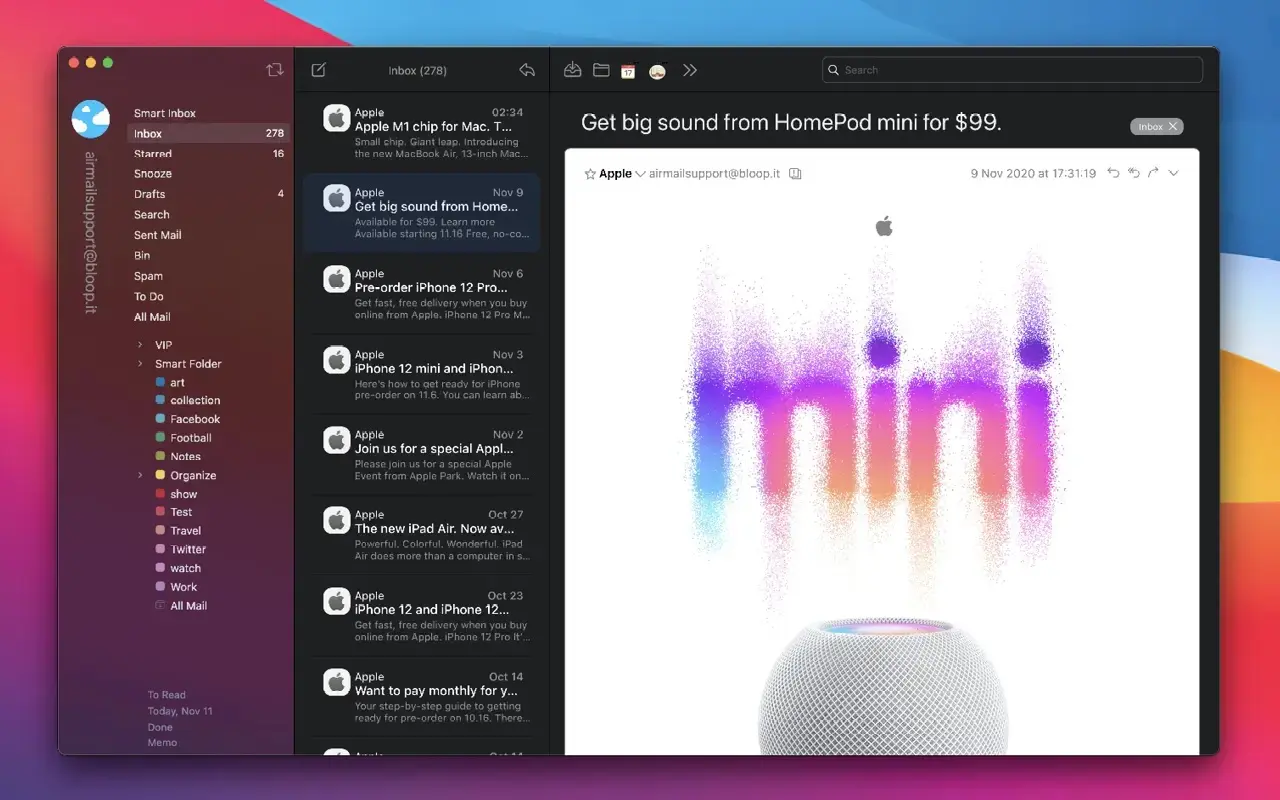

Airmail brings together every email account you use into one fast, clean workspace on your Mac, so you can read and reply without switching apps or losing track of messages.
One inbox, every account
Whether you rely on iCloud, MS Exchange, Gmail, Google Apps, IMAP, POP3, Yahoo!, AOL, Outlook.com, or Live.com, Airmail brings them all into a single unified inbox. Add local accounts, import your old messages from Apple Mail, MBOX archives, EML or EMLX files, and keep working even when you're offline.
- Unified Inbox: view and manage messages from all your accounts in one place
- Quick Reply: respond to incoming messages in seconds without opening a new window
- Multi Touch gestures: navigate and manage your mail using natural trackpad gestures
- Shortcuts: use Gmail-style shortcuts, custom global shortcuts, and quick folder selection
- Conversations: group messages by ID or subject, sort chronologically, and mute noisy CC'd threads
- Composer: write in Markdown, HTML with source view, or plain text, with bullet and numbered lists
- Sending options: set Auto CC/BCC, Send Delay, Redirect, Send Again, and Bounce
- Signatures: create multiple account signatures in Markdown, Rich Text, HTML, or plain text
- Search & filtering: search across multiple accounts in real time and sort by date, attachments, or conversation
- Folders and labels: create nested folders, assign custom colors synced through iCloud, and set custom folder mappings
- Send to: forward items directly to OmniFocus, Fantastical, Evernote, Apple Reminders, Calendar, BusyCal, Things, 2Do, Wunderlist, or Todoist
- AppleScript support: automate tasks and extend Airmail's functionality
- Airmail Pro included: get the new design, Smart Box, new rendering engine, new search, new themes, custom actions, and a customizable layout
Download Airmail for Mac and start managing all your email accounts from one streamlined inbox today.
Version 27.0.2
- Bugfix
Frequently asked questions
How do I install the app?
Mount the image, drag the app into the "Applications" folder and launch it. If the system blocks the launch, allow it in "System Settings → Privacy & Security".
The app is damaged or won't launch
Reinstalling from a fresh image usually helps. Make sure your macOS version matches the one listed in the compatibility specs.
How do I update?
Download the new version from the site and install it over the current one — your settings will be preserved.
The download link doesn't work
Try a mirror or a download manager. For large files the browser often drops the connection.
How do I completely remove the app?
Use an uninstaller utility — it cleans up the service files that remain after moving the app to the trash.





Choose a download source
AirMail Pro 27.0.2 fix · 46.5 MB
Previous versions
AirMail Pro 27.0.2 fix
Previous versions are available to registered users.
Comments 3