
Hides 7.4.1
Mac focus mode: one app in view, the rest hidden
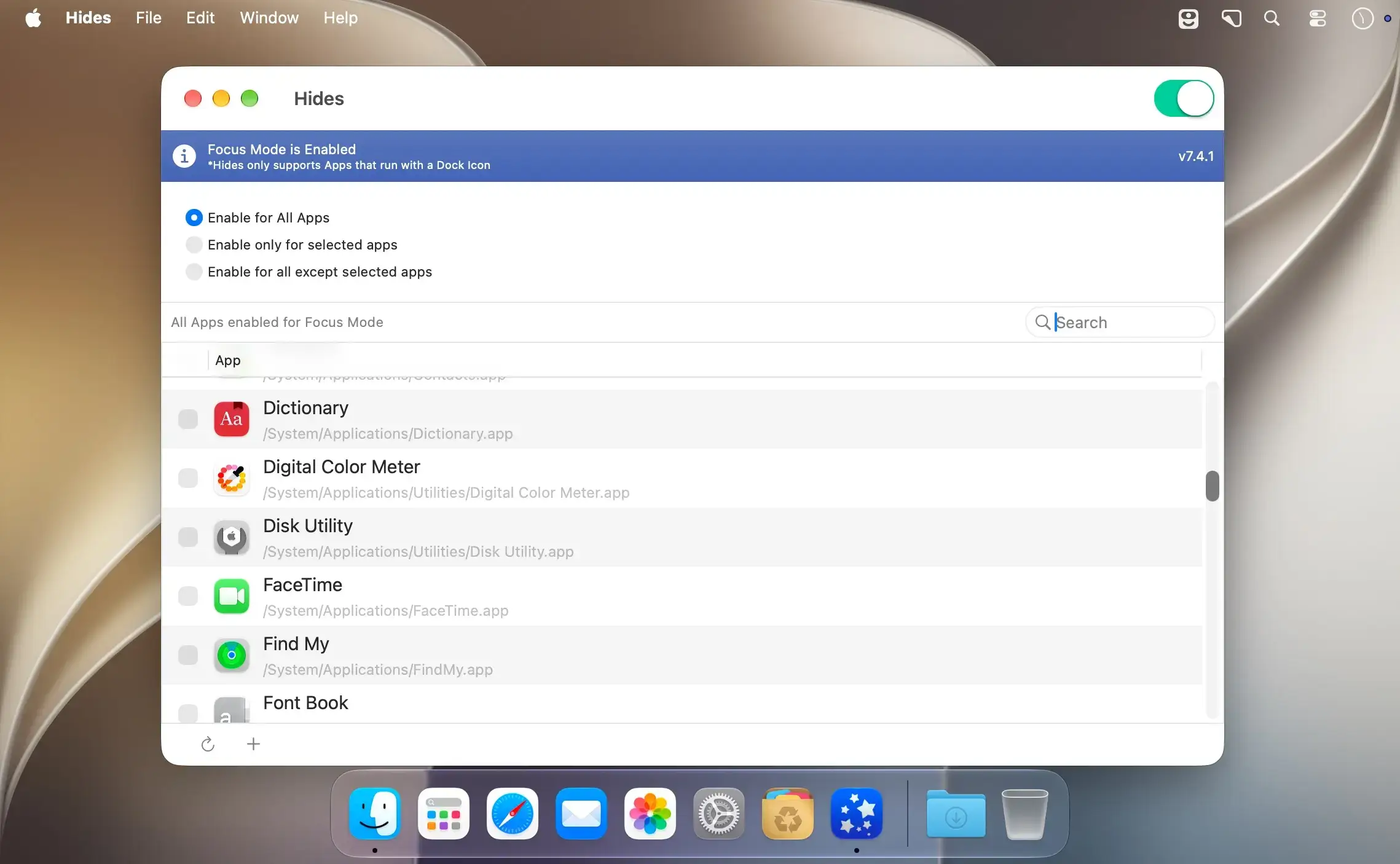
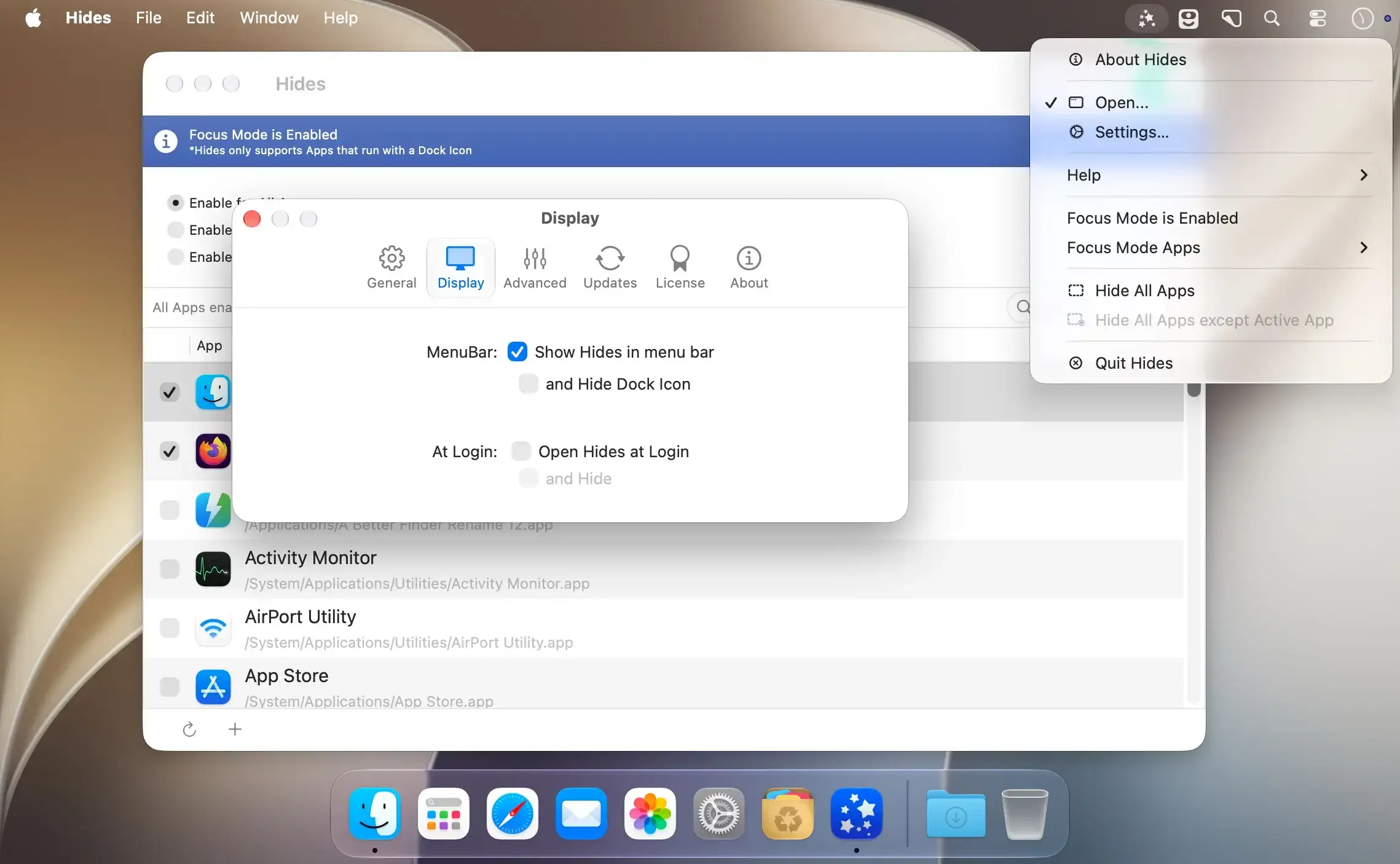
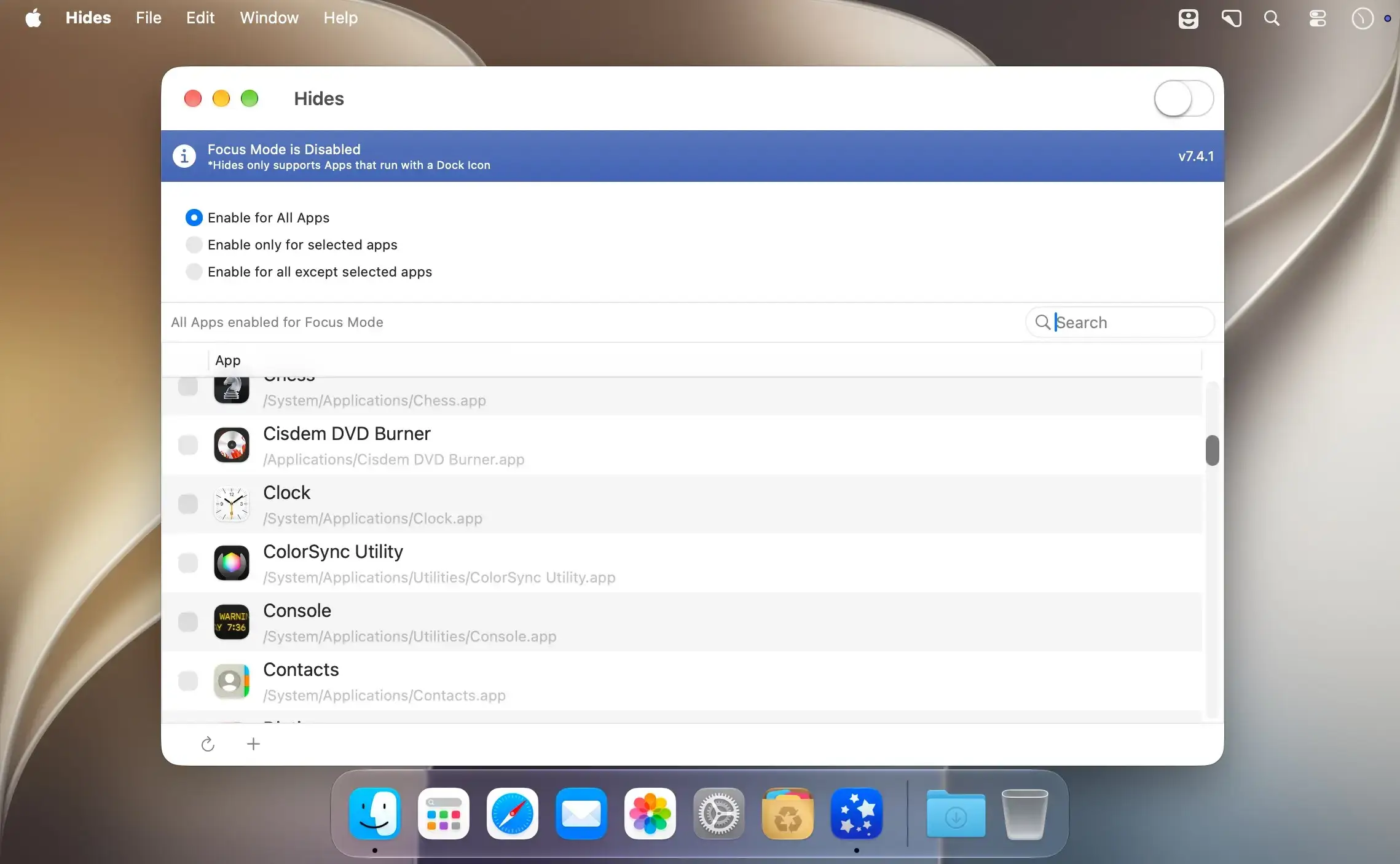
Hides is a simple tool for creating a focused, distraction-free workspace on your Mac. It keeps your attention on the task at hand by hiding the apps you are not using.
Stay focused on one app
With Single App Mode, Hides automatically conceals every other open application. When you switch to another app, the rest are hidden from view, so your attention stays on the active window.
Start with a clear desktop
Hide all open applications instantly to clear your desktop and start fresh. Global hotkeys let you activate Single App Mode or hide running apps with a single keystroke.
Features
- Focus Mode: enable it for specific apps or for all applications.
- Single App Mode: automatically hide every app except the active one.
- Hide all apps: quickly hide all open applications.
- Global hotkeys: get instant control from the keyboard.
- Clean desktop: enjoy a distraction-free workspace.
- Improved window handling: work with windows more smoothly.
- Updated app icon: a new icon for the app.
- Refined user interface: a smoother everyday experience.
Version 7.4.1:
- small improvements to the hide delay calculation
Frequently asked questions
How do I install the app?
Mount the image, drag the app into the "Applications" folder and launch it. If the system blocks the launch, allow it in "System Settings → Privacy & Security".
The app is damaged or won't launch
Reinstalling from a fresh image usually helps. Make sure your macOS version matches the one listed in the compatibility specs.
How do I update?
Download the new version from the site and install it over the current one — your settings will be preserved.
The download link doesn't work
Try a mirror or a download manager. For large files the browser often drops the connection.
How do I completely remove the app?
Use an uninstaller utility — it cleans up the service files that remain after moving the app to the trash.




Choose a download source
Hides 7.4.1 · 6.48 MB
Previous versions
Hides 7.4.1
Previous versions are available to registered users.