ON1 Photo RAW 2027 v27.0.3.19492
Your Lightroom alternative: edit, retouch, organize in one app
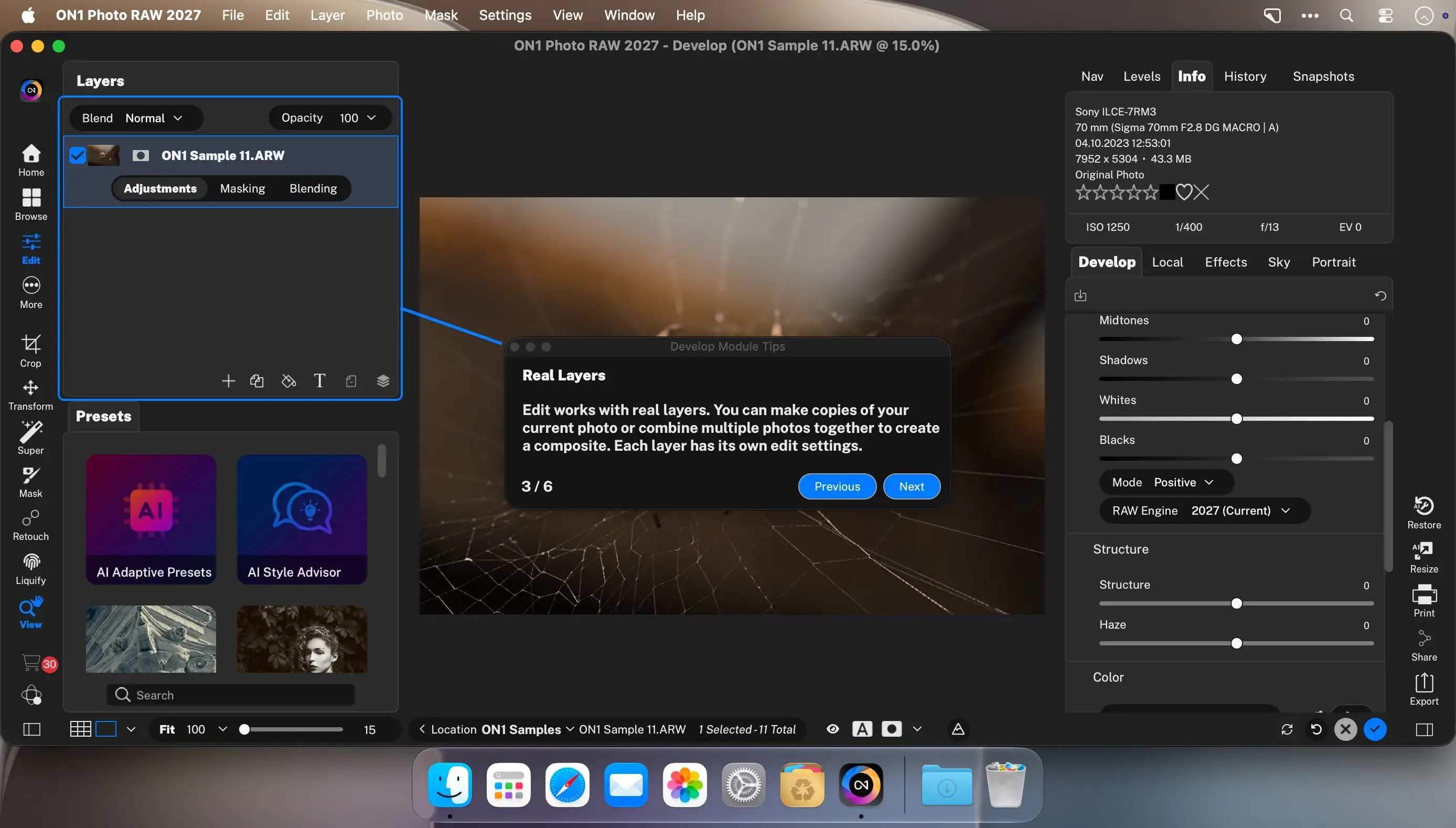
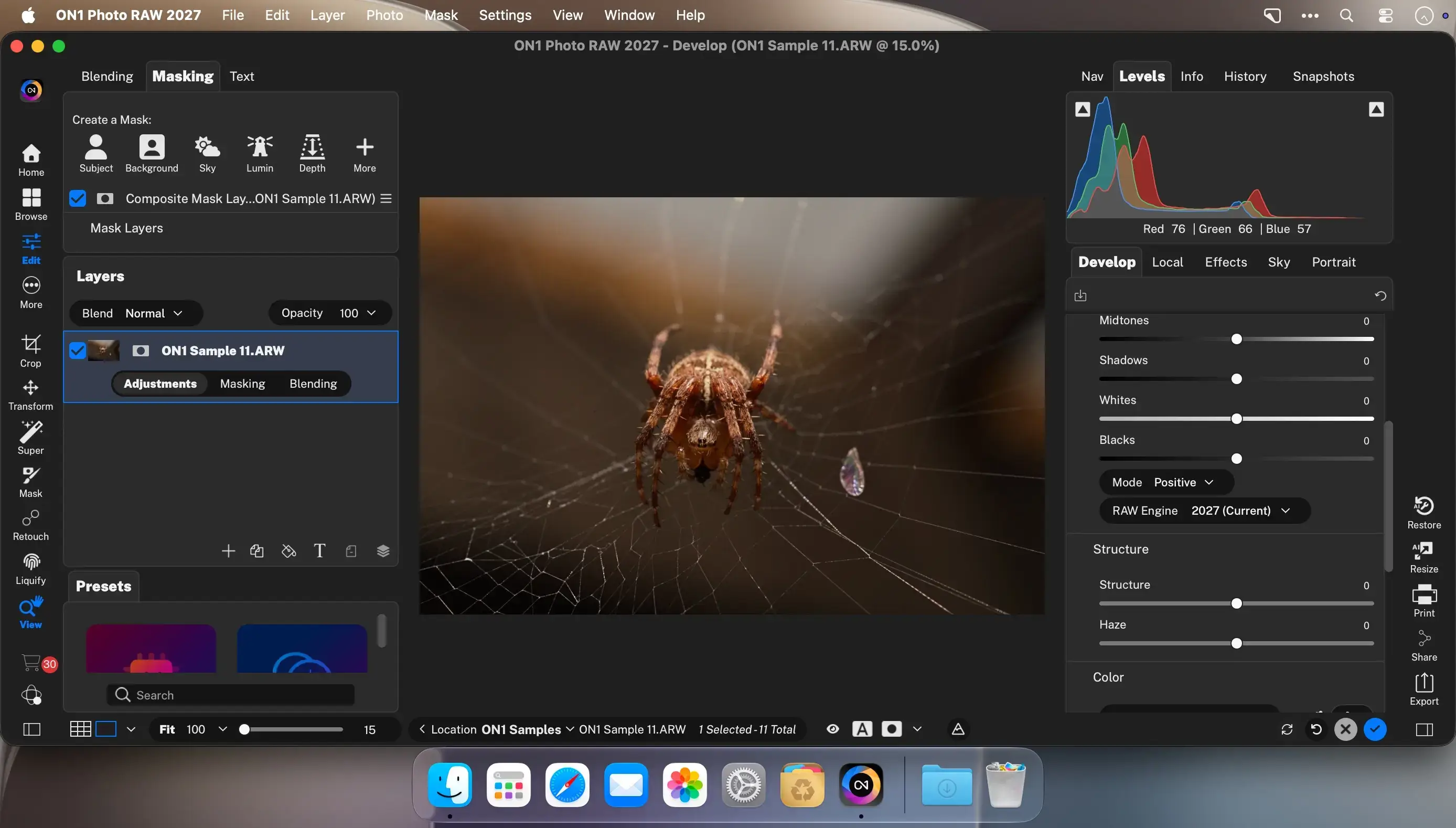
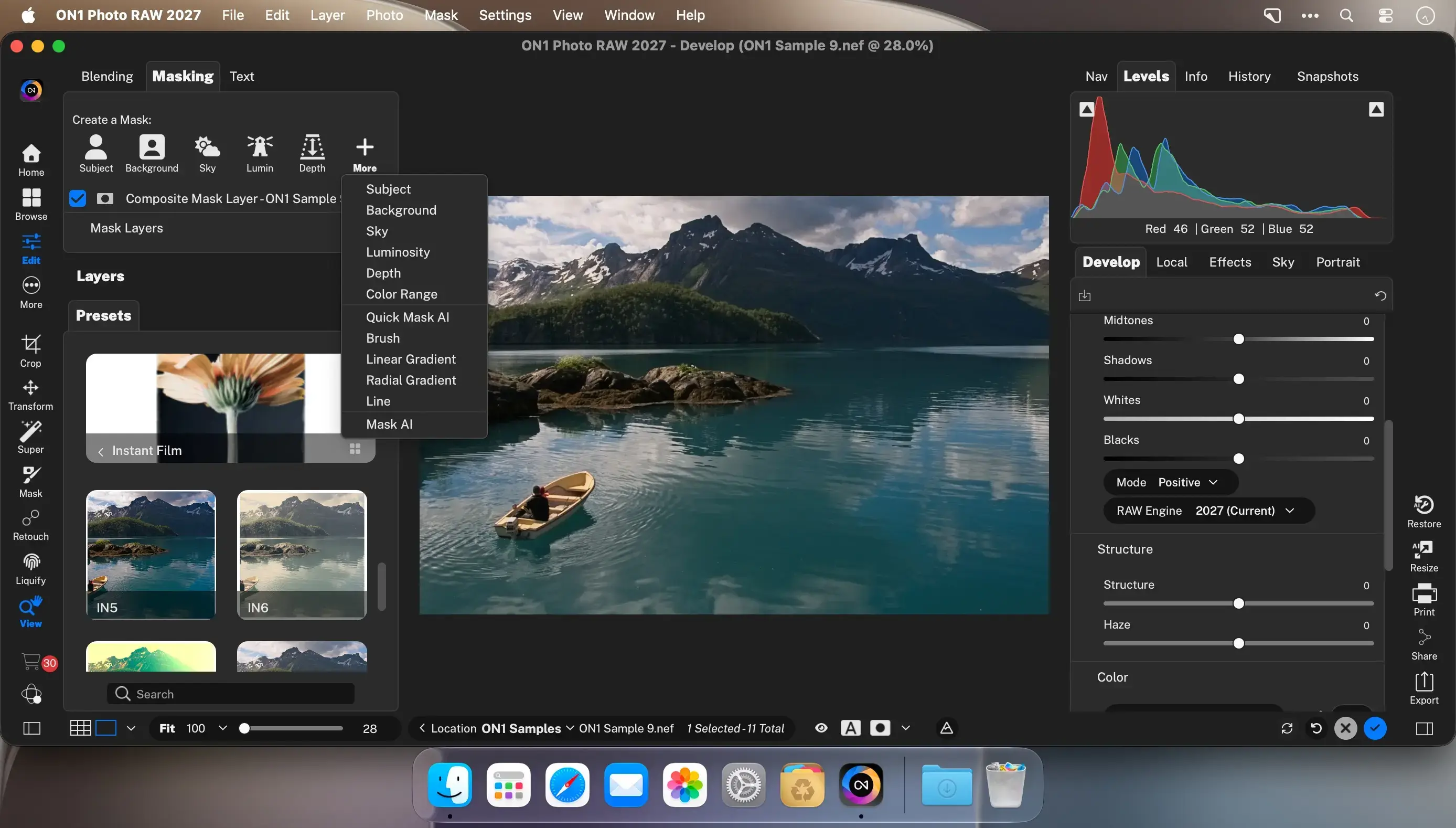
ON1 Photo RAW 2027 brings RAW processing, AI-powered editing, traditional editing tools, and photo management together in a single app on your Mac. Browse, edit, retouch, and share your photos without switching programs. It's a professional alternative to Lightroom and Photoshop, with a faster, more intuitive workflow and no subscription required.
One app instead of two
Instead of juggling Lightroom and Photoshop, you can browse, edit, retouch, work with layers and masks, and export in one place. Photo RAW is built as a complete standalone workflow. Start with your raw files and finish with a polished export without opening another app.
AI tools built in
These tools aren't add-ons. They're included and ready to use.
- NoNoise AI: cleans up high-ISO shots.
- Resize AI: sharpens and enlarges your images.
- Generative Erase: removes distractions without a trace.
- Sky Swap AI: transforms a flat sky in seconds.
- Restore AI: repairs and enhances old or damaged photos.
- Super Select AI: isolates a sky, a subject, or a background with a single click.
Faster masking and selections
Depth masks let you target the foreground or background without painting a single stroke. Combined with Super Select AI, they turn masking that used to take 20 minutes into a 20-second task.
Endless creative looks
Choose from hundreds of professional filters, presets, LUTs, textures, and borders. Every look is stackable and maskable, so you can apply it to just the sky, just the subject, or the whole image. A single module gives you endless combinations.
Simple photo management
There's no slow import step because Photo RAW browses your files where they live. Organize images with tags, albums, and stacks using AI-powered keywording, while large libraries stay fast and searchable. Your organizer and your editor live in the same app.
Own your editing workflow with ON1 Photo RAW 2027 and go from raw file to finished photo in one app.
Frequently asked questions
How do I install the app?
Mount the image, drag the app into the "Applications" folder and launch it. If the system blocks the launch, allow it in "System Settings → Privacy & Security".
The app is damaged or won't launch
Reinstalling from a fresh image usually helps. Make sure your macOS version matches the one listed in the compatibility specs.
How do I update?
Download the new version from the site and install it over the current one — your settings will be preserved.
The download link doesn't work
Try a mirror or a download manager. For large files the browser often drops the connection.
How do I completely remove the app?
Use an uninstaller utility — it cleans up the service files that remain after moving the app to the trash.



Choose a download source
ON1 Photo RAW 2027 v27.0.3.19492 · 1.14 GB
Previous versions
ON1 Photo RAW 2027 v27.0.3.19492
Previous versions are available to registered users.