FigrCollage 3.3.8 Pro
Photo collage maker for shapes, numbers, letters, and words
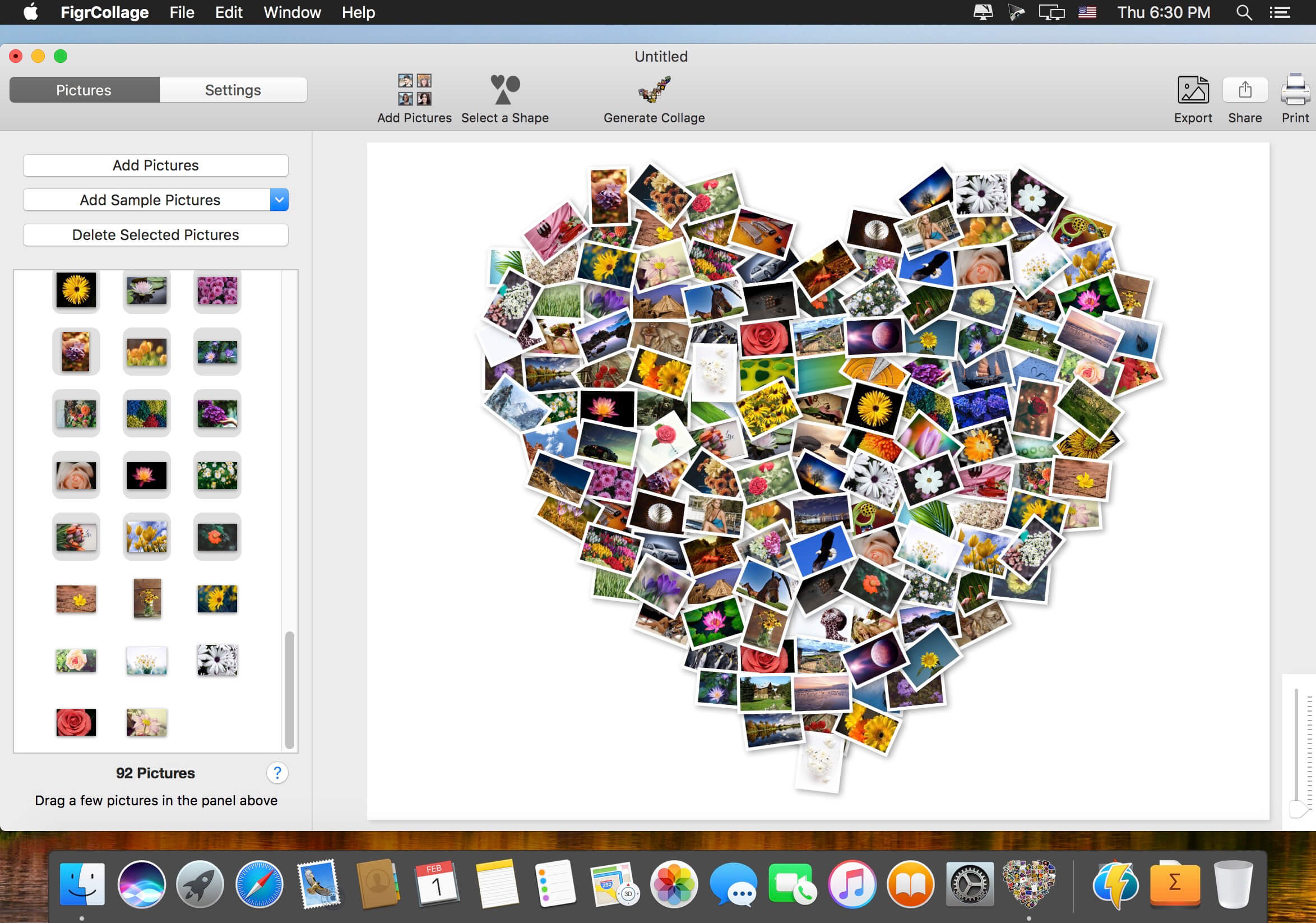
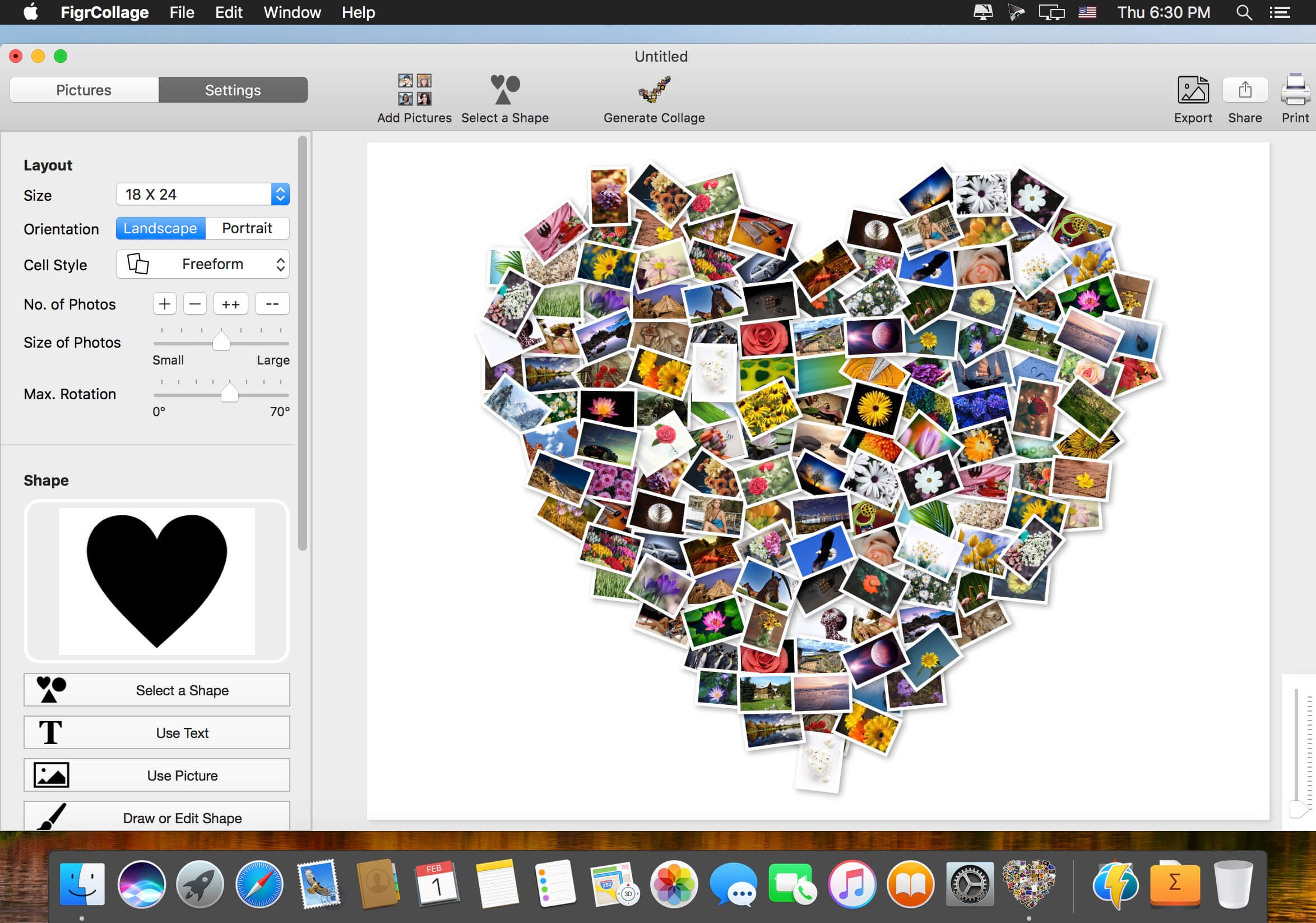
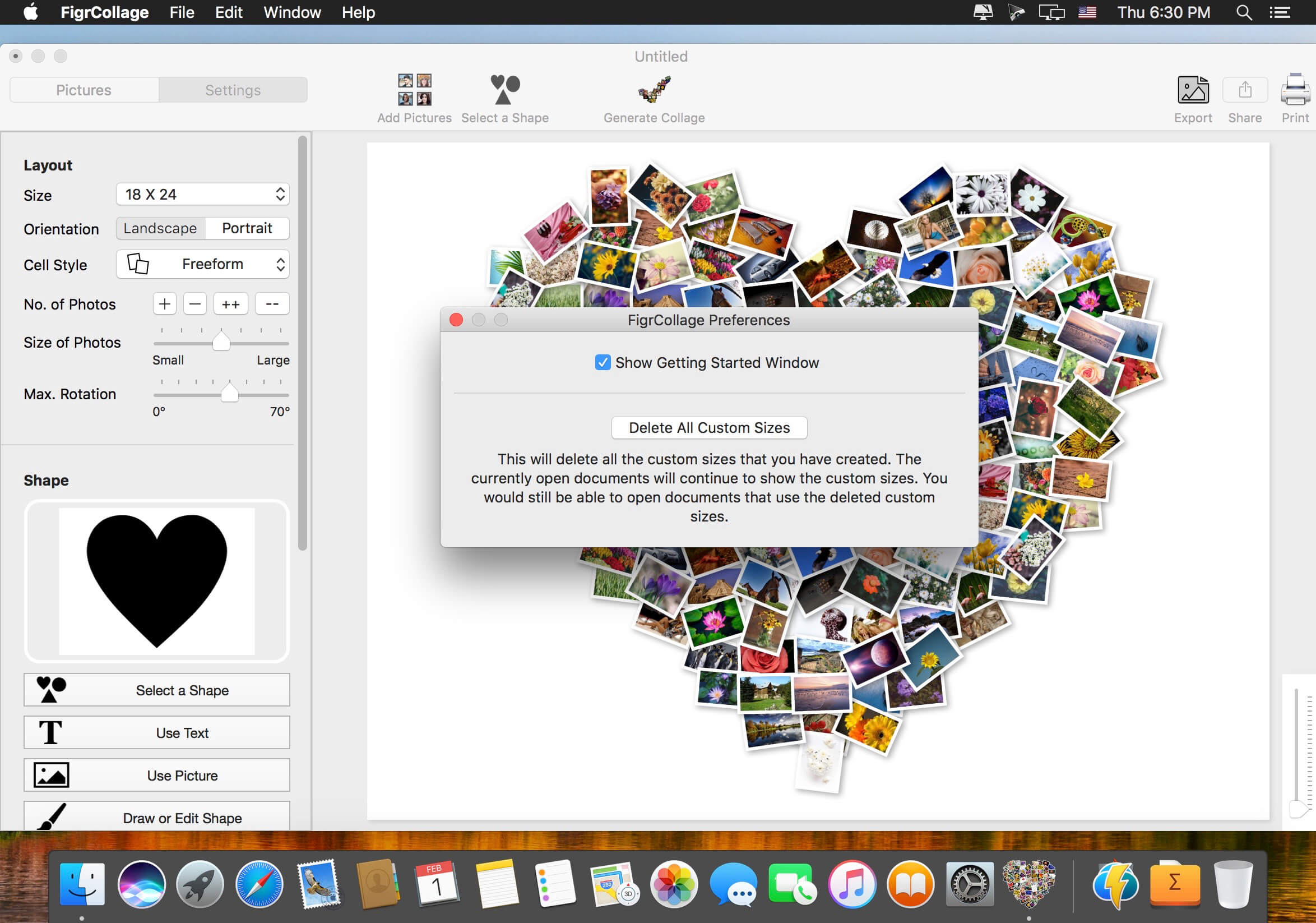
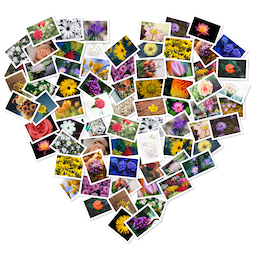
Create a photo collage in the form of a shape, number, letter, word, or other text with FigrCollage Pro for Mac. Choose a standard shape or use your own custom shape, and make a collage in just a few minutes—even without design experience.
Turn photos into a shape or text collage
Make a heart collage, number collage, letter collage, or word collage using any alphabet. FigrCollage Pro makes it easy for anyone to create a collage from a shape or text.
- Shape, number, and text collages: Arrange a photo collage as a shape, number, letter, word, or other text.
- Standard shapes: Create a collage using one of the standard shapes.
- Custom shapes: Use your own shape for a collage.
- Accessible creation: Make a collage in a few minutes without design expertise or experience.
Choose a shape or text and create your photo collage with FigrCollage Pro for Mac.
Version 3.3.8:
- Release notes were unavailable when this listing was updated.
Frequently asked questions
How do I install the app?
Mount the image, drag the app into the "Applications" folder and launch it. If the system blocks the launch, allow it in "System Settings → Privacy & Security".
The app is damaged or won't launch
Reinstalling from a fresh image usually helps. Make sure your macOS version matches the one listed in the compatibility specs.
How do I update?
Download the new version from the site and install it over the current one — your settings will be preserved.
The download link doesn't work
Try a mirror or a download manager. For large files the browser often drops the connection.
How do I completely remove the app?
Use an uninstaller utility — it cleans up the service files that remain after moving the app to the trash.


Choose a download source
FigrCollage 3.3.8 Pro · 62.97 MB
Previous versions
FigrCollage 3.3.8 Pro
Previous versions are available to registered users.
Comments 2