JixiPix Pop Dot Comics 2.14
Photo to comic art with bold colors and Benday dots
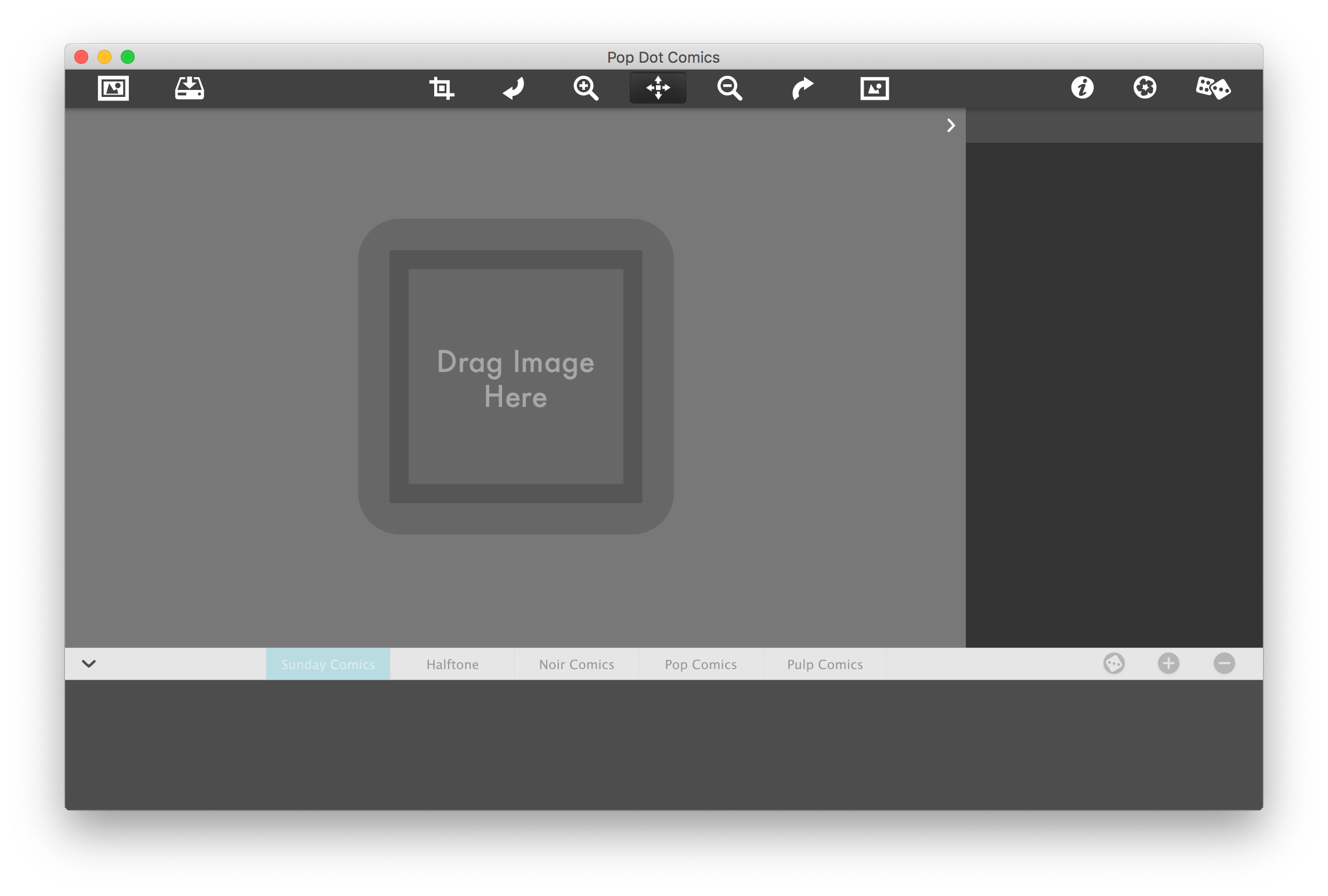
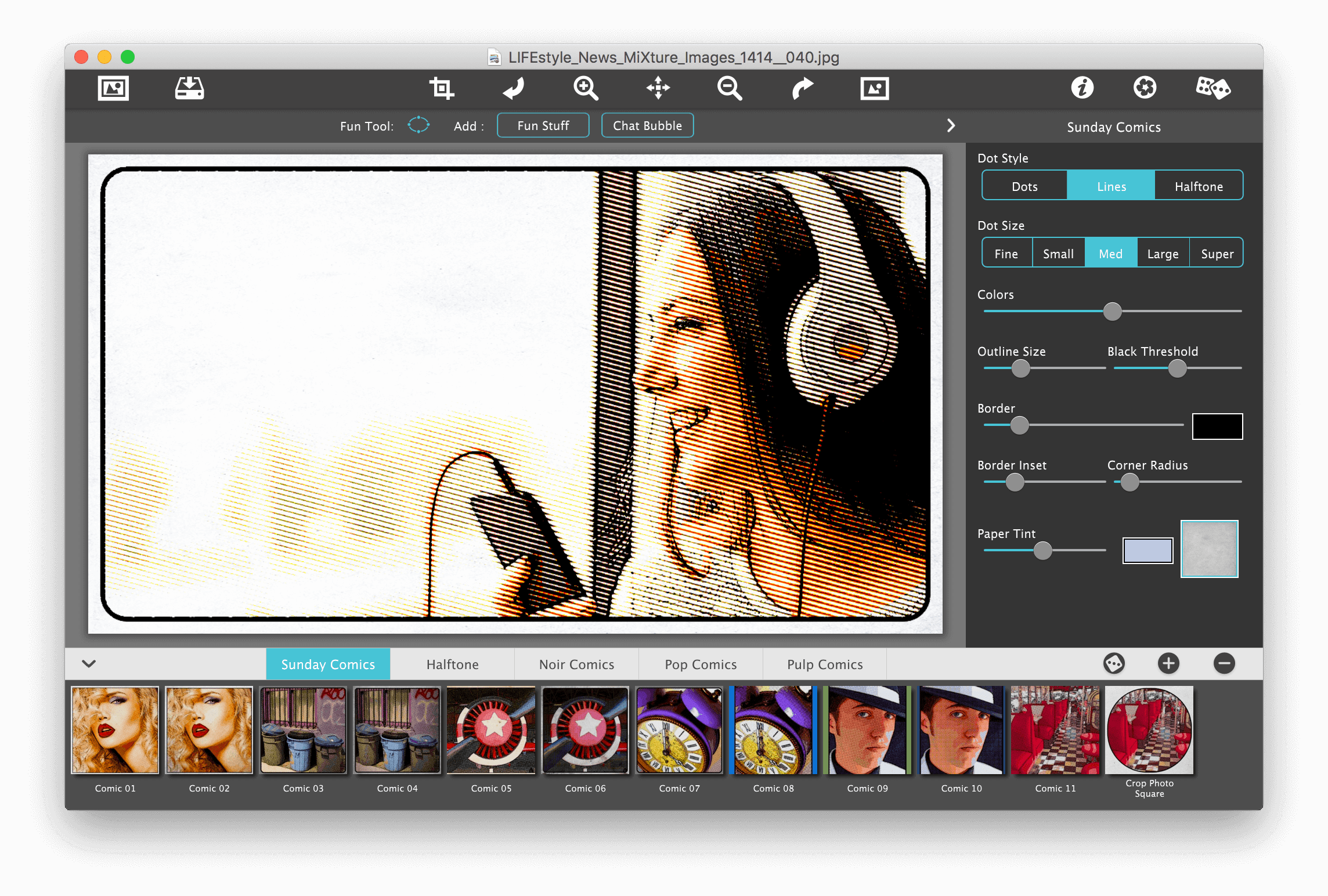

Turn your snapshots or photos of friends and family into comic-book-style illustrations with thick outlines, bold colors, and Benday dots.
A printed comic-book look
Pop Dot Comic applies Benday dots to newsprint or pulp paper to give each creation the look of a printed or published comic.
- Comic-book effects: Add thick outlines, bold colors, and Benday dots to your photo.
- Speech bubbles: Add custom messages using the included Fun Stuff library.
- Sound effects: Add effects such as “POW” to your creation.
- Save and share: Save finished comic-book photos to your library or post them to friends and family.
Turn a photo into a comic-book creation with Pop Dot Comic.
Frequently asked questions
How do I install the app?
Mount the image, drag the app into the "Applications" folder and launch it. If the system blocks the launch, allow it in "System Settings → Privacy & Security".
The app is damaged or won't launch
Reinstalling from a fresh image usually helps. Make sure your macOS version matches the one listed in the compatibility specs.
How do I update?
Download the new version from the site and install it over the current one — your settings will be preserved.
The download link doesn't work
Try a mirror or a download manager. For large files the browser often drops the connection.
How do I completely remove the app?
Use an uninstaller utility — it cleans up the service files that remain after moving the app to the trash.


Choose a download source
JixiPix Pop Dot Comics 2.14 · 73.69 MB
Previous versions
JixiPix Pop Dot Comics 2.14
Previous versions are available to registered users.