
Xmas snow 1.6.3
Animated snow for Mac and a Christmas countdown
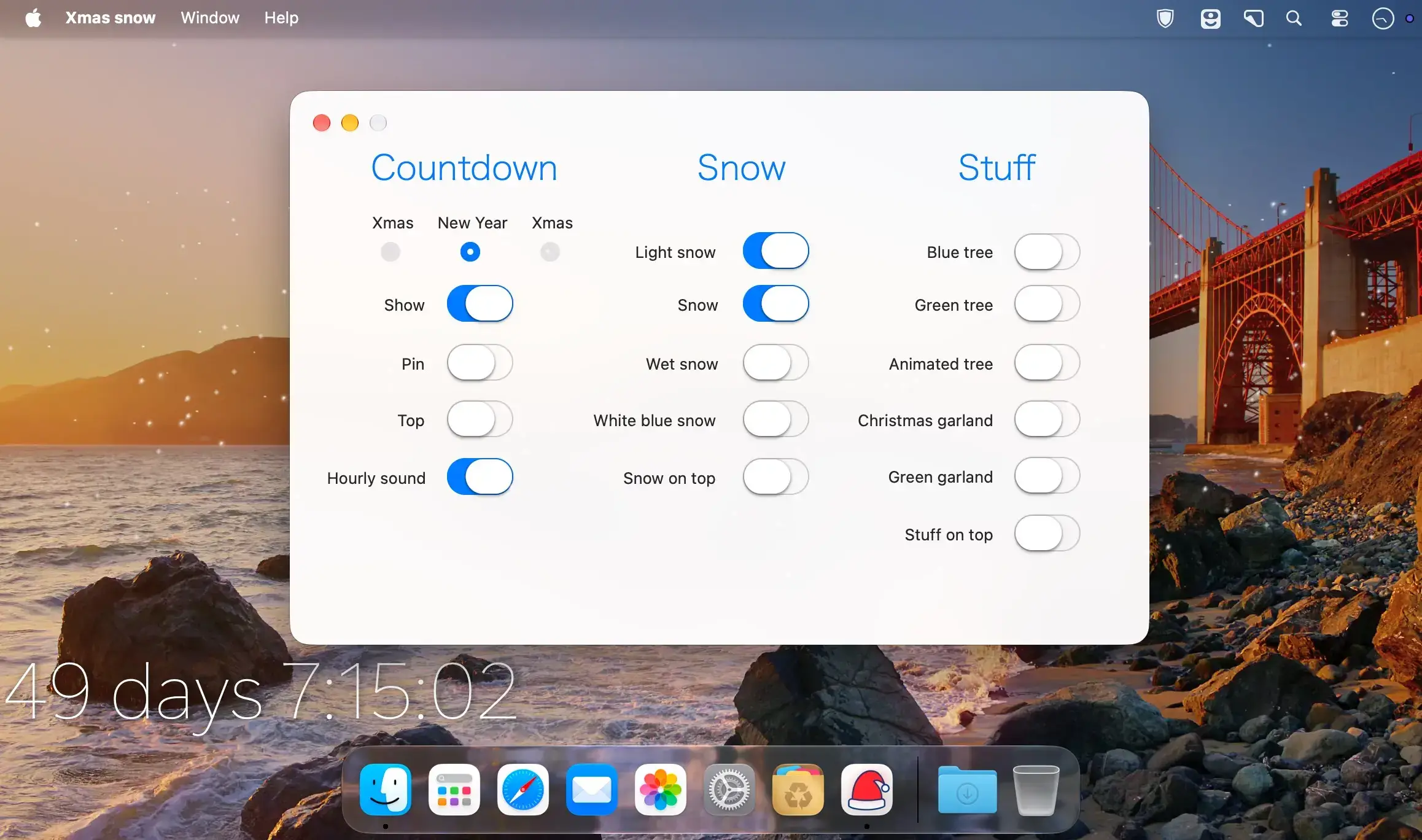
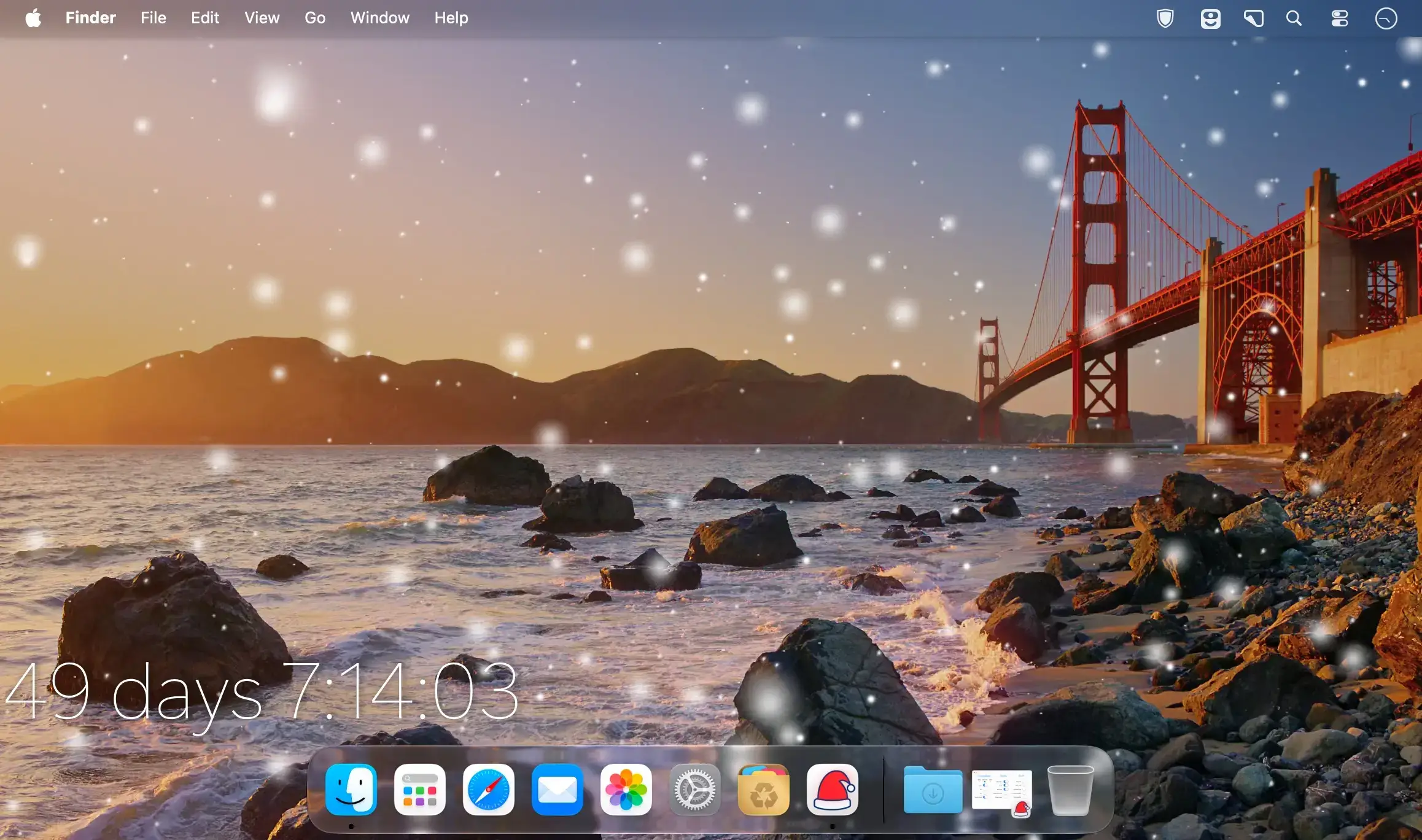
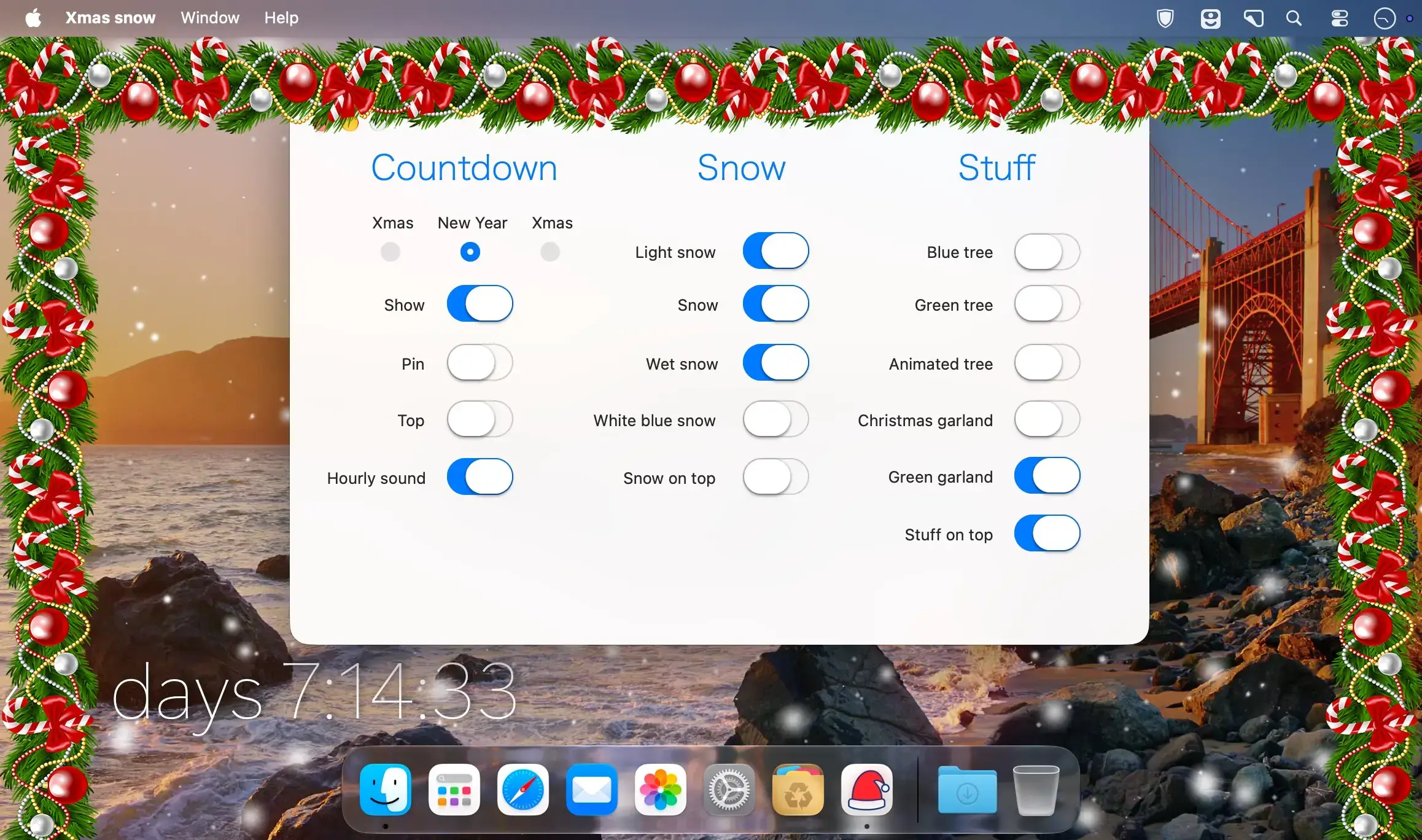
Xmas snow adds animated snow to your Mac desktop and shows how many days are left until Christmas or New Year. You can also decorate your screen with Christmas trees and garlands and listen to a holiday tune every hour.
Winter mood on your desktop
Get ready for winter with animated snow right on your desktop. Keep track of the days until Christmas or New Year without opening a calendar, and add Christmas trees and garlands to complete the festive look.
What you get
- Animated snow: adds snow to your desktop.
- Holiday countdown: shows the number of days until Christmas or New Year.
- Festive decorations: displays Christmas trees and garlands on your desktop.
- Holiday tunes: plays a holiday tune every hour.
Easy to control
Xmas snow has a friendly interface and lets you adjust the window level and fix the window position. You can also set the app to launch at login, so the winter atmosphere is ready whenever you start your Mac.
Version 1.6.3
- Improved compatibility.
- Improved performance.
Frequently asked questions
How do I install the app?
Mount the image, drag the app into the "Applications" folder and launch it. If the system blocks the launch, allow it in "System Settings → Privacy & Security".
The app is damaged or won't launch
Reinstalling from a fresh image usually helps. Make sure your macOS version matches the one listed in the compatibility specs.
How do I update?
Download the new version from the site and install it over the current one — your settings will be preserved.
The download link doesn't work
Try a mirror or a download manager. For large files the browser often drops the connection.
How do I completely remove the app?
Use an uninstaller utility — it cleans up the service files that remain after moving the app to the trash.





Choose a download source
Xmas snow 1.6.3 · 14.2 MB
Previous versions
Xmas snow 1.6.3
Previous versions are available to registered users.